NVM Studio (Hex Editor fork)
An internal fork of Microsoft's vscode-hexeditor
extended into a config-driven, vendor-agnostic, AI-assisted tool for analyzing AUTOSAR NVM
(non-volatile memory) dumps — while keeping the original general-purpose hex editor intact.
Base hex editor features
- Opening files as hex (
.bin, S-record .mot/.s19/…, Intel HEX, or any file)
- A data inspector for viewing hex values as various data types
- Editing with undo, redo, copy, and paste support
- Find and replace
- An experimental diff mode (
Compare Selected in HexEditor)
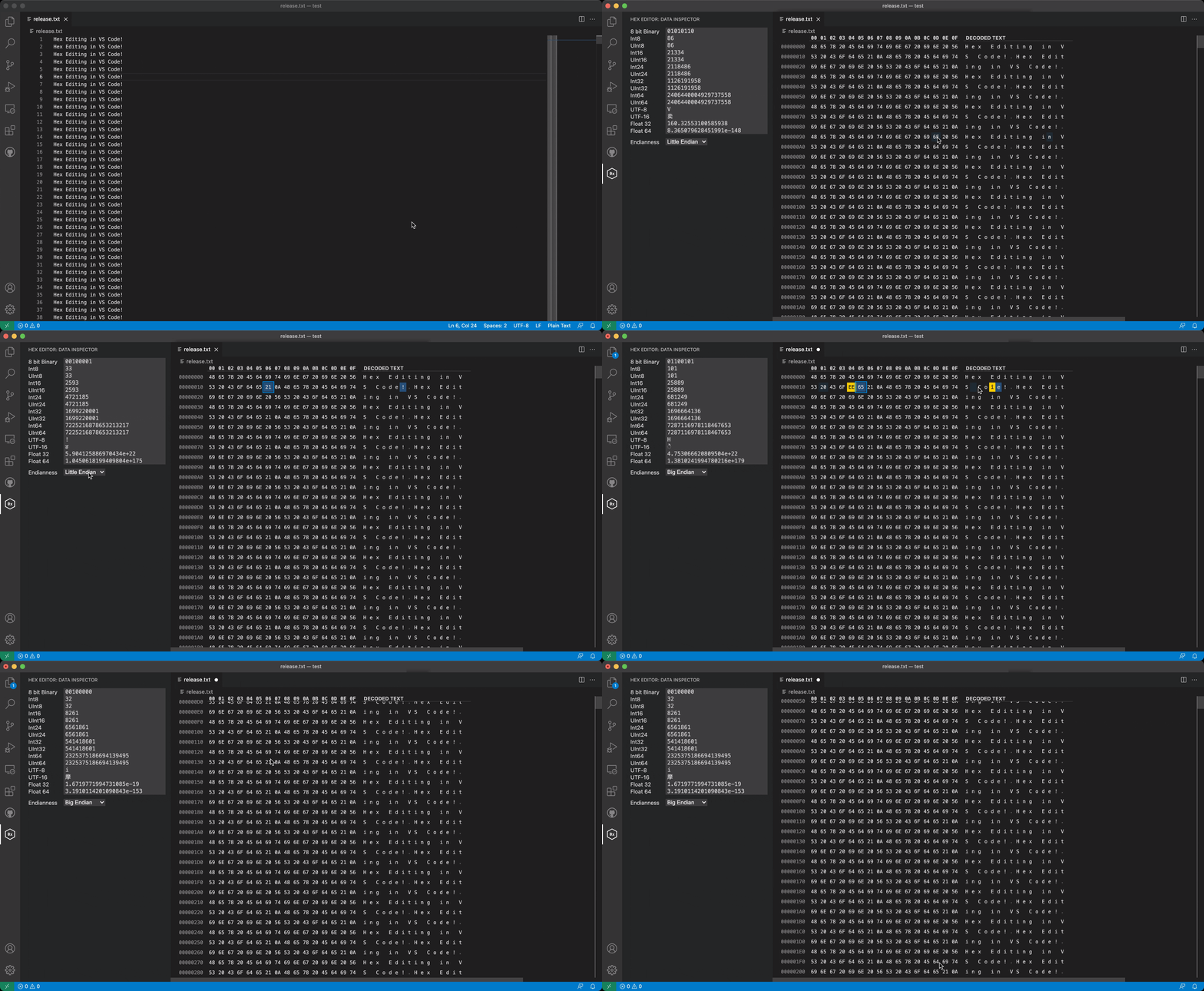
How to open a file
- Right click a file → Open With → Hex Editor
- Command palette (F1) → Open File using Hex Editor
- Command palette (F1) → Reopen With → Hex Editor
Associate file types with the hex editor by default via workbench.editorAssociations:
"workbench.editorAssociations": {
    "*.hex": "hexEditor.hexedit",
    "*.ini": "hexEditor.hexedit"
},
Configuring the Data Inspector
By default the data inspector shows to the right of the data grid, but hexeditor.inspectorType
can switch it to a hover popup, or a dedicated activity-bar sidebar entry (combine with
hexeditor.dataInspector.autoReveal to avoid revealing the sidebar automatically).
NVM Studio
The NVM Studio activity-bar container adds AUTOSAR NVM dump analysis on top of the hex
editor. The core is deliberately vendor-blind and config-driven — it has zero built-in
knowledge of any vendor's on-flash layout; everything comes from *.nvmlayout.json descriptors,
declared source files (ARXML, Fee_Lcfg.c, …), and optional pluggable engines.
Highlights:
- Layout resolution — drop a
*.nvmlayout.json next to a dump (or in conf/) to opt in to
block/field rendering: static offsets, a declarative structured profile, or a full parsing
engine (e.g. the bundled Vector MICROSAR FEE V3 link-table engine), with no vendor logic in
the extension itself.
- Blocks Tree / Blocks Table — browse parsed blocks, filter, arrange by sector/write
time/identity, and configure visible columns.
- Data Inspector byte explain — selection-driven per-byte coloring plus a breakdown of which
block/field/value a byte belongs to.
- Custom Views — group blocks that share a decoded structure (or a name family) into ad-hoc
comparison tables, from the Blocks Table, the Blocks tree, or the Data Inspector.
- Annotations — bookmarks, tags, and rich notes anchored to a block or byte range, stored as
a portable sidecar file next to the dump or in workspace state
(
hexeditor.nvm.annotationStorage).
- Report export — combine parsed blocks with your bookmarks/tags/notes into a Markdown
report, with a live preview panel.
- Ask NVM AI — a
@nvm chat participant plus nine Language Model Tools
(#nvmListBlocks, #nvmSearchBlocks, #nvmAnalyzeBlock, #nvmGetDecoded, #nvmReadBytes,
#nvmListAnnotations, #nvmCreateNote, #nvmExportReport, #nvmRiskDetection) so Copilot (or
any LM-tool-aware agent) can query the active dump.
- Engine management — install/manage external layout engines (
NVM: Install Engine…,
NVM: Manage Engines…), gated behind Workspace Trust, the
hexeditor.nvm.allowExternalEngines setting, and a per-file confirmation.
- Automatic dependency discovery — point
hexeditor.nvm.workspaceRoots at one or more
folders and the extension recursively finds dependency files a descriptor declares (e.g.
Fee_Lcfg.c, Dem_Lcfg.h, *.arxml); ambiguous duplicate names prompt you to choose, and the
choice is remembered (hexeditor.nvm.fileChoices, reselect via NVM: Reselect Dependency File).
NVM settings
| Setting |
Purpose |
hexeditor.autoLoadArxml |
Auto-load an ARXML file from the dump's folder (legacy fallback when no *.nvmlayout.json matches). |
hexeditor.nvm.allowExternalEngines |
Master switch for running layout engine scripts (desktop + trusted workspace only). |
hexeditor.nvm.annotationStorage |
sidecar (portable file next to the dump) or workspaceState. |
hexeditor.nvm.workspaceRoots |
Root folders searched recursively for dependency files. |
hexeditor.nvm.fileChoices |
Remembered dependency-file disambiguation choices (auto-managed). |
| |

