Hatch VSCode
Map local domains to your running dev servers — right from your editor.
Stop juggling localhost:3000. Use myapp.test instead — with HTTPS, auto-detection, and zero config.
Features
Domain Management
- Add domains — map any
.test domain to any port with one click
- HTTPS support — generates trusted local certificates automatically
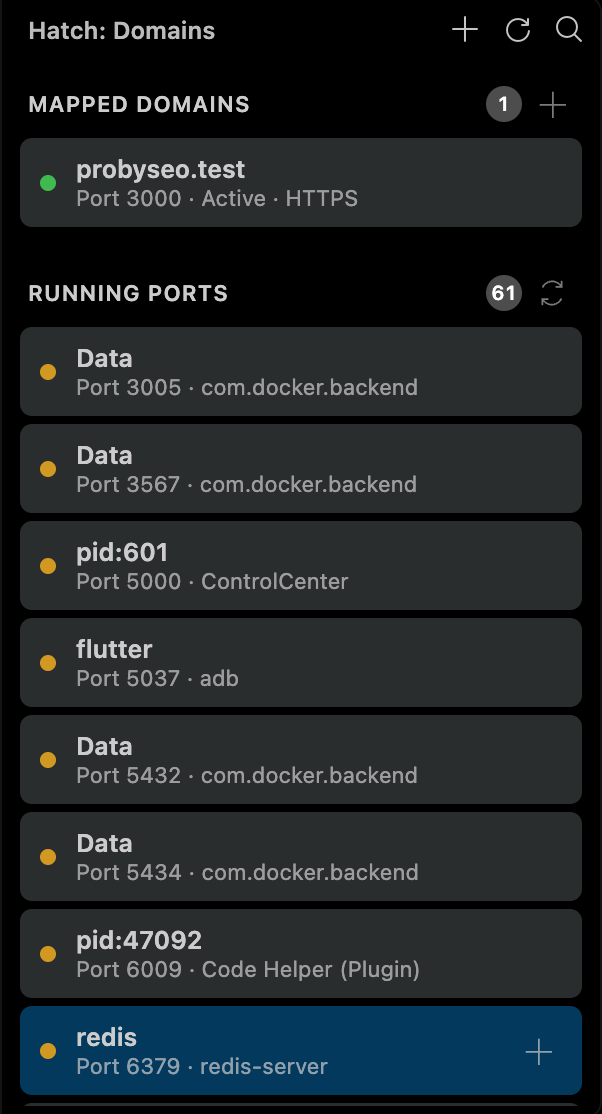
- Status indicators — see which domains are active or stopped at a glance
Port Scanning
- Auto-detect running ports — see all services running on your machine
- Project identification — detects Node.js, Go, Rust, and Python projects by name
- One-click mapping — click
+ on any port to map it to a domain
- Mapped Domains — all your local domains with status, protocol, and port
- Running Ports — unmapped services with project names and types
- Real-time updates — status refreshes every 5 seconds
Auto Setup
- Downloads CLI automatically if not installed
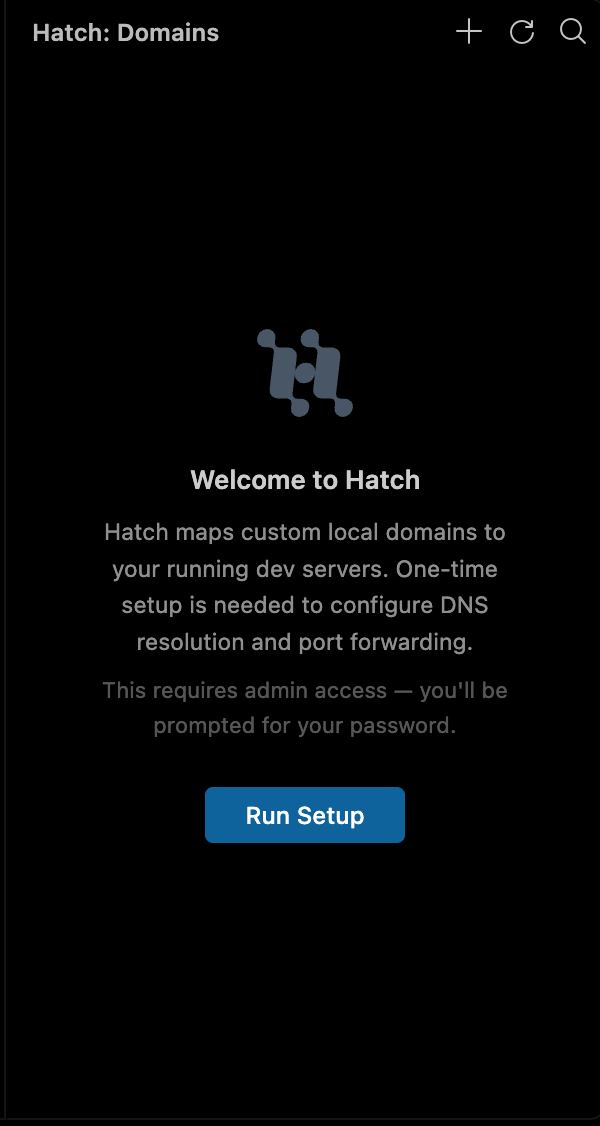
- One-time setup with native system password dialog
- Starts daemon on activation — no terminal needed
How It Works
- Install the extension
- Click the Hatch icon in the activity bar
- First time: click "Run Setup" — enter your password once
- Add domains from the sidebar or scan running ports
- Visit
https://myapp.test in your browser
Requirements
- macOS, Linux, or Windows
- The Hatch CLI binary (auto-downloaded on first use)
Commands
| Command |
Description |
Hatch: Add Domain |
Map a new domain to a port |
Hatch: Scan Ports |
Detect running services |
Hatch: Start Daemon |
Start the Hatch background service |
Hatch: Stop Daemon |
Stop the background service |
Hatch: Refresh |
Refresh domain and port lists |
Settings
Manage from the sidebar webview:
- Default TLD —
.test, .local, .localhost, .dev, .internal
- Auto HTTPS — enable HTTPS by default for new domains
- Daemon controls — start, stop, view status and uptime
Links
License
MIT — Kingsley Ocran
| |

