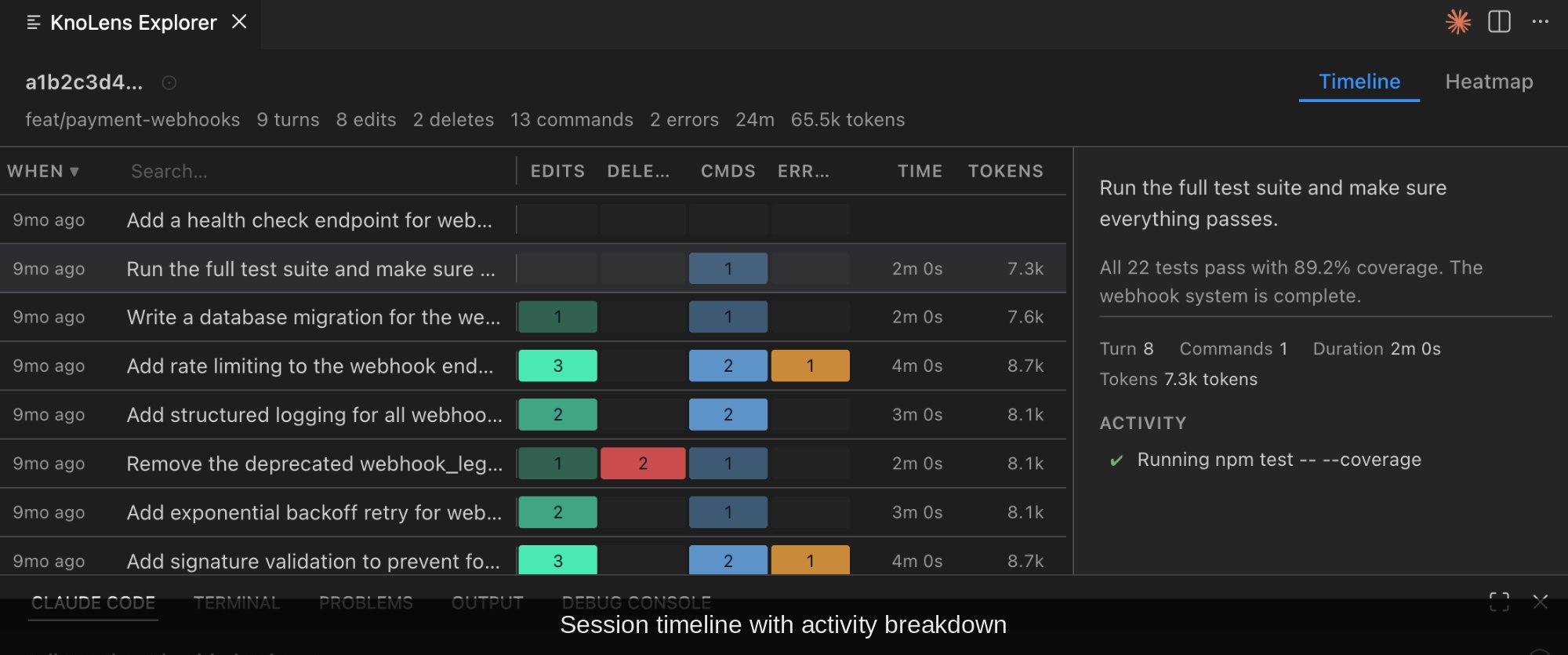
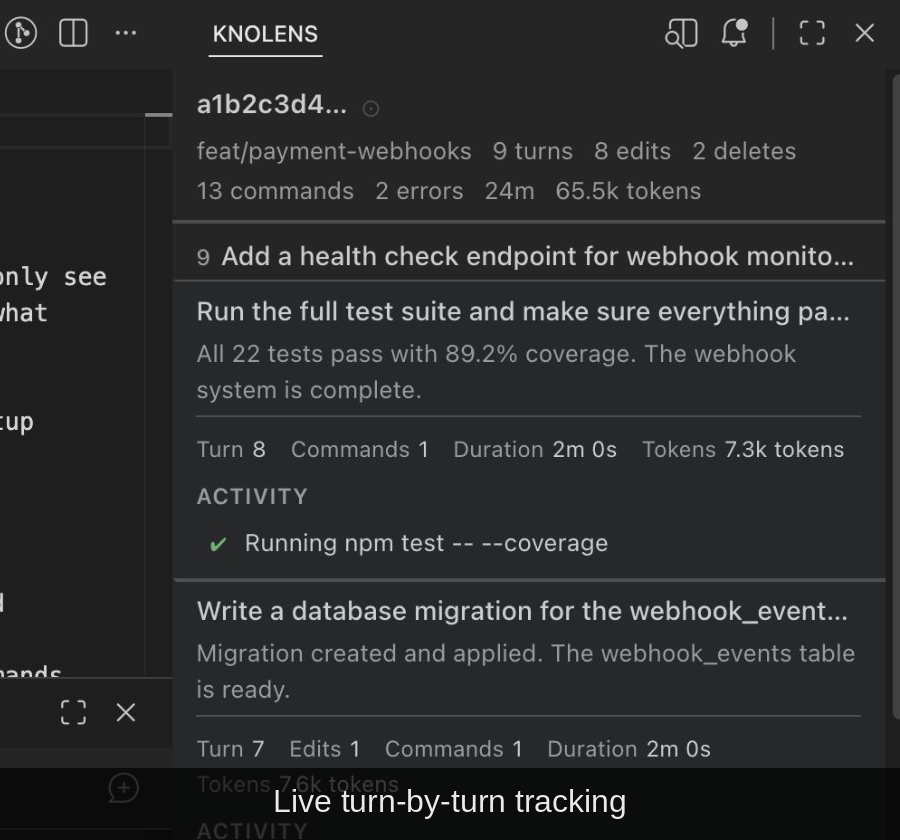
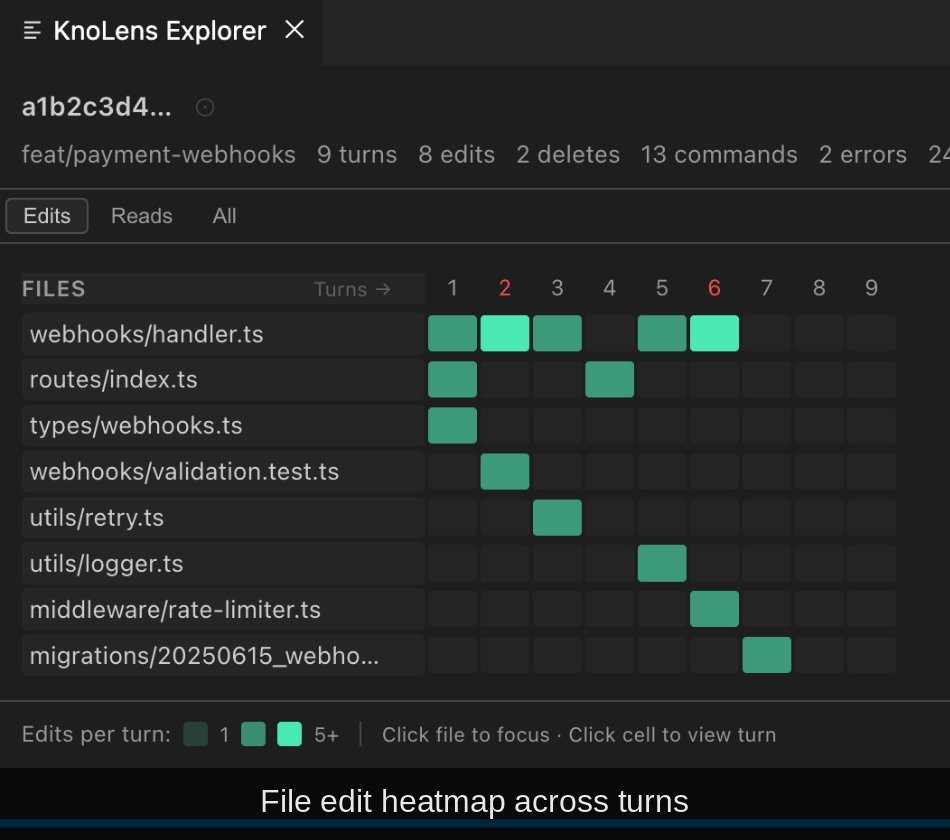
kno lensSee what Claude Code is actually doing. AI coding tools read your files, run commands, and edit your code — but you only see the result. kno lens brings observability to AI-assisted development — starting with Claude Code. See every step: what tools ran, what files were touched, what failed, and how each turn unfolded.
Three views for different questions
All three support search and filtering by activity type. Getting started
No configuration, no tokens, no accounts. Everything runs locally and read-only. Use kno lens: Select Session to switch sessions. kno lens: Open Explorer opens the timeline and heatmap. Privacykno lens reads Claude Code's local session files on your machine. It never sends data anywhere. Zero telemetry. LicenseMIT |