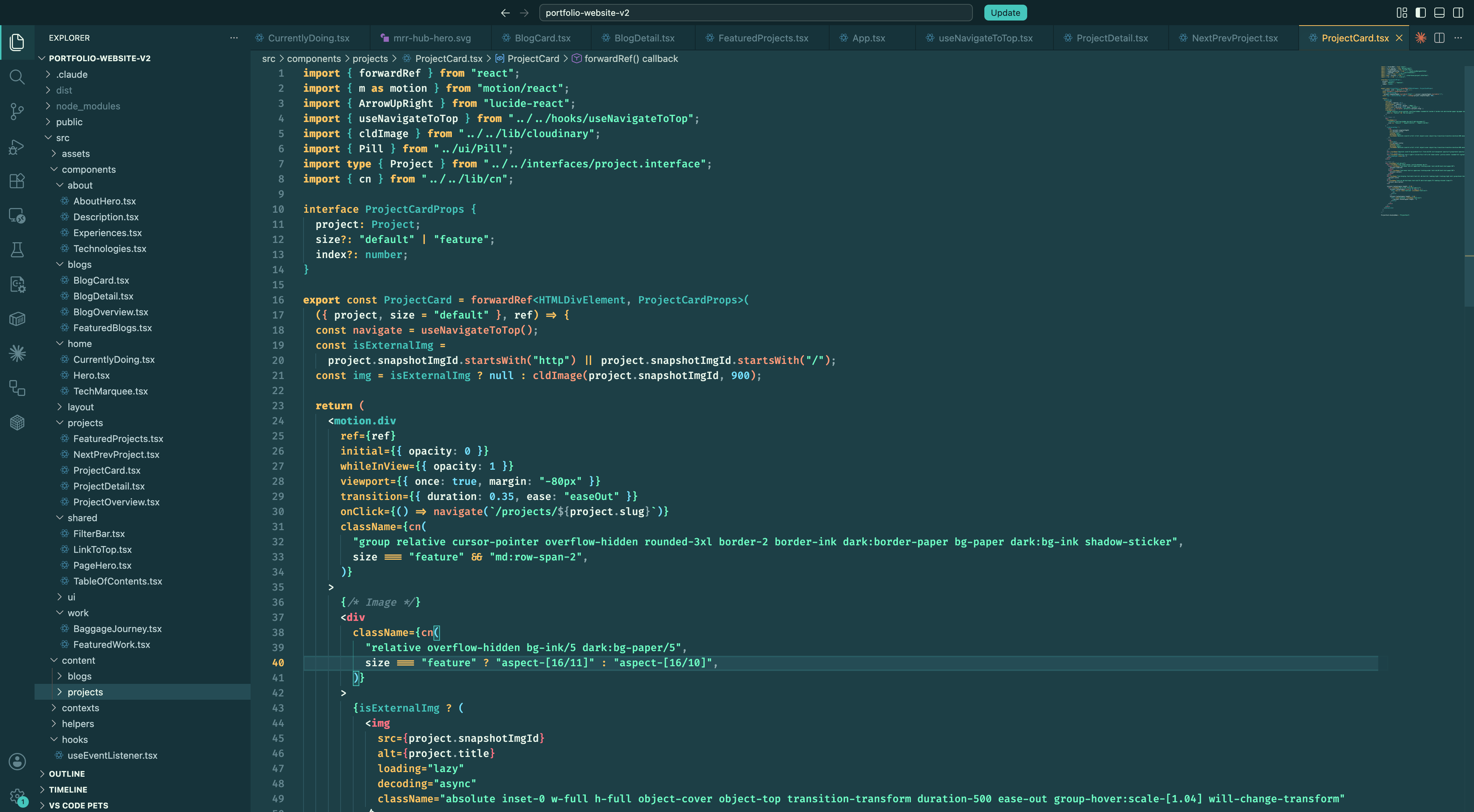
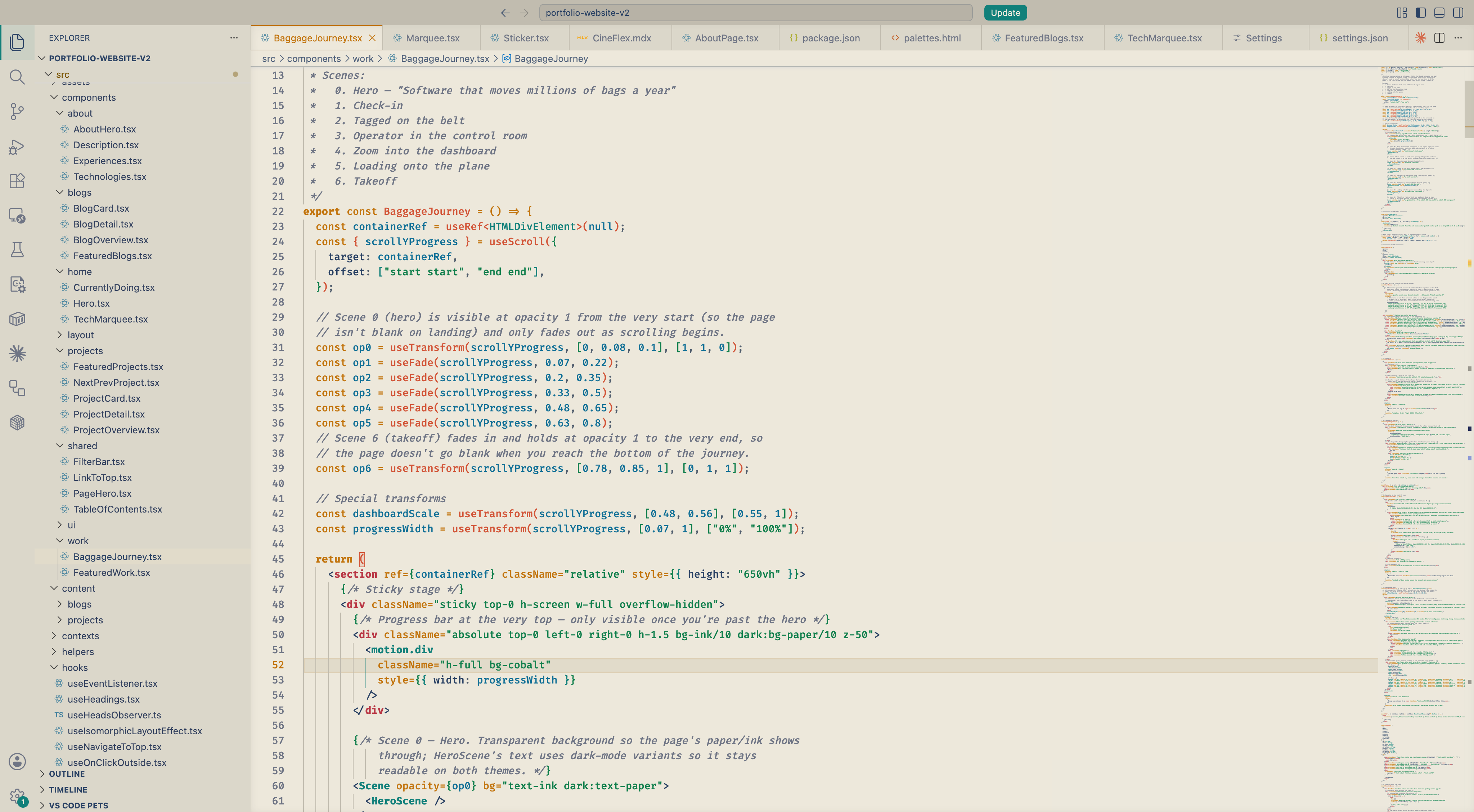
Lagoon ThemeHi there! 🌊 I made Lagoon in two variants so you can pick whichever fits your day. Lagoon (dark) feels like quiet mornings by warm tropical water — gold keywords, coral functions, biolum strings, and turquoise types drifting across atmospheric teal. Lagoon Light keeps the same palette on warm cream paper, for brighter desks. Hope you like it ^^ Installation
ScreenshotsLagoon (dark)
Lagoon Light
FeedbackLagoon is continuously being updated. If a color feels off, a token needs better separation, or you'd like to see a tweak — please open an issue on GitHub. Suggestions are very welcome. Repo: github.com/DNT-Khoa/lagoon-theme ReleasesSee the GitHub Releases page for version history and per-release changelogs. |