Ghostty
VS Code language support for Ghostty configuration
files, including validation, formatting, quick fixes, and outline support.
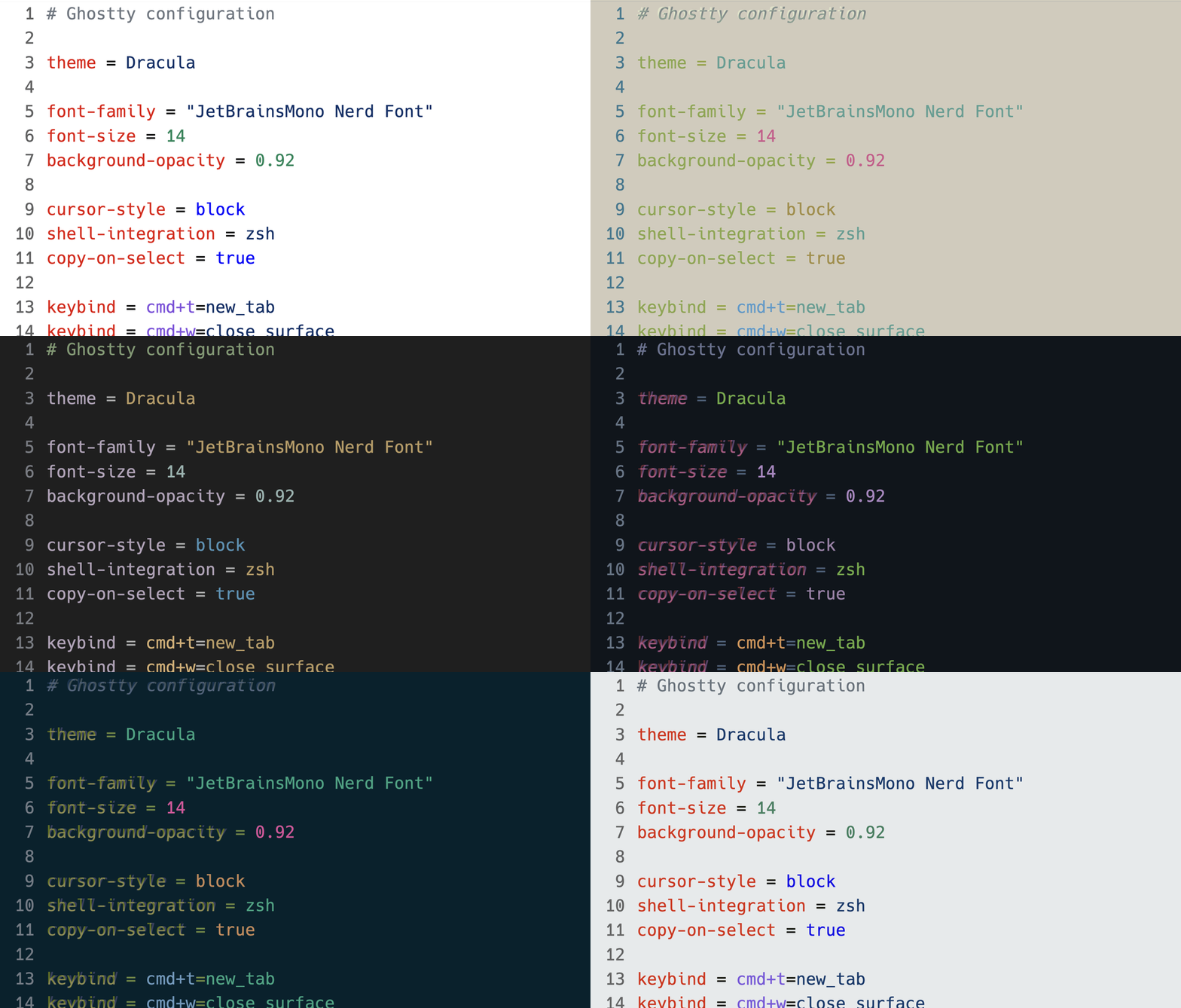
Features
- Syntax highlighting for keys, values, strings, and comments
- Hover documentation with defaults when available and links to the
official Ghostty reference
- Completions for config keys plus schema-derived values, named colors,
and Ghostty font families when available
- Diagnostics for unknown keys, duplicate non-repeatable keys, and invalid
values
- Quick fixes to remove invalid lines, correct mistyped keys, and replace
invalid boolean/enum/literal values
- Document formatting for consistent spacing, casing, and blank-line
handling
- Outline and breadcrumbs powered by document symbols for config entries
Supported files
The extension activates on:
**/ghostty/config**/com.mitchellh.ghostty/config- Any file with a
.ghostty extension
Validation and fixes
The language server validates Ghostty config files against the bundled schema.
Today that includes:
- Unknown key warnings
- Duplicate-key diagnostics for non-additive settings
- Value validation for booleans, numbers, enums, literals, regex-backed
strings, and supported comma-separated options
When a diagnostic has an obvious fix, the extension offers quick actions such
as:
Remove line for unknown or duplicate entriesDid you mean ...? suggestions for mistyped keysReplace with ... suggestions for invalid boolean, enum, or literal values
Ghostty executable integration
The extension uses the Ghostty CLI when it is available to:
- run
ghostty +validate-config for additional diagnostics
- load Ghostty default values so completion details can mark defaults
- load installed font family names for font-related value completion
By default the extension searches the system PATH and, on macOS,
/Applications/Ghostty.app/Contents/MacOS. If Ghostty is installed elsewhere,
set ghostty.executablePath in your VS Code settings.
Use VS Code's Format Document command on Ghostty config files. The formatter
is controlled by these settings:
| Setting |
Default |
Description |
ghostty.format.equalSpacing |
space |
Normalize = as key = value, key=value, or preserve existing spacing |
ghostty.format.blankLines |
collapse |
Collapse repeated blank lines or preserve them |
ghostty.format.colorCase |
uppercase |
Normalize hex color digits to uppercase, lowercase, or preserve |
ghostty.format.colorAddPrefix |
true |
Ensure hex color values are prefixed with # |
ghostty.format.booleanCase |
lowercase |
Normalize boolean values to lowercase or preserve |
ghostty.format.commaSpacing |
space |
Normalize spacing after commas or preserve it |
ghostty.format.trimWhitespace |
true |
Trim leading and trailing whitespace from config lines |
The formatter intentionally leaves quoted strings untouched and preserves
non-hex color names.
Install
Search Ghostty in the VS Code Extensions view, or install it from the CLI:
code --install-extension kazuito.ghostty
This extension requires VS Code 1.100.0 or newer.
License
MIT


