Skip to content
| Marketplace
Sign in
Visual Studio Code>Other>FlexorNew to Visual Studio Code? Get it now.
Flexor

Flexor

kalculus

|
115 installs
| (1) | Free
FLEXOR is a powerful device emulation tool built specifically for web developers. Preview your responsive designs on 10+ devices in real-time without context switching. See exactly how your code looks on different screen sizes, orientations, and device types—all without leaving your editor.
Installation
Launch VS Code Quick Open (Ctrl+P), paste the following command, and press enter.
Copied to clipboard
More Info

FLEXOR - Multi-Device Web Preview for VS Code

Test your web applications across multiple devices simultaneously, directly in VS Code.

FLEXOR is a powerful device emulation tool built specifically for web developers. Preview your responsive designs on 10+ devices in real-time without context switching. See exactly how your code looks on different screen sizes, orientations, and device types—all without leaving your editor.

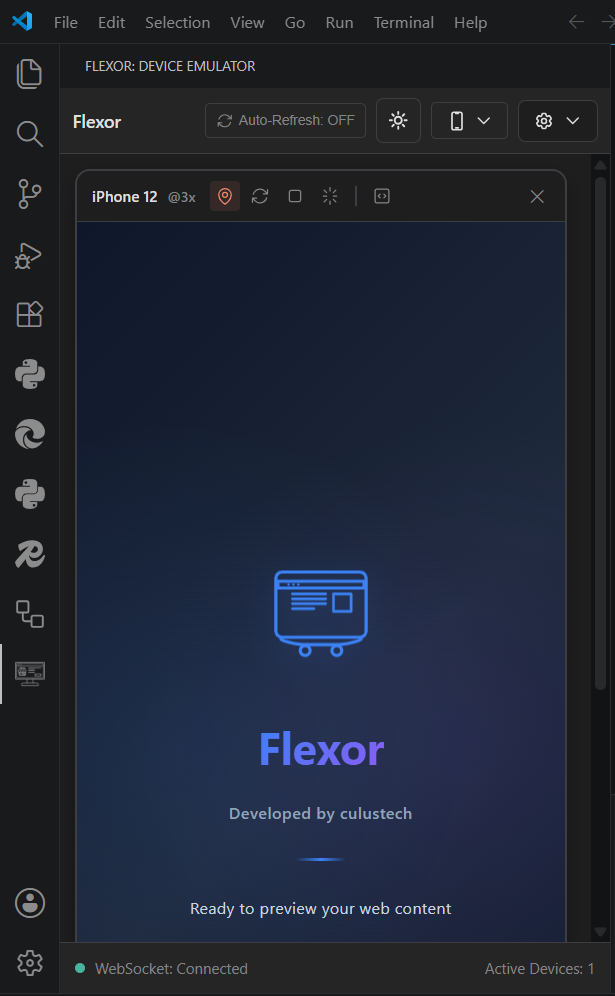
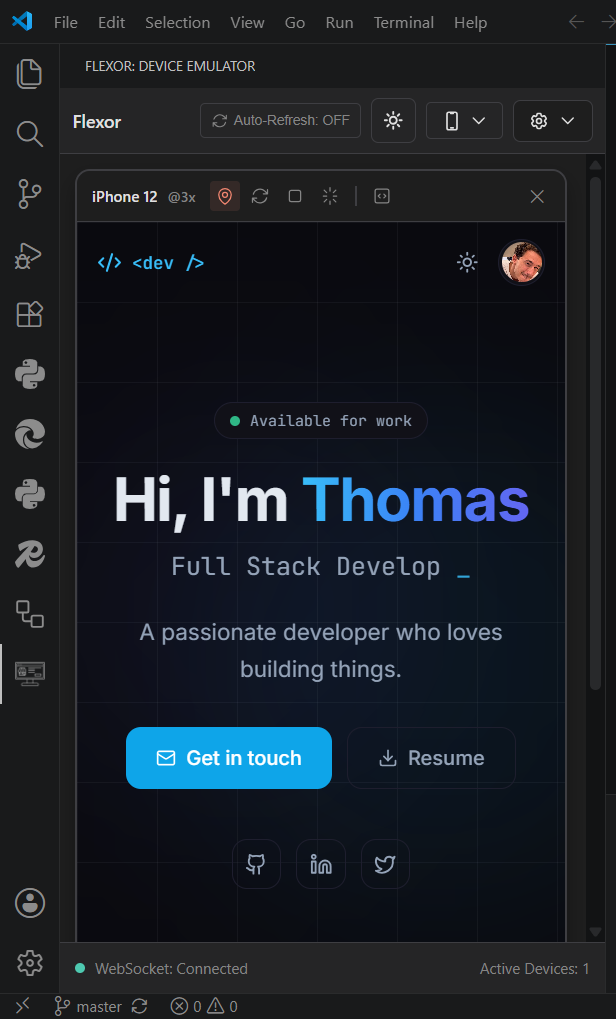
FLEXOR Device Emulator

✨ Features

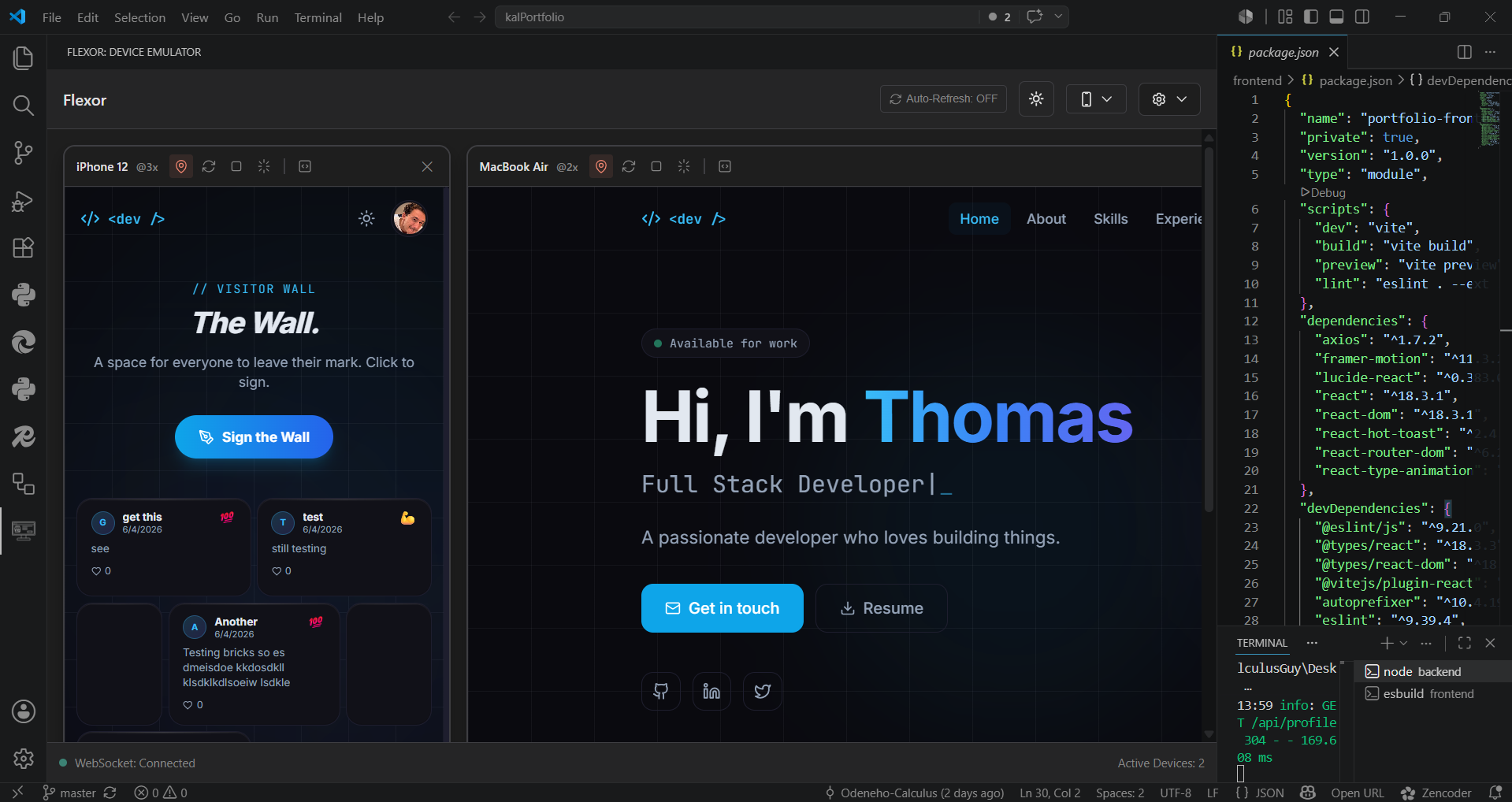
📱 Multi-Device Grid Layout

  • View up to 10+ devices simultaneously in a responsive grid
  • Pre-configured device presets (iPhone 12/15, Samsung Galaxy, iPad, MacBook, Desktop)
  • Create unlimited custom device profiles with any screen size
  • Real-time synchronization across all open devices

Multi-Device Grid

🎯 Accurate Device Emulation

  • Pixel-perfect device dimensions and DPR ratios
  • Support for notches, safe areas, and edge cases
  • Drag-to-resize for on-the-fly dimension testing
  • Live measurements and aspect ratio maintenance

🔄 Live Code Synchronization

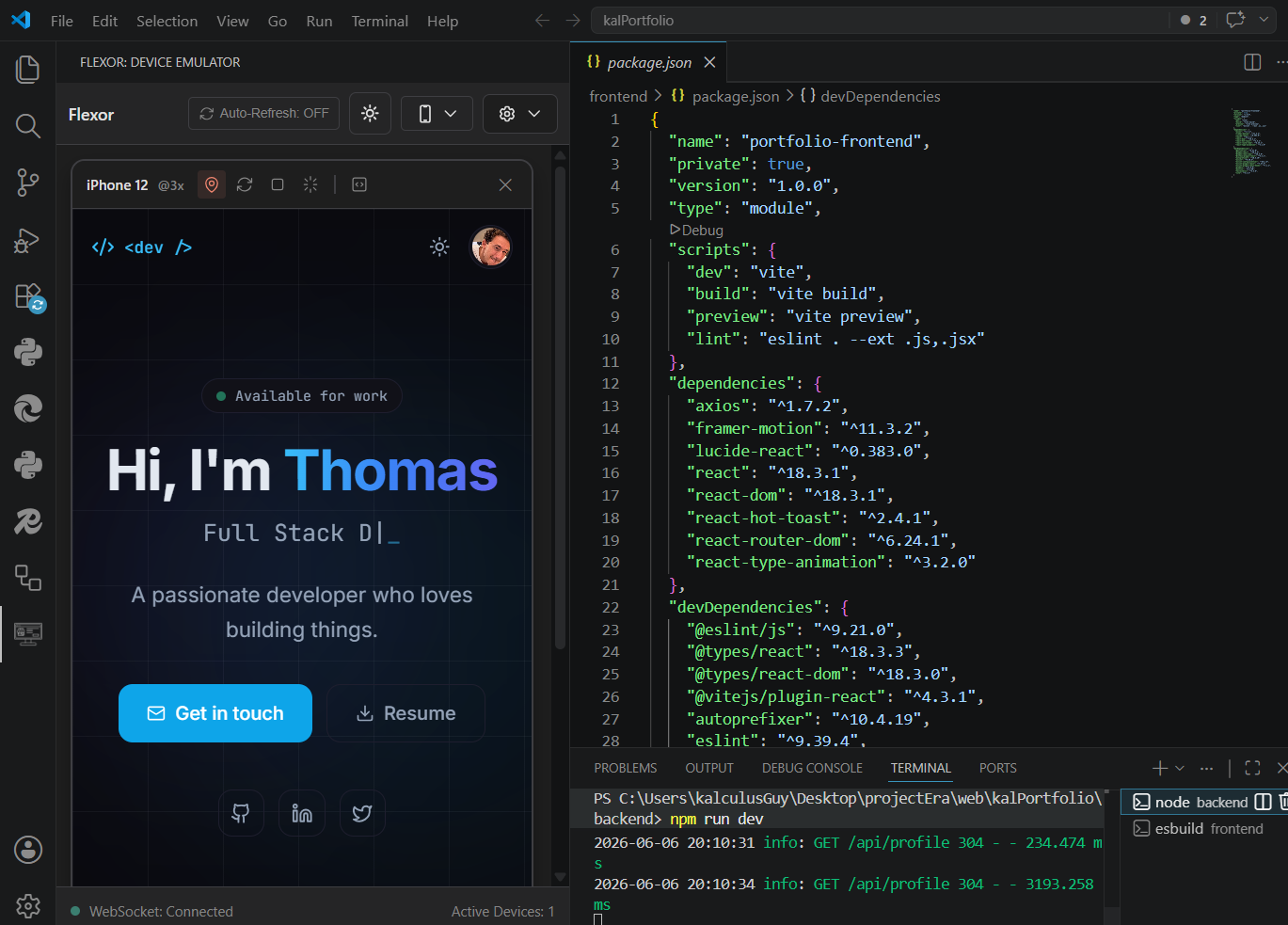
  • Save your code once, see updates on all devices instantly
  • Smart WebSocket-based file watching detects changes
  • Full support for all modern web formats (HTML, CSS, JS, React, Vue, TypeScript)

🎁 Completely Free & Open Source

  • Unlimited devices + all features
  • No subscriptions, no paywalls, no tracking
  • 100% open-source and community-driven

🚀 Quick Start

  1. Install FLEXOR from the VS Code Marketplace
  2. Open the Command Palette with Ctrl+Shift+P (or Cmd+Shift+P on Mac)
  3. Type "Open FLEXOR Device Emulator" and press Enter
  4. Choose a device preset or create your own custom dimensions
  5. Enter your localhost URL (e.g., http://localhost:3000)
  6. Watch your site update in real-time across all devices

🎨 Building Custom Device Profiles

Not seeing your target device? Create a custom profile in seconds:

  1. Click the "+" button in the device selector
  2. Enter your desired width × height (in CSS pixels)
  3. Set the Device Pixel Ratio (DPR) for high-DPI displays
  4. Save and instantly preview your site on the new device

Popular custom dimensions:

  • iPhone 15 Pro: 393×852 @ 3x DPR
  • Samsung Galaxy S24: 360×800 @ 2x DPR
  • iPad Air: 820×1180 @ 2x DPR
  • MacBook Pro 14": 1512×982 @ 2x DPR

📊 System Requirements

  • VS Code: 1.95.0 or later
  • Local Server: Optional (test any live server on localhost)

🔐 Security & Privacy

  • 🔒 No Remote Connections: Everything runs locally on your machine
  • 🛡️ No Data Collection: No tracking, no telemetry, no analytics
  • 📊 Open Source: Full transparency - review the code yourself
  • ✅ Your Data Stays Yours: All preferences stored locally in VS Code

🐛 Known Issues & Limitations

  • WebSocket Reconnection: May take up to 3 seconds if your network connection drops
  • Large CSS Files: Files larger than 1MB may cause slight lag on updates
  • Video Recording: Requires 100MB of available disk space
  • CORS Policies: External resources may be blocked depending on your setup

🚀 Roadmap (v1.1 - Q1 2026)

  • [ ] Touch & gesture simulation with recording
  • [ ] Screenshot capture with device frame overlays
  • [ ] Network throttling profiles (3G, 4G, 5G, WiFi)
  • [ ] Responsive design breakpoint analyzer
  • [ ] Cloud sync for team collaboration
  • [ ] Custom CSS injection for testing
  • [ ] Browser console integration
  • [ ] Performance profiling tools

📝 Release Notes

v1.0.1 (2025-12-12)

  • Fixed webview initialization errors in marketplace
  • Improved package build pipeline
  • Enhanced stability for first-time installation

v1.0.0 (2025-12-11 - Initial Release)

  • Multi-device grid layout with real-time sync
  • 8 pre-configured device presets
  • Custom device profile creation
  • Professional dark UI optimized for long coding sessions
  • WebSocket-based file watching
  • 100% free and open-source

⚡ Performance Metrics

Metric Target Actual
Extension Load Time < 2s ~1.5s
WebSocket Connection < 500ms ~400ms
Bundle Size < 1MB ~500KB
Max Simultaneous Devices 10+ 10+
Real-time Update Latency < 100ms ~50ms

🤝 Contributing

Have an idea? Found a bug? We'd love your help!

  • Open an Issue - Report bugs or suggest features
  • Fork the Repo - Contribute code improvements
  • GitHub Discussions - Chat with the community

📄 License

MIT License - Free to use and modify. See LICENSE for details.

🔗 Resources & Links

  • 🌐 FLEXOR Website
  • 📚 Full Documentation
  • 🐙 GitHub Repository
  • 🐛 Report Issues
  • 💬 GitHub Discussions

Built with ❤️ by developers, for developers

The fastest way to test responsive designs without leaving your code editor.

  • Contact us
  • Jobs
  • Privacy
  • Manage cookies
  • Terms of use
  • Trademarks
© 2026 Microsoft