Conflict Resolution DiffConflict Resolution Diff is a Visual Studio Code extension for viewing Git conflict resolution diffs. It helps you review only the changes made while resolving merge conflicts, without manually typing Git commands. Features
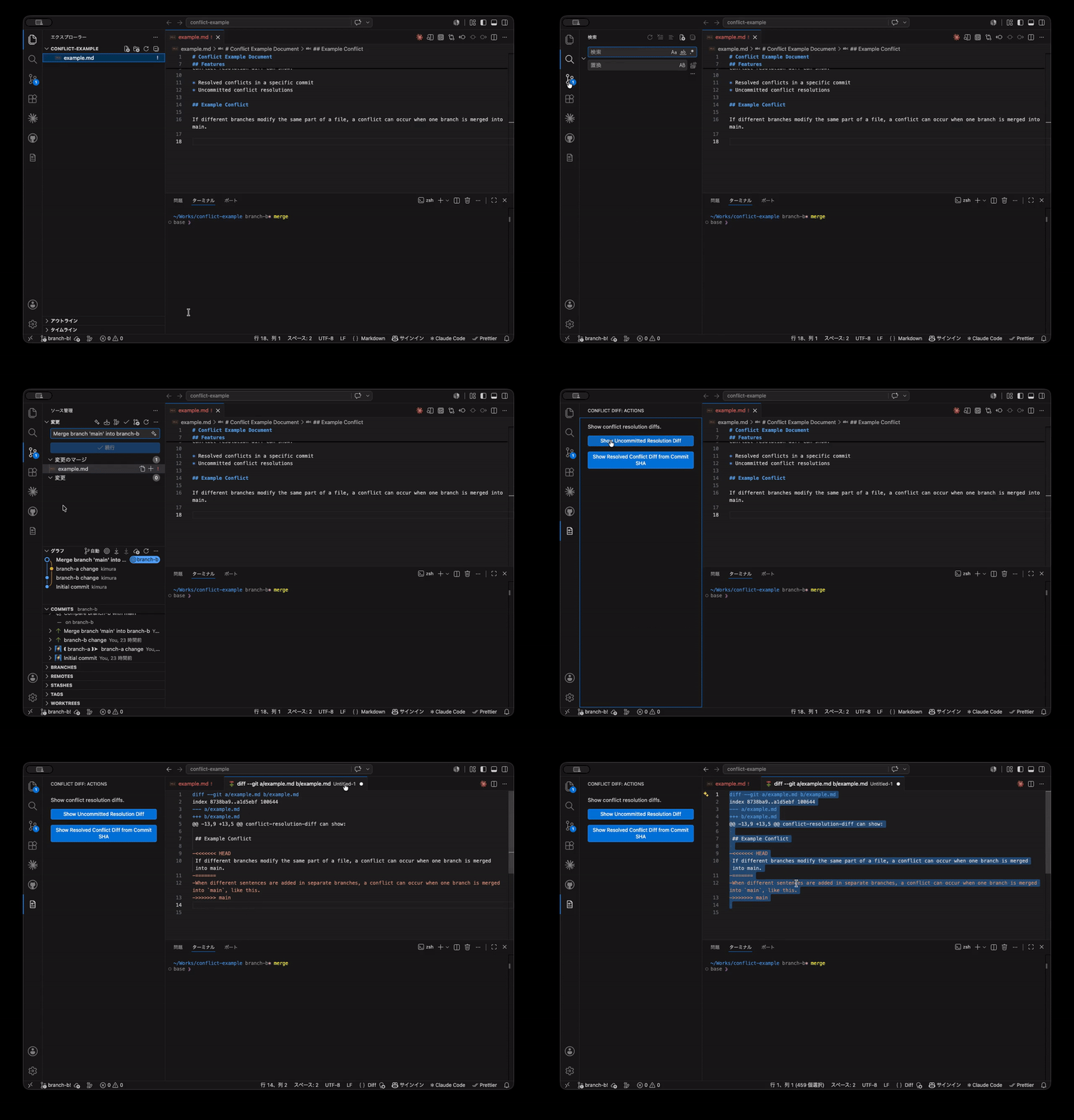
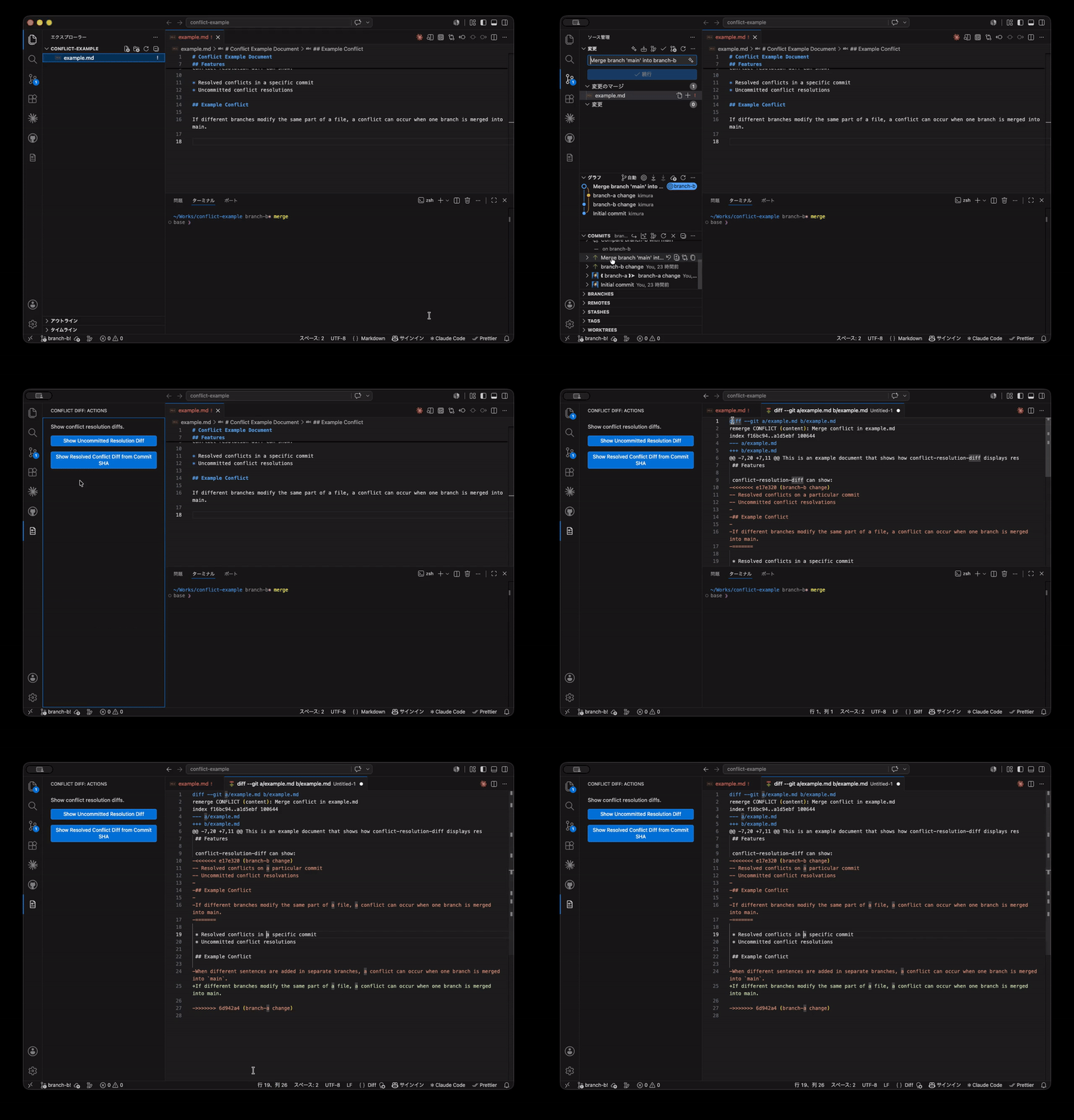
This extension is intended for developers who want to review conflict resolution changes separately from the full branch diff. How it worksWhen you are resolving a merge conflict, the extension uses Git's For an already-created merge commit, the extension uses Git's remerge diff output. UsageOpen the Conflict Diff view from the Activity Bar and choose one of the available actions. You can also run the commands from the Command Palette. CommandsConflict Resolution Diff: Show Uncommitted Resolution DiffUse this while you are in the middle of resolving a merge conflict. The extension shows the diff between your current working tree and Git's This is useful when you want to check what you changed during conflict resolution before committing the merge. Conflict Resolution Diff: Show Resolved Conflict DiffUse this after a merge commit has already been created. Paste the target merge commit SHA when prompted. The extension shows Git's remerge diff output for that commit. This is useful when you want to review or explain how conflicts were resolved in an existing merge commit. Requirements
For uncommitted resolution diffs, the repository must be in a merge conflict resolution state. For resolved conflict diffs, the target commit must be a merge commit. LimitationsThe extension currently opens the result as unified diff text inside Visual Studio Code. The following features are not included yet:
Why this extension?During code review, it is often useful to check only the changes that were introduced while resolving a conflict. Git already provides commands for this, but they are not easy to discover or run repeatedly from inside the editor. This extension makes that workflow available from Visual Studio Code. DevelopmentInstall dependencies: Compile the extension: Run tests: |