Overview Version History Q & A Rating & Review
SPFX Pretty ✨
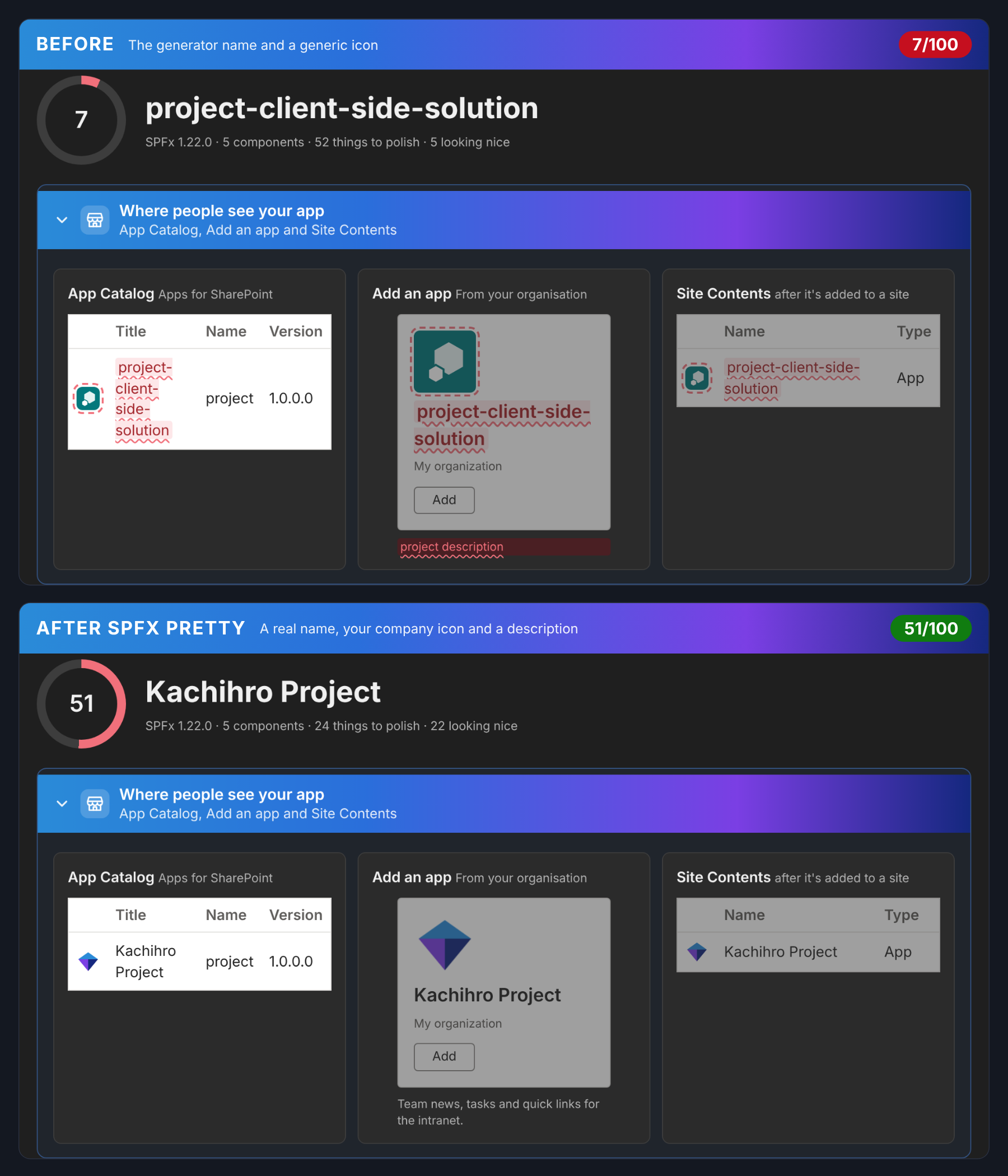
Make your SPFx apps look professional where people actually see them - the App Catalog, Site Contents, the web part toolbox, the property pane and Teams.
What it does
🏷️ Nice names - no more project-client-side-solution in the App Catalog
🎨 Icons - your company logo for the app, toolbox and Teams, in one click
🧹 Leftover defaults - "Description Field", "Test message", unused properties
🔢 Versions - React / Node / SPFx mismatches and an upgrade plan with effort
…and much more:
▶ Fix step by step - every issue, worst first: fix, explain, skip or ignore
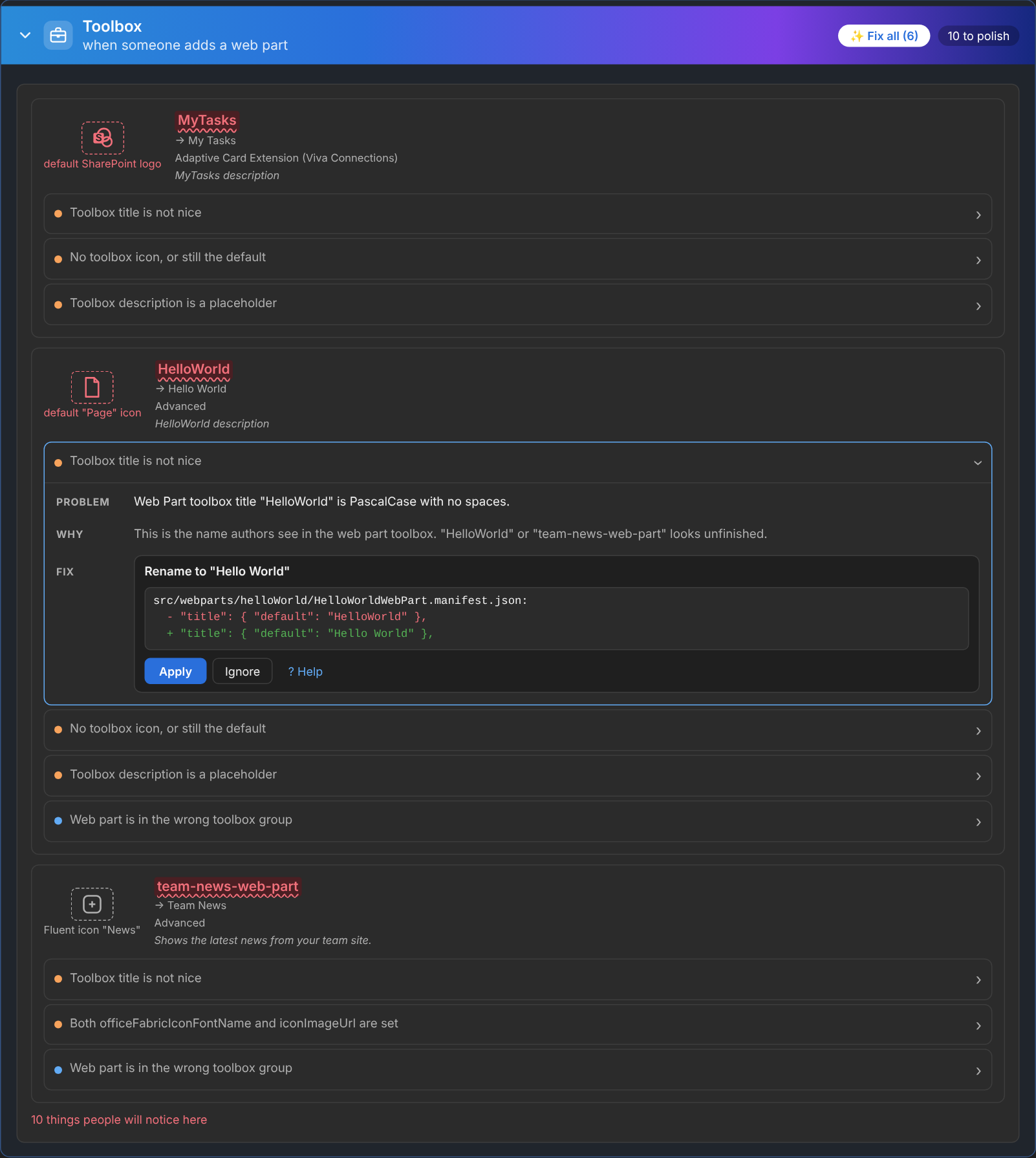
👀 See before you apply - every fix shows the exact lines it will change; nothing is touched until you click Apply
🧰 Toolbox - real toolbox sections (custom groups land in "Advanced"), icons that stand out, proper descriptions
🧩 Unused properties - properties nobody reads, leftover manifest defaults, property pane typos, dead loc strings
🎨 Branding - theme colours and section backgrounds, SharePoint Brand Center fonts
📚 Help for every rule - why it matters and exactly how to fix it, in VS Code and on the website
Install
In VS Code: Extensions (Ctrl+Shift+X) → search SPFX Pretty → Install .
How to use
Open an SPFx project and click the SPFX Pretty icon in the Activity Bar (or set SPFX Pretty › Location to explorer to have it next to Outline)
The report opens - click ▶ Fix step by step to go through every issue one at a time
Or click ✨ Fix all on a section, a button on any item, or ? Explain for help
Commands
Scan Project Re-scan and open the report
Upload Company Logo App Catalog, Teams and toolbox icons from one PNG
Version Check & Upgrade Assessment Upgrade plan as Markdown
Fix Step by Step Every issue, one at a time - fix, explain, skip or ignore
FAQ - What Each Finding Means Help for every rule, with search
Apply All Safe Fixes Everything that doesn't need a human
More: FAQ for every rule · rules, settings and CLI
About
SPFX Pretty is made by Kachihro kachihro.com · Help: how to fix every finding