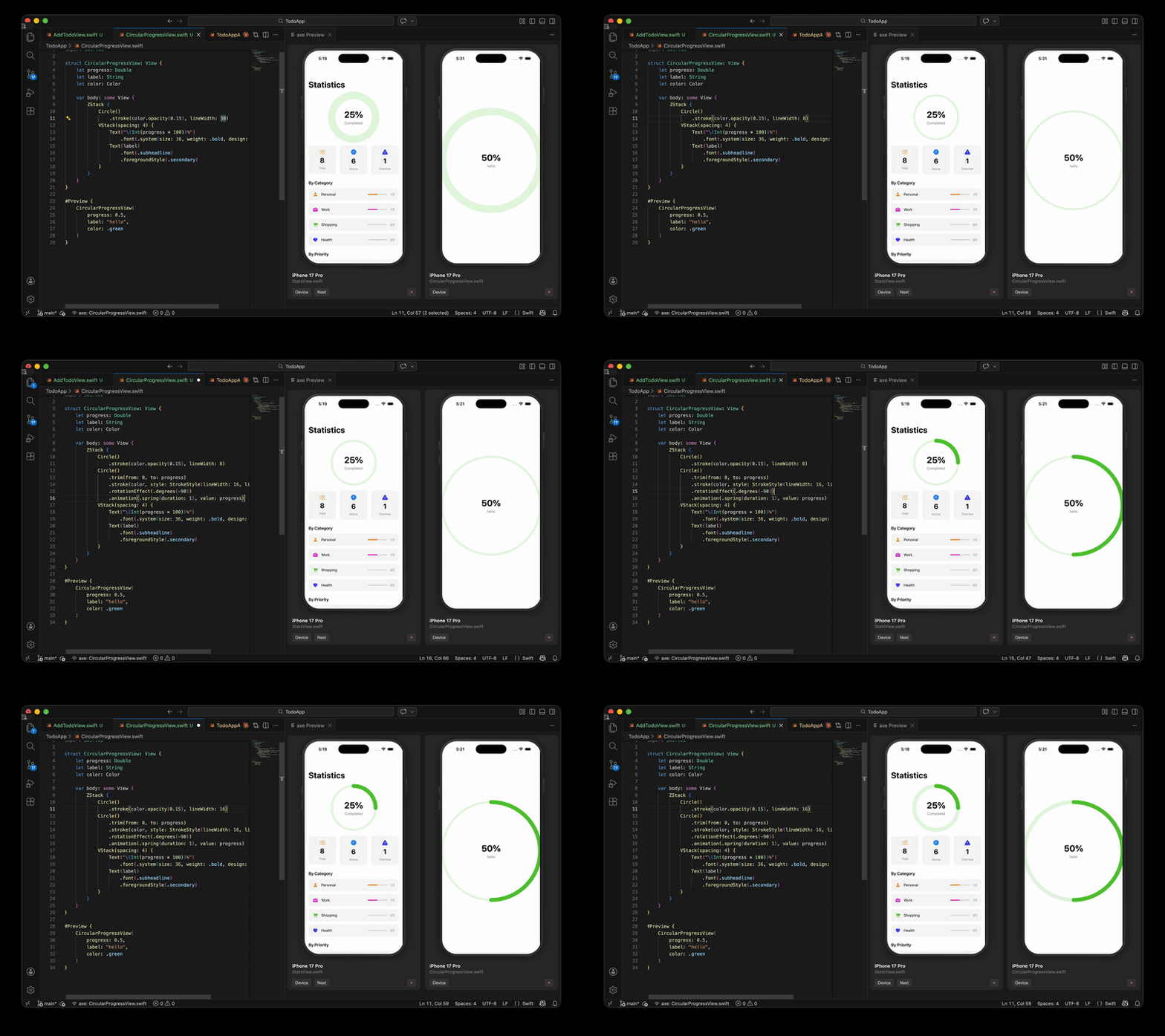
A VS Code / Cursor extension that runs axe preview when you open a Swift file containing #Preview. Supports multiple simultaneous previews with interactive simulator control.
Requirements
axe CLI installed and available in your PATH (or configured via axe.executablePath)
idb_companion — automatically installed by the axe installer, or brew install facebook/fb/idb-companion
A .axerc file or extension settings configured with your project/workspace and scheme
VS Code: code --install-extension axe-swiftui-preview-<version>.vsix
Cursor: Cmd+Shift+P > "Install from VSIX..." and select the file
Features
Auto-start: Opening a Swift file with #Preview starts the preview automatically. On first launch you are prompted to select a simulator; subsequent files reuse the last selection.
Multi-stream: Preview multiple files simultaneously — when another preview is already running, choose "Add" to keep it or "Clear & Add" to replace
Interactive simulator: Touch input in the WebView panel is forwarded to the simulator
Change Device: Switch the simulator for a running preview without restarting
Next Preview: Cycle through multiple #Preview blocks in the same file
Status bar: Shows the currently previewed file name or error state
Output channel: All CLI output is streamed to the "SwiftUI Preview with axe" output channel
Settings
All settings are optional. When left empty, axe falls back to the corresponding .axerc values.
Setting
Description
Default
axe.executablePath
Path to the axe binary
"axe"
axe.project
Path to .xcodeproj (--project flag)
""
axe.workspace
Path to .xcworkspace (--workspace flag)
""
axe.scheme
Xcode scheme (--scheme flag)
""
axe.configuration
Build configuration (--configuration flag)
""
axe.maxThunkFiles
Max tracked files for incremental thunk (--max-thunk-files)
32
axe.preThunkDepth
Dependency depth for initial thunk (--pre-thunk-depth)
0
axe.additionalArgs
Extra CLI arguments
[]
Commands
Command
Description
axe: Show Preview
Select a simulator and start previewing the current file
axe: Next Preview
Cycle to the next #Preview block in the current file
You can bind this command to a keyboard shortcut via keybindings.json: