SQLite Xplore
The lightest SQLite database viewer for VS Code. At barely 1.5 MB with zero bloat, it packs serious power into a tiny footprint, opening multi-gigabyte databases in milliseconds without slowing down your editor.
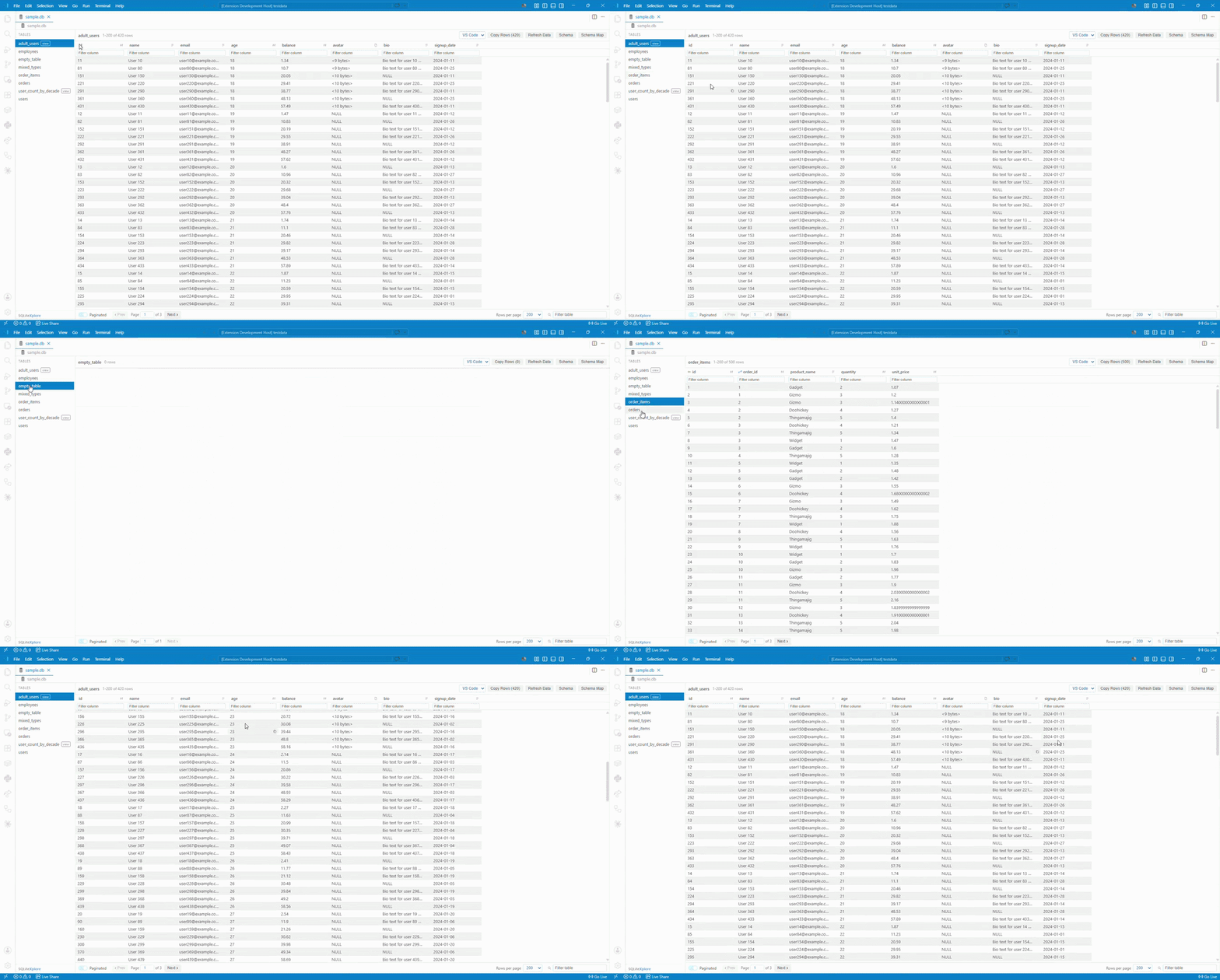
Features
- The lightest viewer around: At barely 1.5 MB on disk with zero bloat, it installs in seconds while providing an interactive ER diagram, an SQL console, rich cell inspectors, and 8 export formats.
- Instant lazy-loading engine: A custom virtual filesystem reads only the pages your query touches. A 20GB database opens just as quickly as a 20KB file without loading the database into memory.
- Cross-platform: Works in desktop VS Code and on the web (vscode.dev, github.dev).
- Read-only by design: Safe, read-only queries prevent accidental data edits or database changes.
2. Virtualized Grid & Data Exploration
- Sort & Filter: Click column headers to sort; use the filter row under any column for substring matching or comparison operators (
>, >=, <, <=, !=/<>).
- Column Visibility: Hide columns directly from the header eye icon or toggle them from the sidebar column list. Hidden columns stay remembered per table.
- In-Cell Search Highlighting: Filter queries highlight matched substrings inside cells in real time.
- Persistent Headers & Filters: Column headers, data types, and filter inputs stay visible and editable even when a query matches zero rows.
- Pagination & Continuous Scrolling: Page through rows with configurable page sizes, or switch to smooth virtualized scrolling.
- Data Types & NULL Values: Image previews for image blobs, size badges for binary data, and distinct italic styling for NULL values so they stand apart from empty strings.
3. Advanced Cell Viewers & Inspectors
- JSON Inspector: View formatted JSON with syntax highlighting, line numbers, search, a raw/pretty toggle, and quick copy.
- Hex & Binary Inspector: Inspect binary data in a 16-byte-per-line Hex & ASCII modal with synchronized byte hover and export to Hex, Base64, or C Array.
- Text Reader with Word Wrap: Expand multiline text in a modal viewer with line numbers and a word wrap toggle.
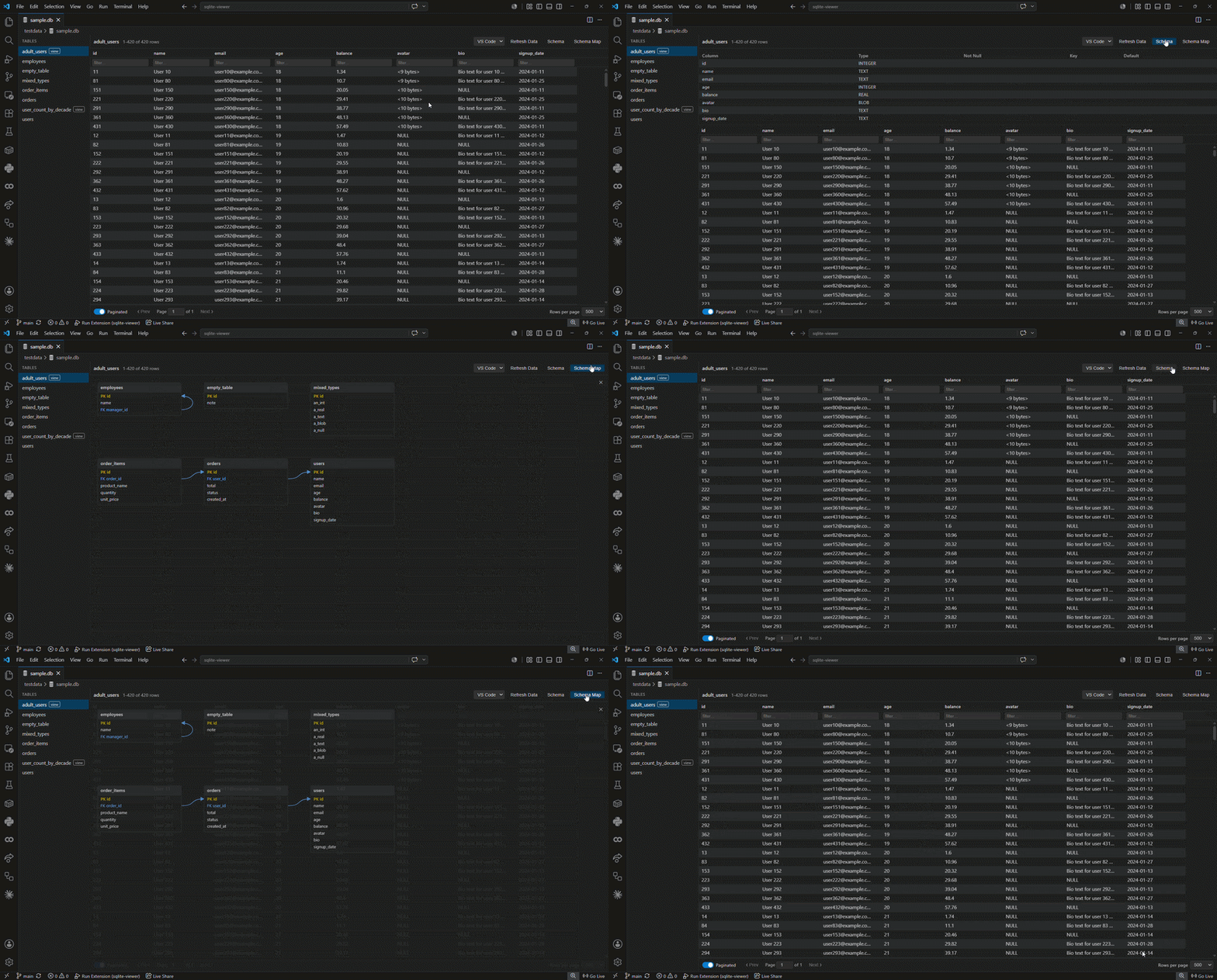
4. Schema Map & ER Diagram
- Interactive ER Diagram: Visual relationship map showing tables, columns, primary keys, and foreign keys with pan and zoom.
- SVG & PNG Export: Export standalone SVG vector files or 2x PNG images with transparent backgrounds and clean key indicators.
5. Interactive SQL Console & Profiling
- SQL Query Console: Run custom read queries in a collapsible bottom drawer with query history, execution timing, and tabular results.
- Column Statistics & Profiling: Inspect column distributions, null counts, distinct values, and histograms for numeric and text columns.
- 8 Export Formats: Export table data or query results to CSV, TSV, JSON, JSON Lines, SQL Inserts, Markdown, HTML, or XML.
7. Workspace & Ergonomics
- Sidebar Table & Column Explorer: Browse tables, views, columns, types, and primary keys with instant filter search and arrow key navigation.
- Collapsible Sidebar: Collapse the sidebar into a slim 40px icon rail with active table indicators to give your data more room.
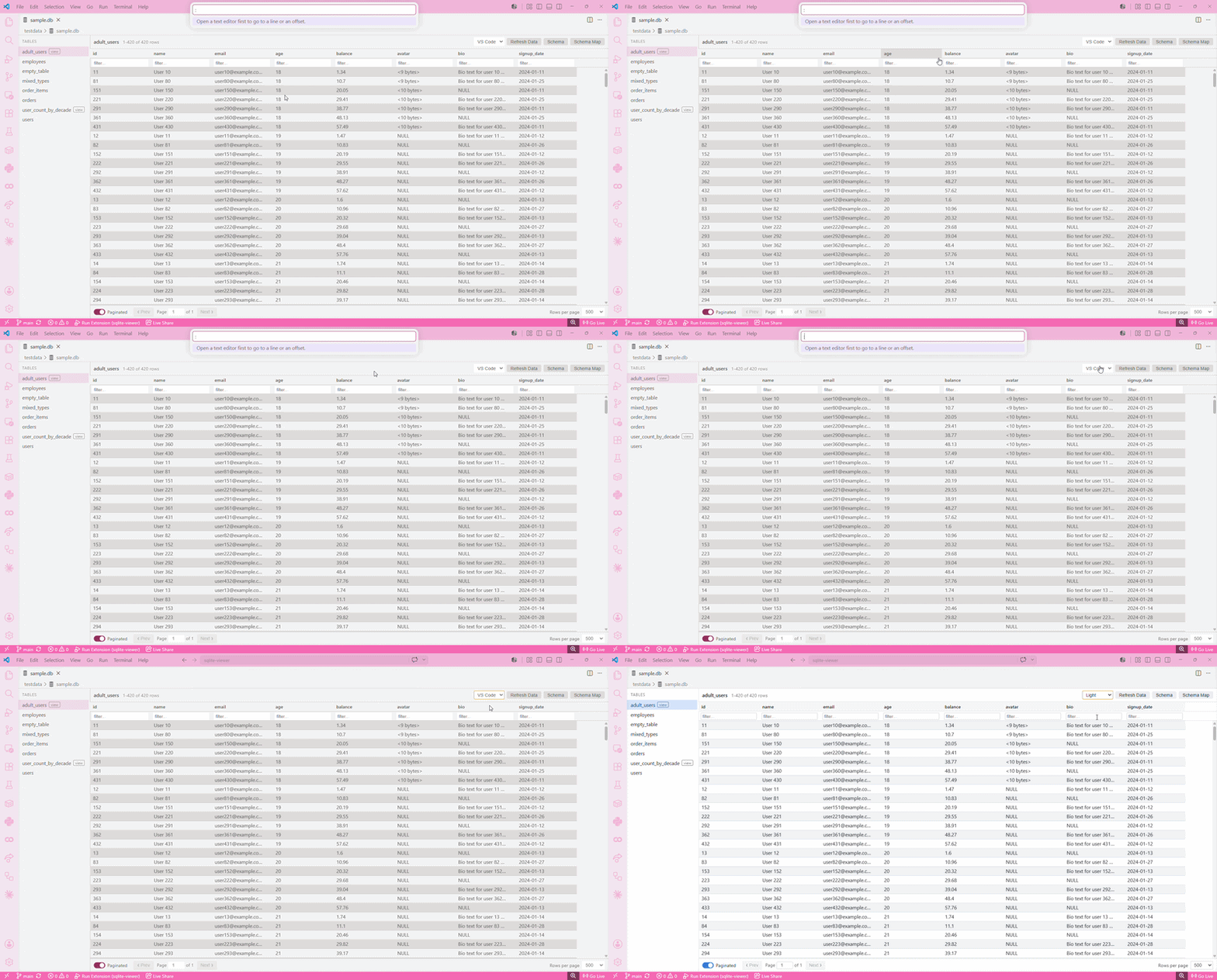
- Theme Support: Styled for VS Code Dark Modern, with clean light mode palettes and system theme following.
- Minimal memory footprint: Runs quietly in the background without slowing down your editor or eating RAM.
- Resizable Layout & Quick Refresh: Resize columns and sidebars freely; Refresh Data picks up external database changes immediately.
Supported file types
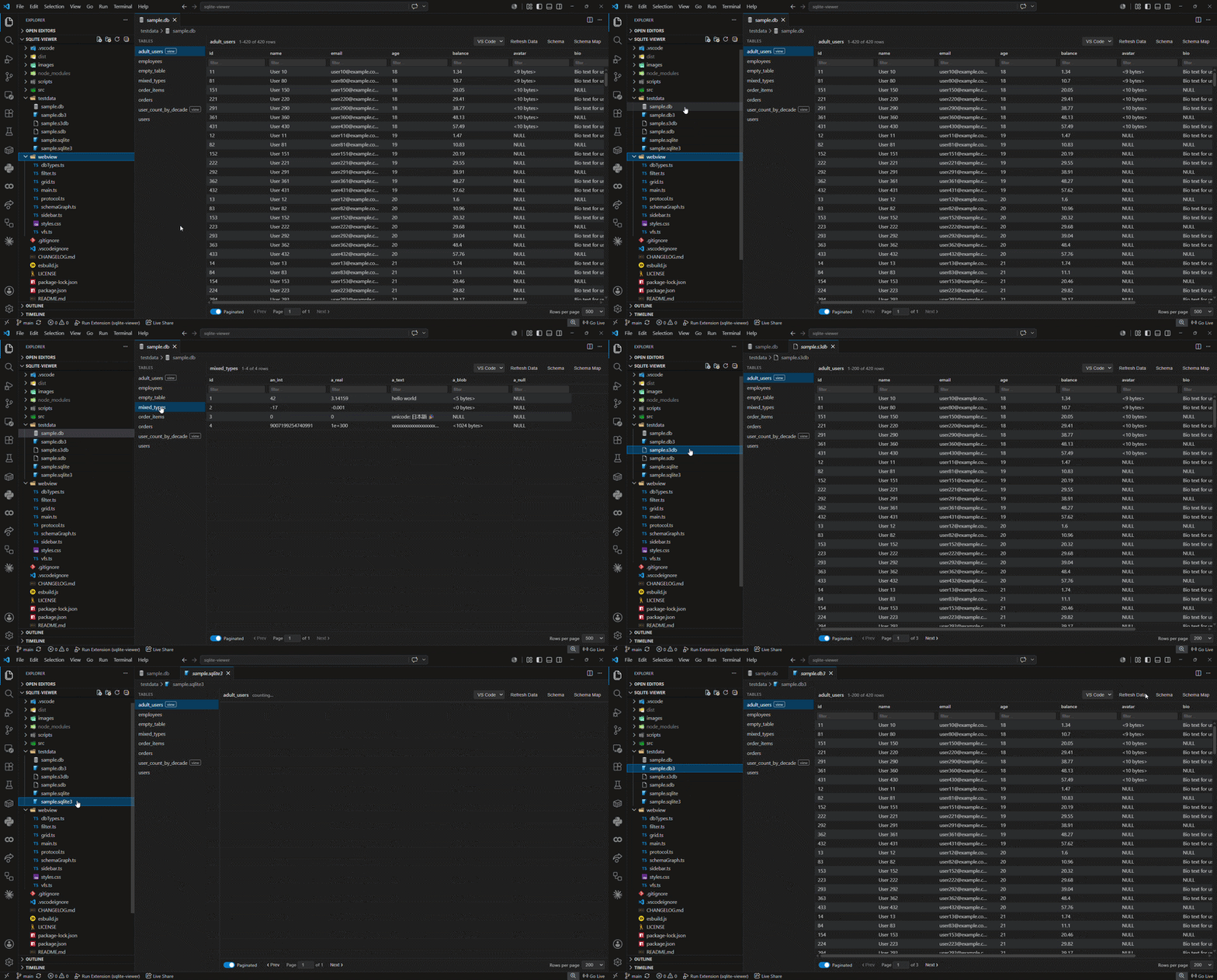
The following database file formats open automatically in SQLite Xplore:
.sqlite.sqlite3.db.db3.sdb.s3db
If another extension is already registered as the default for one of these extensions, use Open With → SQLite Xplore once and VS Code will remember your choice for that file type going forward.
Known Limitations
- Sorting a very large table on a column with no index requires SQLite to sort the whole matching result set before returning even the first page. This is an inherent SQL cost, not something the extension can shortcut, and it currently repeats per page rather than being cached across page loads.
- Jumping to a far-away page in a large, unindexed, sorted result is slower than sequential paging for the same reason.
Reporting issues
Found a bug or have a feature request? File it at github.com/jaxendutta/sqlite-xplore-feedback.
License
MIT
| |

