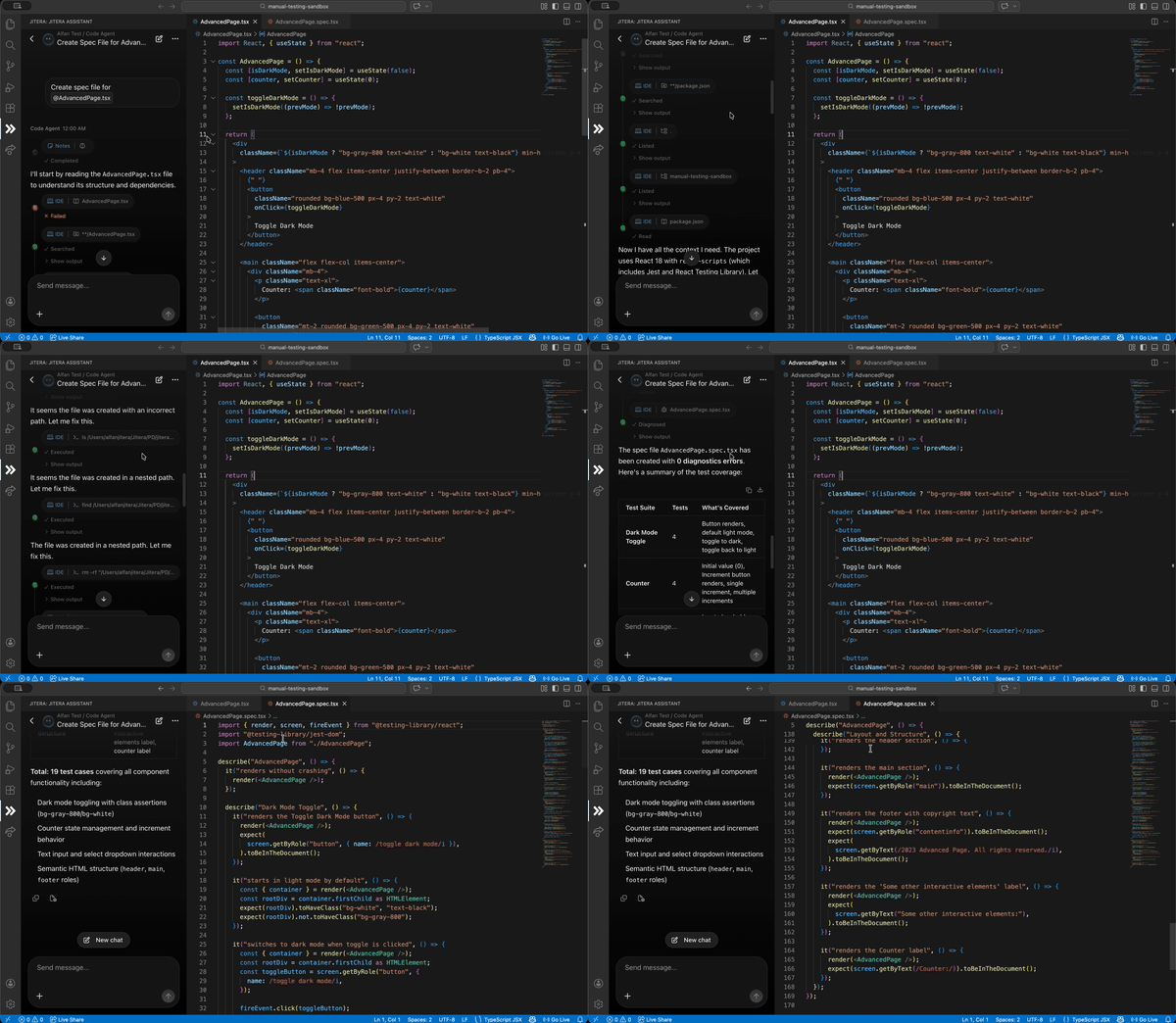
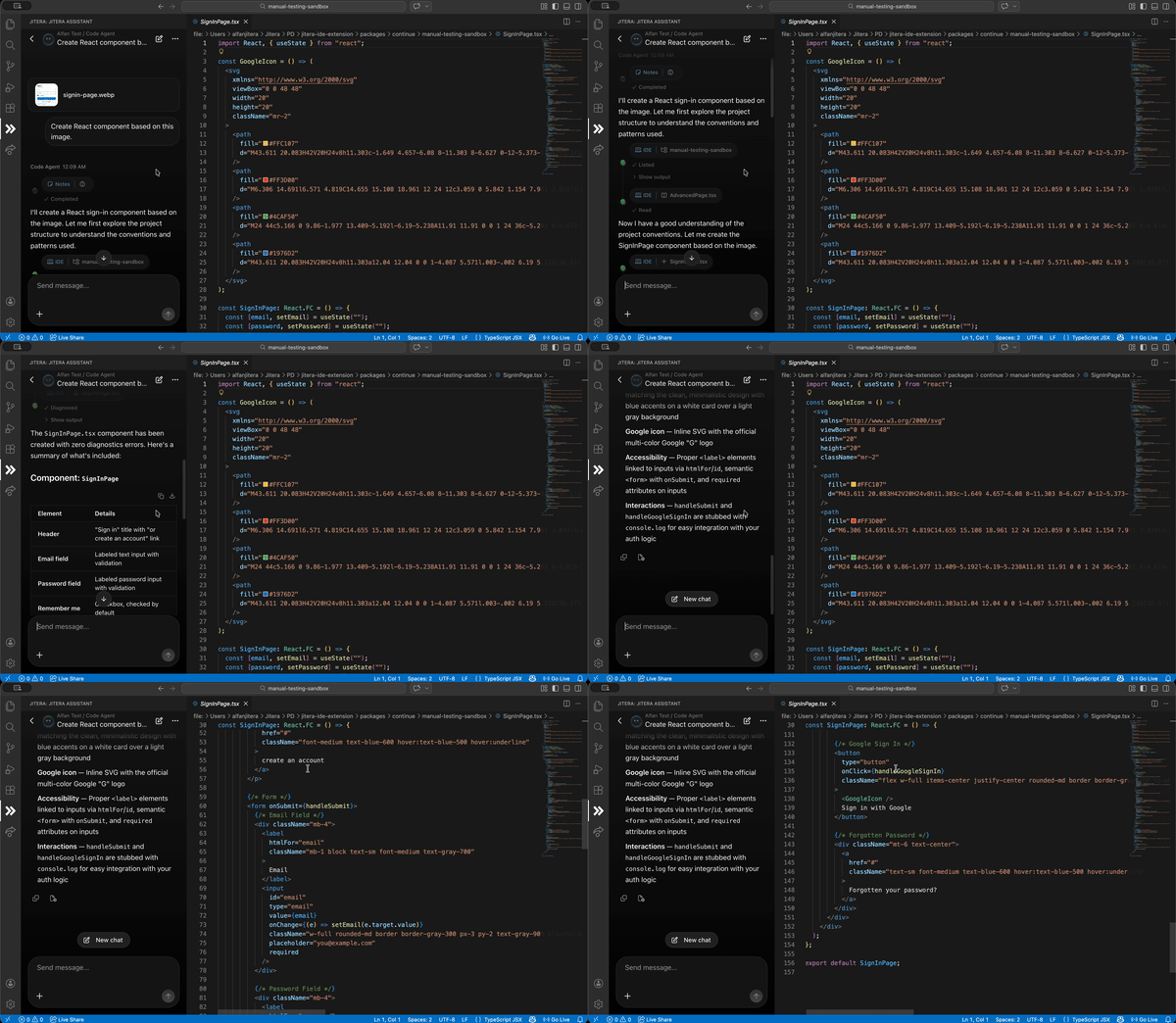
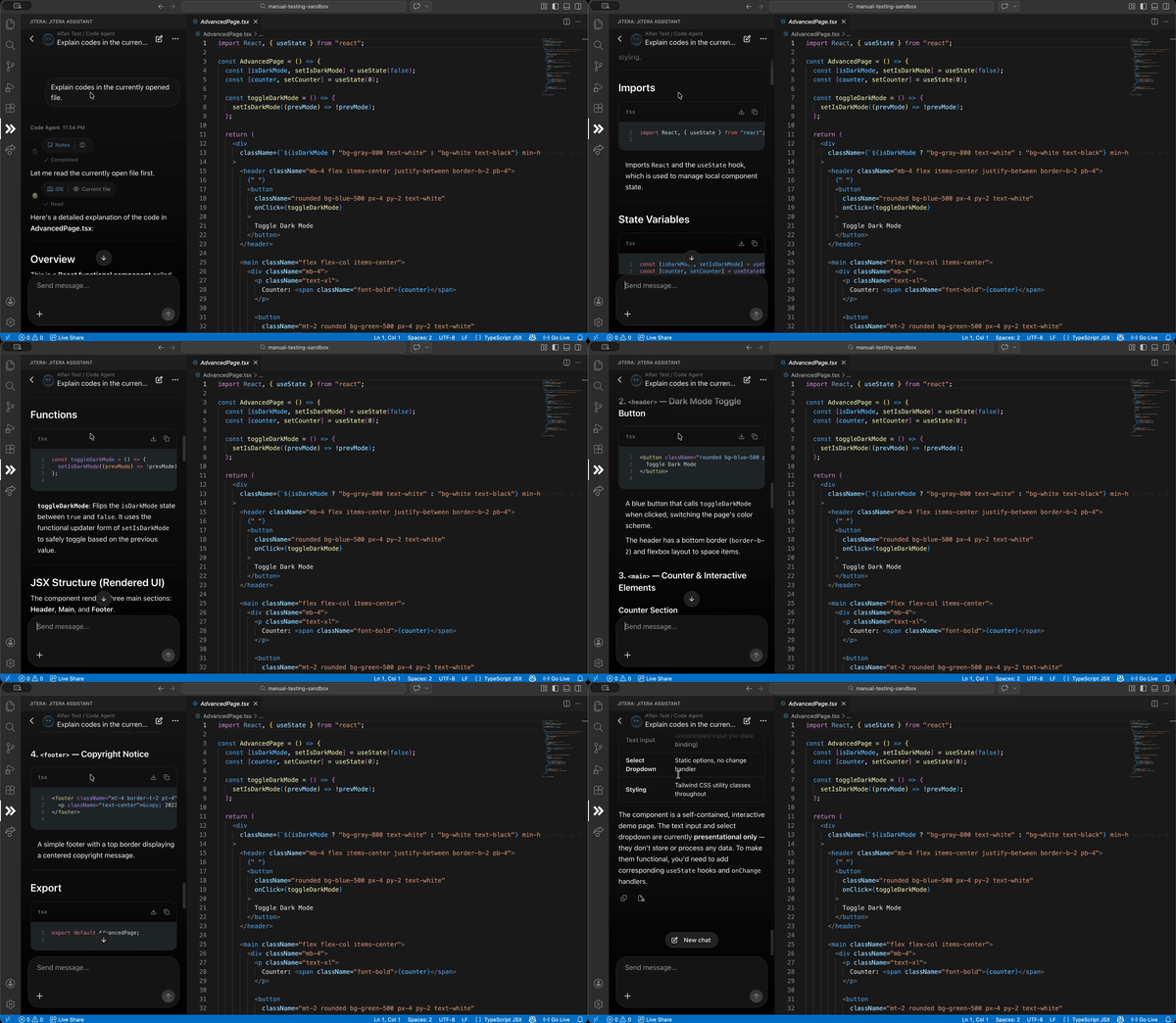
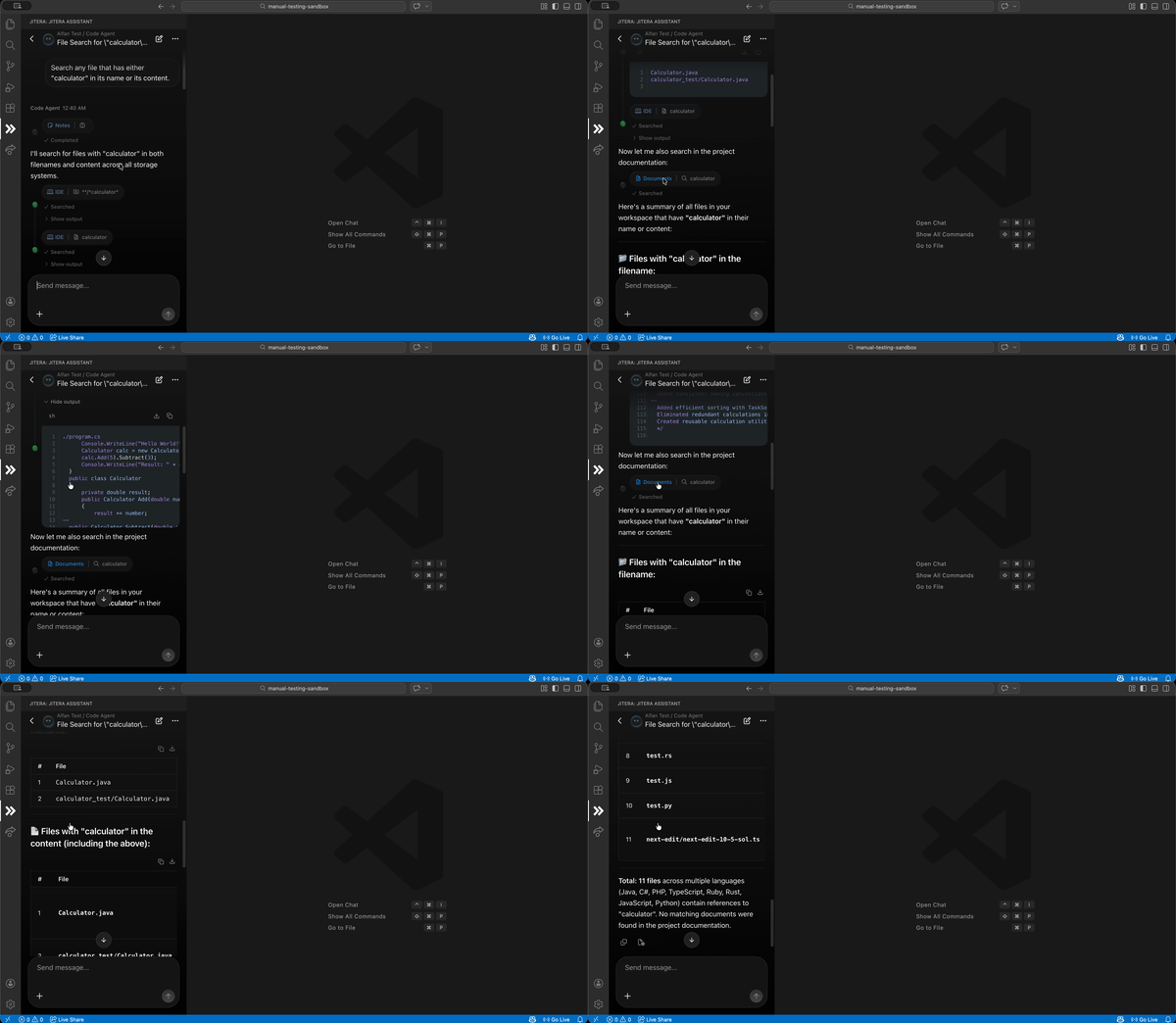
Jitera is an AI Context Platform that understands your codebase and proprietary knowledge. Access Jitera Studio's Context Platform to combine tacit knowledge (context) with Documents in Jitera Studio, collaborate with teammates, and reference both local files and Documents in Jitera Studio directly in your IDE. AI generates accurate technical documentation and design specs from your source code. Jiteraは、コードと知識を理解するAIコンテキストプラットフォームです。Jitera Studioのコンテキストプラットフォームにアクセスして、暗黙知(コンテキスト)とJitera Studioのドキュメントを組み合わせ、チームメイトと協力し、IDE内でローカルファイルとJitera Studioのドキュメントの両方を参照できます。AIがソースコードから正確な技術ドキュメントと設計仕様を自動生成します。 Get Started / はじめるSign up from here. Simply import your repository, connect your project, and supercharge your development workflow instantly. こちらからユーザー登録可能。リポジトリを連携するだけで、開発効率が即座にアップします。 Key Features / 主な機能Smart Programming Agent プログラミングエージェントEngage in natural conversations with AI agents powered by Jitera's Context Platform. The system understands your entire codebase, Documents in Jitera Studio, and project context through composable workflows and modules. Simply ask questions and get intelligent, context-aware responses: Jiteraのコンテキストプラットフォームを活用したAIエージェントと自然に会話できます。システムはコードベース全体、Jitera Studioのドキュメント、プロジェクトコンテキストを理解し、組み合わせ可能なワークフローとモジュールを通じて動作します。質問するだけで、コンテキストを考慮した精度の高い回答が得られます。
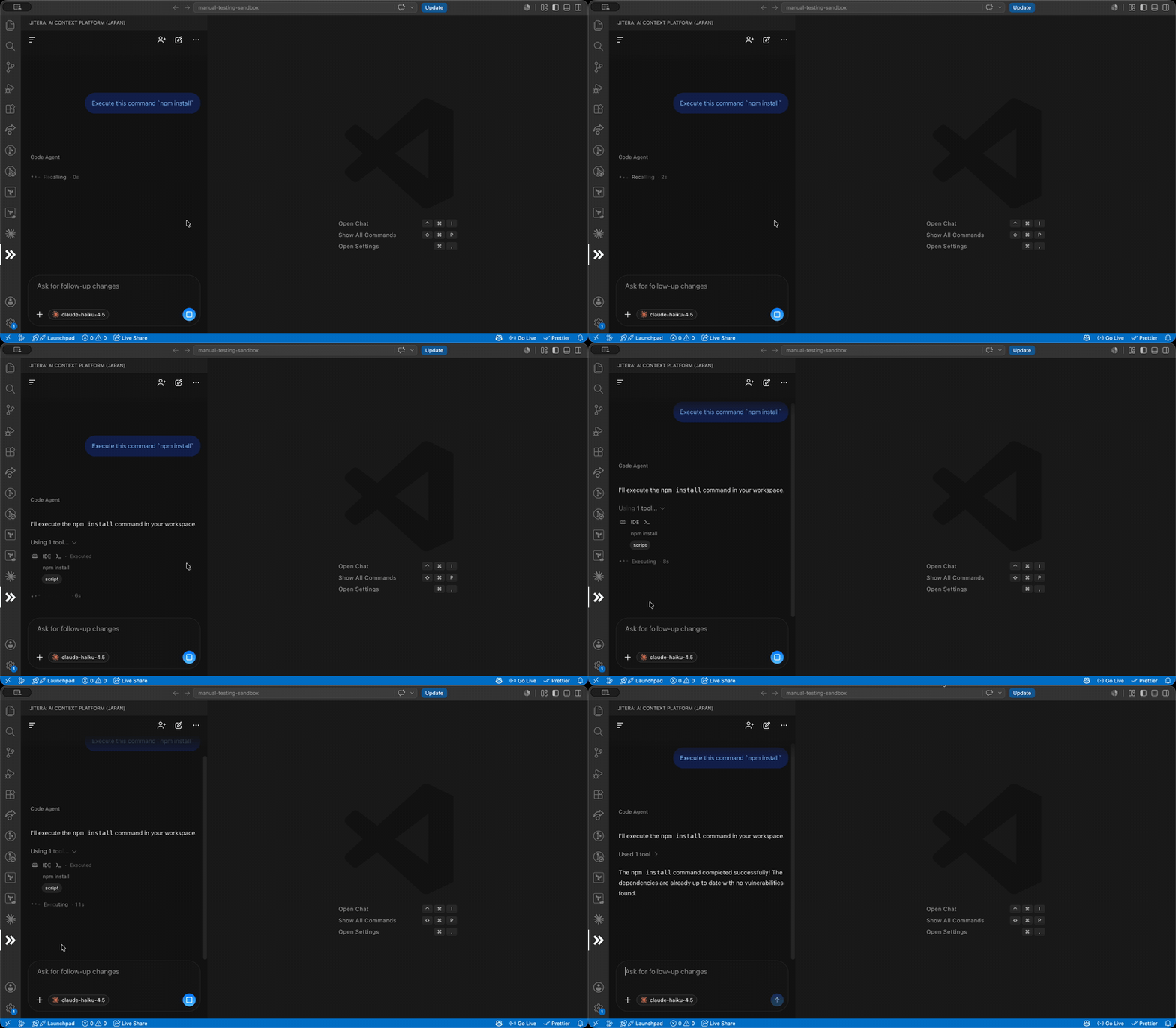
Secure Terminal Execution 安全なターミナル実行Execute commands directly from the chat interface without switching context. Every command asks for your approval in a panel pinned above the message box — allow it once, or choose "Always allow" to let a trusted tool run automatically for the rest of that chat thread. Watch the execution in real-time with streaming output logs. チャットインターフェースから直接ターミナルコマンドを実行できます。すべてのコマンドはメッセージボックス上部の承認パネルで確認を求めます。今回のみ許可するか、「常に許可」を選択して信頼したツールをそのチャットスレッド内で自動実行させることもできます。実行結果はリアルタイムでストリーミング表示され、進捗を即座に確認できます。
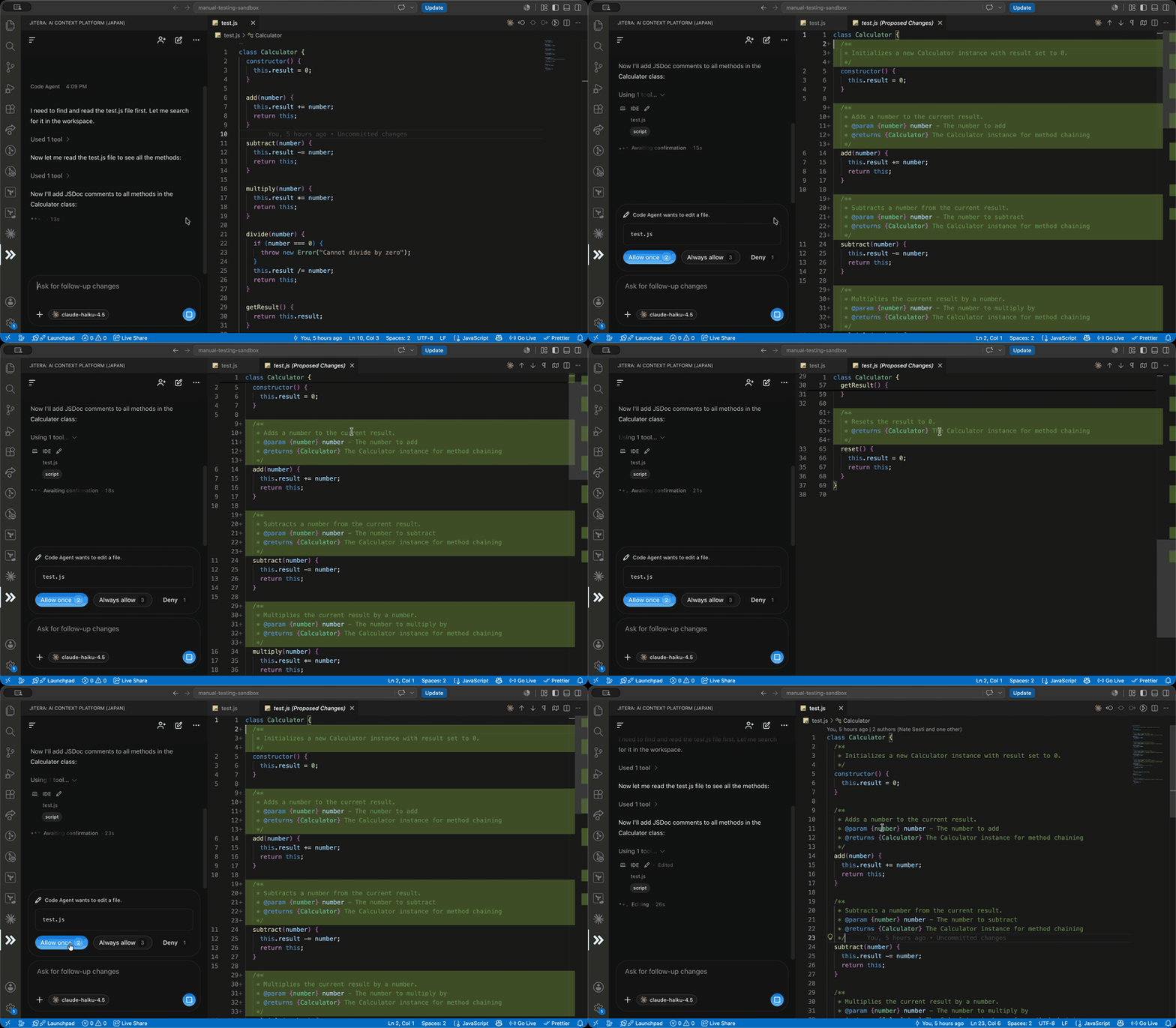
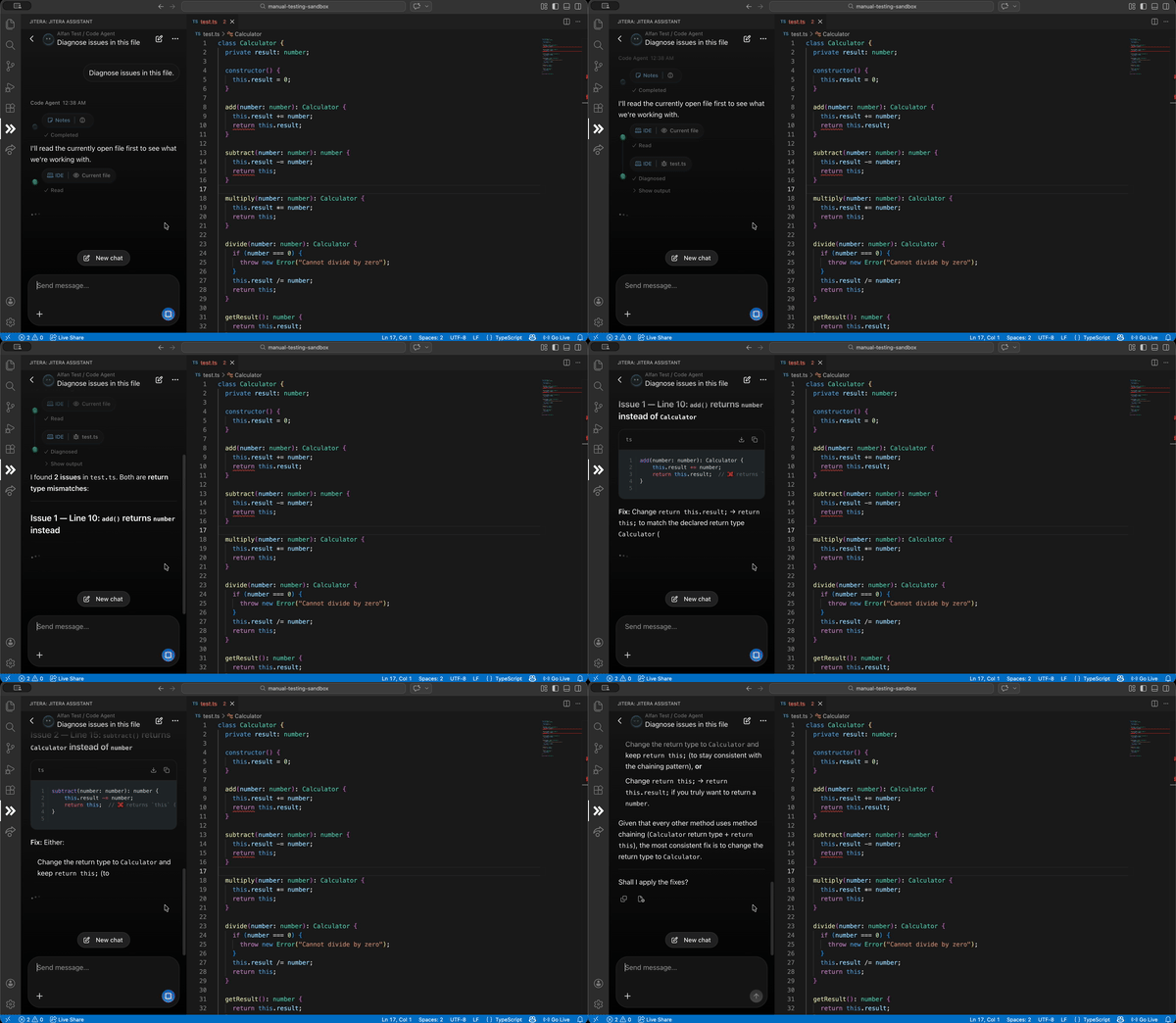
Comprehensive Local Tools ローカルワークスペースツールEmpower the AI to interact directly with your local environment. The agent can create new files, perform complex multi-file edits, search directory structures, and run diagnostics to identify and fix errors. File edits show a native diff preview of the exact changes for your approval before they touch your workspace, new files open in the editor once approved — and with "Always allow", trusted tools run fully autonomously within that chat thread. AIがあなたのローカル環境と直接連携し、作業を代行します。ファイルの新規作成、複雑な複数ファイルの同時編集、ディレクトリ構造の検索、さらには診断機能を使用したエラーの特定と修正まで対応します。ファイルの編集では、ワークスペースに変更が加わる前にネイティブの差分プレビューで正確な変更内容を確認して承認できます。新規作成されたファイルは承認後にエディタで開きます。「常に許可」を選択すれば、信頼したツールはそのチャットスレッド内で完全に自律的に動作します。
Resources / リソースDocuments / ドキュメント For more information about Jitera, please check our user guide and FAQs. Jiteraに関する詳細情報については、ユーザーガイドとFAQsをご確認ください。 Support / サポート For any further assistance, please reach out to our support team at support@jitera.com. アプリや請求に関してさらにサポートが必要な場合は、サポートチーム (support_jp@jitera.com) までご連絡いただけますようお願い申し上げます。 Terms of Service and Privacy Policy / 利用規約とプライバシーポリシー By using Jitera you agree to Terms of Service and Privacy Policy. Jiteraをご利用いただくことで、利用規約とプライバシーポリシーに同意したものとみなされます。 |