Ilé-Ọ̀yọ́ for Visual Studio Code
Home of Ọ̀yọ́. A color theme woven from aṣọ-òkè: the indigo of ẹtù, the
beige of sányán, and the crimson of àlàárì.
| Theme |
Variant |
| Ilé-Ọ̀yọ́ Alẹ́ |
evening, dark |
| Ilé-Ọ̀yọ́ Ọ̀sán |
afternoon, light |
Alẹ́
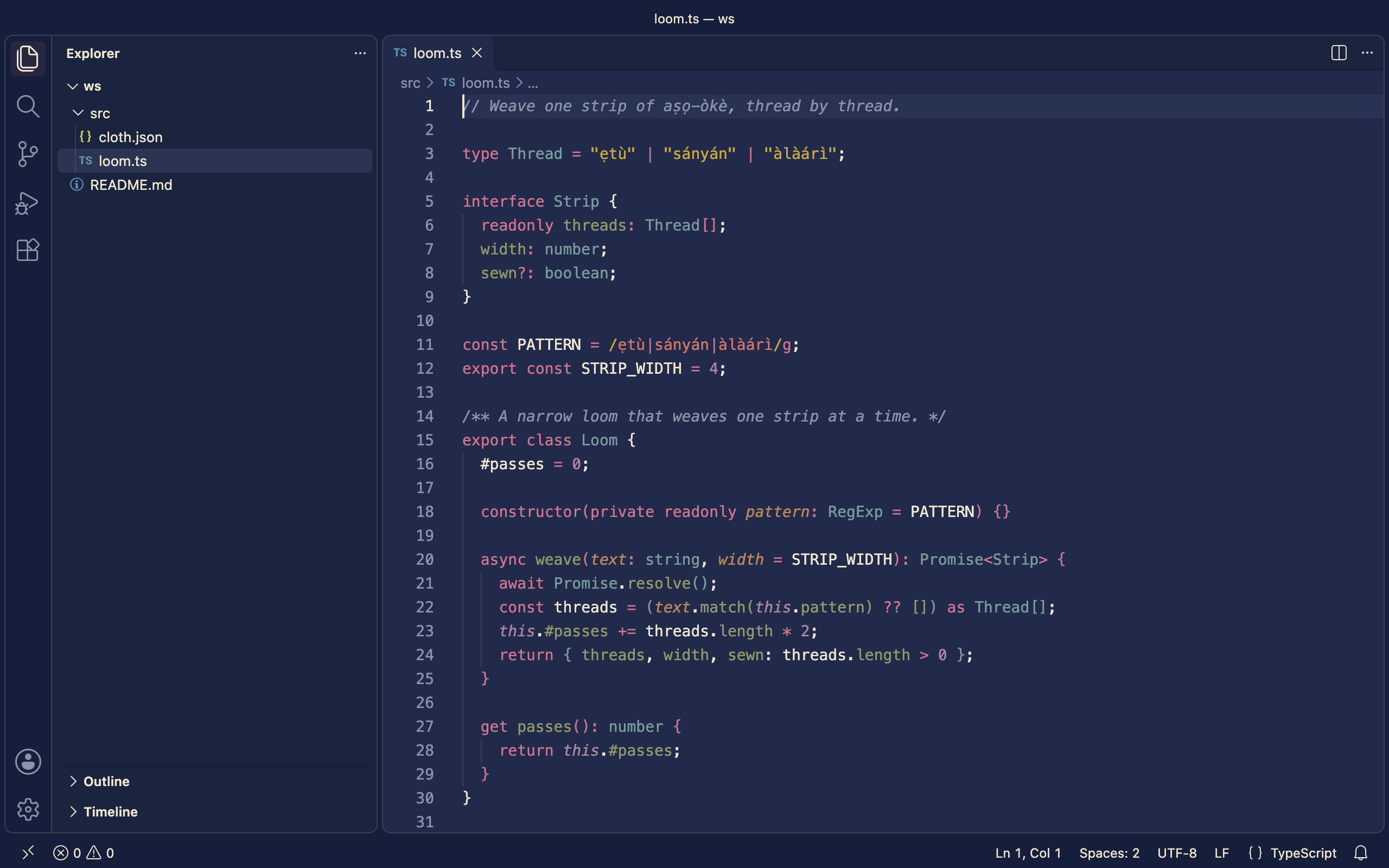
Ọ̀sán
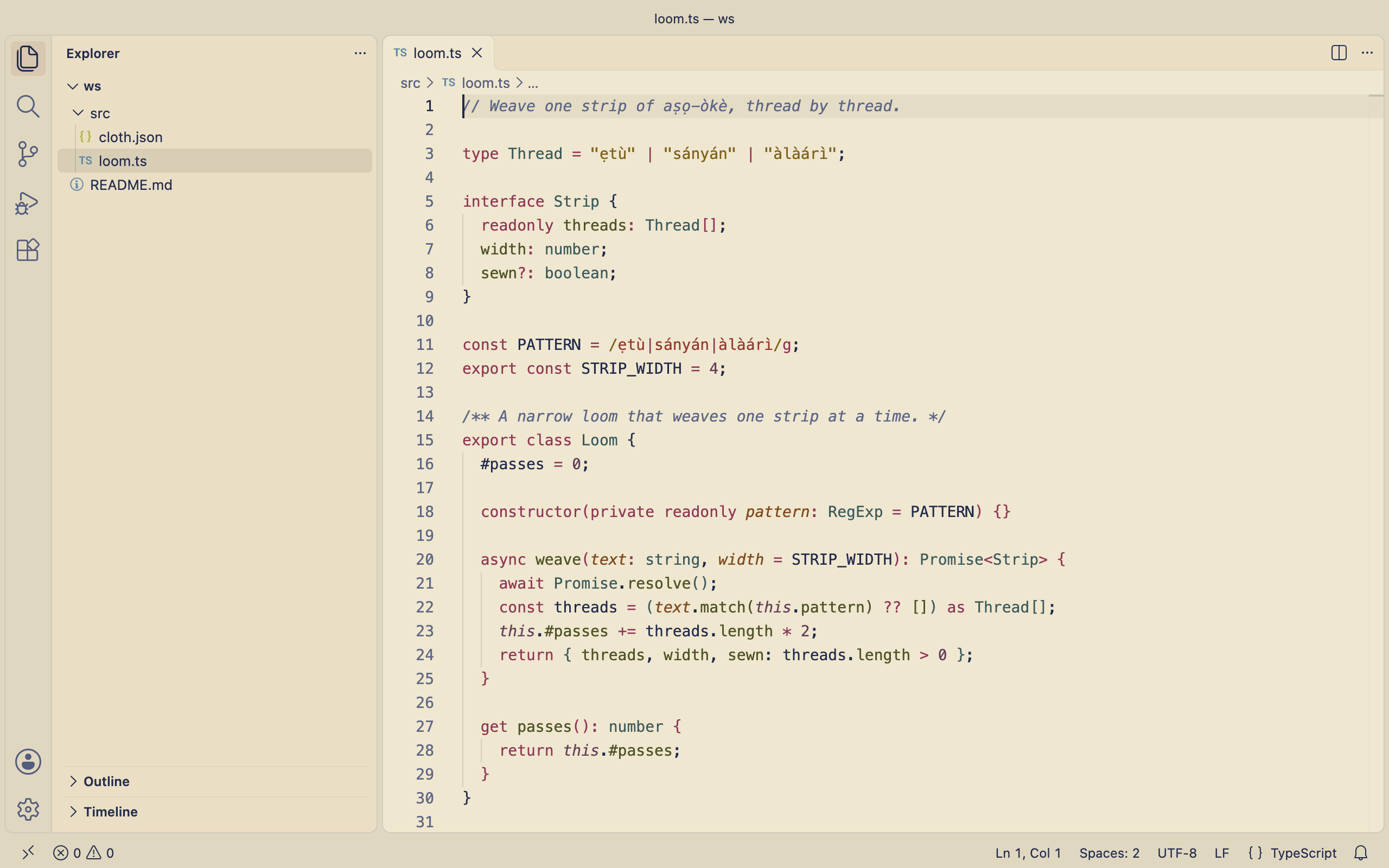
Every text color meets WCAG 2.1 AA contrast (4.5:1) against its background.
Install
From the Marketplace: search for Ilé-Ọ̀yọ́ in the Extensions view, or
run:
code --install-extension jazzykid.ile-oyo-theme
From a .vsix file (attached to each GitHub release, or built with
npm run package:vscode):
code --install-extension ile-oyo-theme-<version>.vsix
From this repository:
Copy or link this folder into your VS Code extensions folder:
ln -s "$PWD/themes/vscode" ~/.vscode/extensions/ile-oyo-theme
Restart VS Code.
Then run Preferences: Color Theme (⌘K ⌘T / Ctrl+K Ctrl+T) and pick
Ilé-Ọ̀yọ́ Alẹ́ or Ilé-Ọ̀yọ́ Ọ̀sán.
To match your system's light/dark setting, add to settings.json:
"window.autoDetectColorScheme": true,
"workbench.preferredDarkColorTheme": "Ilé-Ọ̀yọ́ Alẹ́",
"workbench.preferredLightColorTheme": "Ilé-Ọ̀yọ́ Ọ̀sán"
Development
The files in themes/ are generated from palette/ile-oyo.json by
npm run build at the repository root. Don't edit them by hand.
npm run screenshot:vscode retakes the screenshots above in a throwaway VS
Code profile (macOS). They are linked from main, so they update on the
Marketplace when the new images reach main.
From the repository root: npm run package:vscode runs the tests and writes
dist/ile-oyo-theme-<version>.vsix, the file that is published to the
Marketplace.
License
Apache License 2.0. See LICENSE and NOTICE; the Ilé-Ọ̀yọ́ name and icon
are not licensed for modified versions.

