NativeFlow CodeSense
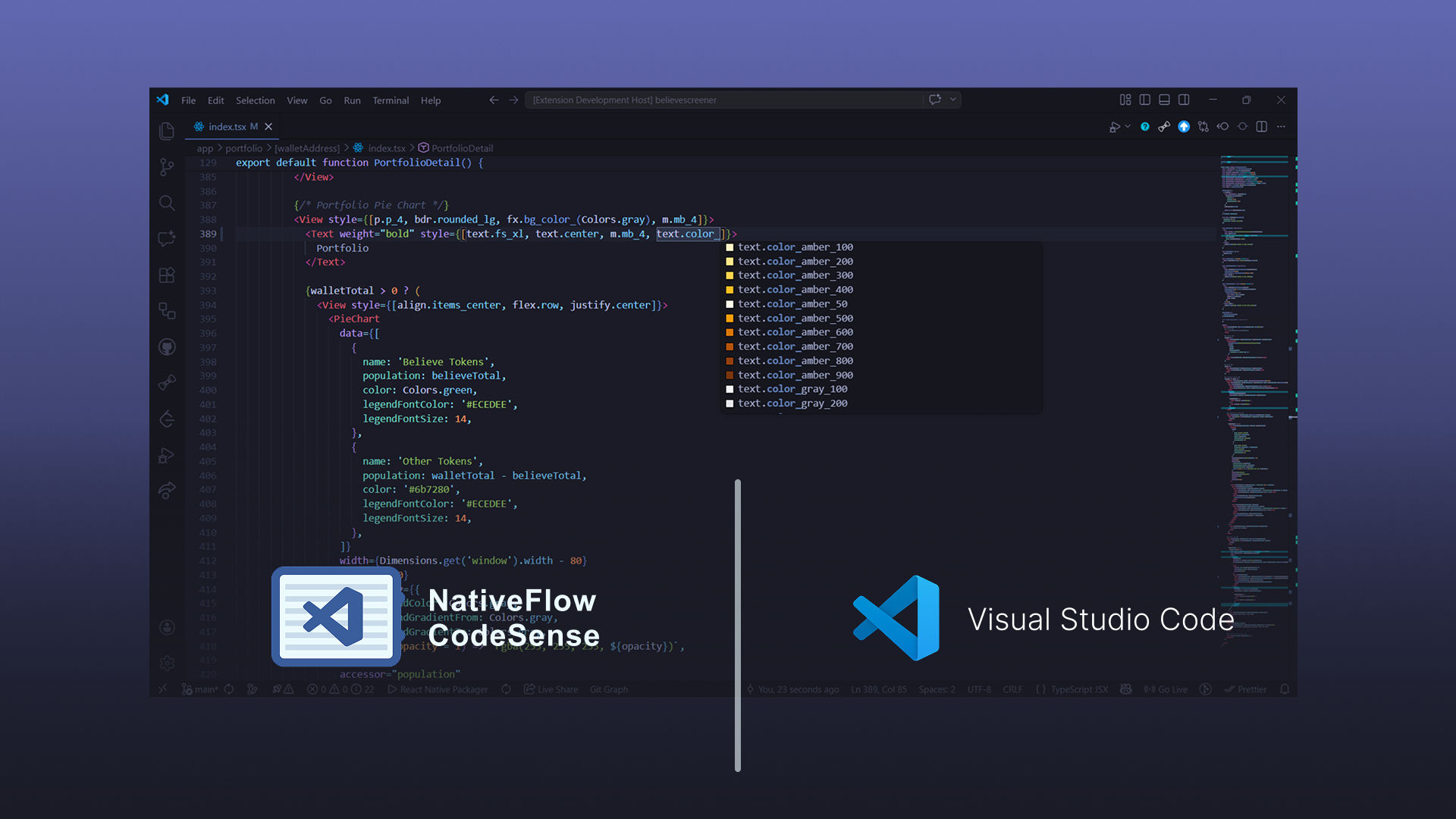
This VS Code extension adds CodeSense and light visualization around nativeflowcss in JSX and TSX. You get completions, hover information, diagnostics with quick fixes, and extra handling for palette colors where the tooling can infer them.
Features
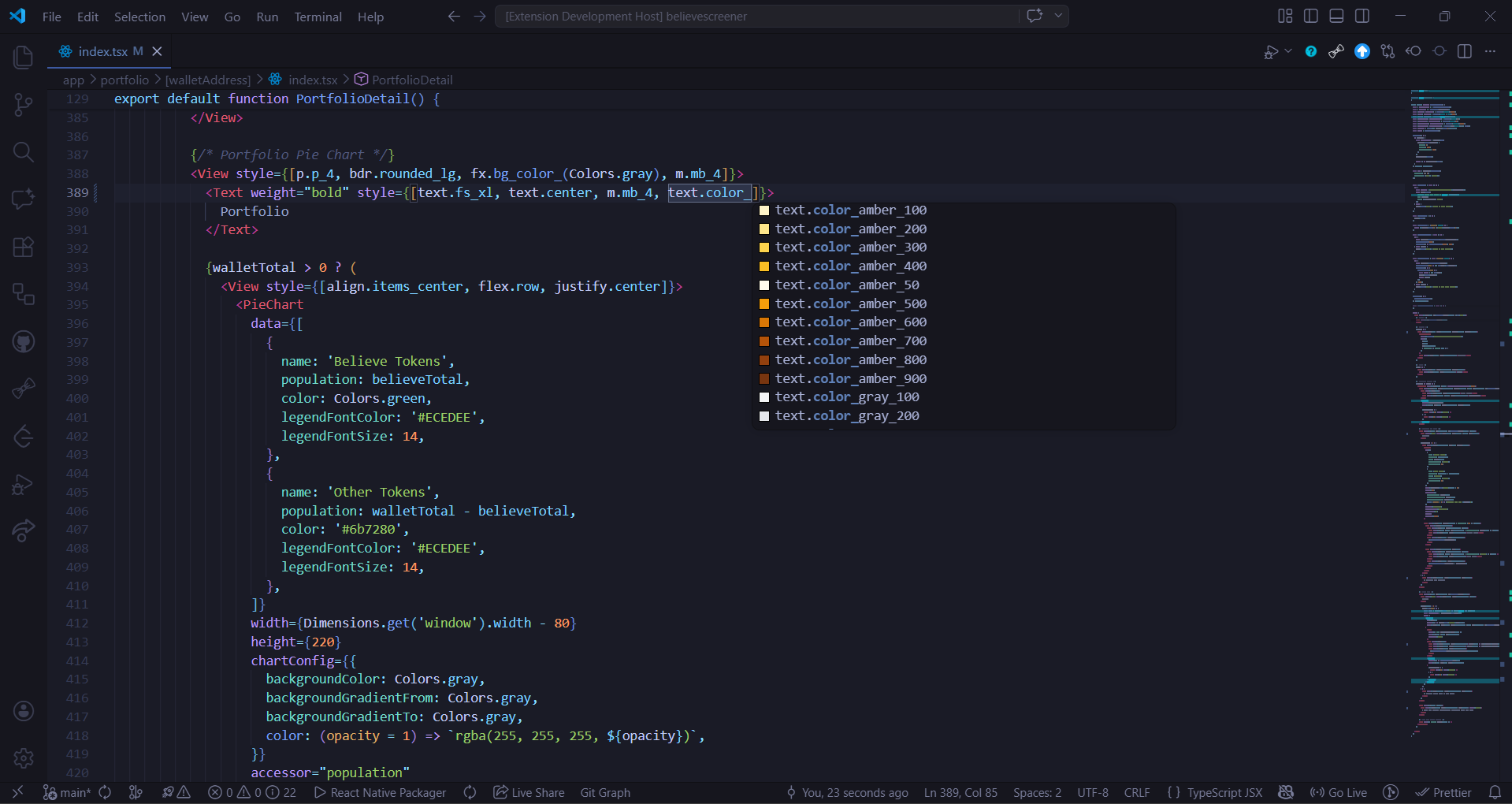
- Completions : Suggestions as you write NativeFlow Styles, including immediately after
..
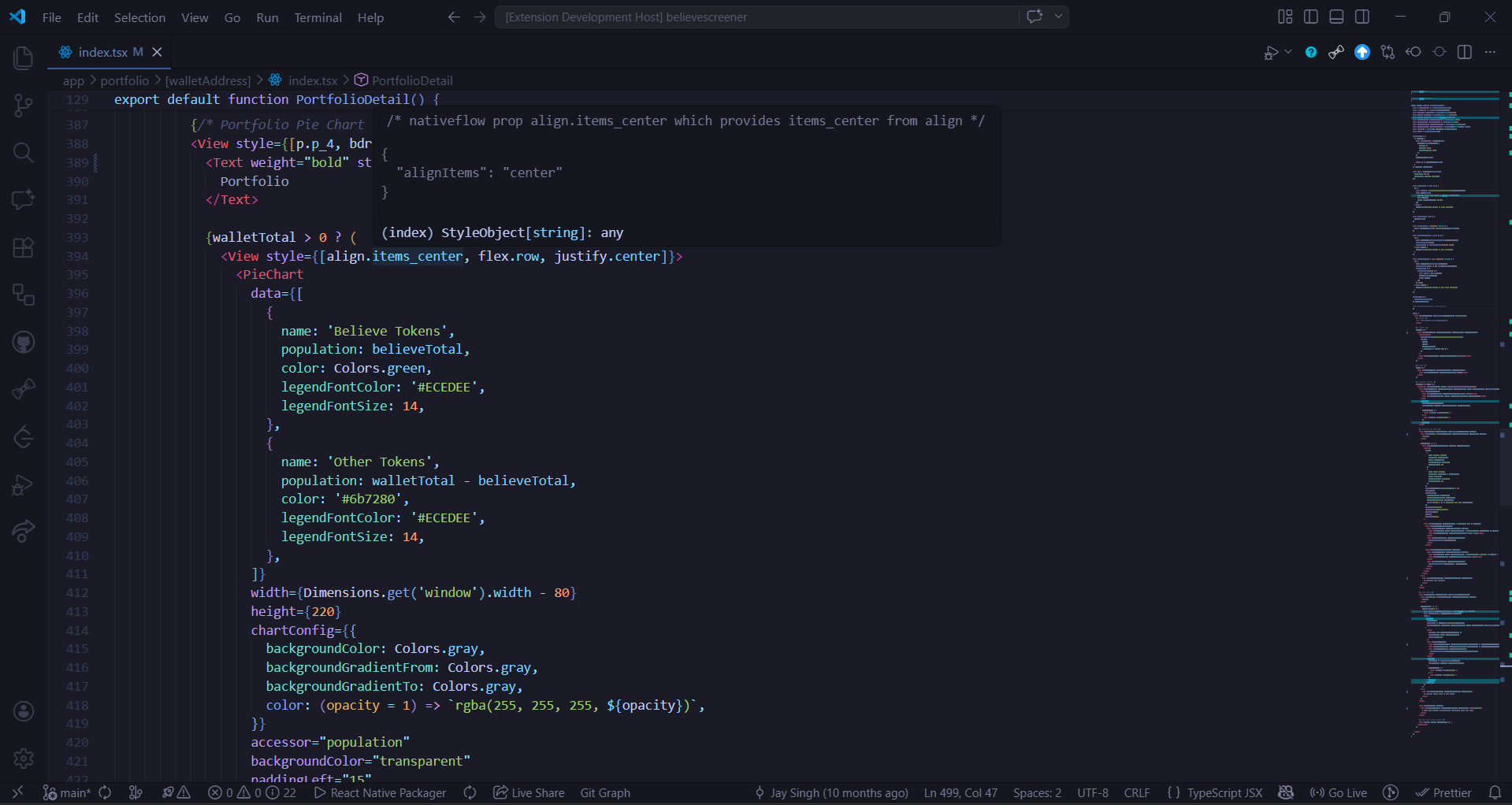
- Hover : Previews NativeFlow tokens; set the tooltip to a pastel layout or plain JSON under nativeflowcss in Settings.
- Validation and quick fixes : Marks incomplete or unknown NativeFlow props; use the code action menu (
Ctrl + ., or the lightbulb where it appears) for fixes or import suggestions when provided.
- Colors : Registers document colors and small inline decorations where palette-backed values are resolved.
- Hover highlight : Optional background on the NativeFlow token at the caret.
The extension does not register any commands; it enables itself in supported editors when Requirements are satisfied.
Completions
Hover details
Validation and quick fixes
With nativeflowcss.validationEnabled left on, JSX/TSX issues show standard squiggles. Trigger quick fixes from the gutter lightbulb or Ctrl+..
Supported languages
- JavaScript (
.js)
- TypeScript (
.ts)
- JavaScript React (
.jsx)
- TypeScript React (
.tsx)
Requirements
- Use a folder workspace (a single stray file outside a folder will not activate the extension).
- The project needs a dependency your settings recognize as NativeFlow CSS, commonly
nativeflowcss listed in package.json. Scoped packages or forks go in nativeflowcss.packageNames.
If nothing in the workspace resolves to those names, the extension never starts.
Settings
Open VS Code Settings and search NativeFlow CSS, or edit settings.json directly:
| Setting |
Type |
Default |
Description |
nativeflowcss.enabled |
boolean |
true |
Turns all NativeFlow CodeSense features on or off |
nativeflowcss.packageNames |
array of strings |
["nativeflowcss"] |
npm specifiers counted as NativeFlow CSS (scopes and forks supported) |
nativeflowcss.hoverTooltipStyle |
"pastel" | "json" |
"pastel" |
How hover previews are formatted |
nativeflowcss.hoverHighlightEnabled |
boolean |
true |
Tints the active NativeFlow token |
nativeflowcss.completionsEnabled |
boolean |
true |
Supplies completions on prefix and after . |
nativeflowcss.validationEnabled |
boolean |
true |
Underlines bad or incomplete NativeFlow props in JSX/TSX |
Links
Documentation
For complete docs on NativeFlow, Read at nativeflow.js.org
Socials
Feel free to drop by at the Discord Server or at Github Discussions
Contributing
See the contributing guide to learn how to contribute to the repository and the development workflow.
License
MIT
Donations




