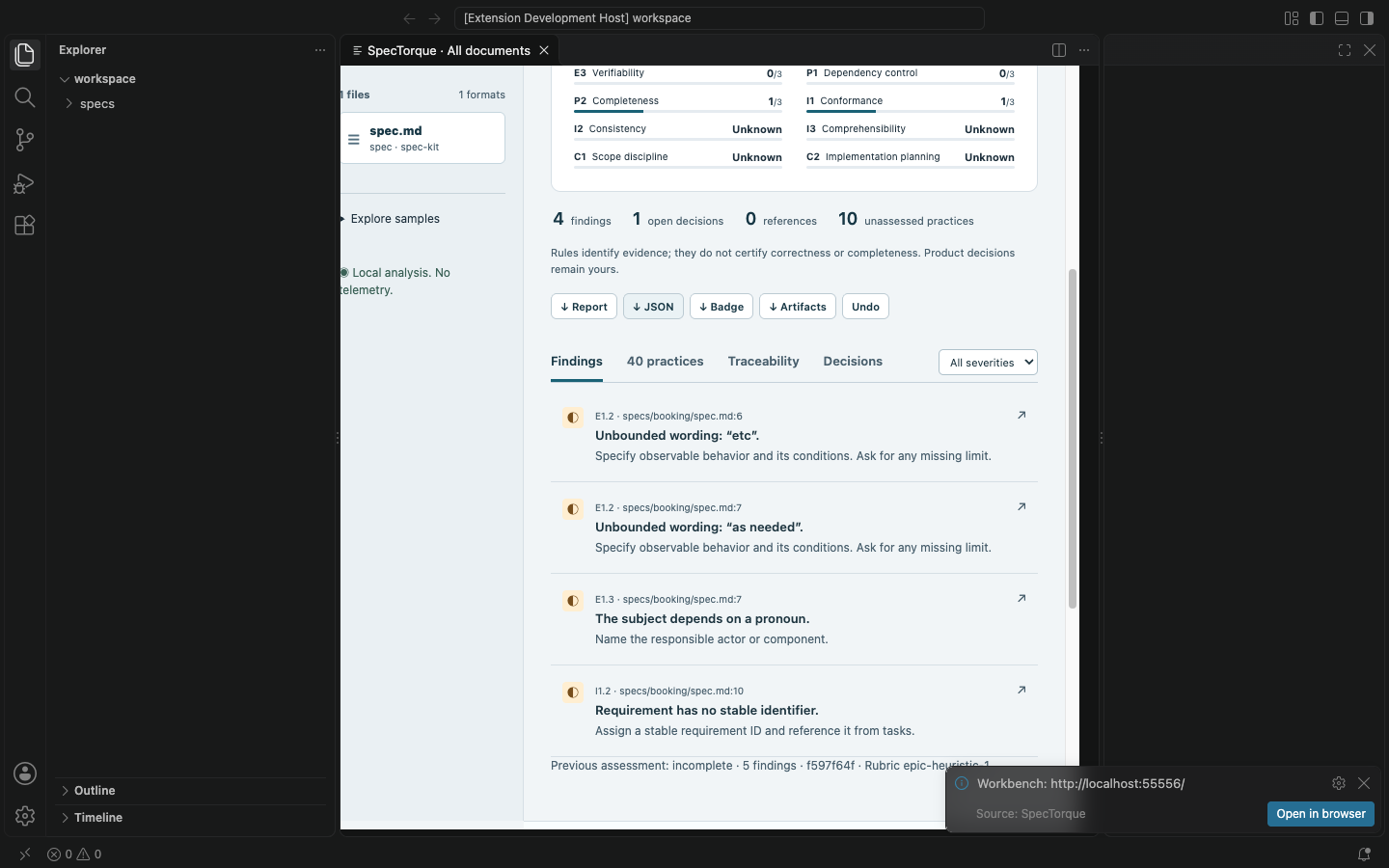
SpecTorque for VS CodeFind where your coding agent would have to guess. SpecTorque scores specifications, plans and tasks against 40 EPIC practices, cites the exact source line for every finding and applies a refinement only after you review the difference.
UseOpen a trusted project and run SpecTorque: Open Specification Workbench from the command palette. Choose All documents, Changed on this branch or a feature. The extension starts a loopback server with the bundled shared engine and displays the common workbench in an editor tab. No model or credentials are needed for analysis, and nothing leaves your machine. Requires a trusted workspace (the workbench can apply explicitly reviewed edits) and VS Code 1.100 or later. Cursor, Windsurf and VSCodium can install the same extension from the VSIX attached to each GitHub release, and from Open VSX once the See the repository for documentation, the privacy notes and the tested compatibility matrix. |