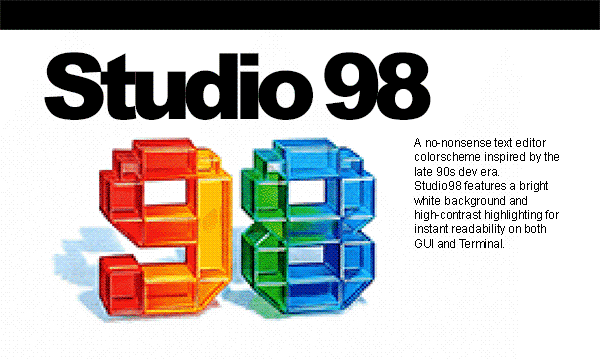
Studio98A high-contrast light colorscheme inspired by the Visual Studio 6.0 era (late 90s). Installation Launch VS Code Quick Open ( Ctrl+P), paste the following command, and press enter.Copied to clipboard |

Studio98 for Visual Studio Code
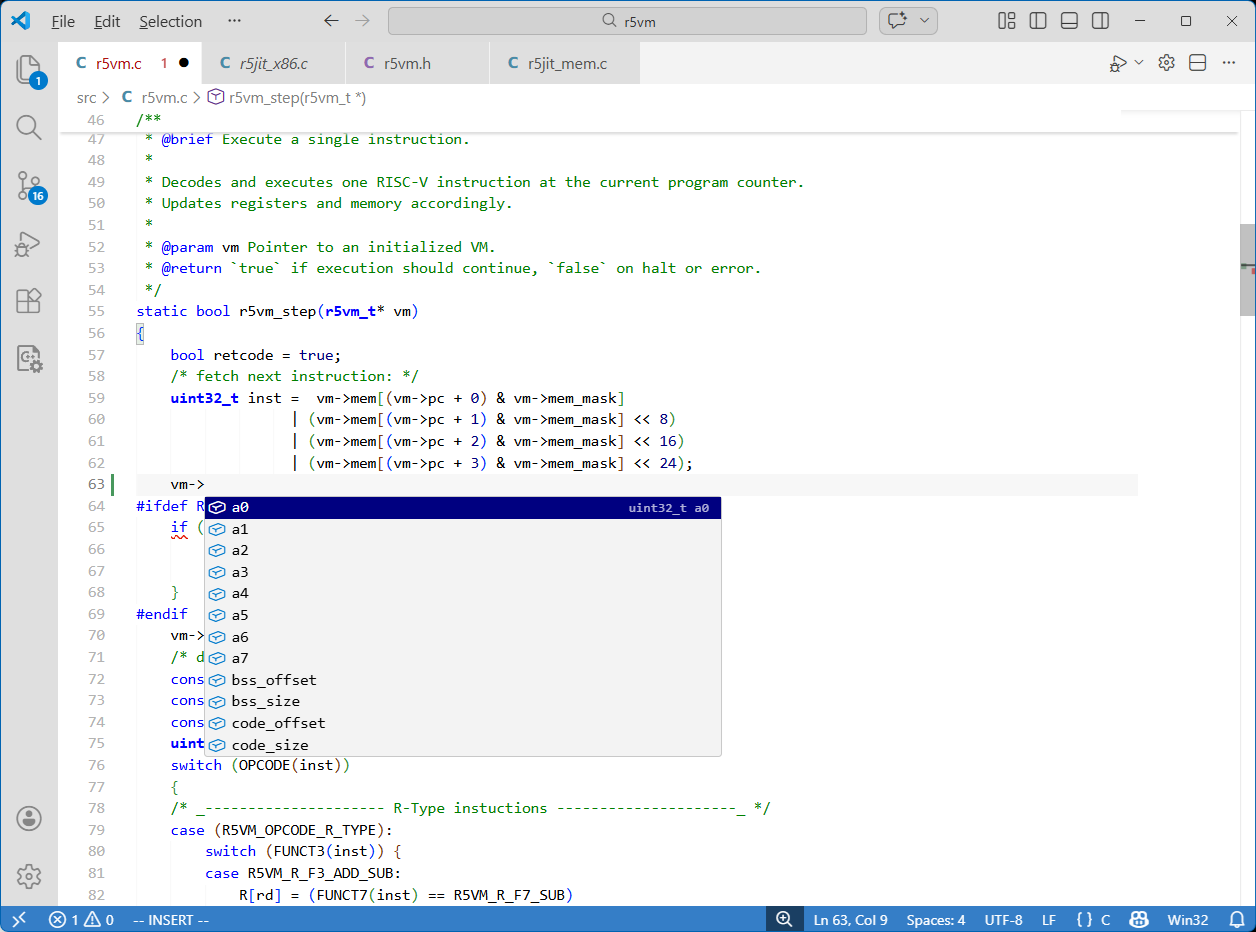
Studio98 is a text editor colorscheme inspired by the Visual Studio 6.0 era on Windows 98/NT. It brings back the classic aesthetic from a time when editors were simple, fast, and got out of the way. Built for focus, it features a bright white background and high-contrast syntax highlighting (Pure Blue for keywords, Dark Blue for types, Green for comments). No trendy low-contrast themes, no distractions - just clear, sharp text that keeps you locked into the code.
Features
Installation
Issues & SuggestionsThis theme is open source. If you find any issues or have suggestions for improvements, please visit the GitHub repository. Enjoy the nostalgia! |