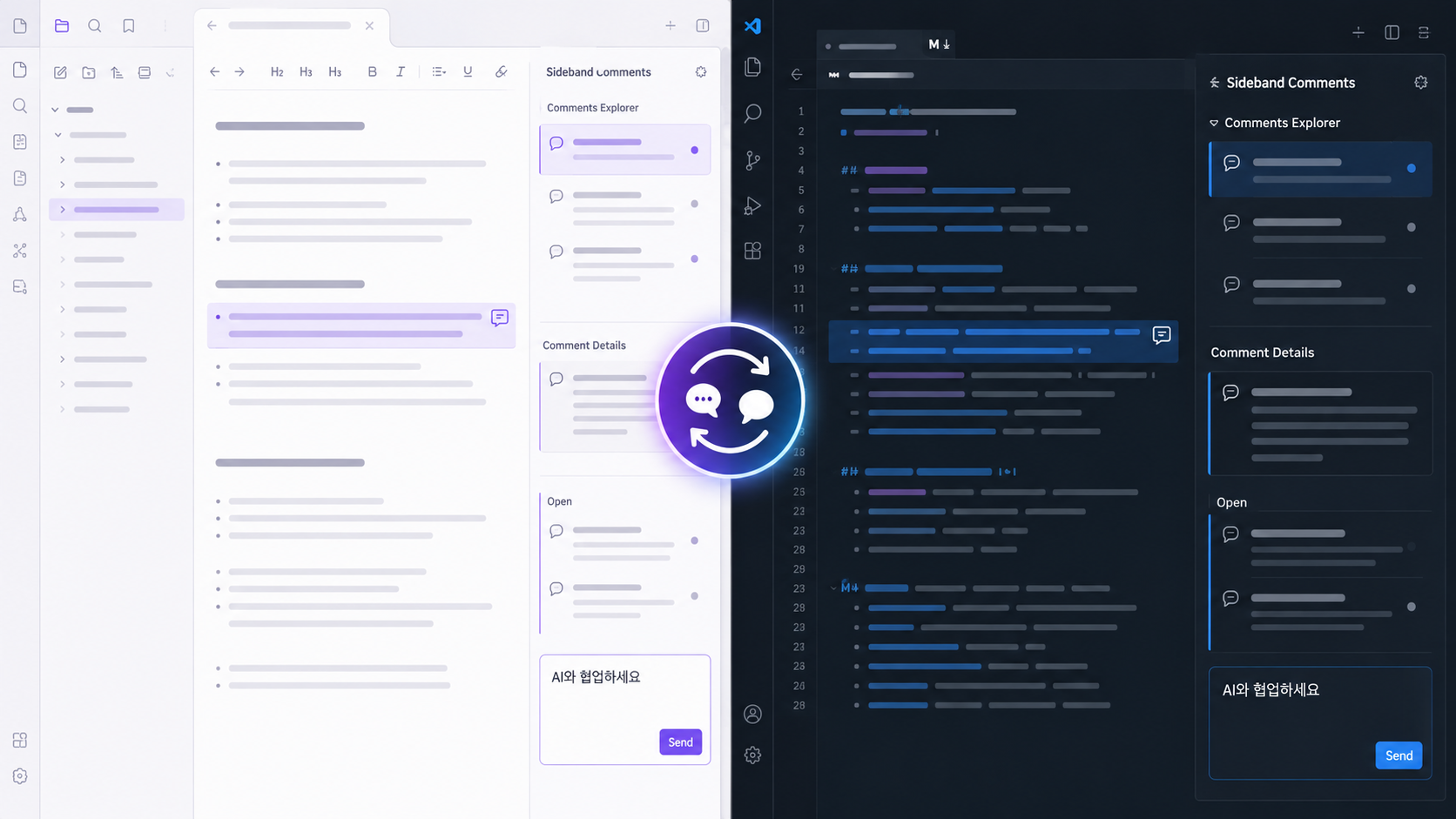
Sideband Comments for VS Code
Work with AI where the document lives.
AI conversations move fast, but the reasoning behind a change often disappears into chat history. Sideband Comments anchors questions, replies, and decisions to the exact text under review while keeping the document itself clean. Open the same review history in Obsidian or VS Code. Writers, knowledge workers, developers, and file-aware AI tools can discuss a document, inspect the resulting change, and resolve the thread only after it has been verified. Why Sideband Comments
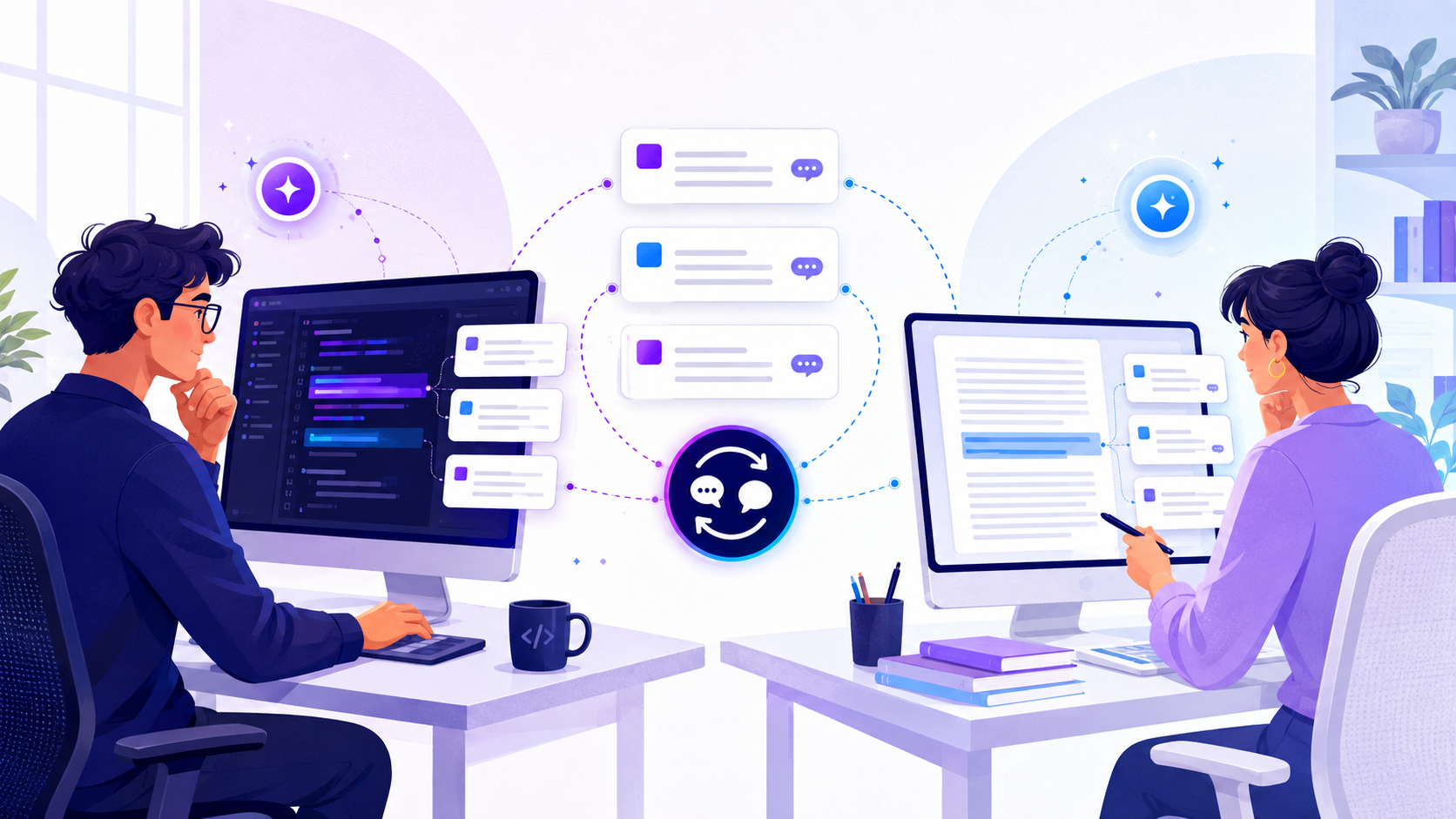
Built for code and writingSideband Comments is not limited to developer code review. Developers can review AI-assisted code in VS Code while writers, researchers, and knowledge workers use the same document-grounded workflow in Obsidian.
When a file-aware AI tool has access to the workspace, instructions and replies can stay attached to the source instead of being repeatedly transferred through a separate chat. Sideband Comments does not call an AI service; it provides the durable local review layer that people and tools can share. How it works
Comments Explorer groups commented files by workspace and directory. Comment Details keeps original text, comments, replies, and inline create, edit, delete, resolve, reopen, and re-anchor controls together. Native editor comment markers remain available, while the detail view is the main editing surface. Existing Anchored Comments v2 event logs are read in place, so their comments and replies remain visible without rewriting the original JSONL history. External JSONL reload and file relocation are also supported. Sideband Comments does not require MCP, agent, or skill integration. See the GitHub repository for architecture, development, Obsidian installation, and Tandem Comments migration instructions. |