Skip to content
| Marketplace
Sign in
Visual Studio Code>Themes>Noctis ThemeNew to Visual Studio Code? Get it now.
Noctis Theme

Noctis Theme

in3nsec

|
5 installs
| (1) | Free
A dark theme for Visual Studio Code focused on aesthetics and code legibility.
Installation
Launch VS Code Quick Open (Ctrl+P), paste the following command, and press enter.
Copied to clipboard
More Info

Noctis Theme

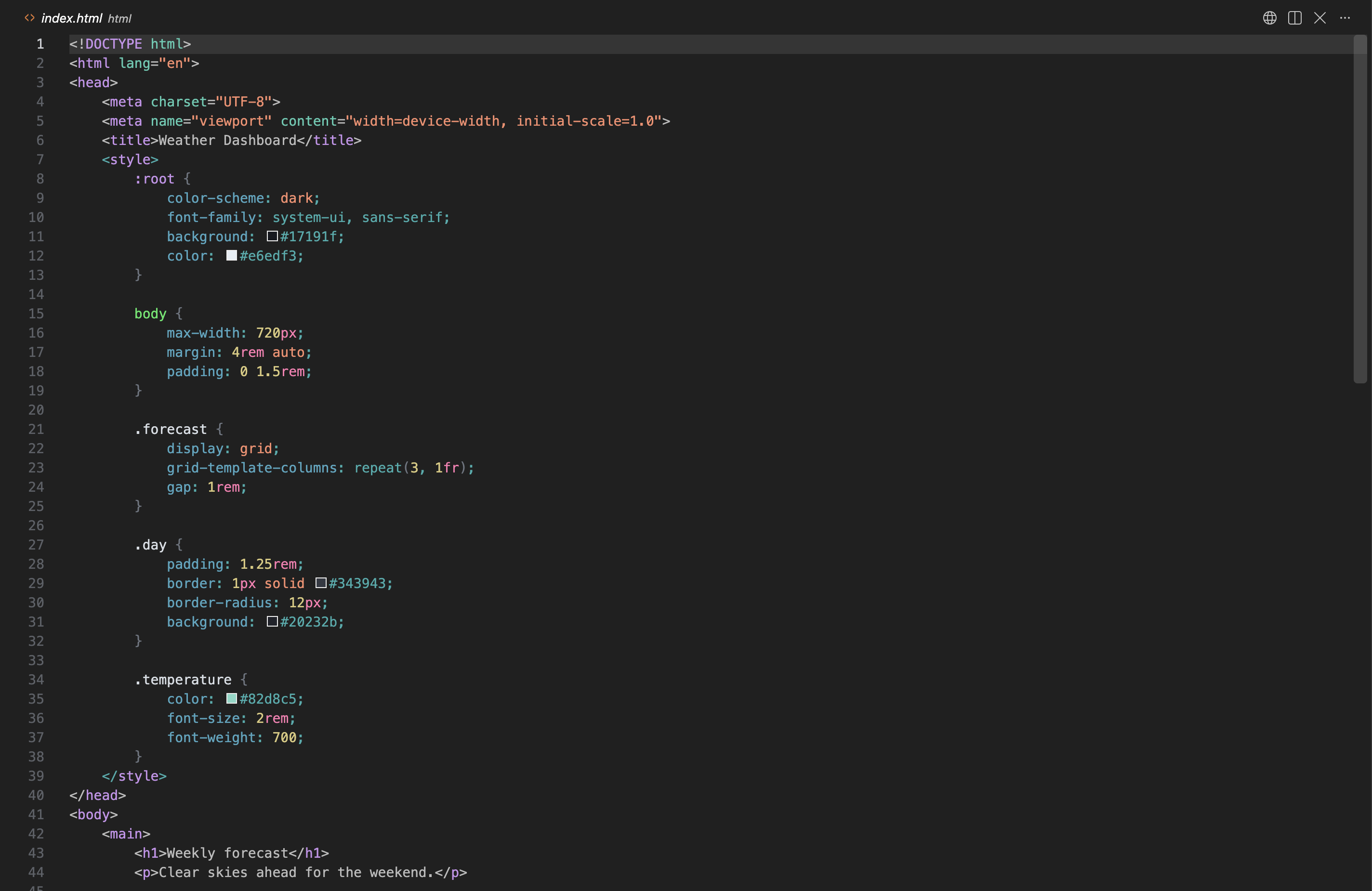
Noctis is a dark Visual Studio Code theme built around a deep charcoal editor and softly layered gray UI. Its syntax palette blends cool cyan, teal, and blue accents with violet, pink, and warm highlights to make code elements easy to distinguish while keeping the overall look calm and cohesive.

Features

  • Deep charcoal background for reduced eye strain
  • High contrast syntax highlighting for better code readability

Screenshots

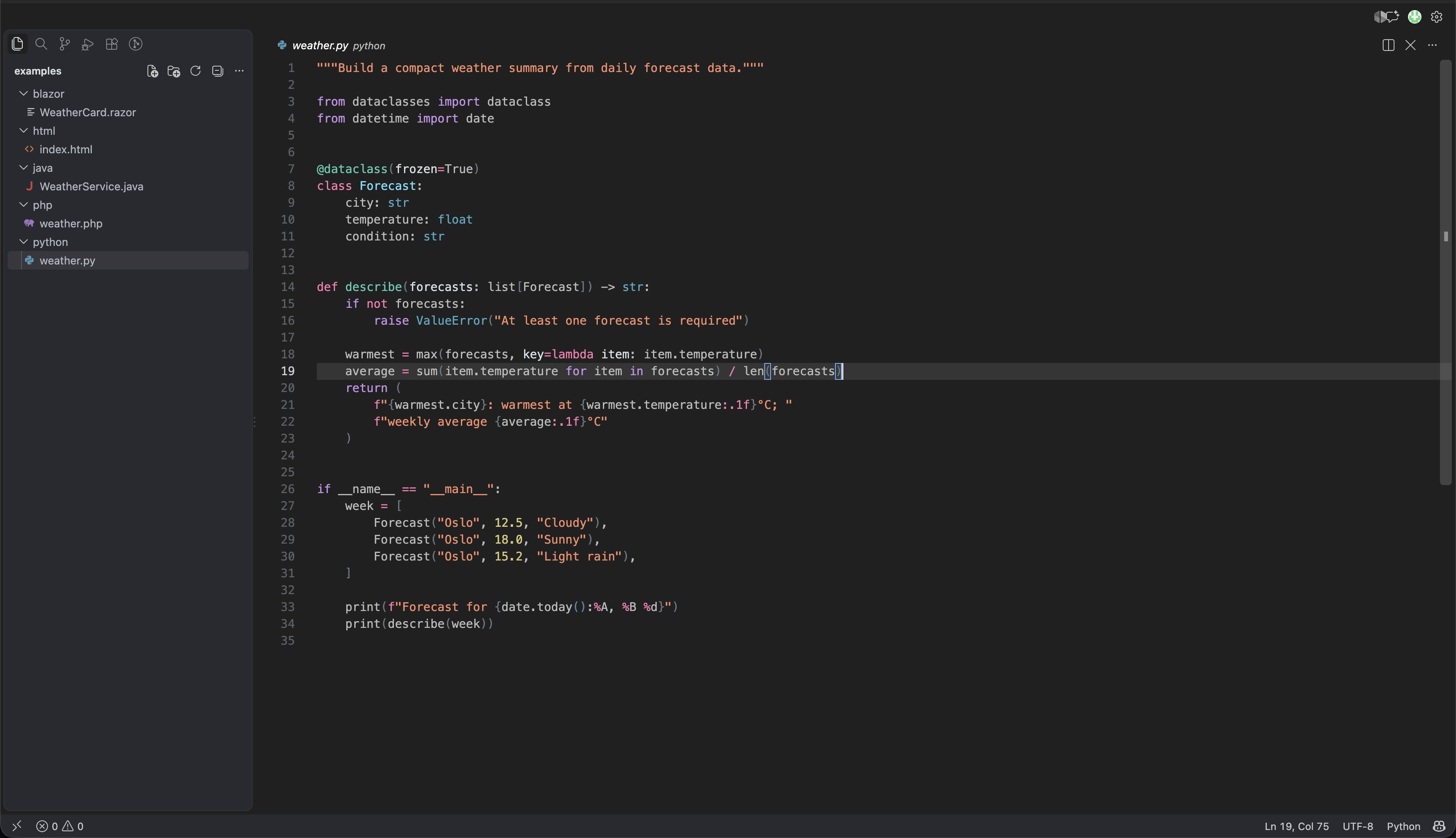
Preview

Noctis Theme

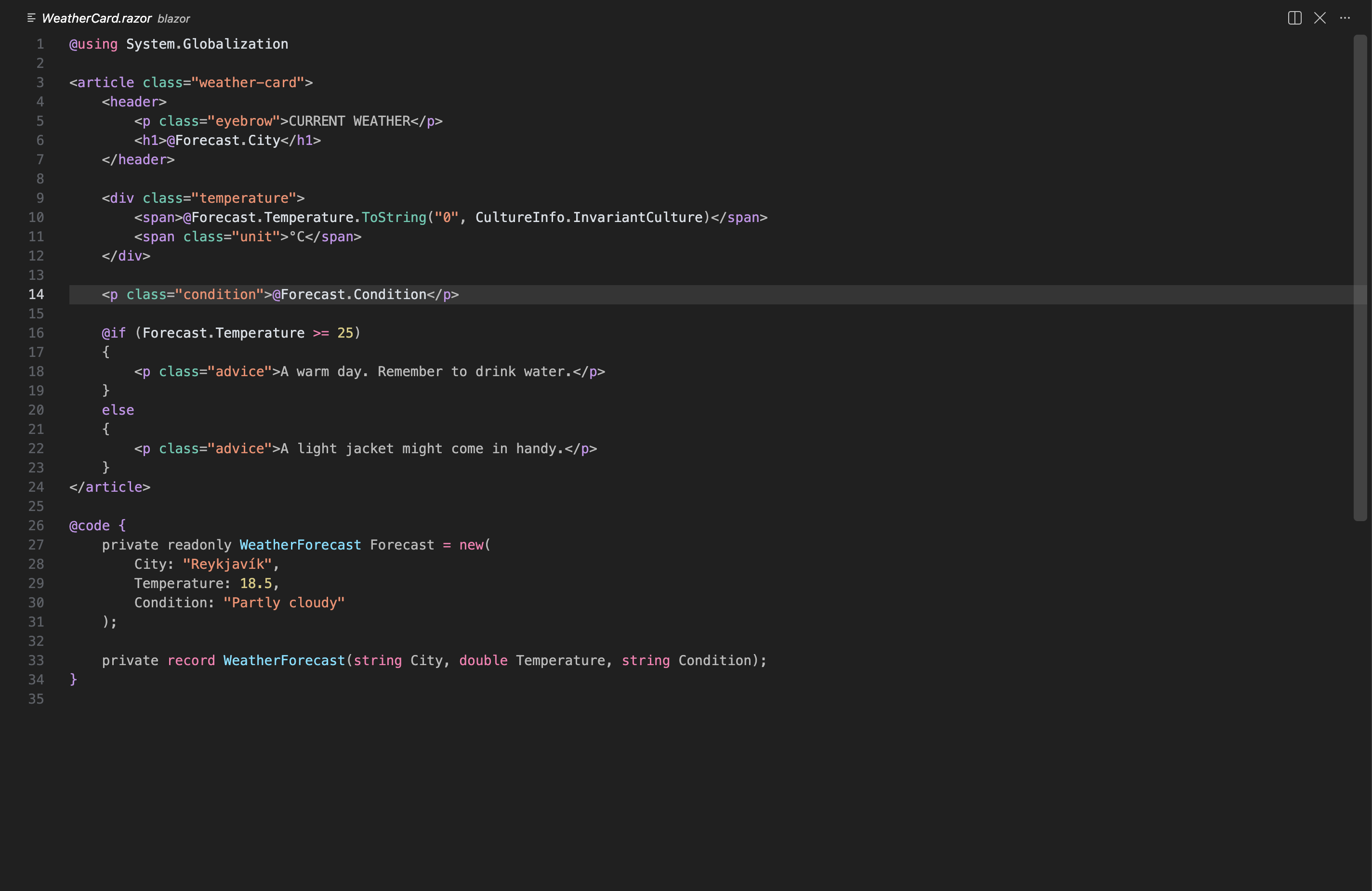
Blazor

Noctis Theme in Blazor

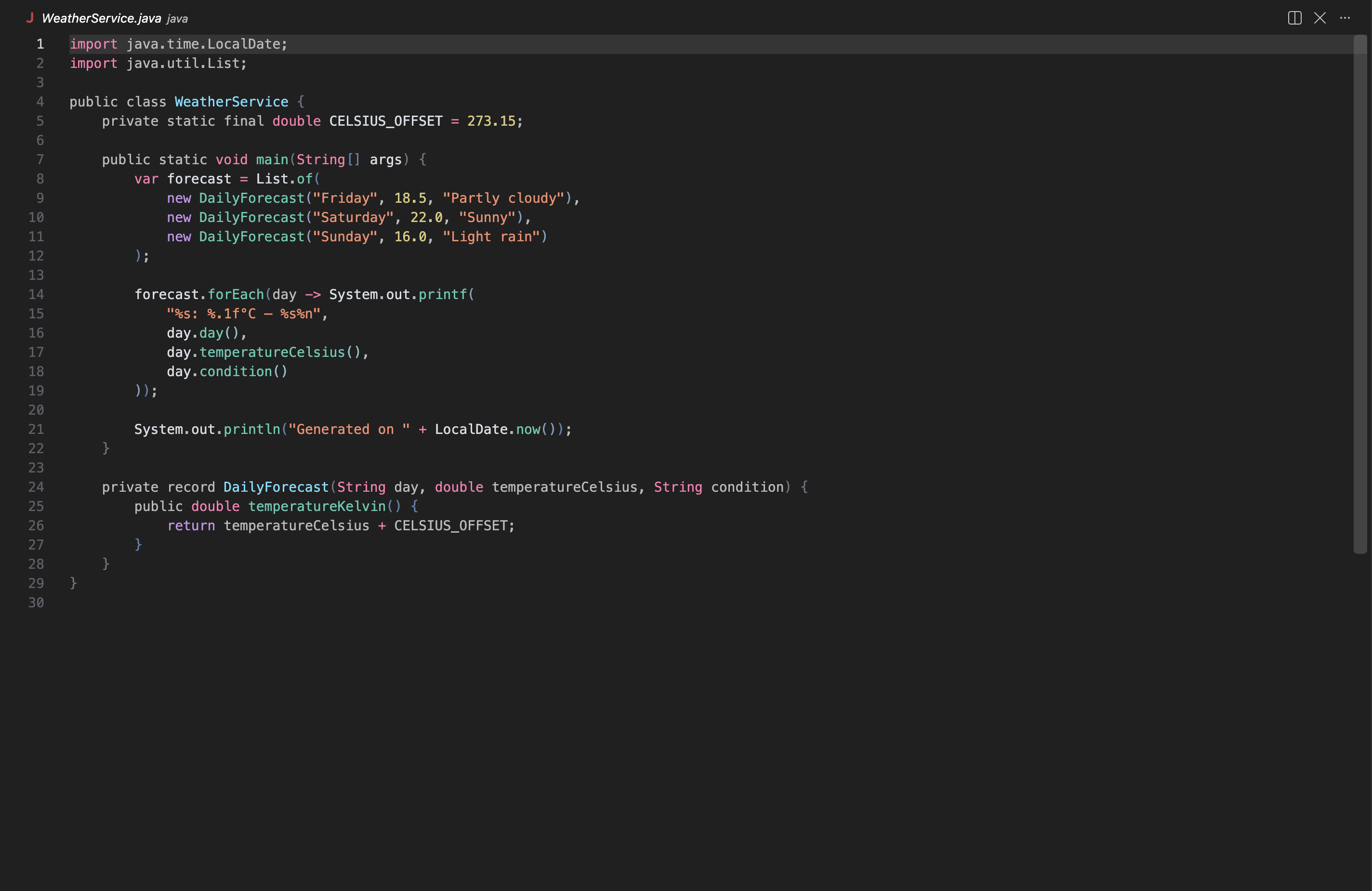
Java

Noctis Theme in Java

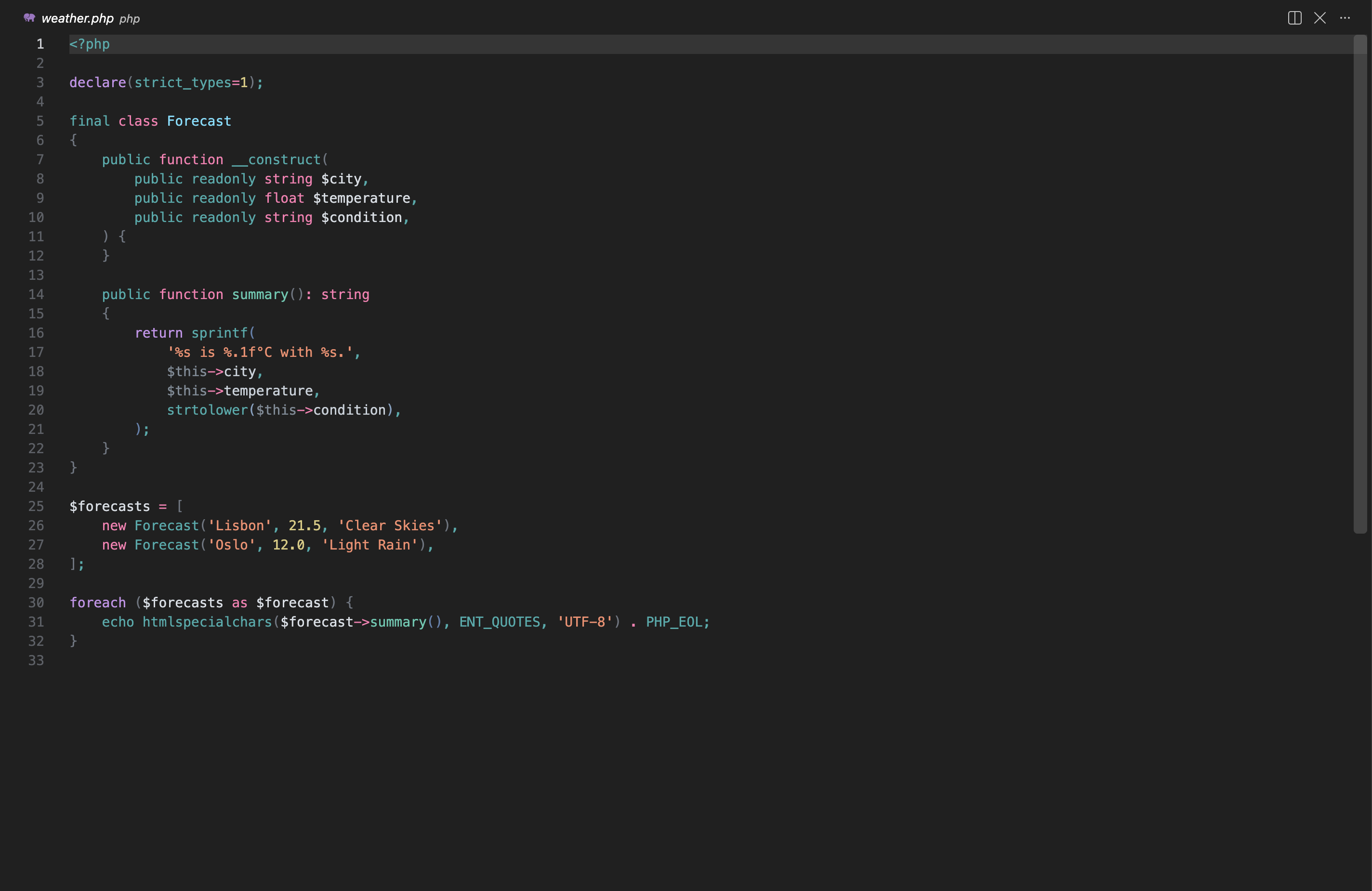
PHP

Noctis Theme in PHP

HTML

Noctis Theme in HTML

  • Contact us
  • Jobs
  • Privacy
  • Manage cookies
  • Terms of use
  • Trademarks
  • Your Privacy Choices
  • Consumer Health Privacy
© 2026 Microsoft