Office Viewer
Office document viewer extension for VS Code with high-fidelity local rendering for .docx, .xlsx, and .pptx files. Modern, fast, fully local.
Highlights
- Fully offline and private. Documents are rendered locally inside a sandboxed webview. Nothing is uploaded.
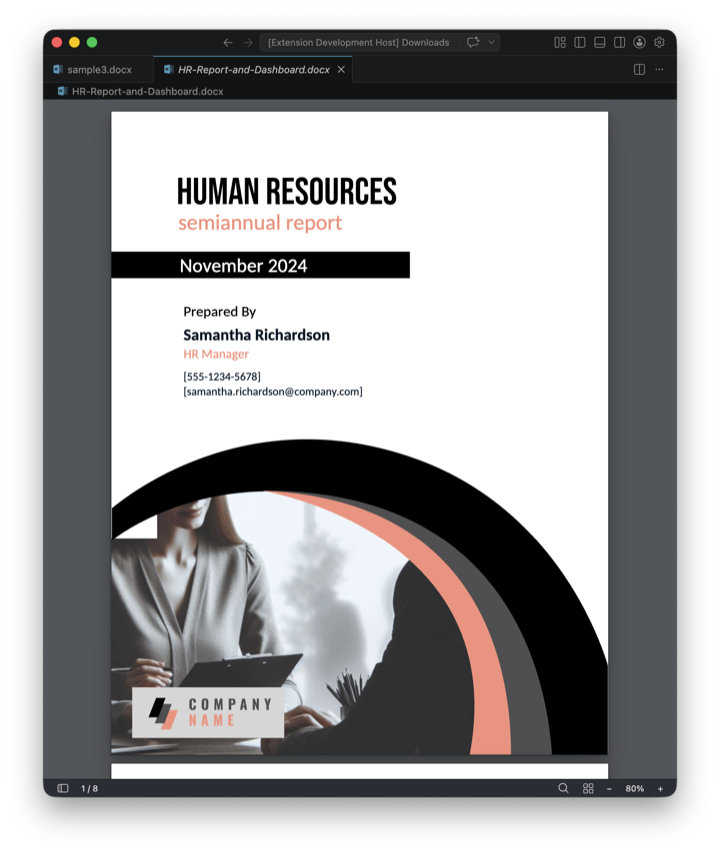
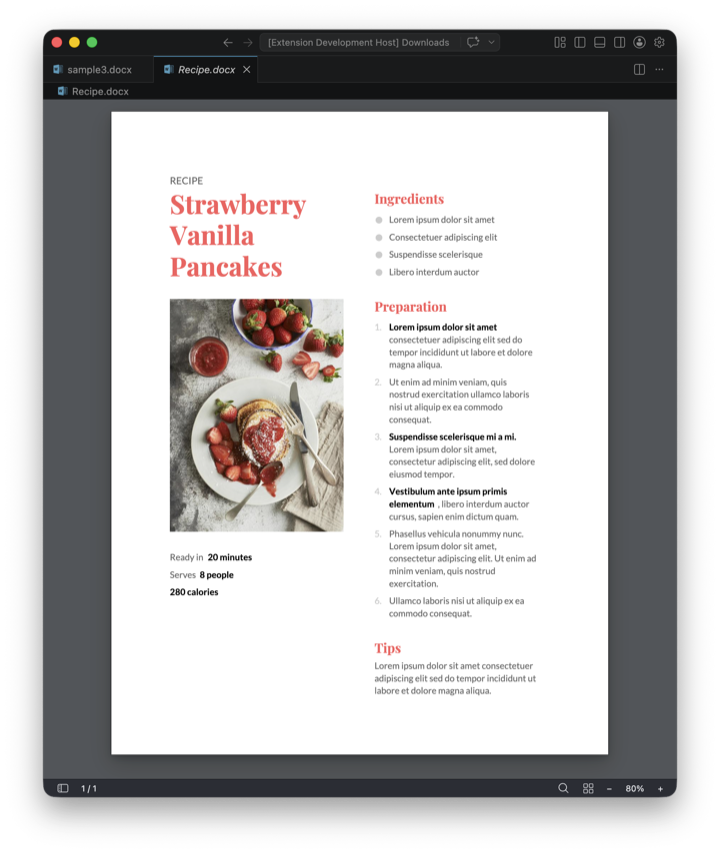
- High-fidelity rendering. Faithful reproduction of fonts, layouts, shapes, charts, and effects so documents look the way their authors intended.
- Selectable text and clickable links. Copy text out like on a web page, follow external hyperlinks, and jump between sheets in Excel.
- Full-text search. Case-sensitive and whole-word options across all pages. In Excel, search matches displayed values or underlying formulas, with cell addresses in results.
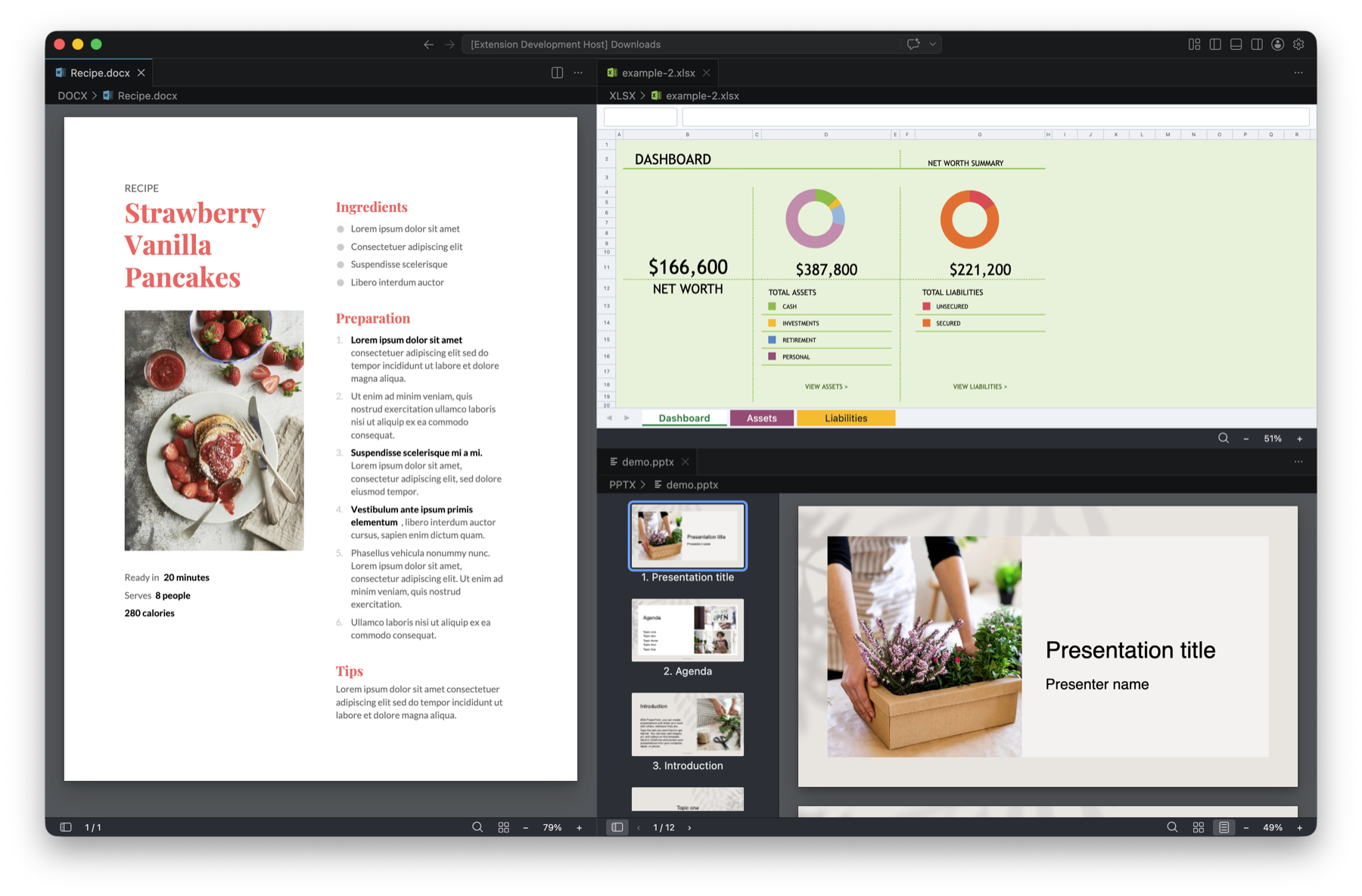
- Multi-pane support. Open the same file in split panes to compare different pages side by side.
Word
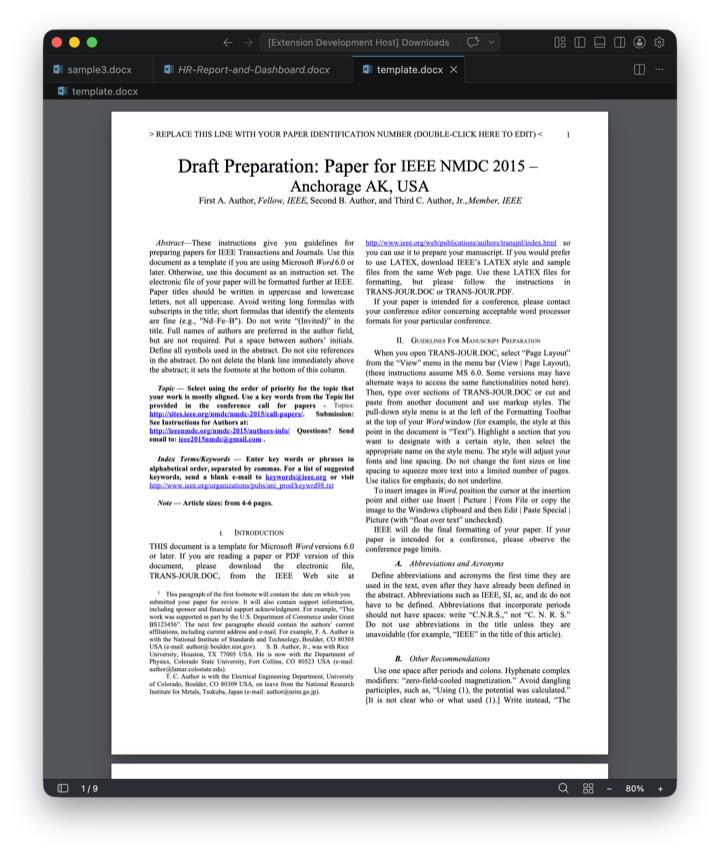
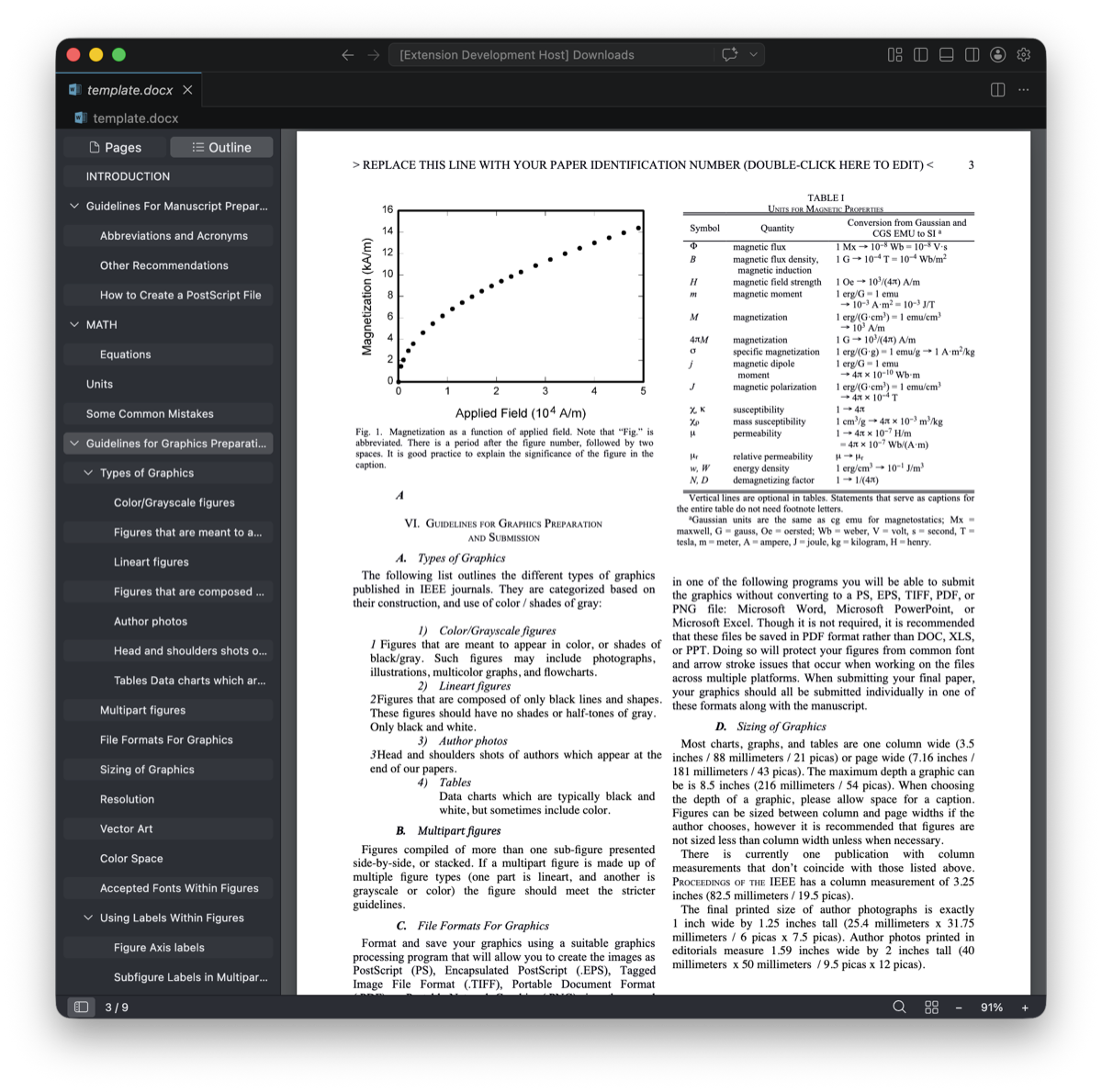
Headers and footers, comments, footnotes, endnotes, tracked changes, bookmarks, hyperlinks, table of contents, and math equations.
PowerPoint
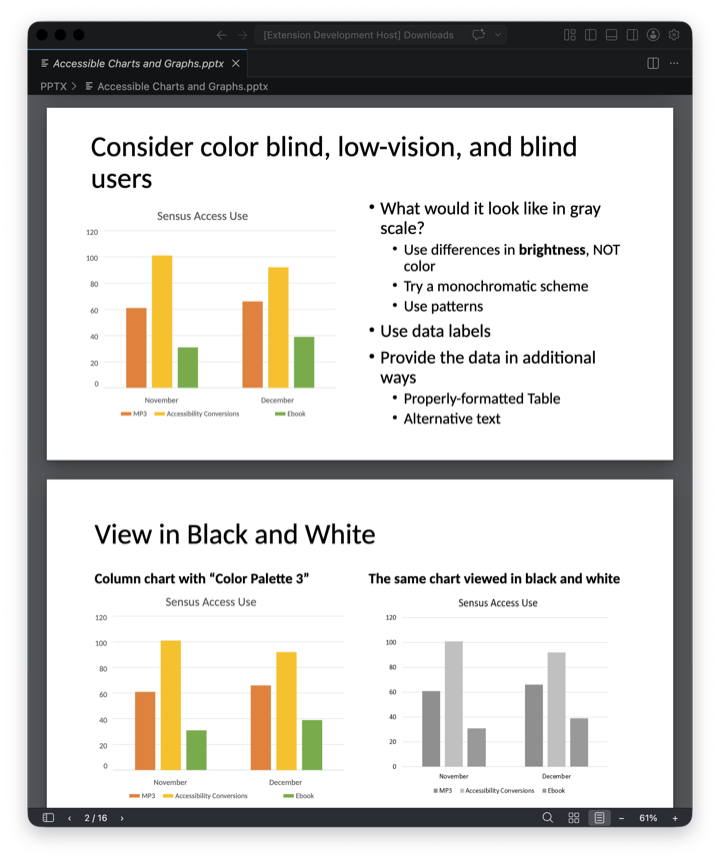
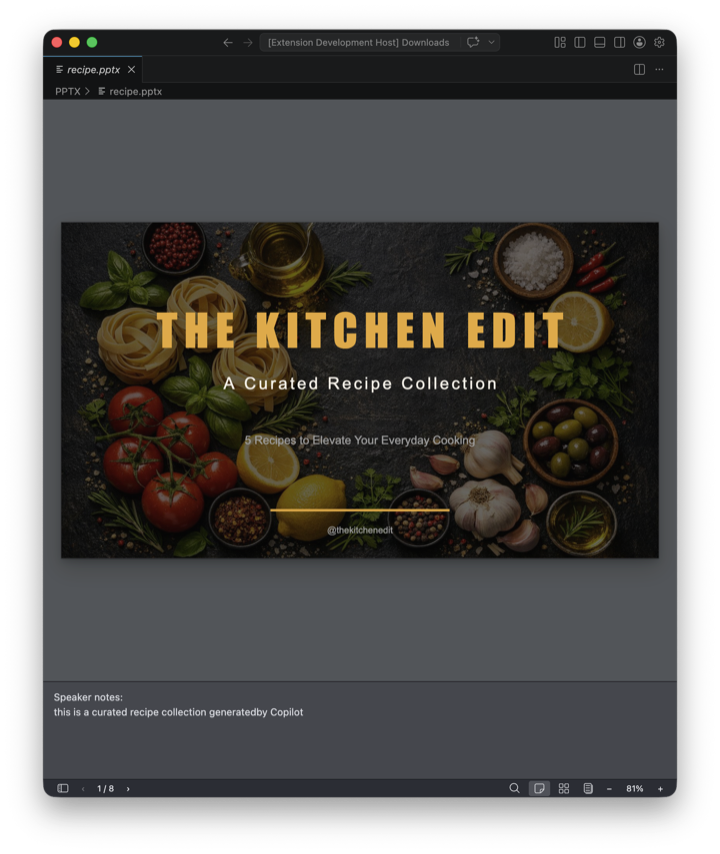
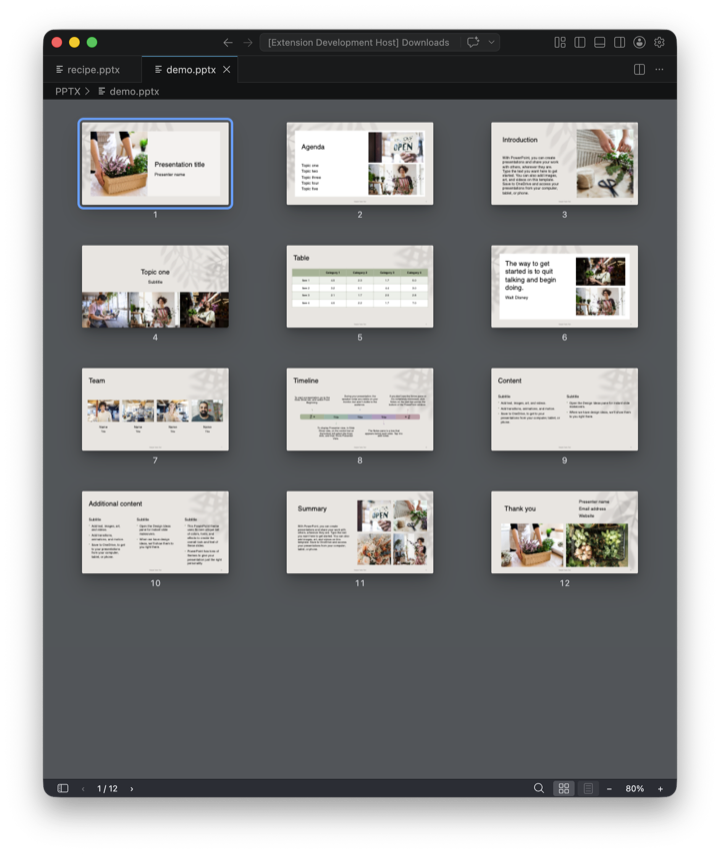
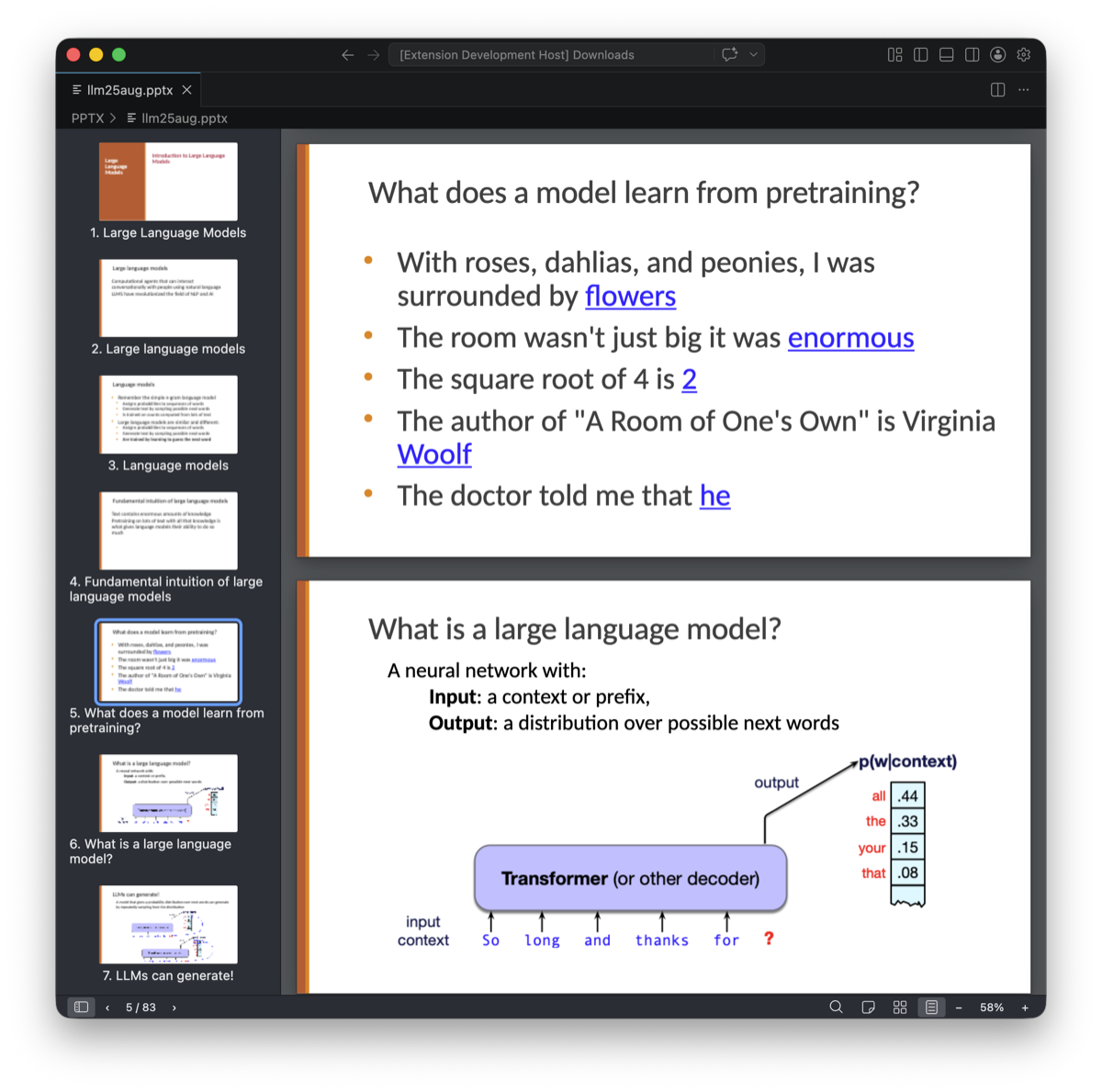
Shapes, SmartArt diagrams, charts, tables, and speaker notes. Continuous scroll or single-slide mode, plus a slide sorter grid view.
Excel
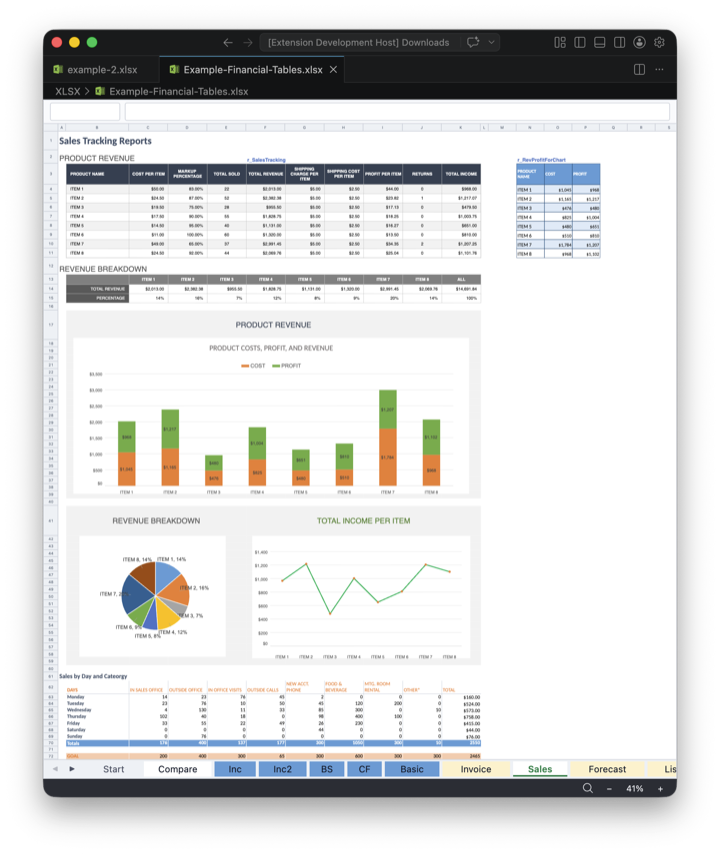
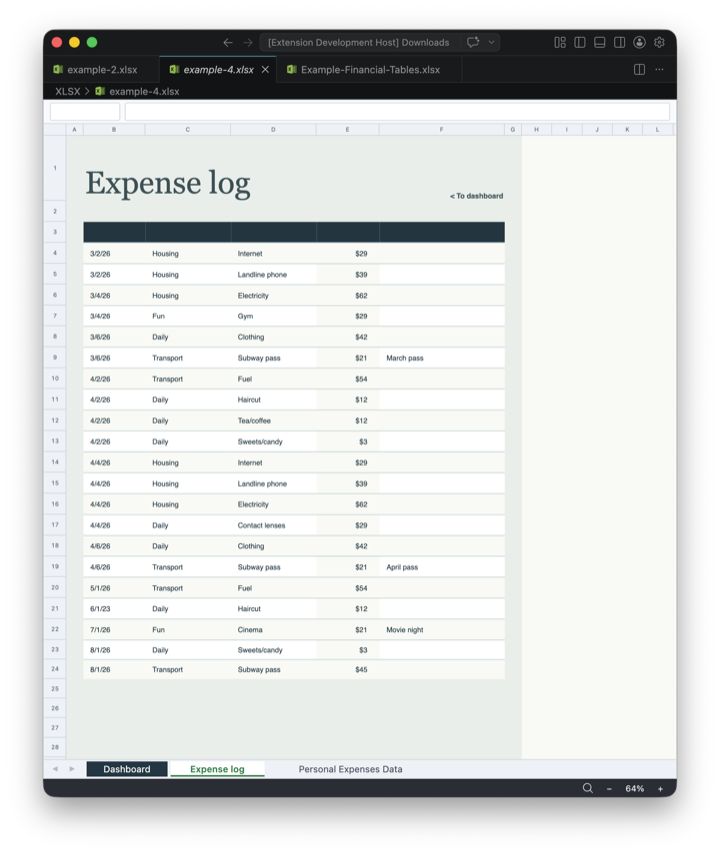
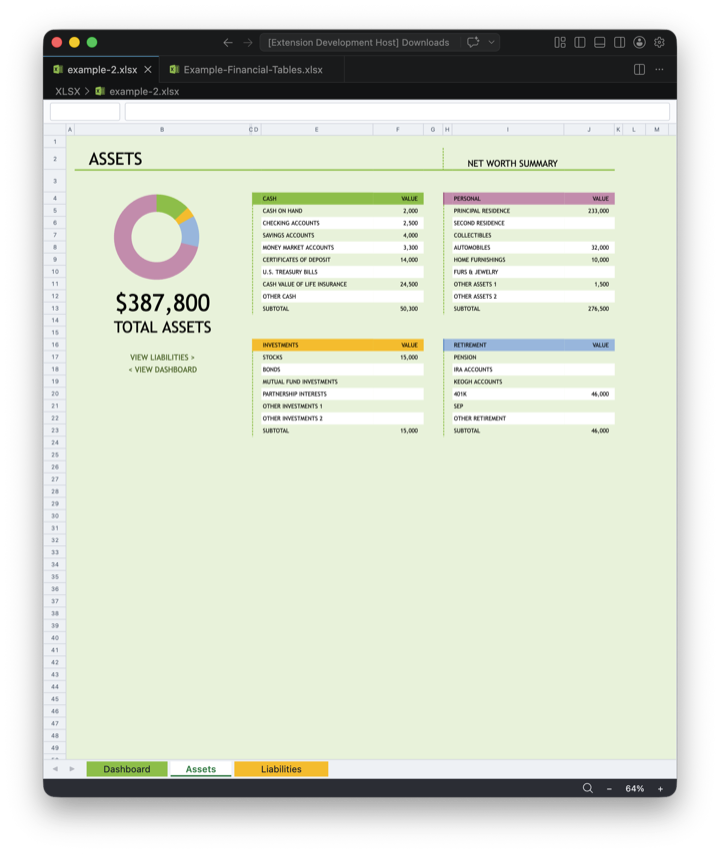
Merged cells, frozen panes, conditional formatting (data bars, color scales, icon sets), sparklines, formulas, cell comments, and built-in table styles.
Smooth navigation
- Toolbar with page navigation, jump-to-page, zoom in and out, and zoom presets (fit page, fit width, actual size, 50% to 400%).
- Sidebar with page thumbnails and a clickable heading outline.
- Keyboard and touch: arrow keys to flip pages, Ctrl/Cmd+F to search, swipe to navigate slides.
Search anywhere
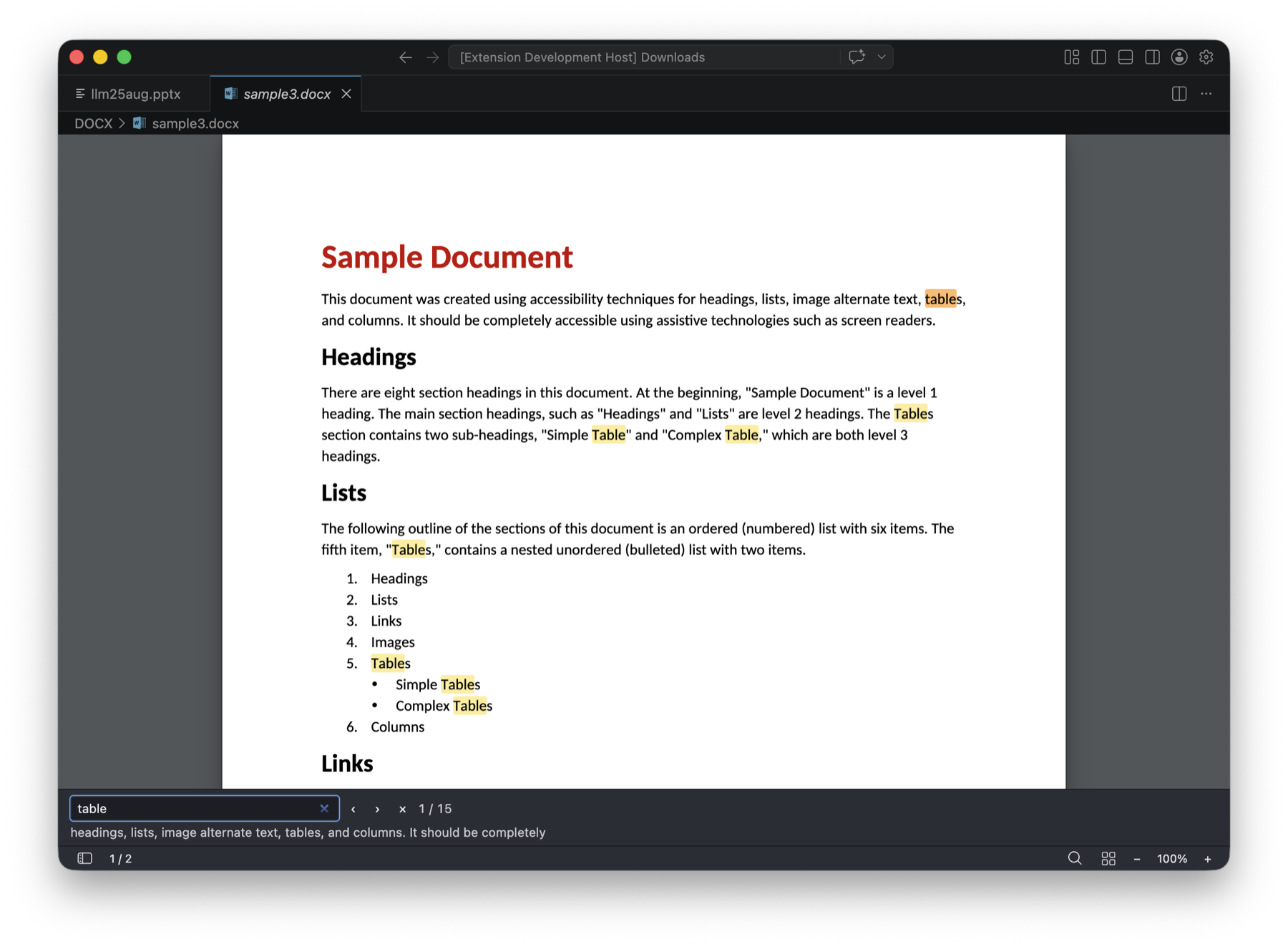
Find text across every page or sheet with case-sensitive and whole-word options. Excel search can match either the displayed value or the underlying formula, and results include the cell address.
Rendering details
- Embedded fonts and CJK fallbacks for correct Chinese, Japanese, and Korean text on any platform.
- Visual effects like gradients, shadows, glow, dashed strokes, and patterned fills.
- Page-on-demand rendering keeps large documents responsive while you scroll and zoom.
| |