Notes — Markdown Notebook
A minimalist markdown notebook that lives in your VS Code sidebar, with optional Claude Code AI generation. Plain .md files on disk — no database.
A from-scratch VS Code port of the JetBrains "Notes — Markdown Notebook" plugin. Same idea, rebuilt natively for VS Code in TypeScript.
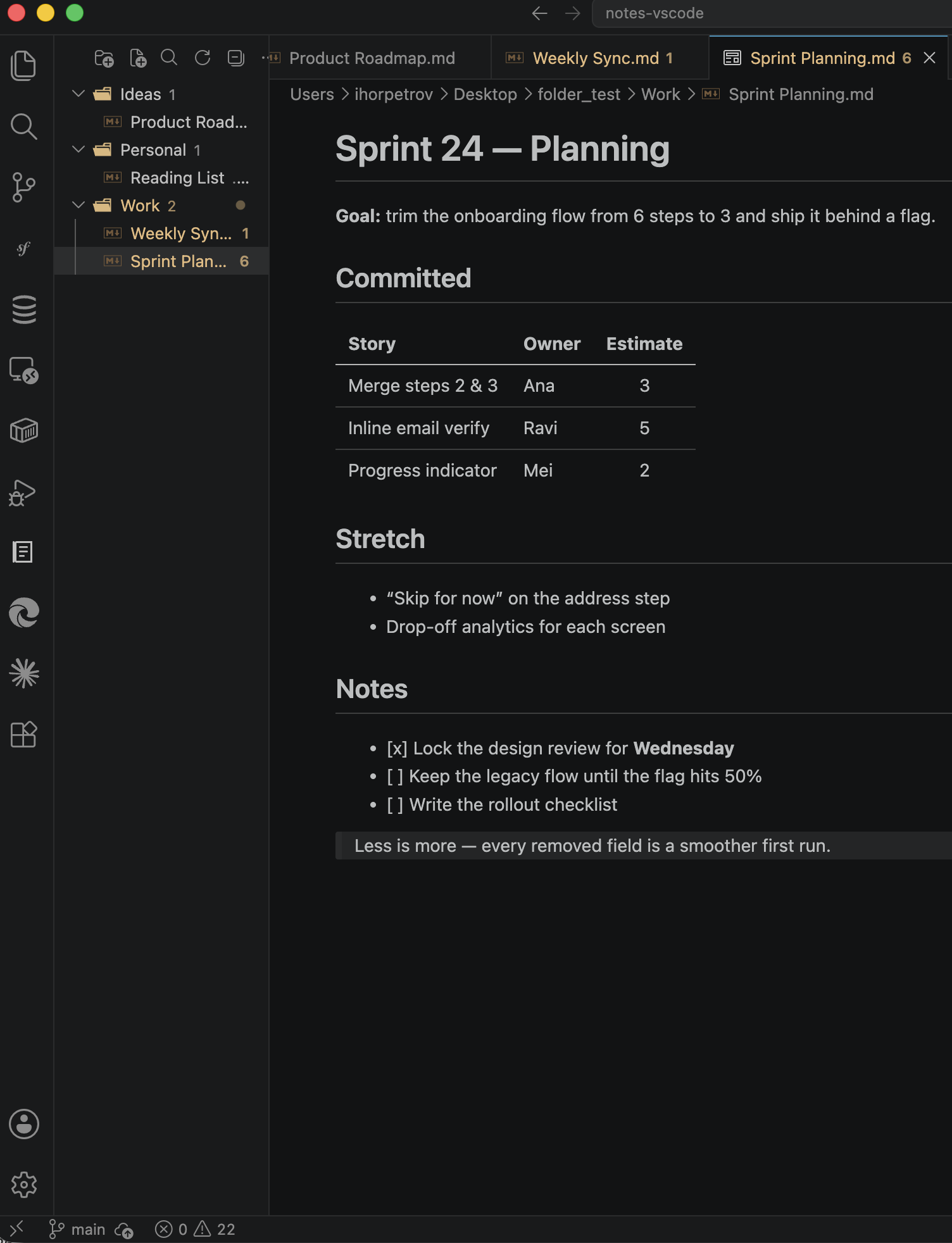
Features
- Notebooks & sections — create, rename, duplicate, and delete
.md notebooks; group them into section folders.
- Multiple notes folders — track several notes directories at once (e.g.
~/Notes and a project wiki). Each appears as a top-level group in the tree. (New in the VS Code edition.)
- Shared or per-project folders — keep some folders available everywhere and scope others to the current workspace with a single checkbox in the Settings page.
- Quick Open — fuzzy-search and jump to any notebook across all folders (
Cmd/Ctrl+Alt+N).
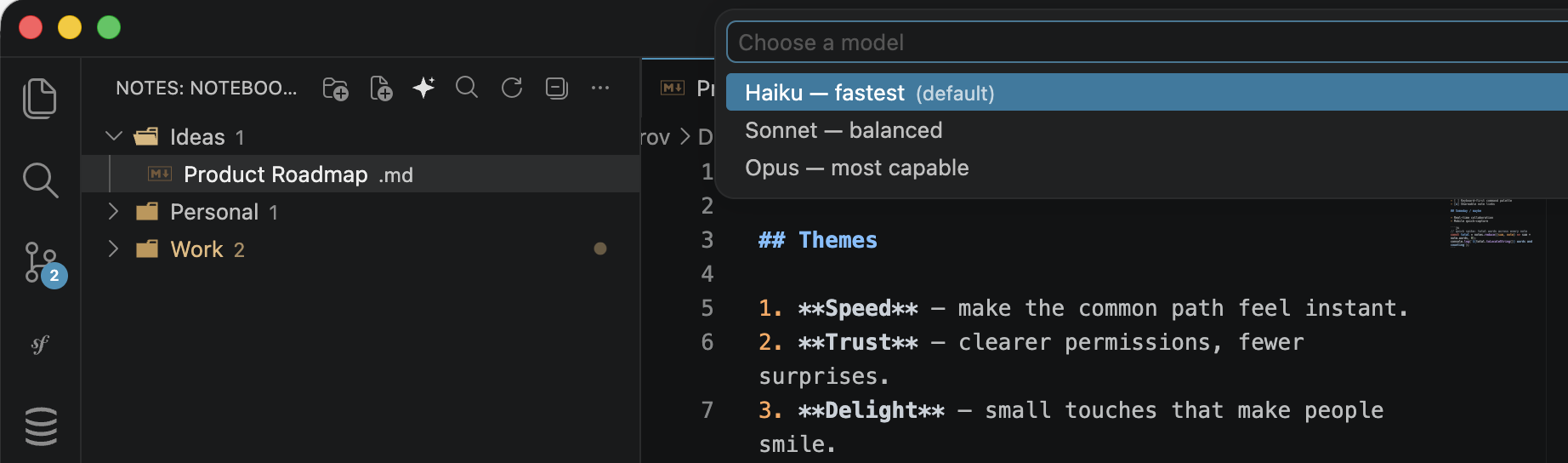
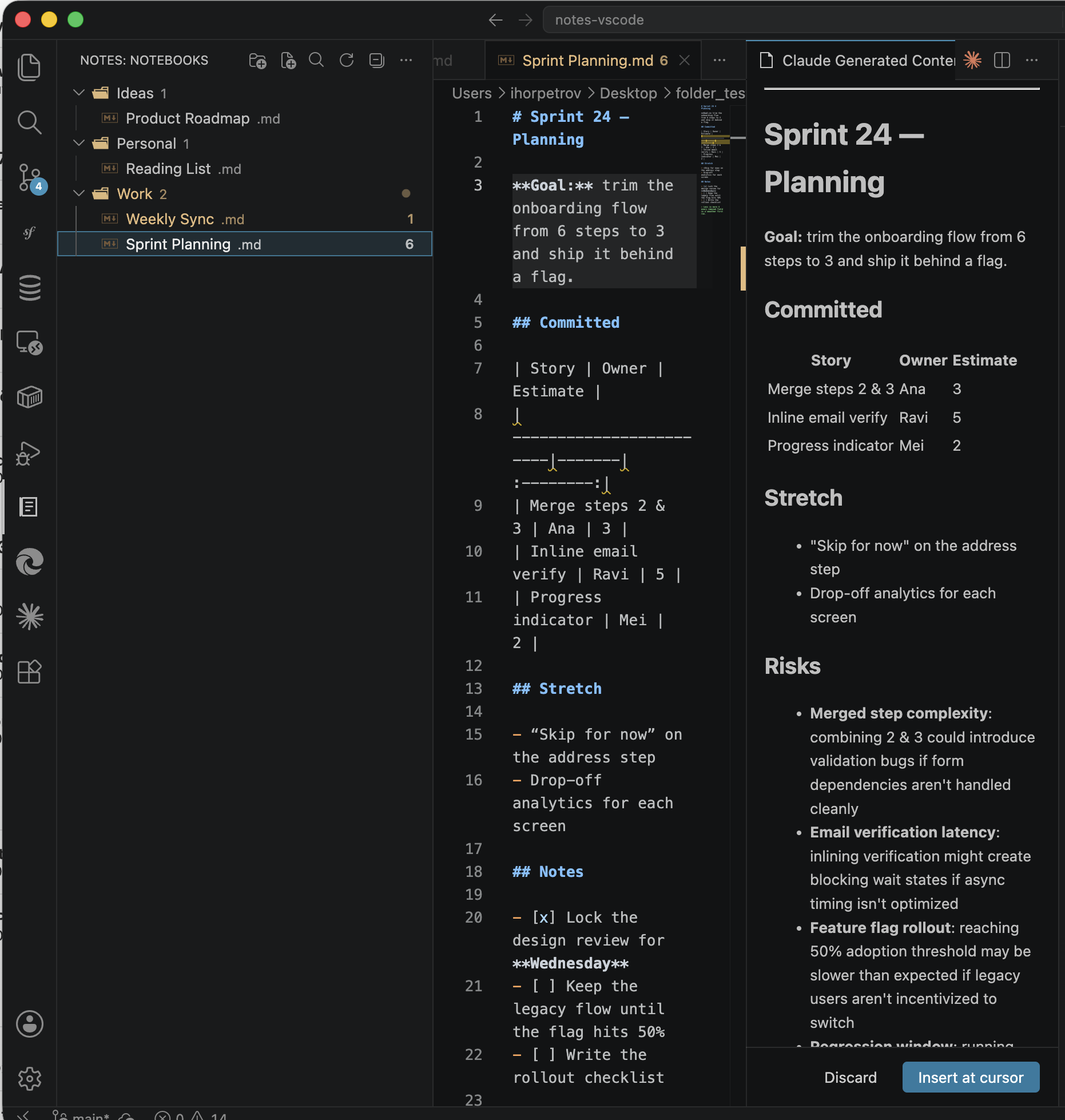
- Generate with Claude — write markdown with Claude Code using your existing Pro/Max subscription (no API key). Pick a model per request, preview the rendered result, then insert at your cursor.
- Sandboxed AI — Claude runs with all tools disabled, no MCP servers, and no skills. It can only read and write text back to you; it cannot run commands or touch your files.
- Native markdown preview — open any notebook in VS Code's built-in editor and preview.
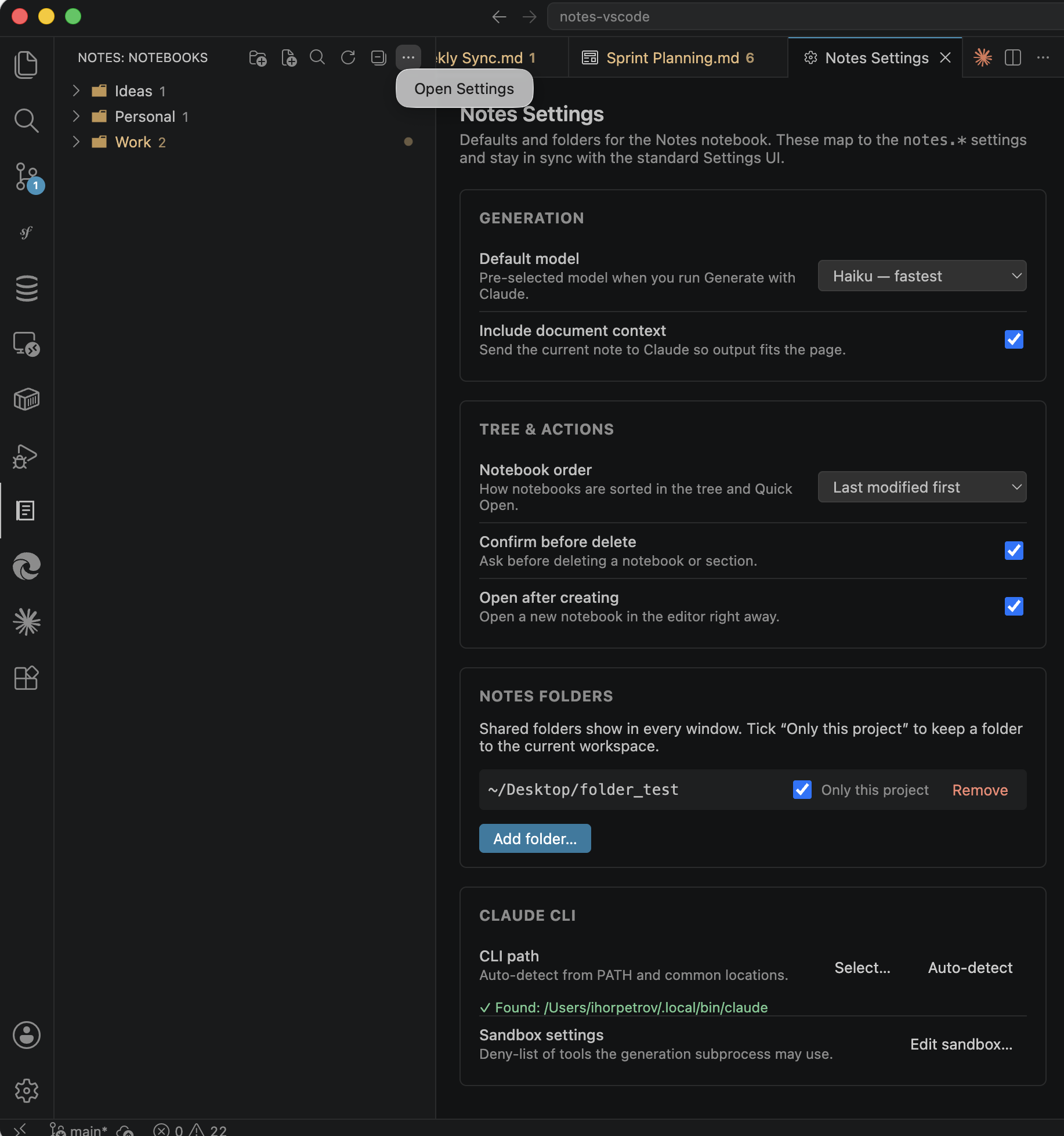
- Settings page — a one-stop panel (gear icon) for the default model, notebook ordering, delete/create behaviour, notes folders, and Claude CLI status.
- Theme-aware — uses native file/folder icons and a light/dark Claude action icon.
Screenshots
Generating with Claude — pick a model, describe what you want, then review the rendered result before it touches your note:
| Choose a model |
Review, then insert |
 |
 |
The Settings panel — one place for the default model, generation behaviour, tree ordering, notes folders, and Claude CLI status:
How it works
Click the Notes icon in the Activity Bar. The view shows a tree of your notebooks and sections.
- Title bar: New Section, New Notebook, Generate with Claude, Quick Open, Refresh. The
… menu has Open Settings.
- Right-click a notebook: Open Preview, Rename, Duplicate, Reveal in File Explorer, Delete.
- Click a notebook to open it in the editor.
Notes are stored as .md files in the folders you configure (default ~/Notes):
~/Notes/
  Meeting Notes.md
  Backend/
    API Endpoints.md
  Ideas/
    Roadmap.md
Generate with Claude
- Open a markdown note.
- Run Generate with Claude (title-bar button, editor title,
Cmd/Ctrl+Alt+G, or the command palette).
- Choose a model (Haiku / Sonnet / Opus) and type a prompt.
- Review the rendered preview, then Insert at cursor or Discard.
Under the hood it runs:
claude -p "<prompt>" --output-format stream-json --verbose --model <model> \
  --system-prompt "<writing assistant>" --strict-mcp-config --mcp-config '{"mcpServers":{}}' \
  --no-session-persistence --disable-slash-commands --tools "" --settings <sandbox.json>
The sandbox settings (deny-list of tools) are managed for you and editable via Notes: Edit Claude Sandbox Settings.
Requirements for AI features: Claude Code CLI installed, and an active Claude Pro or Max subscription.
Settings
| Setting |
Description |
Default |
notes.notebookDirectories |
Shared notes folders, visible in every window (~ expands to home) |
["~/Notes"] |
notes.projectDirectories |
Notes folders scoped to the current workspace only |
[] |
notes.claudeCliPath |
Path to the claude binary (auto-detected if empty) |
"" |
notes.defaultModel |
Default model for generation |
haiku |
notes.includeDocumentContext |
Send the current note as context to Claude |
true |
notes.sandboxSettingsPath |
Custom Claude settings JSON (optional) |
"" |
notes.notebookSort |
Notebook order: modified or name |
modified |
notes.confirmDelete |
Confirm before deleting a notebook/section |
true |
notes.openOnCreate |
Open a new notebook right after creating it |
true |
Most of these are also editable from the Notes: Open Settings panel (the … overflow menu in the view title bar), including per-project folder scoping.
License
Copyright © 2026 Ihor Petrov. All rights reserved. See the license.

