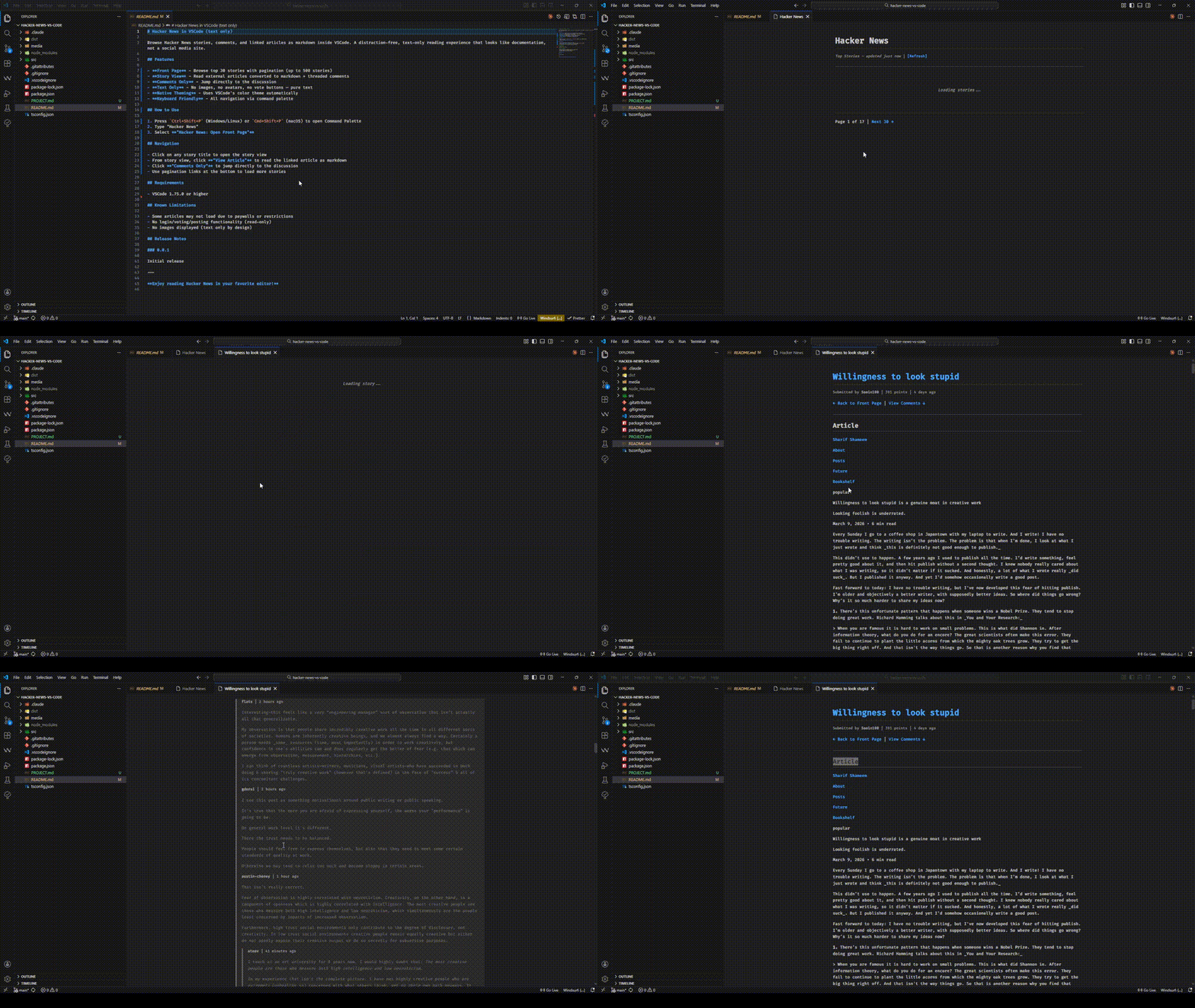
Browse Hacker News stories, comments, and linked articles as markdown inside VSCode. A distraction-free, text-only reading experience that looks like documentation, not a social media site.
Demo
Features
Front Page - Browse top 30 stories with pagination (up to 500 stories)
Story View - Read external articles converted to markdown + threaded comments
Comments Only - Jump directly to the discussion
Text Only - No images, no avatars, no vote buttons — pure text
Native Theming - Uses VSCode's color theme automatically
Keyboard Friendly - All navigation via command palette
How to Use
Press Ctrl+Shift+P (Windows/Linux) or Cmd+Shift+P (macOS) to open Command Palette
Type "Hacker News"
Select "Hacker News: Open Front Page"
Navigation
Click on any story title to open the story view
From story view, click "View Article" to read the linked article as markdown
Click "Comments Only" to jump directly to the discussion
Use pagination links at the bottom to load more stories
Requirements
VSCode 1.75.0 or higher
Known Limitations
Some articles may not load due to paywalls or restrictions
No login/voting/posting functionality (read-only)
No images displayed (text only by design)
Release Notes
1.0.1
made repo public
1.0.0
added readme
0.0.1
Initial release
Enjoy reading Hacker News in your favorite editor!