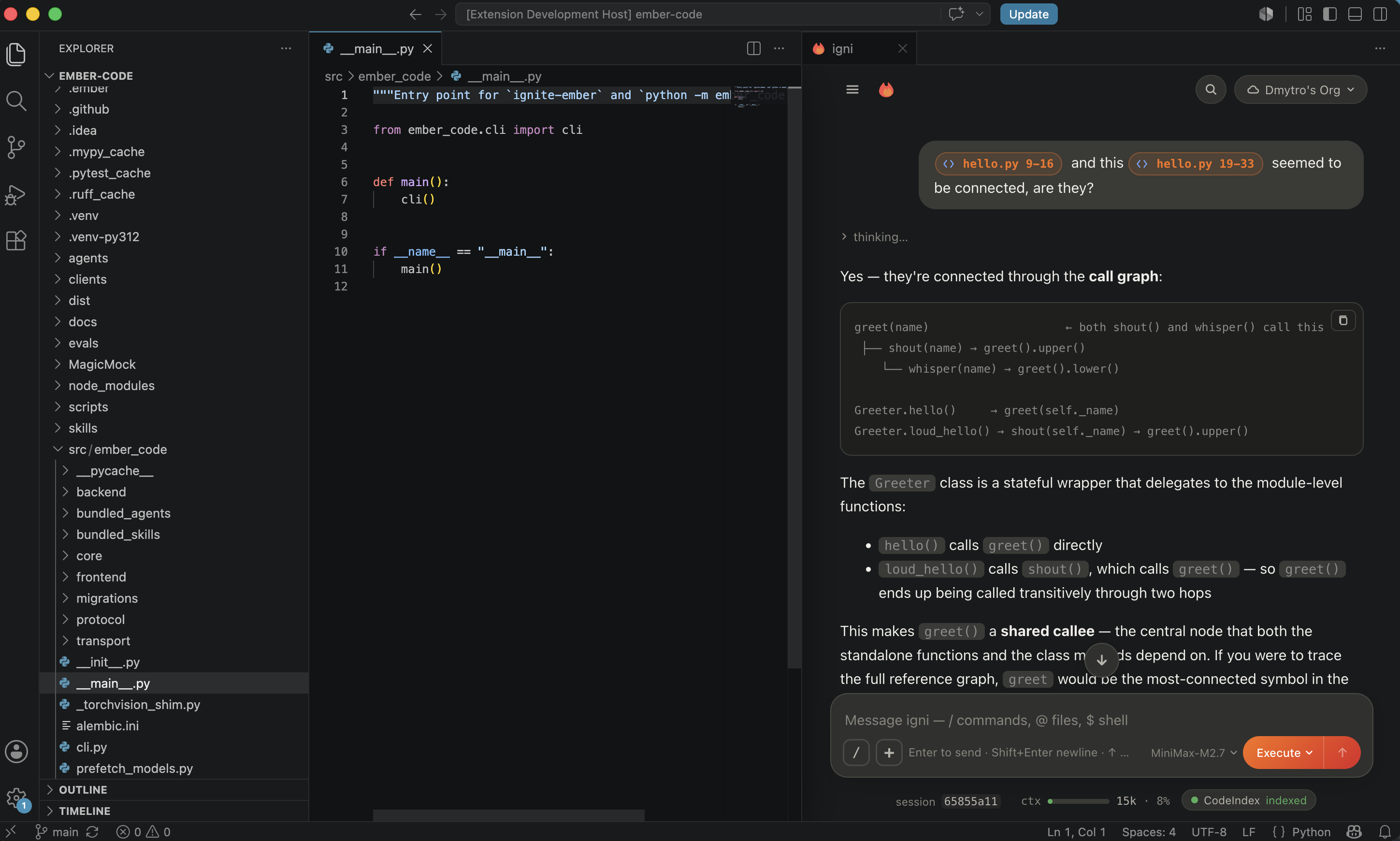
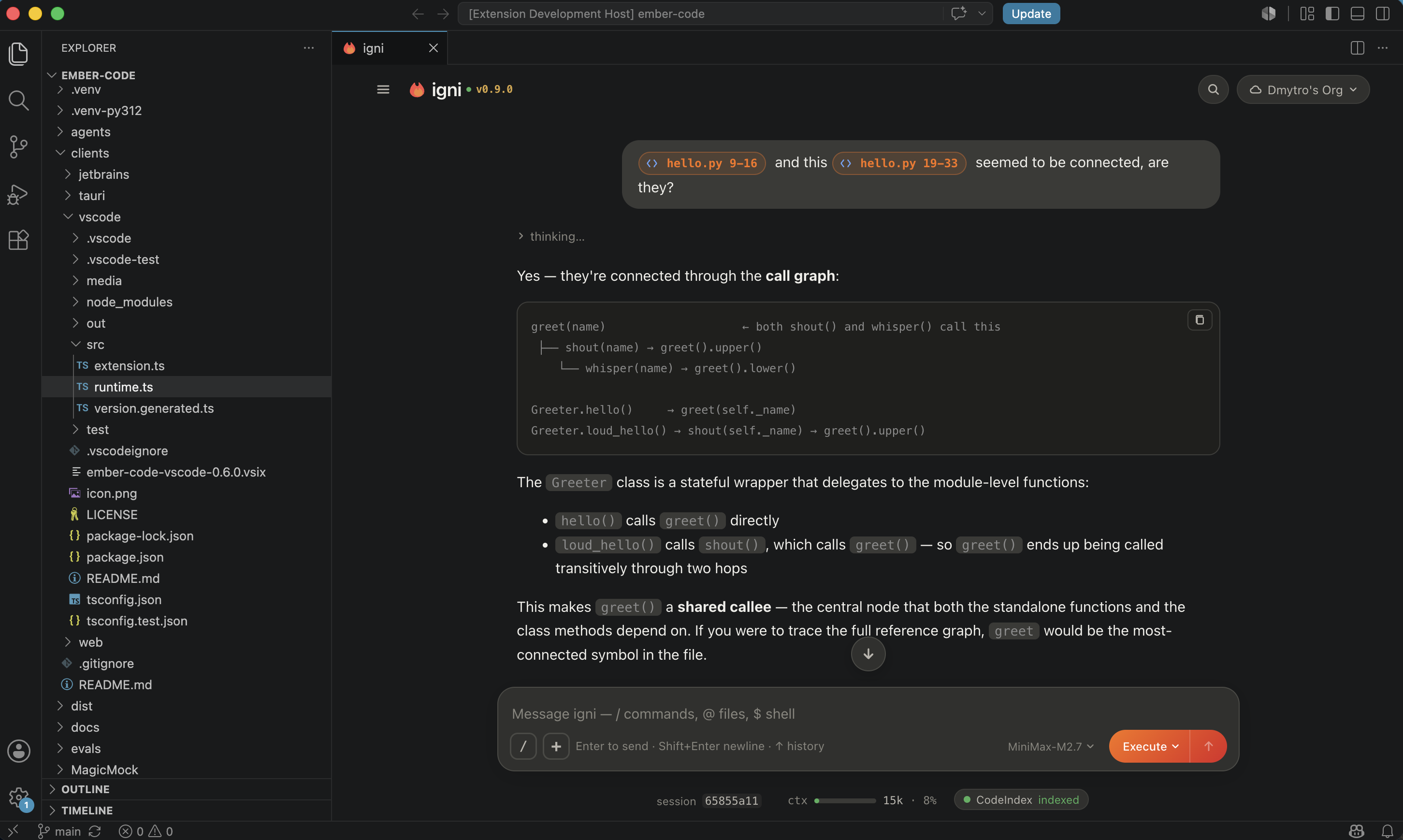
Chat with your codebase from a panel next to your editor. Multi-agent
orchestration, plan-then-act mode, full tool access — with an approval
dialogue on every tool call so nothing runs without you saying yes.
What you can do
Chat with your project.@-mention files to attach them; drop
slash commands to drive structured actions; ask for cross-file
refactors in natural language and watch the diffs stream in.
Plan mode. The agent researches your code and proposes a plan
before touching anything. Approve as-is or refine. Backed by a
confidence check so the plan is grounded in what it actually read.
Multi-agent orchestration. Spawn parallel sub-agents so a large
task decomposes into concurrent research + implementation + review,
each streaming progress into the same conversation.
Session per project. Chat history persists per repository. Fork
a session with /fork to explore an alternative approach without
losing the original thread.
Cross-window sync. Open the extension in VS Code and the
JetBrains plugin on the same repo; both talk to the same backend
for the project, so what you type in one appears live in the
other.
Model-agnostic. Claude, OpenAI, Gemini, Groq, MiniMax, and any
model reachable via API. Switch mid-session with /model.
Follows your VS Code theme. The chat panel background sources
its colour from --vscode-sideBar-background, so it reads as
native VS Code chrome across any installed colour theme.
Install
Install the extension from the Marketplace. On first launch it
downloads uv and provisions Python + ignite-ember into a
per-user cache — no manual pip install, no interpreter to
configure. From there, network use is whatever your configured
model provider needs — Anthropic, OpenAI, etc.
Open the chat with ⇧⌘P → igni: Open Chat (or Ctrl+Shift+P
on Windows/Linux).
Slash commands
The composer accepts a rich set of slash commands for driving the
session without touching a menu:
Command
What it does
/plan
Enter plan mode — agent researches before acting
/fork
Clone the current session into a new branch
/sessions
List and switch between sessions in this project
/model
Switch the model powering the current session
/mcp
Manage Model Context Protocol server connections
/agents
List installed agents (built-in + plugin + project-local)
/skills
List installed skills
/plugins
Manage installed plugins from the marketplace
/knowledge
Chunk, embed, and query project documentation
/codeindex
Manage the semantic code index
/hooks
Configure PreToolUse / PostToolUse hooks
/loop
Schedule a recurring self-paced task
/schedule
Schedule a one-shot or cron task
/memory
Read + write persistent memories across sessions
/clear
Wipe the current session (fork if you want to keep it)
/compact
Compress old messages to free context
Configuration
Two settings live under Settings → Extensions → igni:
emberCode.pythonPath — path to a Python interpreter with
ignite-ember already installed. Set this to bypass the managed
bootstrap (useful during local development on the backend
itself).
Standard proxy honoring — http.proxy and http.proxyStrictSSL
from your VS Code settings propagate to the backend for the
first-launch download.