MeterAI for VS Code
MeterAI for VS Code is intentionally minimal: it shows Claude Code and OpenAI Codex usage directly in the status bar.
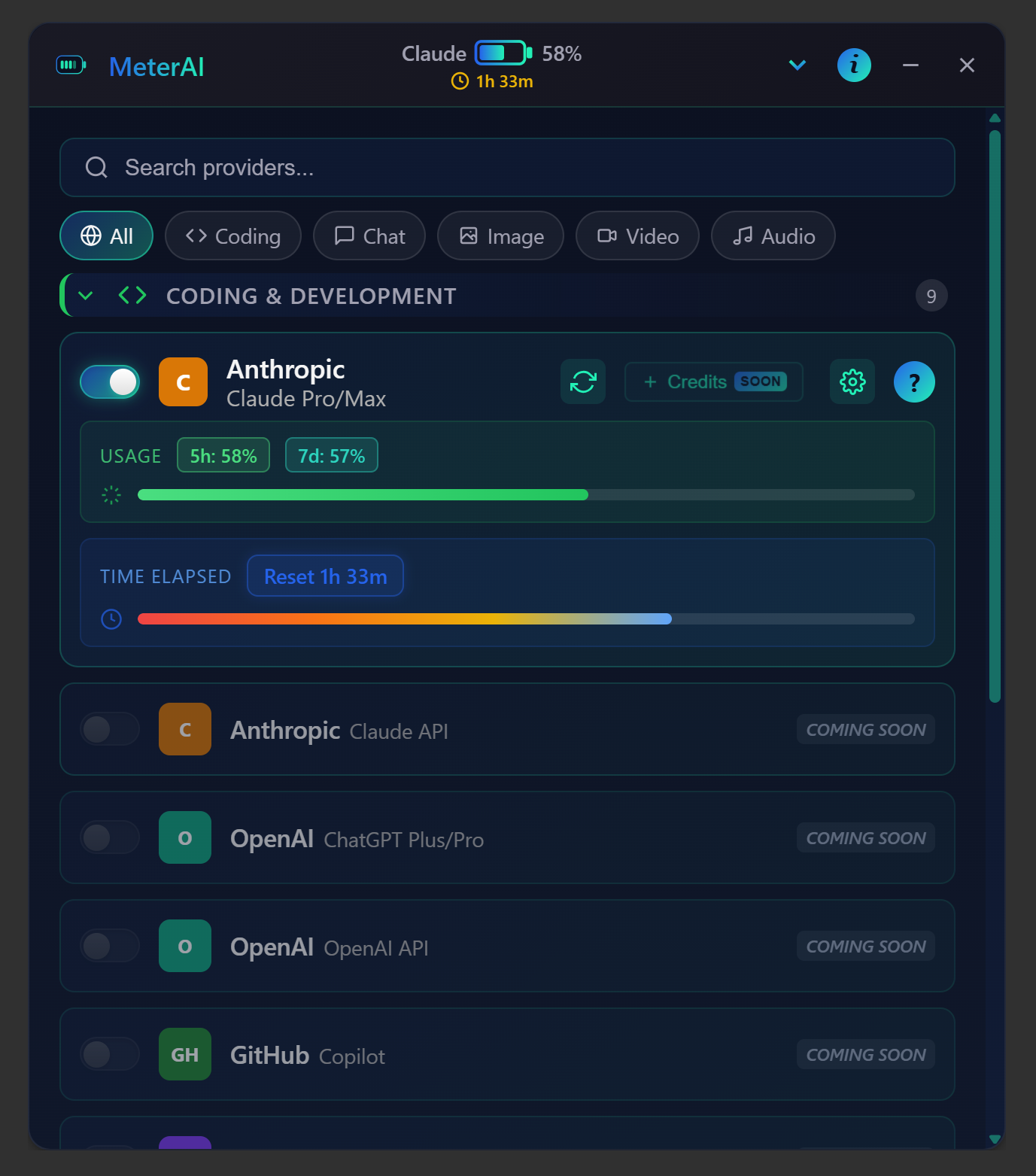
If you want a richer and more visual experience, use the MeterAI desktop app from GitHub.
Features
- Automatic provider detection (Claude Code and/or Codex)
- Battery-style usage meter (
║████║) with remaining percentage
- Reset countdown visible inline in the status bar
- Manual refresh command and configurable auto-refresh interval
- Local-first parsing of Claude/Codex session data (no API key required)
- No local file paths or project paths shown in status bar or tooltip
Screenshots
VS Code Extension (minimal status bar UI)
VS Code displays MeterAI in a compact, text-based status bar format:

MeterAI Desktop (full visual UI)
For a richer interface with a full visual dashboard, use the desktop application:

Want a richer visual app?
Install
After publication, install from the Visual Studio Code Marketplace:
code --install-extension hpsc-sas.meterai-vscode
Package and Publish
cd vscode-extension
npm install
npm run package
Then publish (requires Azure DevOps PAT configured for vsce):
npm run publish:vsce
Development
cd vscode-extension
npm install
npm run compile
In VS Code:
- Open the
vscode-extension folder.
- Press
F5 to launch the Extension Development Host.
- Run
MeterAI: Refresh Usage from the Command Palette.
Settings
meterai.statusBar.refreshIntervalSeconds: auto-refresh interval (seconds)meterai.statusBar.showClaude: show Claude usagemeterai.statusBar.showCodex: show Codex usagemeterai.statusBar.showResetCountdown: show reset countdownmeterai.statusBar.checkExtensionUpdatesOnStartup: trigger update check on VS Code startup
Privacy
MeterAI reads local Claude/Codex data required to compute usage. It does not display local file paths in the UI.

