Horizon Themes
A deep, immersive theme collection crafted for focus and clarity —
paired with Horizon Icons, Horizon Product Icons, and Horizon Tags to bring harmony and color to your entire workspace.
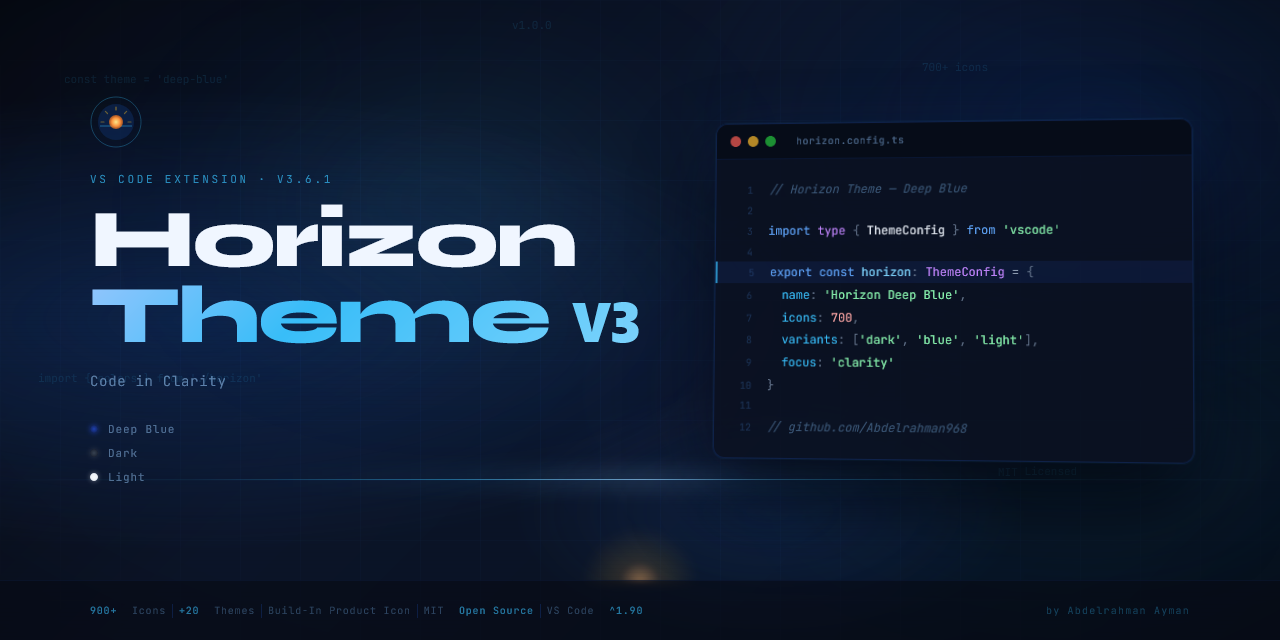
✨ What's New in v3.6.1
- 🎨 Built-in Horizon Product Icons — 36 custom SVG icons replacing VS Code's toolbar, sidebar, terminal, git & notification icons. No extra extension needed.
- 🔍 Live Theme Preview — hover over any theme to instantly preview it before applying (disabled by default, toggle in sidebar)
- ⚙️ Full Sidebar Settings Panel — font size, cursor style, minimap, ligatures, bracket colors & more
- 🌅 Theme Scheduler — automatically switch between day & night themes by time
- 📦 Export / Import Settings — full backup & restore of your Horizon configuration
🎨 Color Themes
Horizon ships with two editions: Core for minimalists and Gamers for HoYoverse fans.
🔵 Core Edition
| Theme |
Style |
| Horizon Themes Core: Deep Blue |
Dark |
| Horizon Themes Core: Dark Plus |
Dark |
| Horizon Themes Core: Modern Light |
Light |
🎮 Gamers Edition — HoYoverse
Each character theme comes in Light and Dark variants. Select characters also include a High Contrast version.
Genshin Impact
| Character |
Light |
Dark |
High Contrast |
| Citlali |
✅ |
✅ |
— |
| Layla |
✅ |
✅ |
— |
| Furina |
✅ |
✅ |
— |
| Ganyu |
✅ |
✅ |
✅ |
| Yumemizuki Mizuki |
✅ |
✅ |
✅ |
| Sandrone |
✅ |
✅ |
— |
| Scaramouche |
✅ |
✅ |
— |
| Wanderer |
✅ |
✅ |
— |
| Columbina |
✅ |
✅ |
— |
| Ill Dottore |
✅ |
✅ |
— |
| Yae Miko |
✅ |
✅ |
— |
| Kamisato Ayaka |
✅ |
✅ |
— |
| Chiori |
✅ |
✅ |
— |
| Skirk |
✅ |
✅ |
— |
Honkai: Star Rail
| Character |
Light |
Dark |
| Robin |
✅ |
✅ |
| Kafka |
✅ |
✅ |
| Firefly |
✅ |
✅ |
| Aventurine |
✅ |
✅ |
| Dan Heng |
✅ |
✅ |
| Ruan Mei |
✅ |
✅ |
| Cyrene |
✅ |
✅ |
| March 7th |
✅ |
✅ |
🗂️ File & Folder Icons
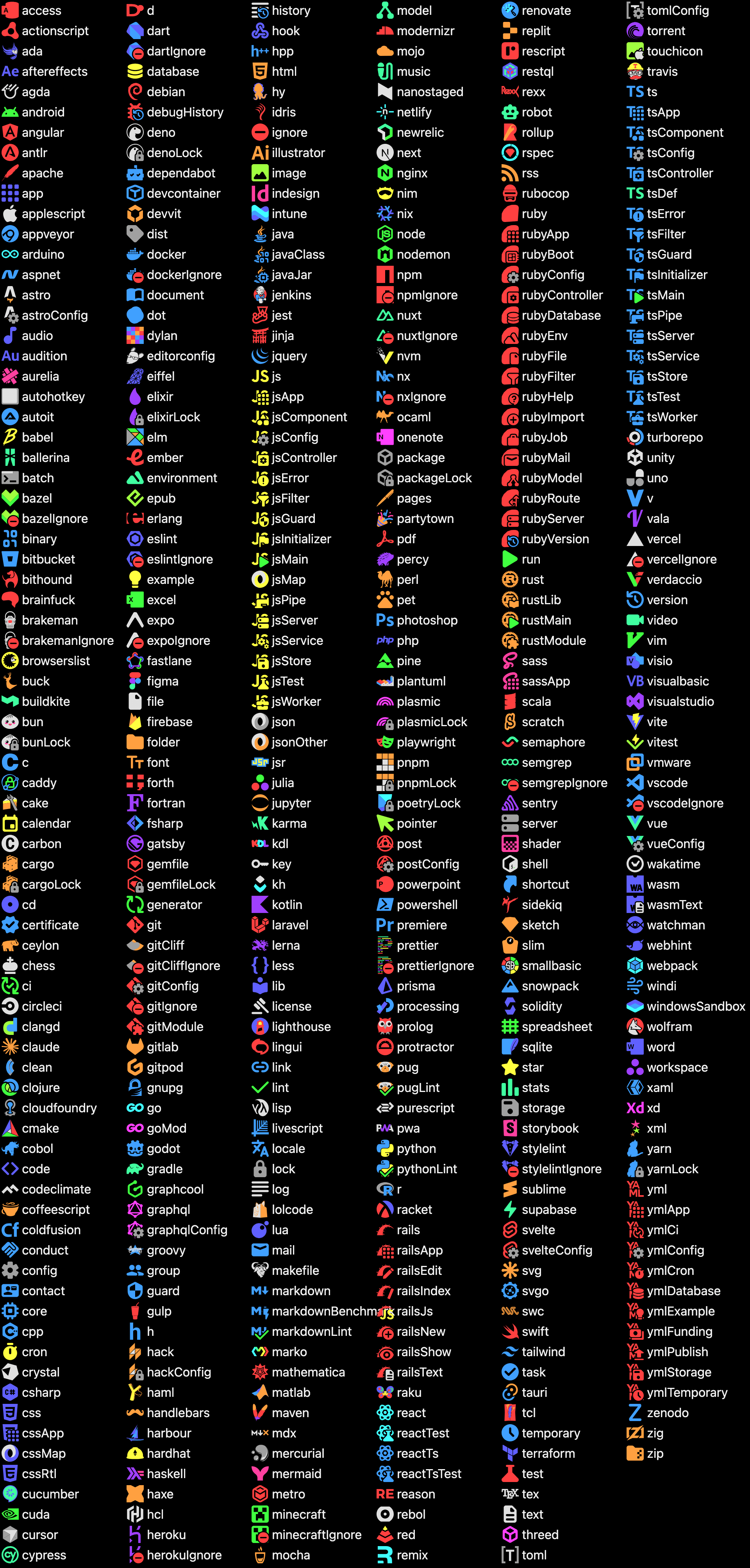
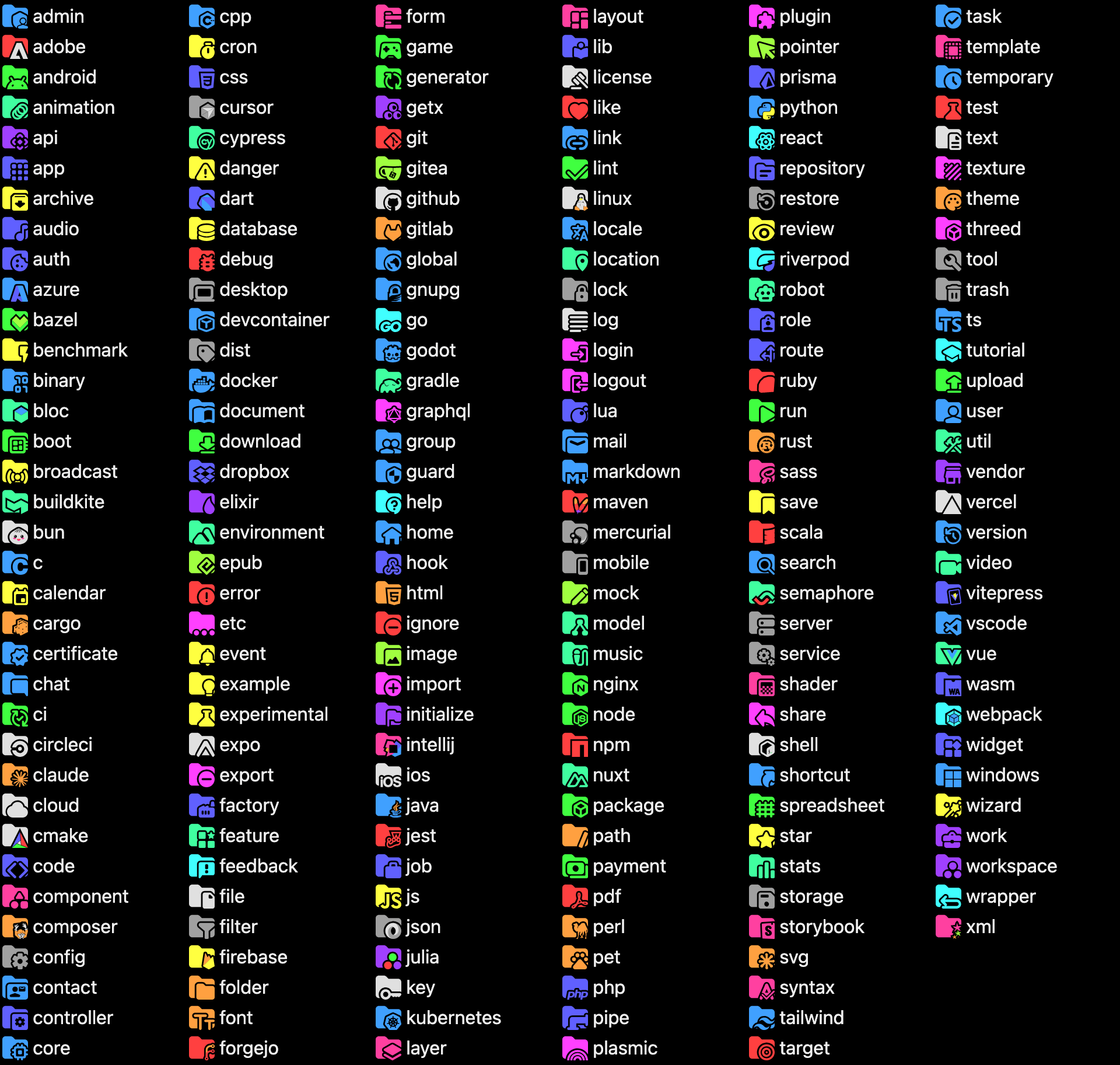
Powered by Horizon Icons — 900+ simple, elegant icons covering every language, framework, and tool you work with daily.
Supported file types include:
- JavaScript / TypeScript (+ JSX, TSX, Vue, Svelte, Astro…)
- Python, Ruby, Rust, Go, Java, C/C++, C#, PHP, Swift, Kotlin…
- JSON, YAML, TOML, XML, Markdown, CSV…
- Docker, Git, CI/CD configs, environment files…
- Images, fonts, audio, video, archives and more
Supported folder types include:
src, dist, assets, components, pages, apinode_modules, .git, docker, ci, test- And many more specialized folders
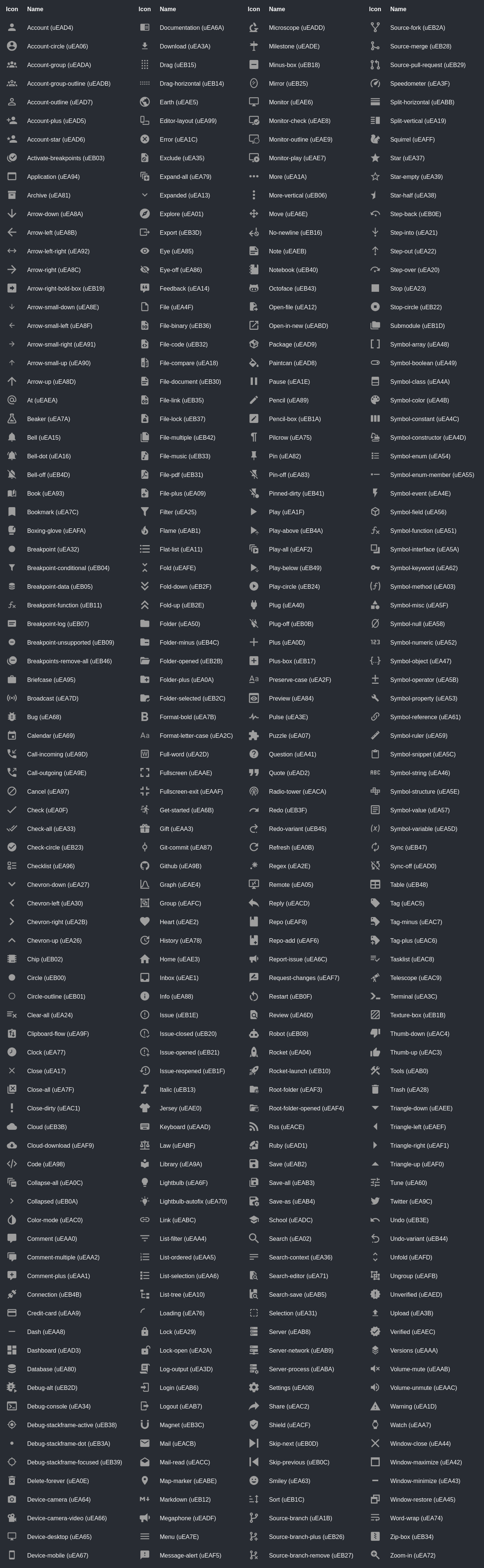
🎛️ Horizon Product Icons
New in v3.6.1 — Horizon ships with its own built-in Product Icon Theme. No additional extensions required.
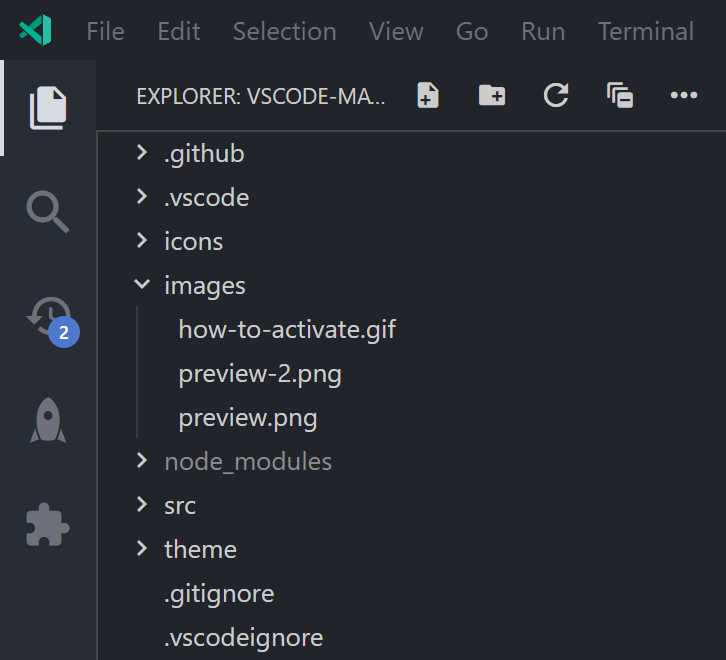
Activate it via the Sidebar panel → Themes tab → Product Icon Theme → select Horizon Product Icons.
Or via Command Palette: Preferences: Product Icon Theme → Horizon Product Icons
Icon set
🏞️ Available icons
Icon sources
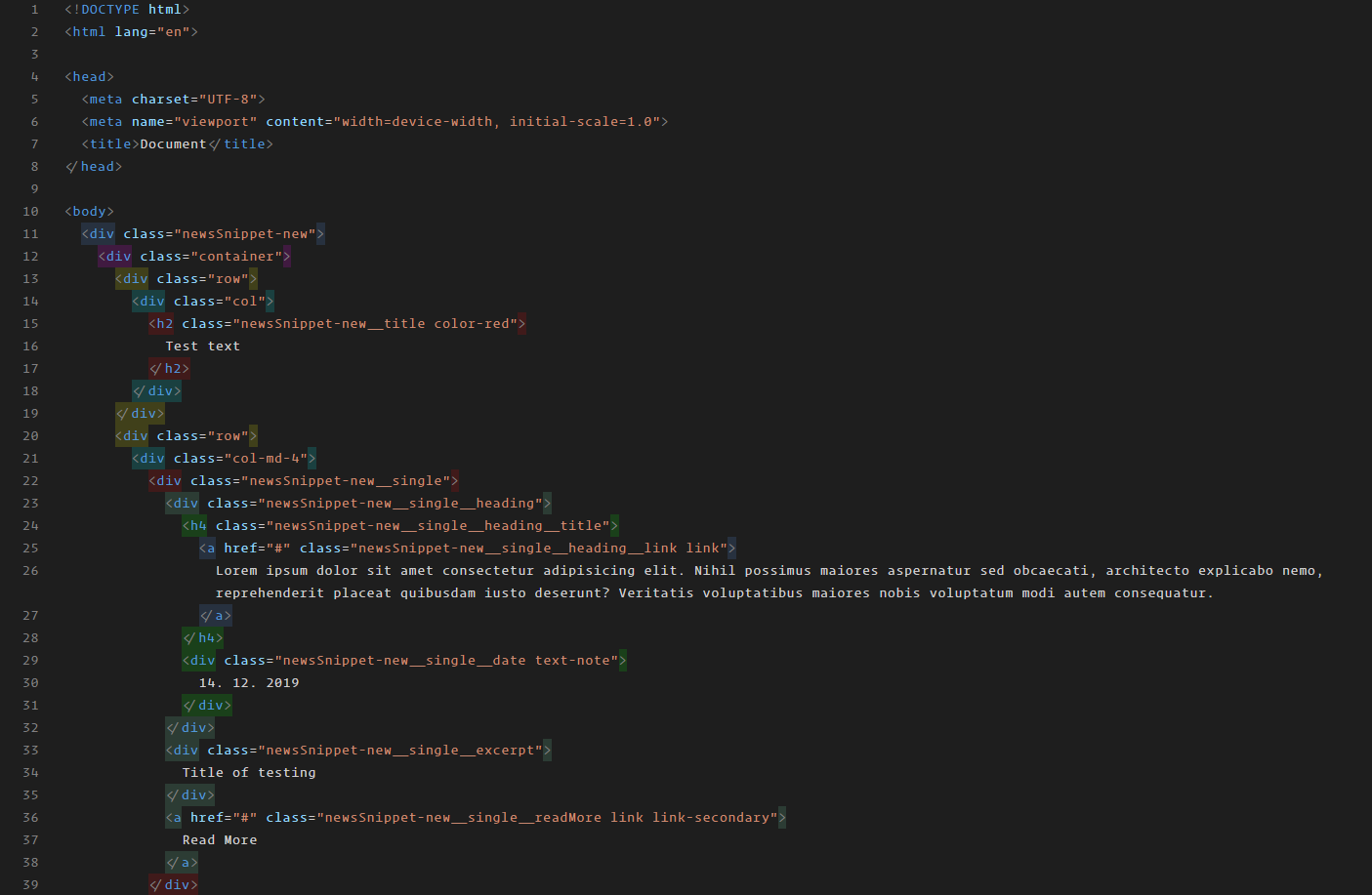
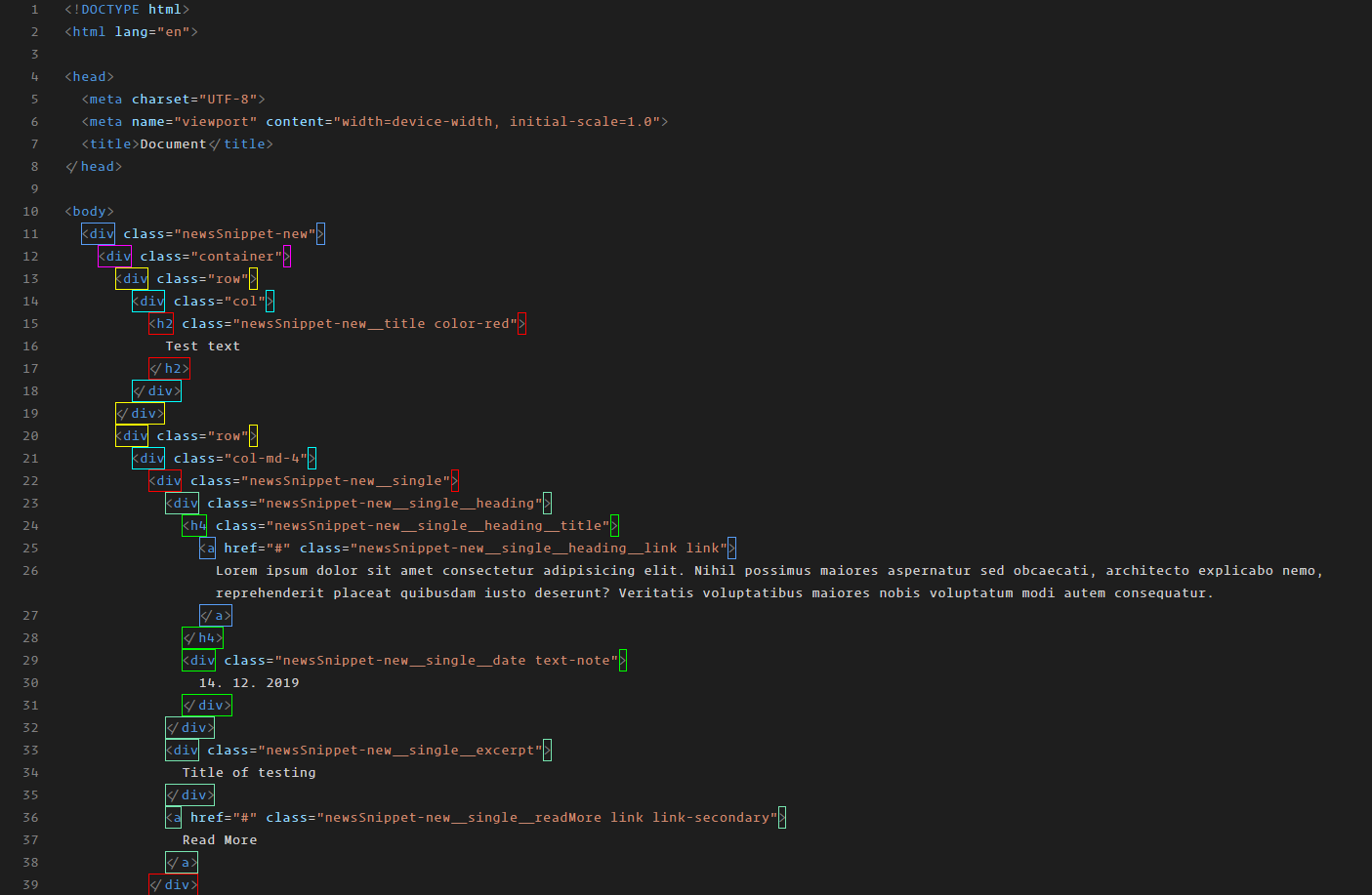
Intelligently colors all tag pairs in your files with smart denylist handling, supporting custom tags, meta tags, and self-closing tags.
Example - Text color mode
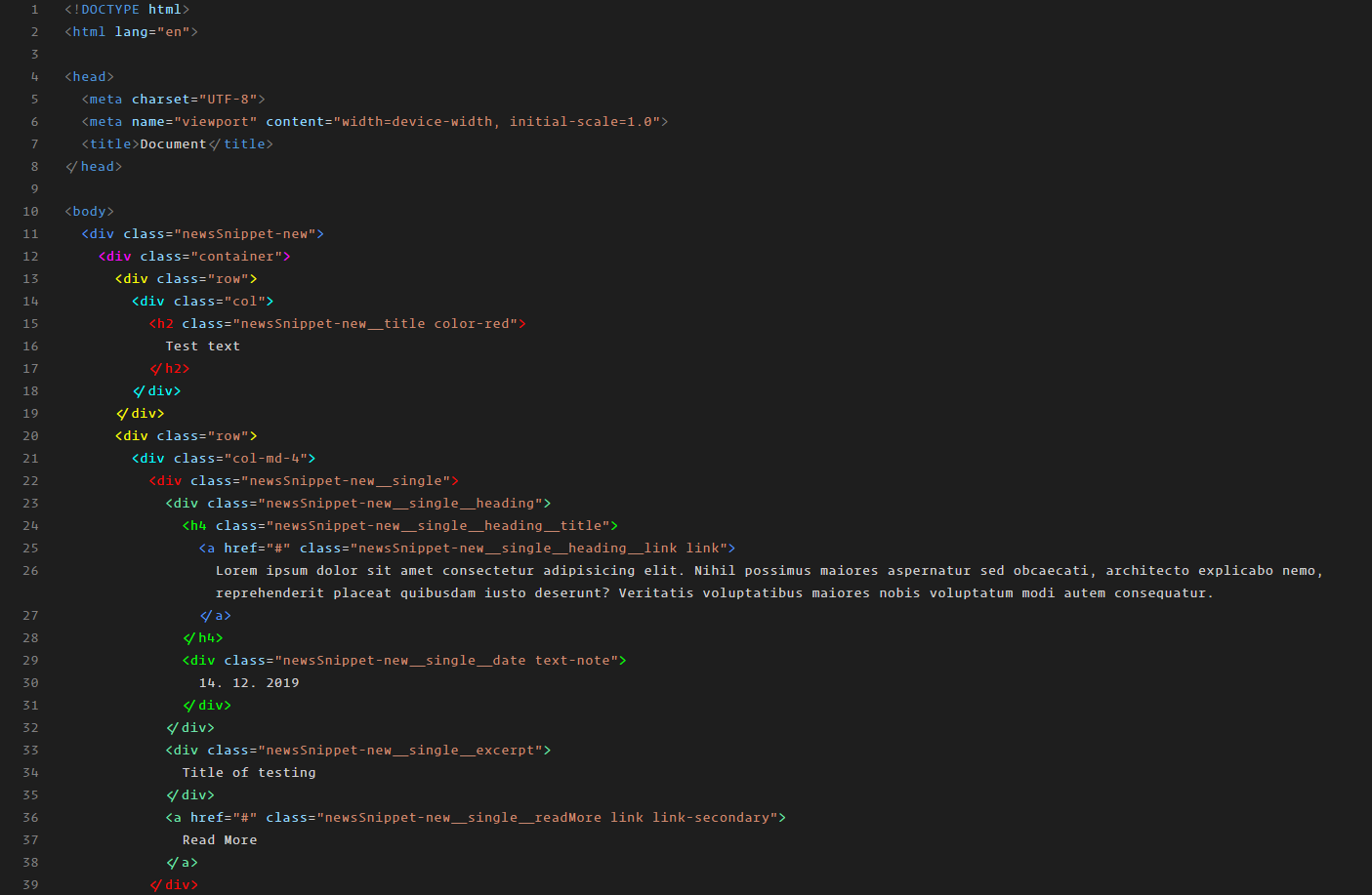
Example - Background color mode
Example - Border color mode
Open the Horizon icon in the Activity Bar to access the full settings panel.
Themes Tab
- Browse and apply all 40+ themes with live preview on hover
- Switch File Icon Theme & Horizon Product Icons
- Preview toggle (disabled by default to avoid accidental switches)
Settings Tab
- Live Preview — enable/disable hover preview + configure delay
- Editor Appearance — font size, line height, ligatures, minimap, bracket colors, cursor style & blinking
- Color Customization — override primary, secondary, tertiary accent colors and background
- Horizon Tags — enable everywhere + highlight style
- Theme Scheduler — auto-switch day/night themes by time
- Backup & Restore — export/import/reset all settings
📦 Installation
- Open VS Code
- Press
Ctrl+Shift+X to open Extensions
- Search for Horizon Themes
- Click Install
Activate Color Theme
Ctrl+K Ctrl+T → Select any theme from the list above
Activate File Icons
Ctrl+Shift+P → Preferences: File Icon Theme → Select Horizon Icons
Activate Product Icons
Ctrl+Shift+P → Preferences: Product Icon Theme → Select Horizon Product Icons
Activate Tag Coloring
Horizon Tags works automatically for supported languages.
⚙️ Configuration
{
  "horizonTags.colors": ["#d26", "red", "rgba(100, 200, 100, 0.5)"]
}
{
  "horizonTags.highlightType": "color"
}
Options: color · background-color · border
{
  "horizonTags.allowEverywhere": true
}
{
  "horizonTags.supportedLanguages": ["html", "xml", "vue"]
}
{
  "horizonTags.denylistTags": ["html", "head", "body"]
}
Live Preview — horizonTheme.livePreview
{
  "horizonTheme.livePreview.enabled": false,
  "horizonTheme.livePreview.delay": 150
}
Theme Scheduler — horizonTheme.scheduler
{
  "horizonTheme.scheduler.enabled": true,
  "horizonTheme.scheduler.dayTheme": "horizon-core.modern-light",
  "horizonTheme.scheduler.nightTheme": "horizon-core.deep-blue",
  "horizonTheme.scheduler.dayStart": "08:00",
  "horizonTheme.scheduler.nightStart": "20:00"
}
🎨 Custom Icon Associations
"horizonTheme.customIconAssociations": {
  "js": ["/my-js-folder", "*.js-extension"],
  "tsConfig": ["tsconfig.build.json"]
}
⌨️ Commands
| Command |
Description |
Horizon: Open Settings |
Open the Horizon sidebar panel |
Horizon: Export Settings |
Export all settings to JSON |
Horizon: Import Settings |
Import settings from JSON |
Horizon: Reset to Defaults |
Reset all Horizon settings |
Horizon: Apply Random Theme |
Apply a random Horizon theme |
👤 Author
Made with ❤️ by Abdelrahman Ayman



🙏 Credits
- File icons inspired by PKief's [Material Icon Theme] and Google's [Material Symbols]
- Icon set based on [Mizu Icons] by cdfzo
- Horizon Tags inspired by Rainbow Tags
- Product icons hand-crafted for Horizon Themes
📄 License
MIT © Abdelrahman Ayman — See LICENSE for full terms.

