Nomos: JavaJava analyzer for Nomos: statistics and heuristic observations, without verdicts. Installation Launch VS Code Quick Open ( Ctrl+P), paste the following command, and press enter.Copied to clipboard |

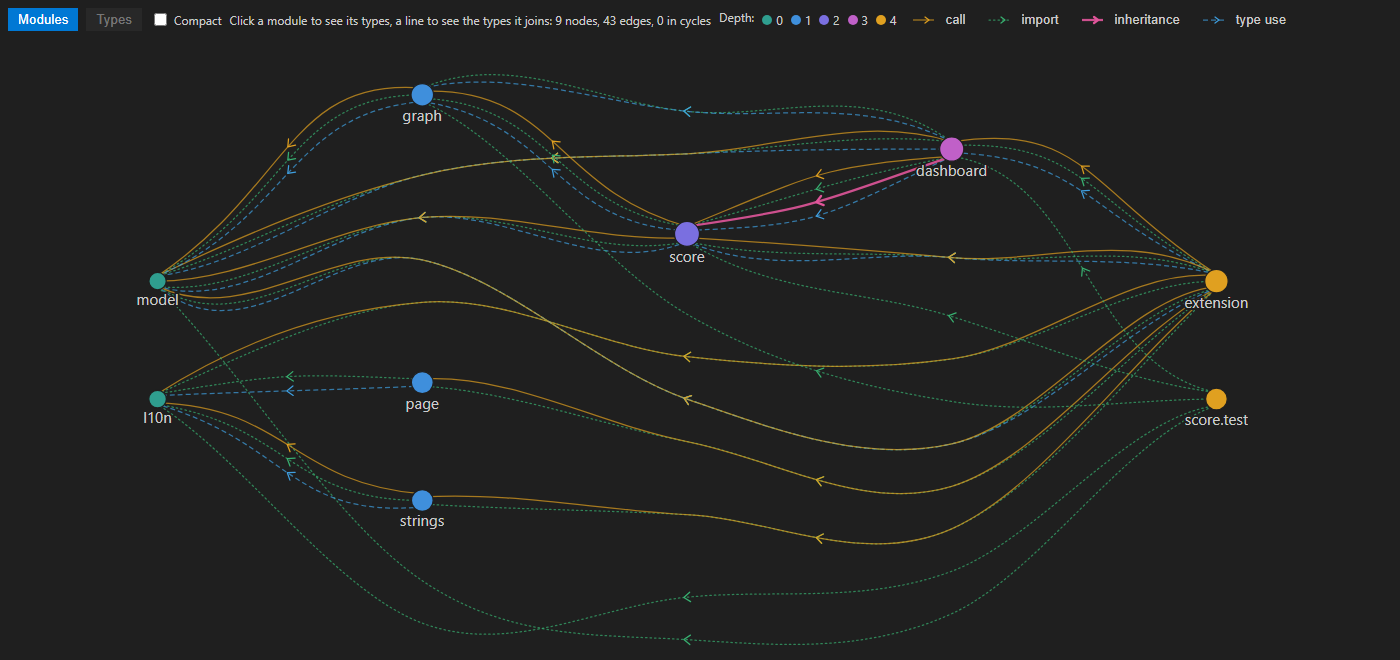
Nomos: JavaThe Java analyzer of Nomos: statistics and heuristic observations about your code, without verdicts. This pack has no code of its own in VS Code. Nomos, installed with it, runs the analyzer and shows the result: findings, metrics above the code, the dependency graph and class diagrams.
Use
Needs on your machine: a JDK 17 or newer. LinksNomos · Source code · Issues · MIT License |