FMI Viewer
A VS Code extension for quick inspection of FMU files (Functional Mock-up Interface 2.0 & 3.0).
Features
Open any .fmu file directly in VS Code as a custom editor
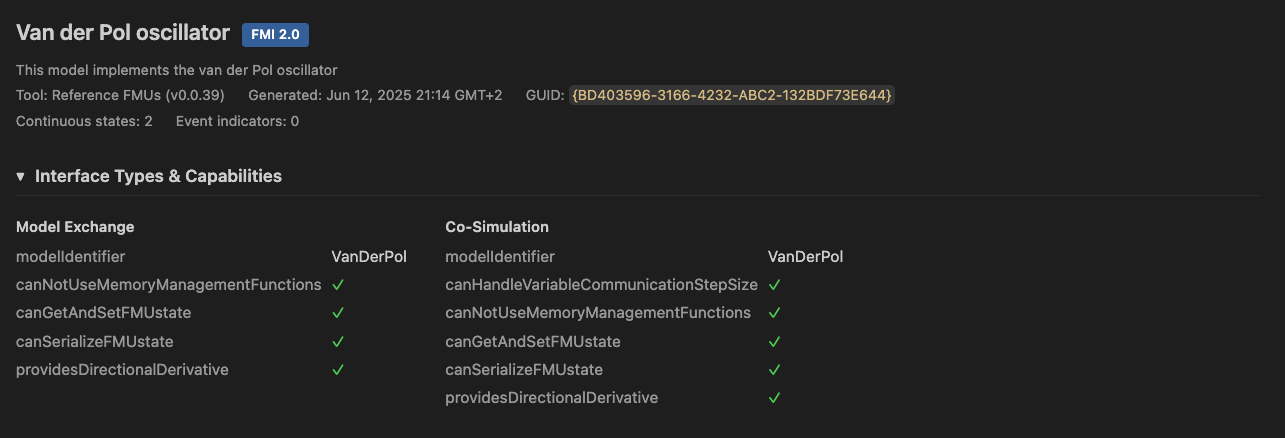
Model metadata — name, FMI version, generation tool, timestamp, GUID/token
Interface types & capabilities — Model Exchange, Co-Simulation, Scheduled Execution with all capability flags
Platform detection — shows which binaries are included (e.g. x86_64-linux, aarch64-darwin)
Variable browser — filterable, sortable table with virtual scrolling for large models (400k+ variables)
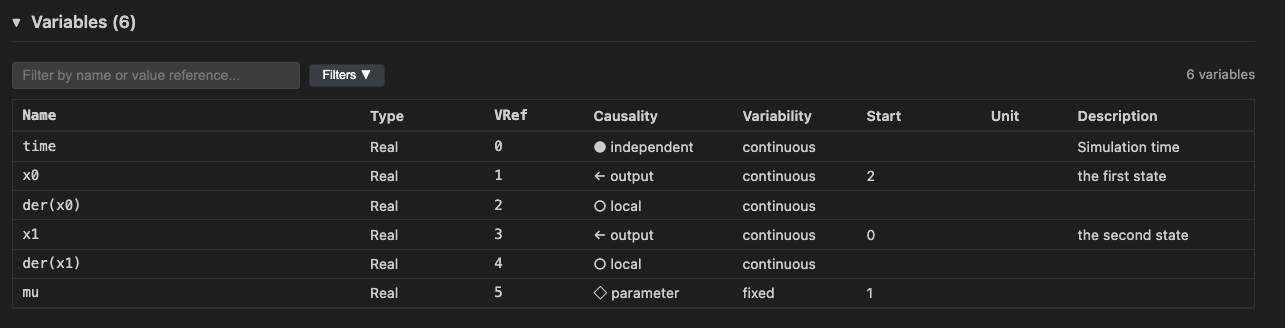
- Filter by name or value reference
- Filter by causality (input, output, parameter, local, independent)
- Filter by variability (constant, fixed, tunable, discrete, continuous)
- Click-to-copy on variable names and value references
Contents tree — ASCII folder tree of the FMU archive contents
Theme integration — follows your VS Code color theme
Limitations and scope
- Only displays data from the FMU archive structure and
modelDescription.xml — runtime information (e.g. actual variable values) is not available
- No simulation of FMUs; binaries inside the archive are never executed
Developing
npm install
npm run build
Press F5 in VS Code to launch the Extension Development Host.
Testing
Tests download the Reference FMUs automatically on first run.
npm test
| |


