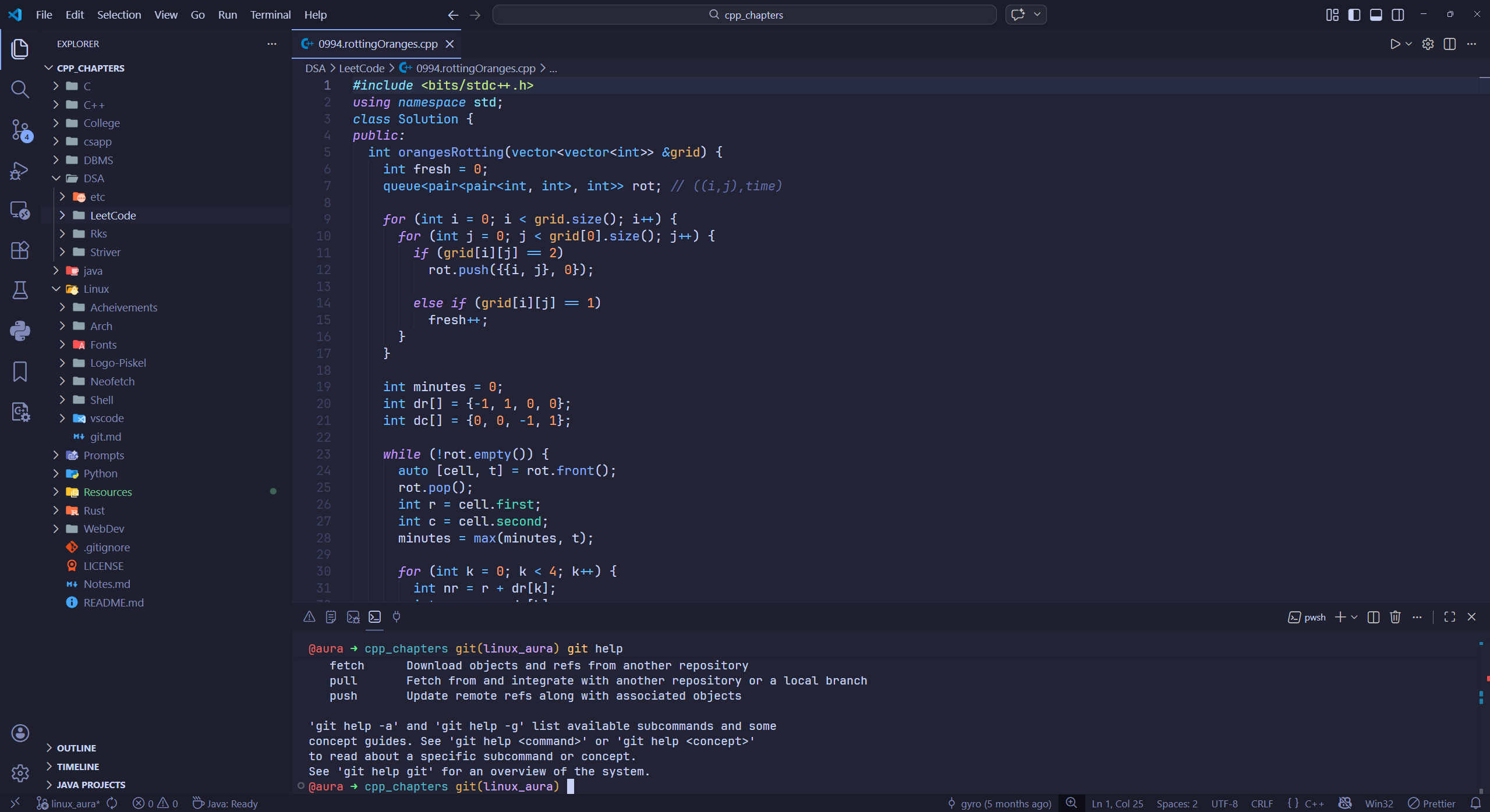
Lazy ThemesA collection of soothing Neovim themes perfectly tailored for VS Code's UI. Installation Launch VS Code Quick Open ( Ctrl+P), paste the following command, and press enter.Copied to clipboard |

TokyoNight Moon (Lazy) for VS CodeThe elite TokyoNight aesthetic, meticulously perfected for the VS Code UI.
Don't get me wrong: TokyoNight is an awesome theme, but some of the decisions that were made for implementing it on VS Code didn't please me, to be honest. This theme focuses on bringing the uniform, subtle, and high-parity look and feel that the original LazyVim TokyoNight palette deserves. InstallYou can find this extension by searching for "TokyoNight Moon (Lazy)" in the VS Code Extensions tab or by installing the License |