Language support for Proschi, a small text
language for microservice architectures and the request flows that run through
them.
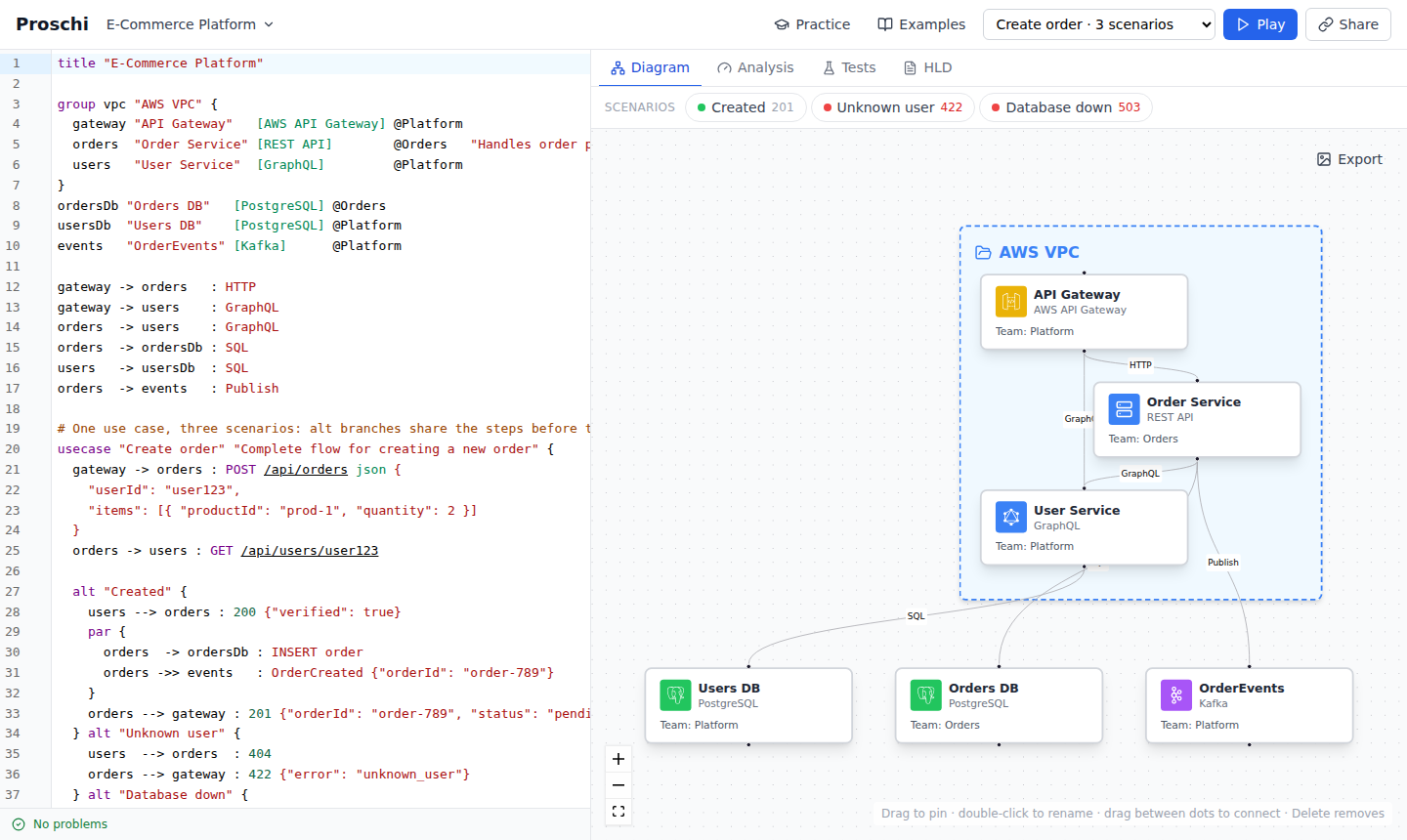
A document and its diagram in the web editor; the preview in VS Code draws the same diagram.
Syntax highlighting for .proschi files
The same errors and warnings as the web editor, as you type
Completion for keywords, node ids and the 108 tech stacks
Hover, go to definition, find references and an outline of groups, use cases
and scenarios
Formatting (Format Document), the same layout as proschi fmt
A live preview: Proschi: Open Preview to the Side (the preview button in
the editor title bar) shows the architecture and, for the scenario you pick,
its sequence diagram. It updates as you type and follows the active
.proschi editor.
The validation runs the parser the web editor uses, so the two never disagree.
See the language reference
and the editor and CI guide,
which also covers the proschi command line and the GitHub Action.