GUST-AI for VS Code (Beta)

Stop agent drift, token inefficiency, and fragile prompt chaining. GUST-AI is the standardized infrastructure layer that turns unpredictable LLMs into governed, reliable multi-agent workflows directly within your IDE.
Problem GUST-AI Solves
Most coding assistants operate as isolated chats. In larger engineering workflows, that leads to:
- Agent drift across long tasks
- Token waste from repeatedly rebuilding context
- Fragile prompt chaining between unrelated threads
- Limited workflow governance and visibility
GUST-AI adds structured scope boundaries, orchestration, and runtime controls so teams can run AI-assisted workflows with stronger reliability.
What You Can Do Today (Beta)
- Onboard in-plugin with sign-in/registration, device linking, and billing/trial gating
- Initialize and scan workspaces to ground agents in repository context
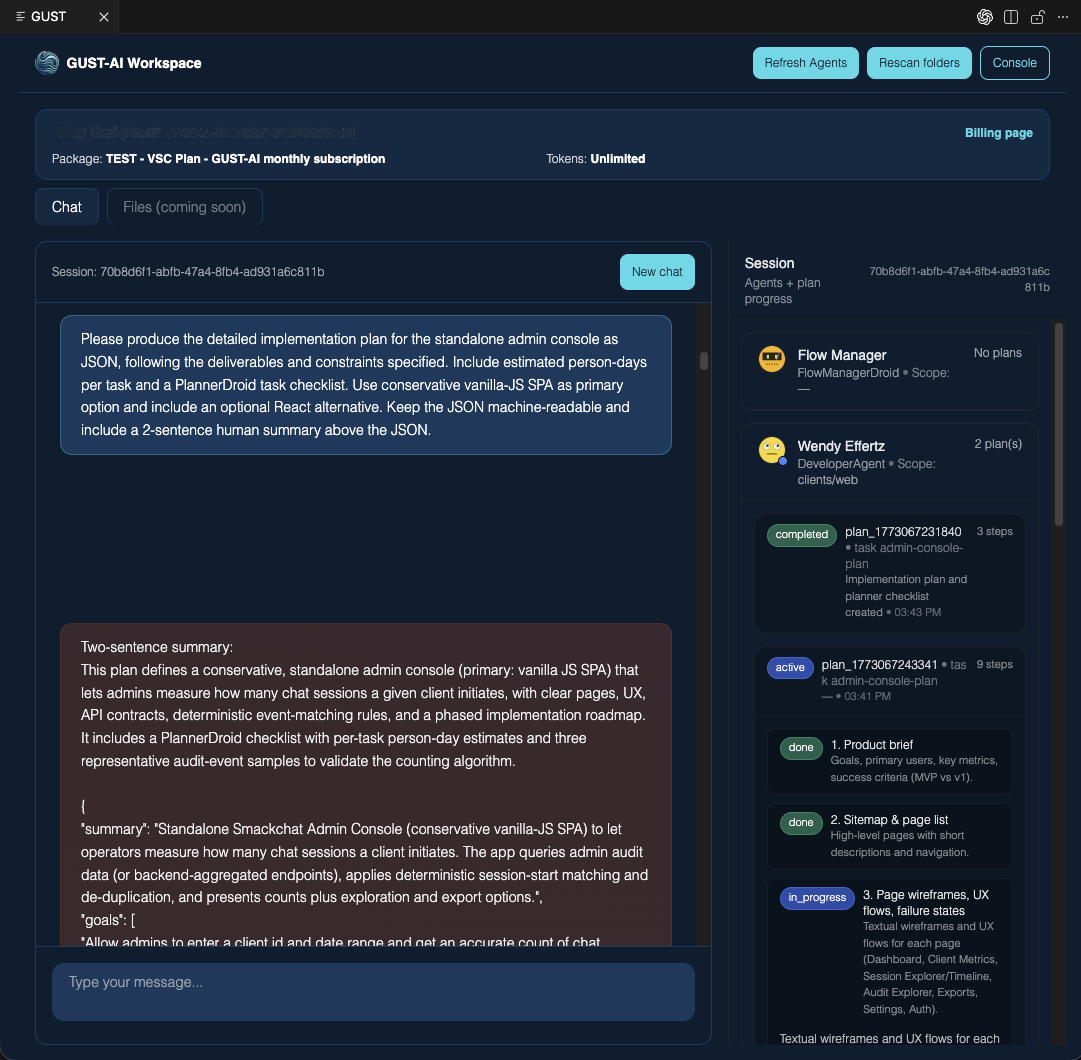
- Run multi-agent sessions in VS Code for planning, implementation, and iterative coding tasks
- Use scope-aware workflows so agents operate within defined project boundaries
- Manage operations in the web console (scopes, agents, users, billing/package controls)
Product Introduction Video
This introduction explains why GUST-AI exists, the core engineering problems it addresses, and how its orchestration, scoped governance, and persistent context model work in practice.
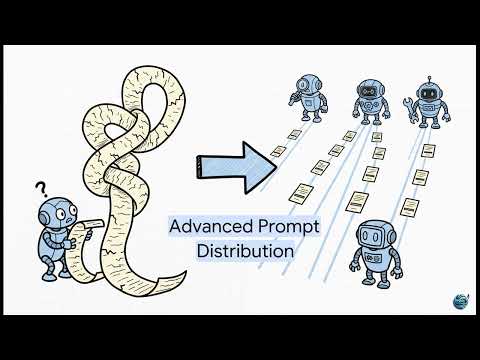
Direct link: https://www.youtube.com/watch?v=V8MOYlHUYEg
Core Architecture Concepts
GUST-AI is not positioned as a single generalist coding bot. It is designed as a governed multi-agent control layer. The core concepts below align with the product introduction:
Orchestrated Execution
- Available now (Beta): multi-agent sessions in VS Code, scoped agent workflows, and background runtime coordination.
- Platform direction: deeper Flow Manager routing logic and broader use of specialized background workers ("Droids") for programmatic housekeeping.
Persistent Context
- Available now (Beta): repository-grounded scans, scope-aware context boundaries, and session continuity that reduce ad-hoc prompt rebuilding.
- Platform direction: richer context defragmentation and long-horizon memory layering to further reduce token waste and context rot.
Governed Boundaries
- Available now (Beta): nested Scopes, identity-aware access controls, and runtime policy gates (auth, billing, token checks).
- Platform direction: expanded policy inheritance and stricter enterprise guardrails across larger distributed teams.
Transparent Control
- Available now (Beta): operational visibility across plugin and console for scopes, agents, users, and billing state.
- Platform direction: richer "Screens"-style pinned operational context and stronger human-in-the-loop intervention/rollback controls.
How GUST-AI Differs
- Context boundaries (Scopes): constrain what each agent can see and do
- Agent orchestration: coordinate specialized agents for multi-step tasks
- Operational visibility: combine plugin workflows with console-side control surfaces
- Governed runtime: enforce identity, access, billing/token checks, and workflow gates
GUST-AI is designed to evolve from a scoped multi-agent coding workspace into a broader enterprise AI control layer. Roadmap areas include:
- Richer memory/context layering across long-lived engineering programs
- Deeper orchestration patterns for complex multi-agent execution
- Expanded integration surfaces (SDKs and platform APIs)
- More advanced operational controls, observability, and intervention tooling
Installation and Quick Start
- Install from the VS Code Marketplace.
- Open your code repository in VS Code.
- Open the GUST sidebar (Activity Bar icon) and select
Open Chat Panel or run:
- Complete first-time setup:
- Sign in / register
- Link your device
- Activate billing or trial
- Initialize workspace and scan folders
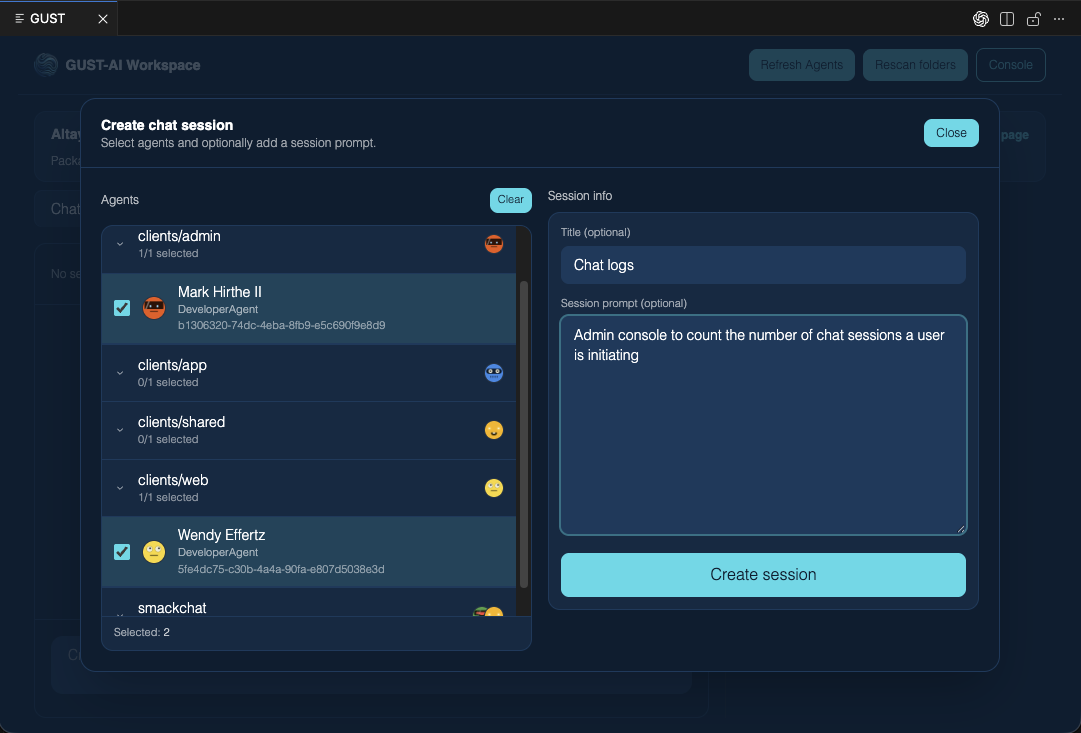
- Start a chat session and select one or more agents.
- Ask for concrete coding tasks (implement, refactor, explain, review).
- Use the console button to review scopes and operational state.
Minimum VS Code version: 1.90.0
Configuration
GUST settings are stored in VS Code settings.json and can exist in:
- User settings (global)
- Workspace settings (project-level)
The extension automatically sets/uses:
gust.backendUrl: wss://bentley-agent.azurewebsites.net:443gust.webAppUrl: https://bentley-console.azurewebsites.netgust.userId and gust.userEmail (managed by the authentication flow)
If configuration is missing or incorrect, set these manually:
gust.backendUrl = wss://bentley-agent.azurewebsites.net:443gust.webAppUrl = https://bentley-console.azurewebsites.net
Screenshots
Setup group chat
Planning task
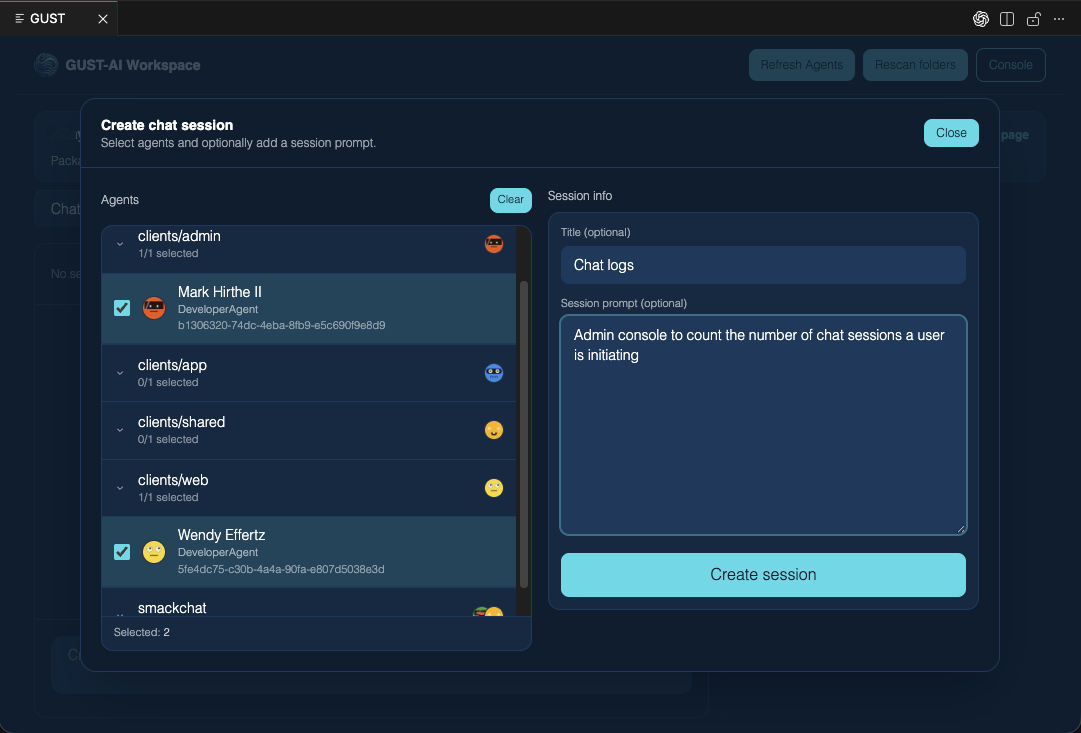
Coding task
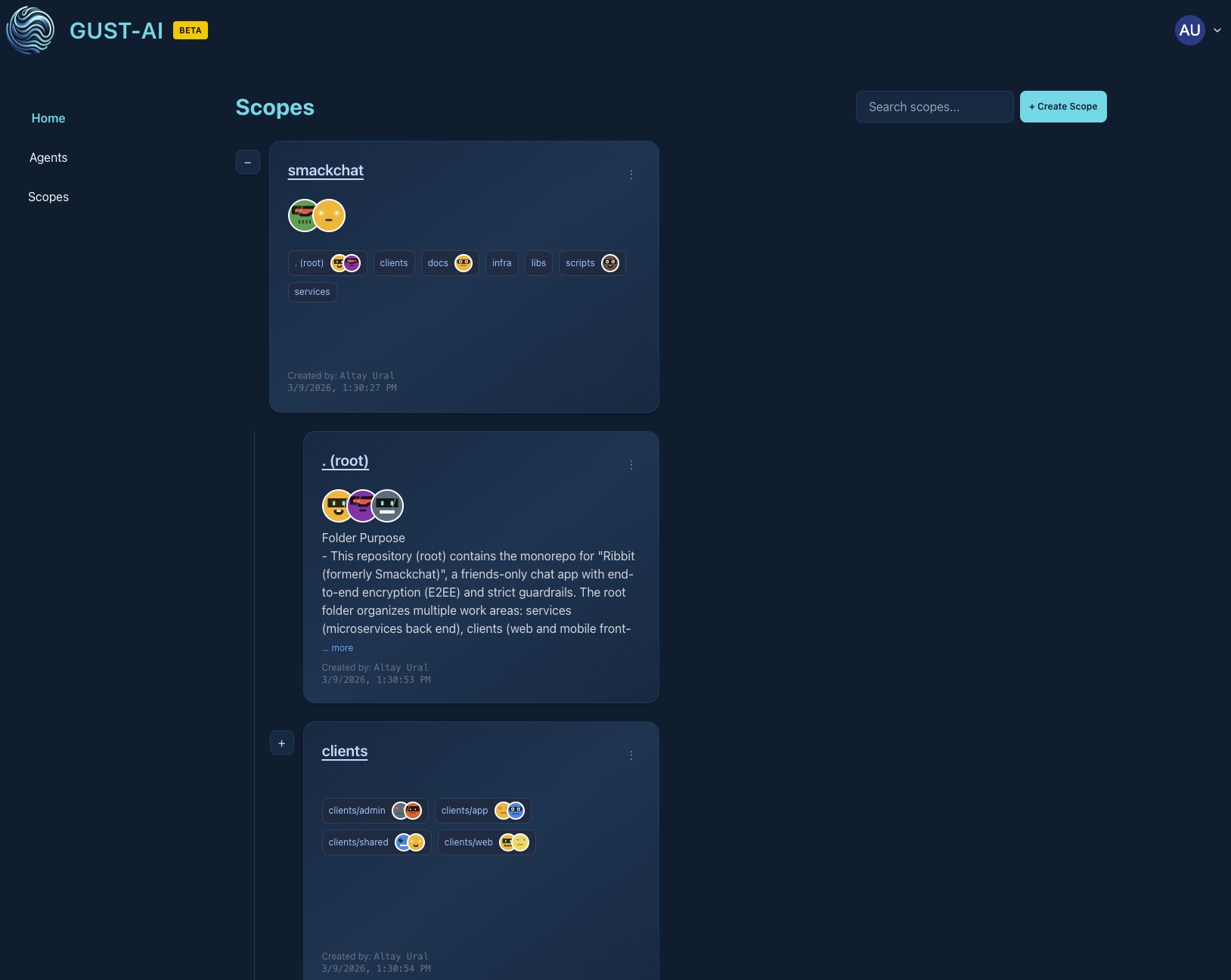
Console scopes
Status & Pricing
GUST-AI for VS Code is currently in beta.
- Current offer includes a free trial period (no credit card required during trial)
- Paid packages are available after trial (package-dependent)
- Features and UX are still evolving as the platform scales
Support
If you encounter issues, contact the GUST team at info@slimcloud.net.

