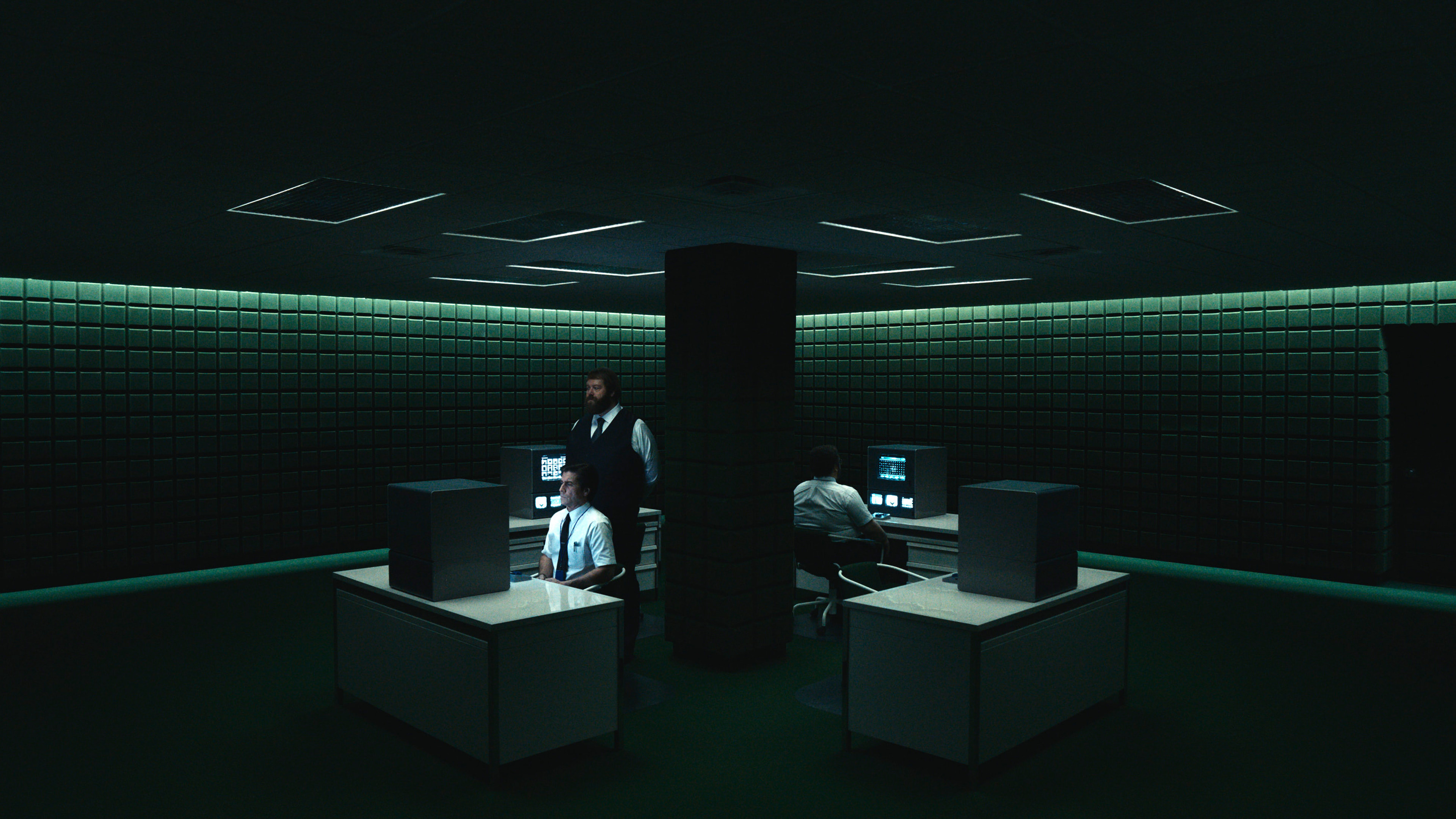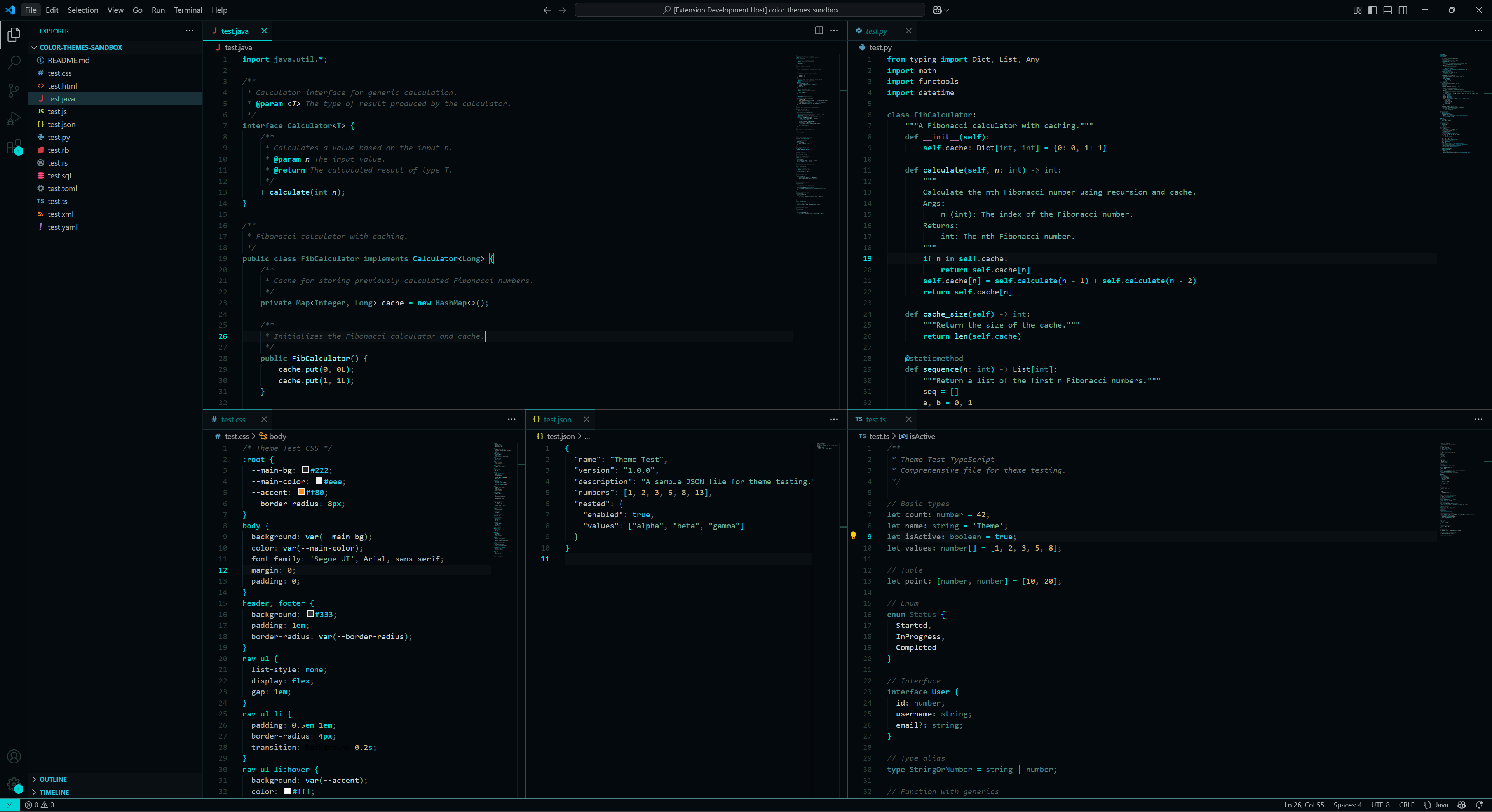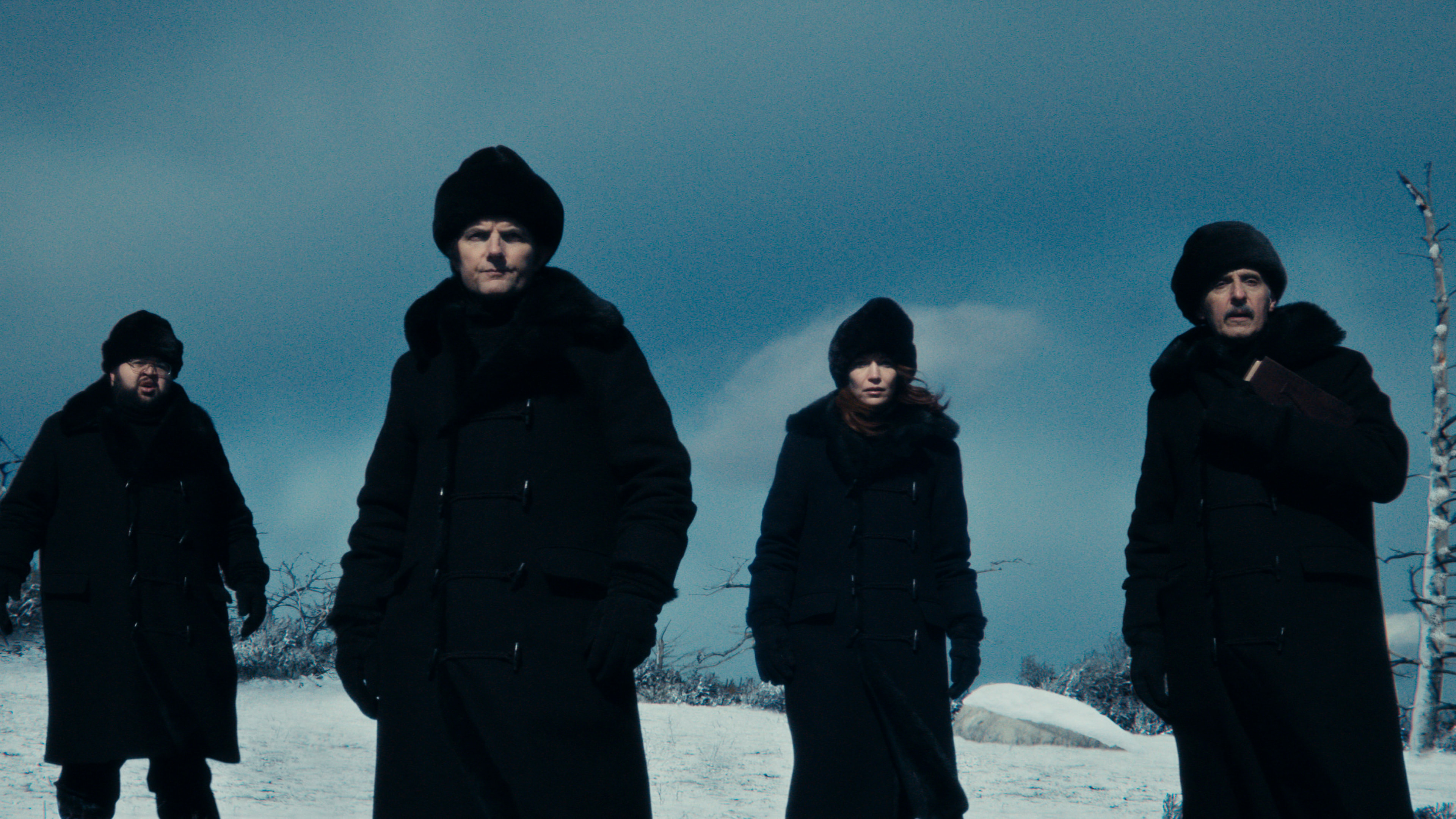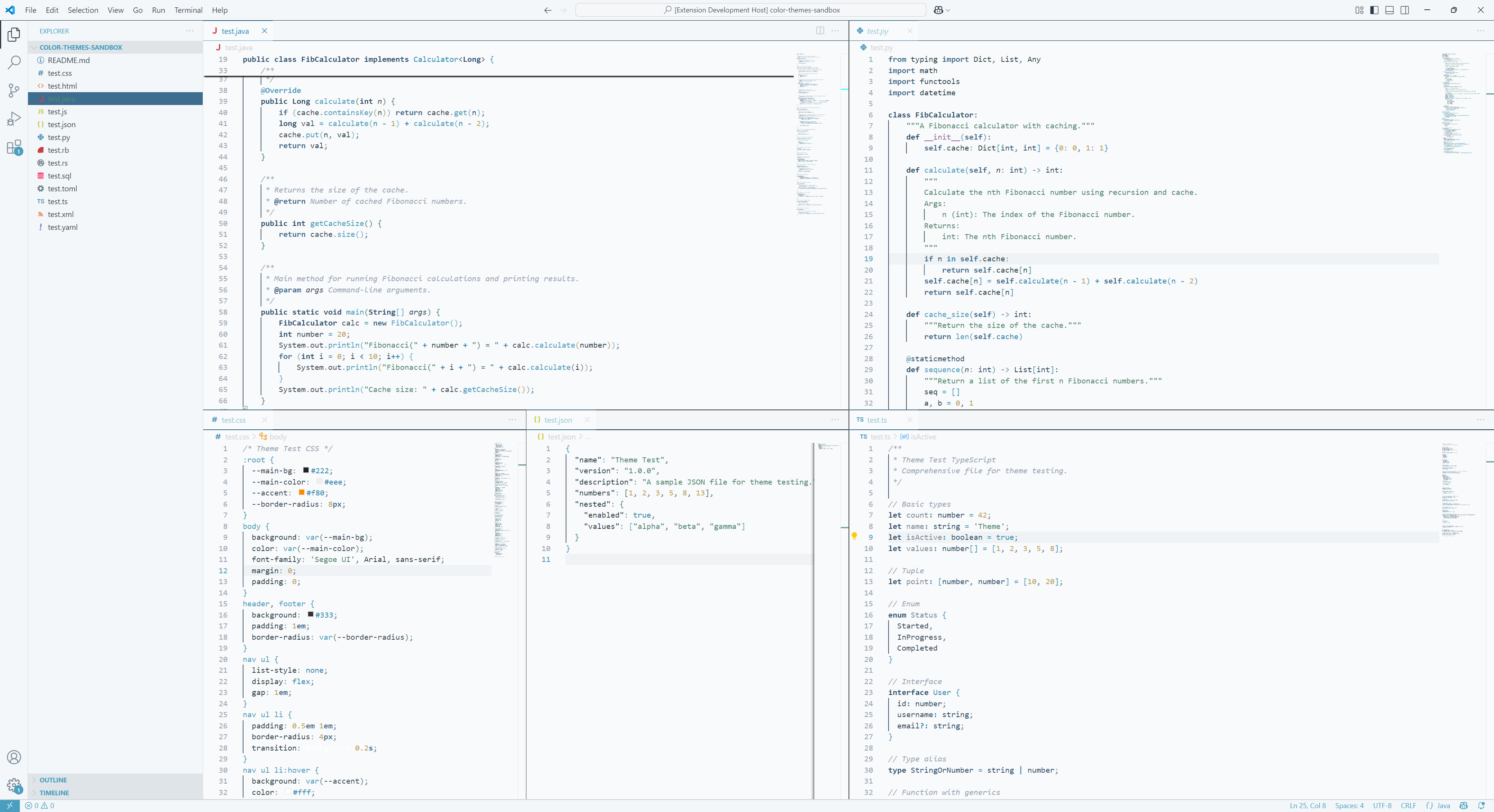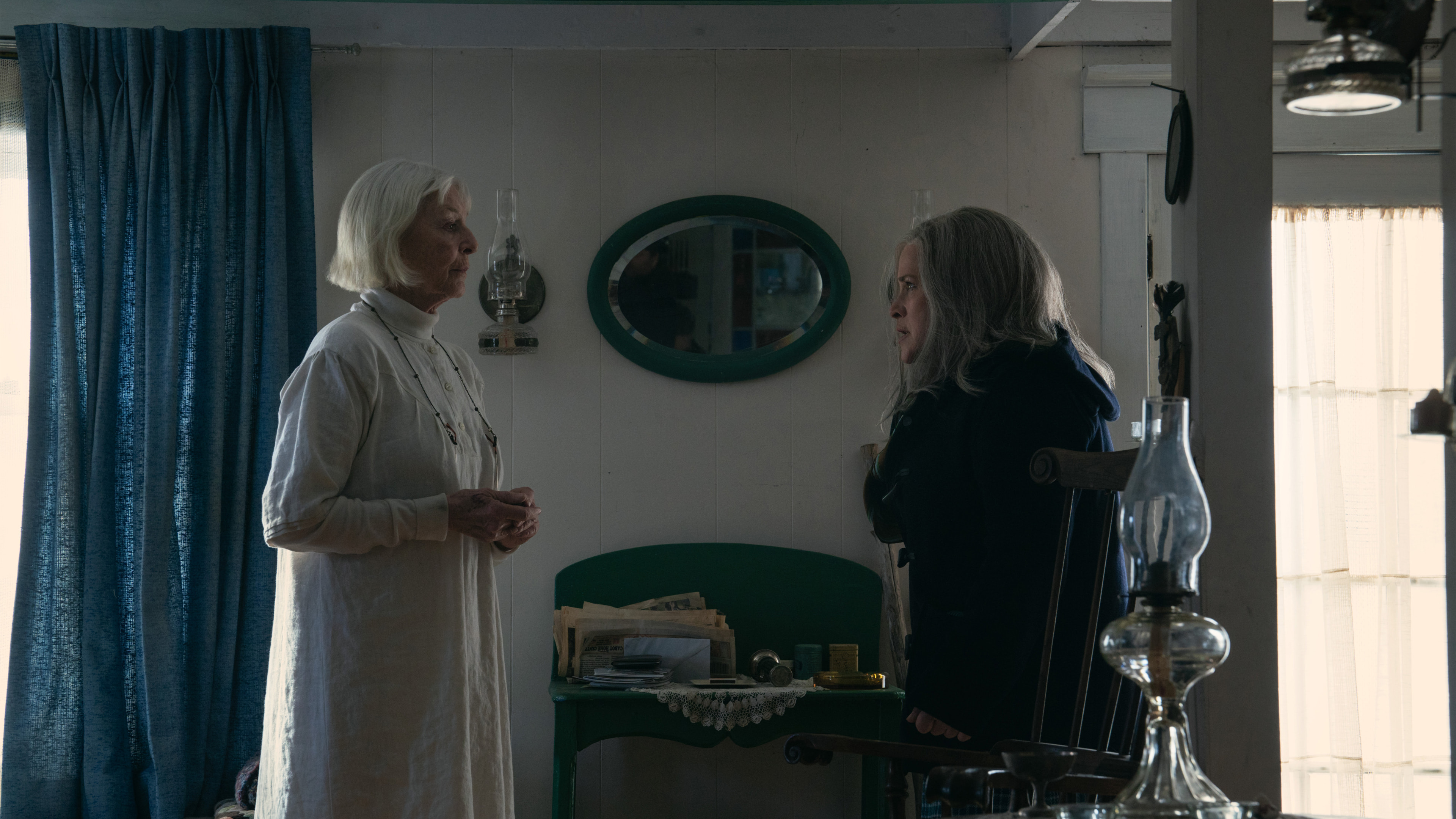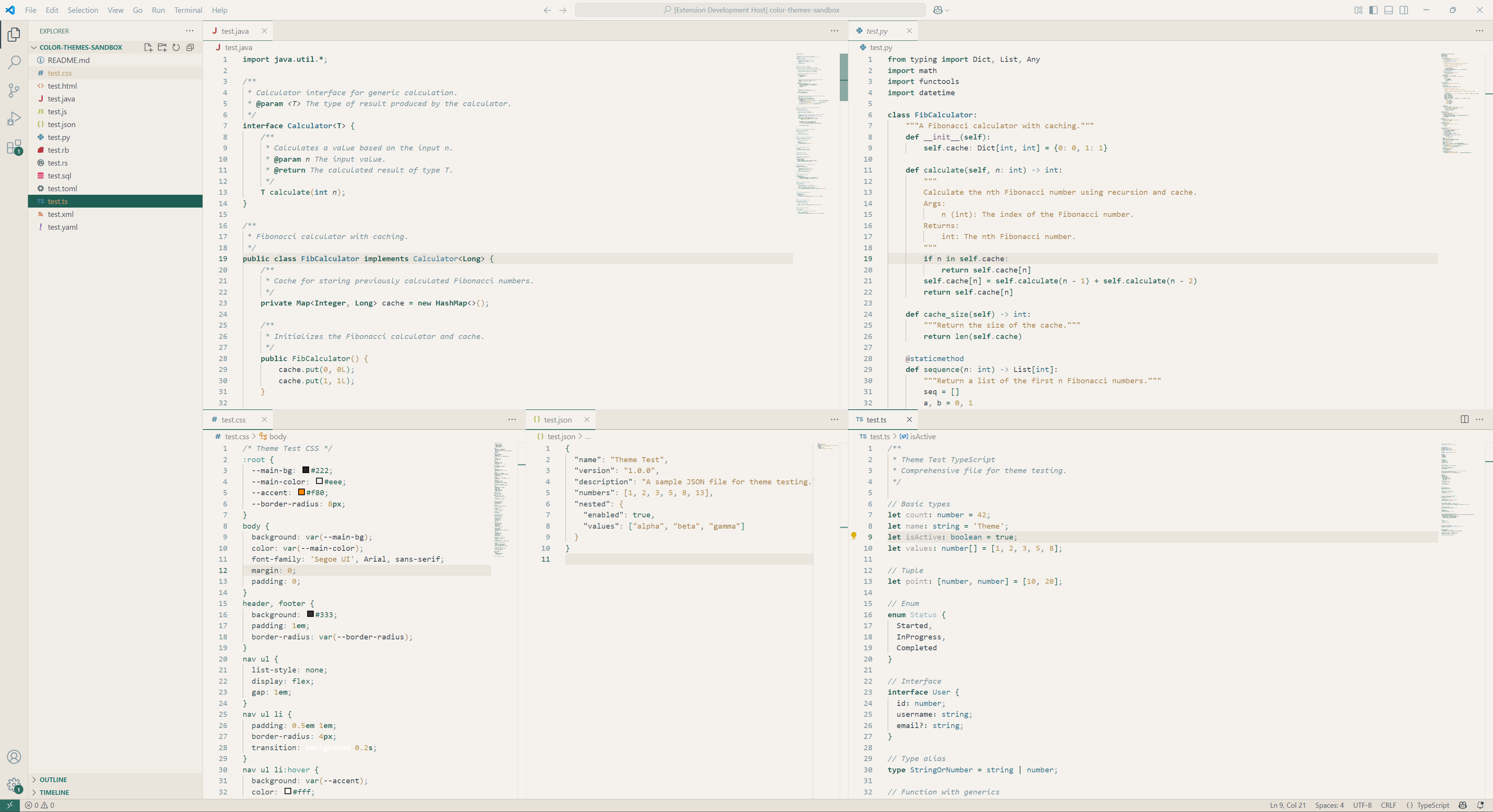

Macrodata Refiners ThemeA collection of Severance-inspired themes for Visual Studio Code, capturing the distinct visual aesthetics from different locations within Lumon Industries. "Please enjoy each theme equally." - Ms Casey. ThemesMacrodata Refiners (dark)Inspired by the MDR department's teal-tinted screens and workstations. This theme captures the clinical, sterile environment of the severed floor where the refiners work.
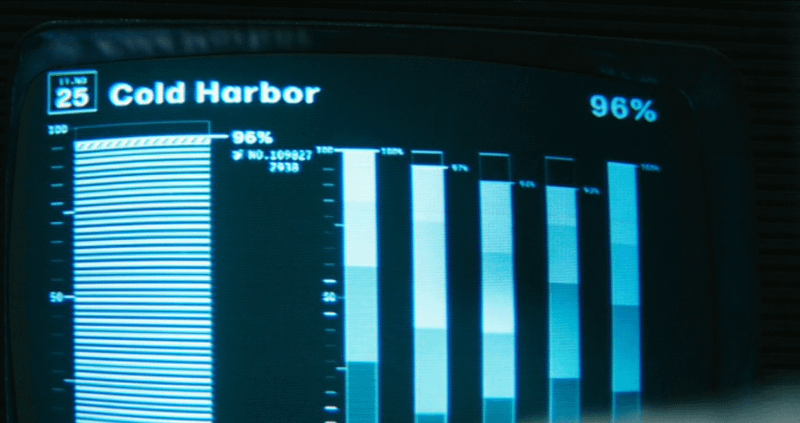
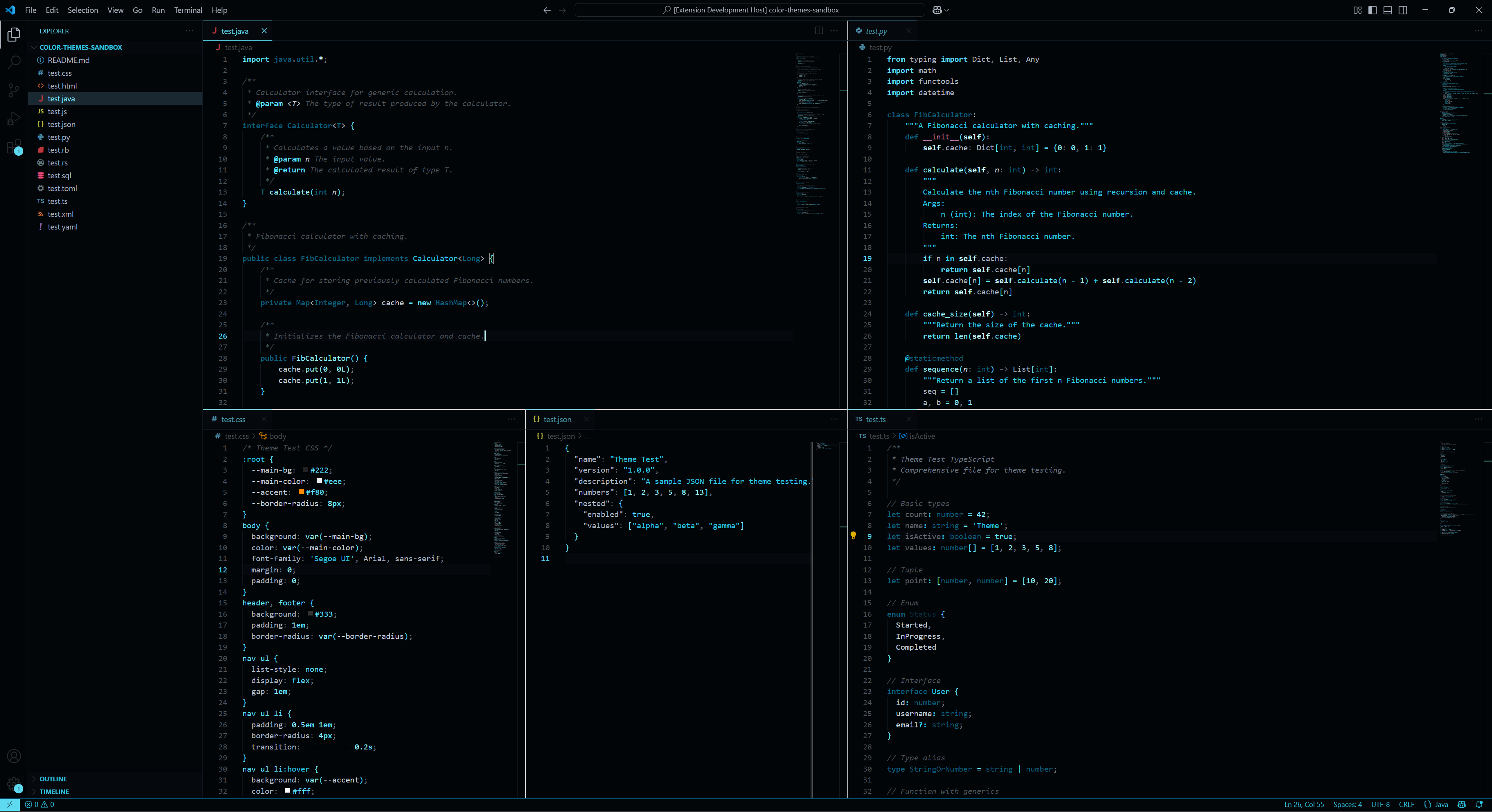
Cold Harbor (dark)Inspired by Lumon's data visualization screens showing the Cold Harbor project metrics. A dark theme featuring graduated shades of cyan and blue, reminiscent of the analytical charts and progress bars displayed throughout the severed floor.
ORTBO (light)Based on the cold, wintery outdoor testing grounds where severed employees are tested. A bright, stark theme inspired by snow-covered landscapes and the harsh light of the exterior world beyond Lumon's walls.
Sweet Vitriol (light)Inspired by Ms. Cobel's cottage, this light theme balances warm cream backgrounds with teal, blue, and wood tones - perfect for those who prefer coding under the influence of ether while pretending to live in a rustic cottage.
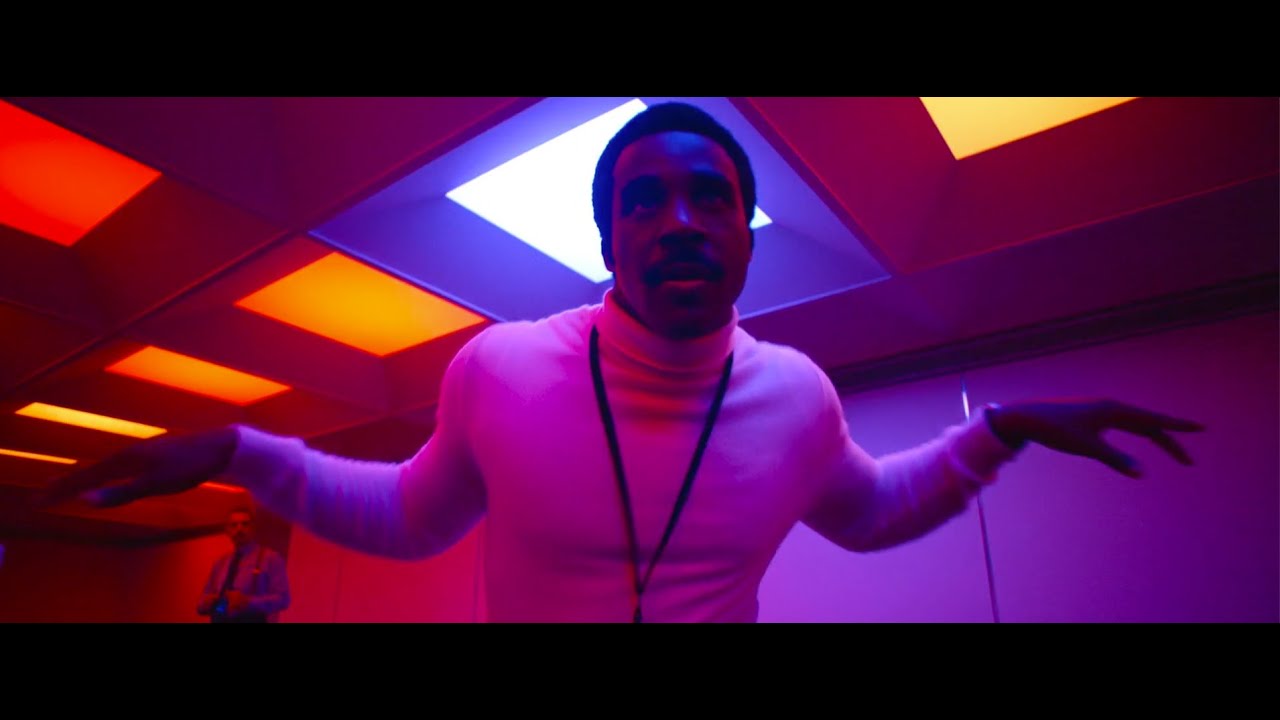
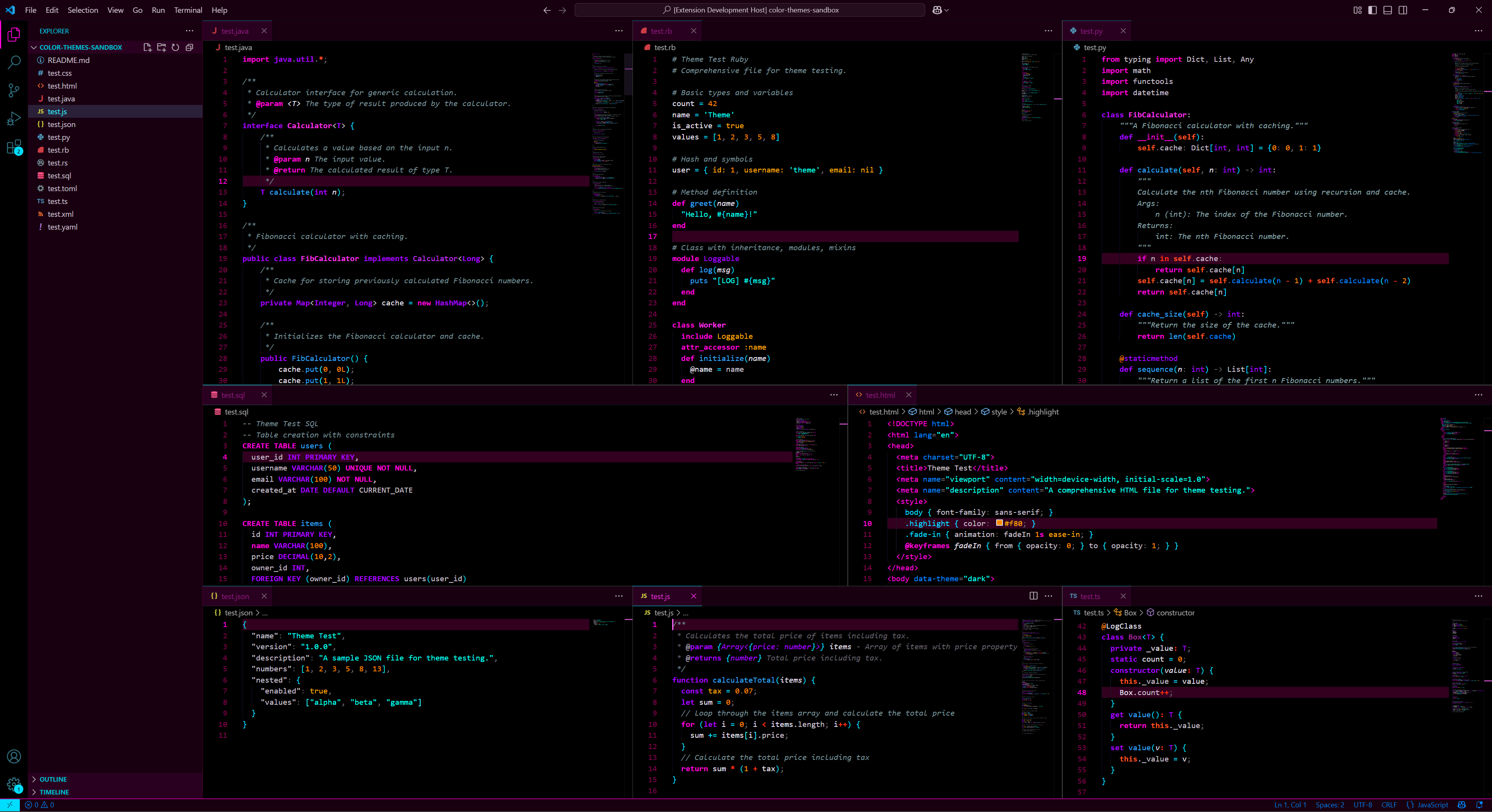
Defiant Jazz (dark)Inspired by the vibrant, rebellious dance scene with dramatic colored lighting. A bold dark theme featuring electric cyans, vivid magentas, bright blues, and warm red-orange accents - capturing the energy and defiance of breaking free from control.
Features
Installation
DevelopmentThis theme uses a custom build system for easy color management. Instead of editing large JSON files, colors are defined in YAML palette files and automatically generated. Building themes```bash Install dependenciesnpm install Build all themesnpm run build ``` Project structure
See BUILD_SYSTEM.md for detailed documentation on the build system. Color extractionColor palettes were extracted from official Severance promotional images using custom Python scripts (utility tools, not part of the build process): ```bash Install Python dependencies (one-time setup for color extraction)pip3 install Pillow Extract colors from reference imagespython3 extract_colors_advanced.py reference-mdr.jpg ``` ContributingContributions are welcome! If you'd like to:
Please open an issue or pull request on GitHub. |