WebM Video Viewer
WebM Video Viewer opens .webm files in a focused VS Code custom editor instead of dropping them into the text or binary editor.
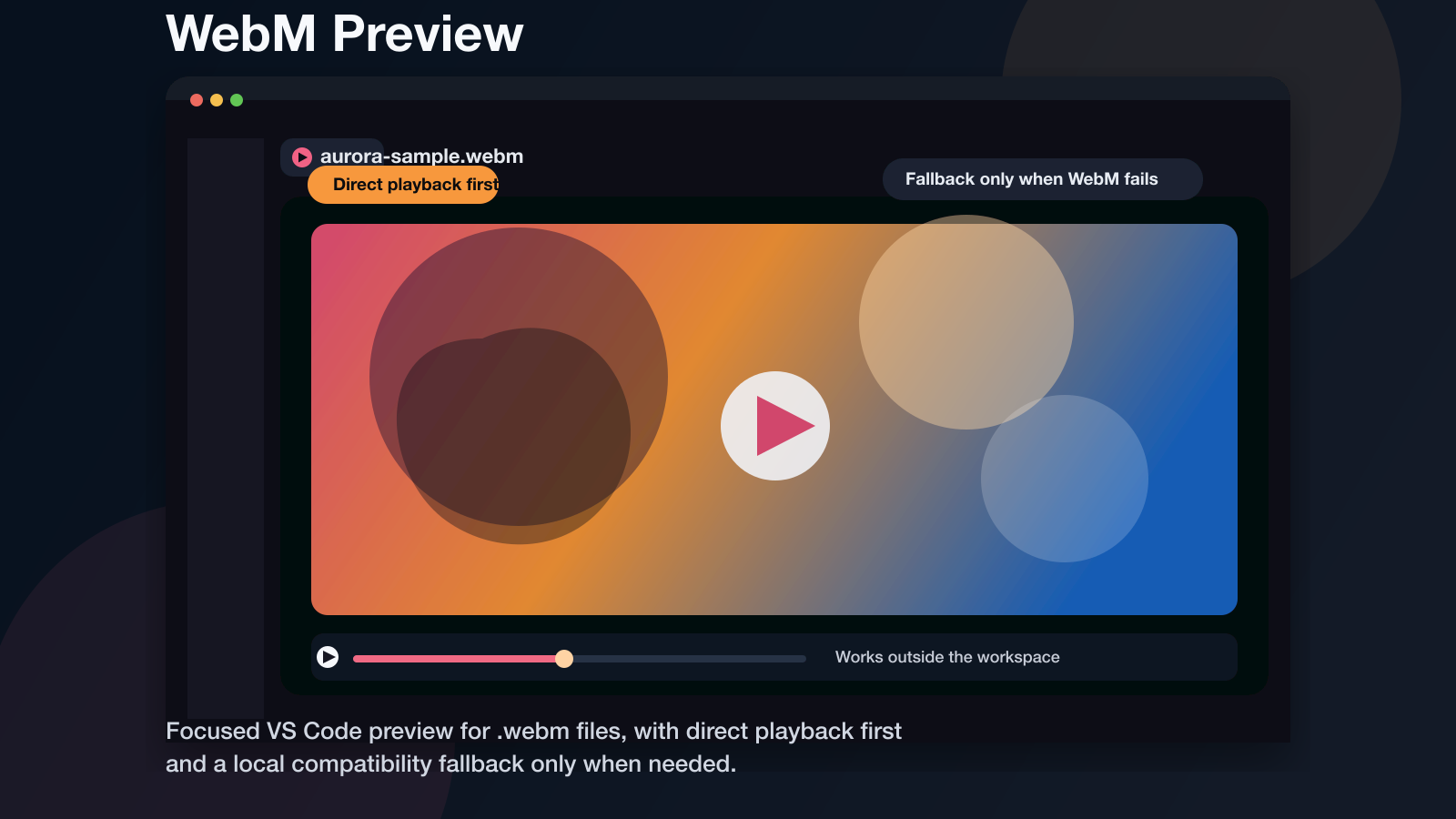
It is built around a simple rule:
- Try the original
.webm first.
- Only if that fails in desktop VS Code, generate a compatibility preview where the extension host can read the file.
What It Does
- Opens
*.webm as a read-only custom editor tab.
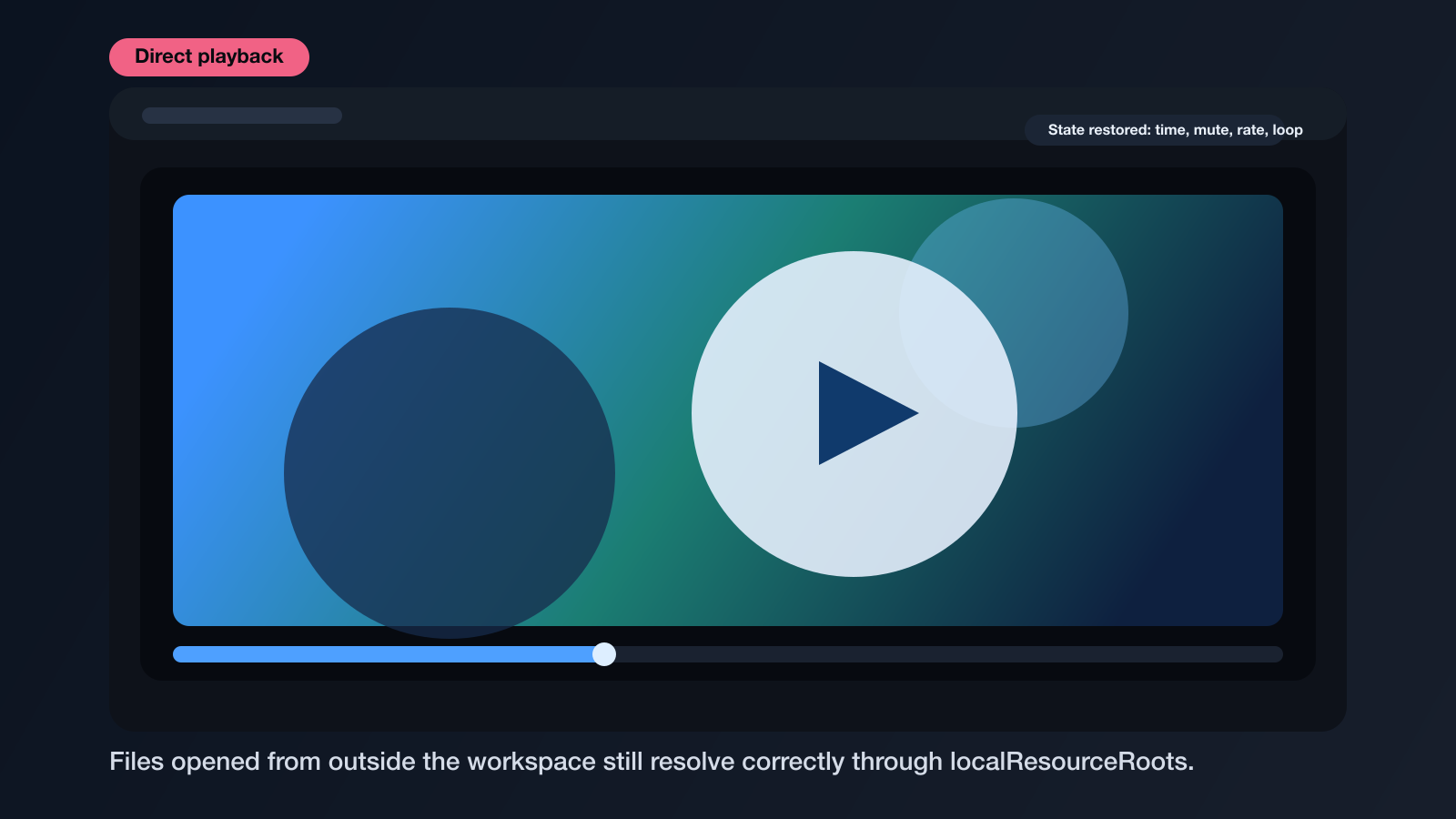
- Restores playback position, mute, volume, rate, and loop state.
- Supports files inside or outside the current workspace.
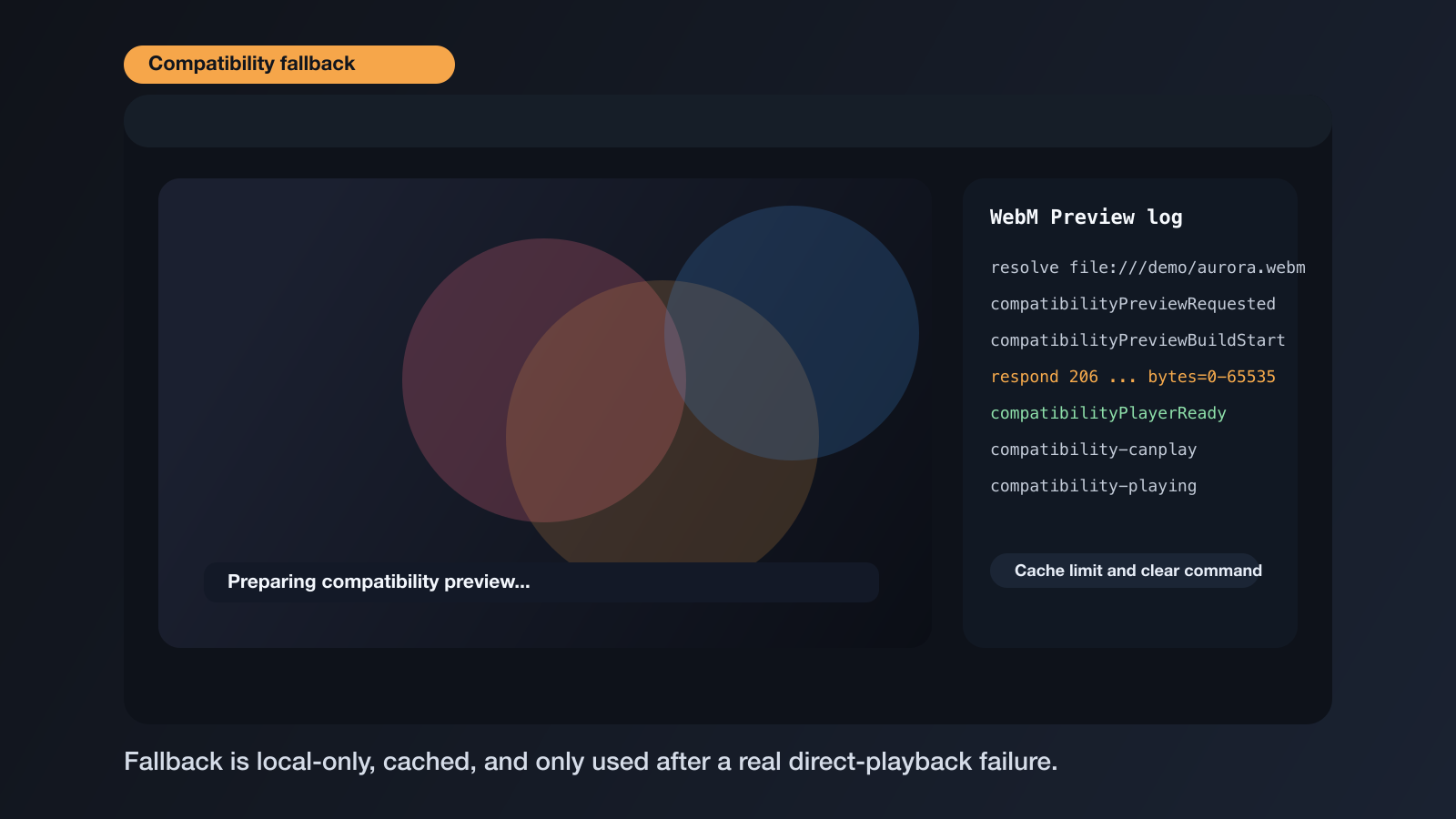
- Falls back to a cached H.264 + MP3 preview only after a real playback failure.
- Keeps the browser-hosted build honest: web extensions stay direct-playback-only.
- Supports Remote SSH/Codespaces fallback when the desktop Node extension host runs with the workspace and
ffmpeg is available there.
Screenshots
Direct playback path:
Compatibility fallback path:
Why It Is Shaped This Way
The extension is built around a CustomReadonlyEditorProvider, which is the right fit for media preview:
.webm is a binary asset, not a text document.- Playback should behave like an editor tab, including splits and reopen behavior.
- The extension should not invent save, undo, or dirty-state semantics for a video preview.
Privacy And Compatibility
Some VS Code runtimes can fail to play a .webm that works in Chrome. When webmPreview.compatibilityFallback is enabled, desktop VS Code can generate a cached H.264 + MP3 preview with ffmpeg after a real playback failure.
- The original file is not uploaded anywhere by this extension.
- The compatibility preview is stored in the extension storage area for the active extension host.
- In Remote SSH/Codespaces,
ffmpeg must be available in the remote workspace environment.
webmPreview.maxCompatibilityCacheMb controls cache size.WebM Video Viewer: Clear Compatibility Cache removes generated previews on demand.- The repo also includes a synthetic demo clip in
assets/demo/aurora-sample.webm for public testing.
Development
npm install
npm run build
npm run check
npm test
npm run package:vsix
The test suite generates its own public fixtures under tests/fixtures and does not depend on any private media files.
Then open this folder in VS Code and run F5 to launch the extension host.
Architecture notes live in docs/architecture.md in the source tree.

