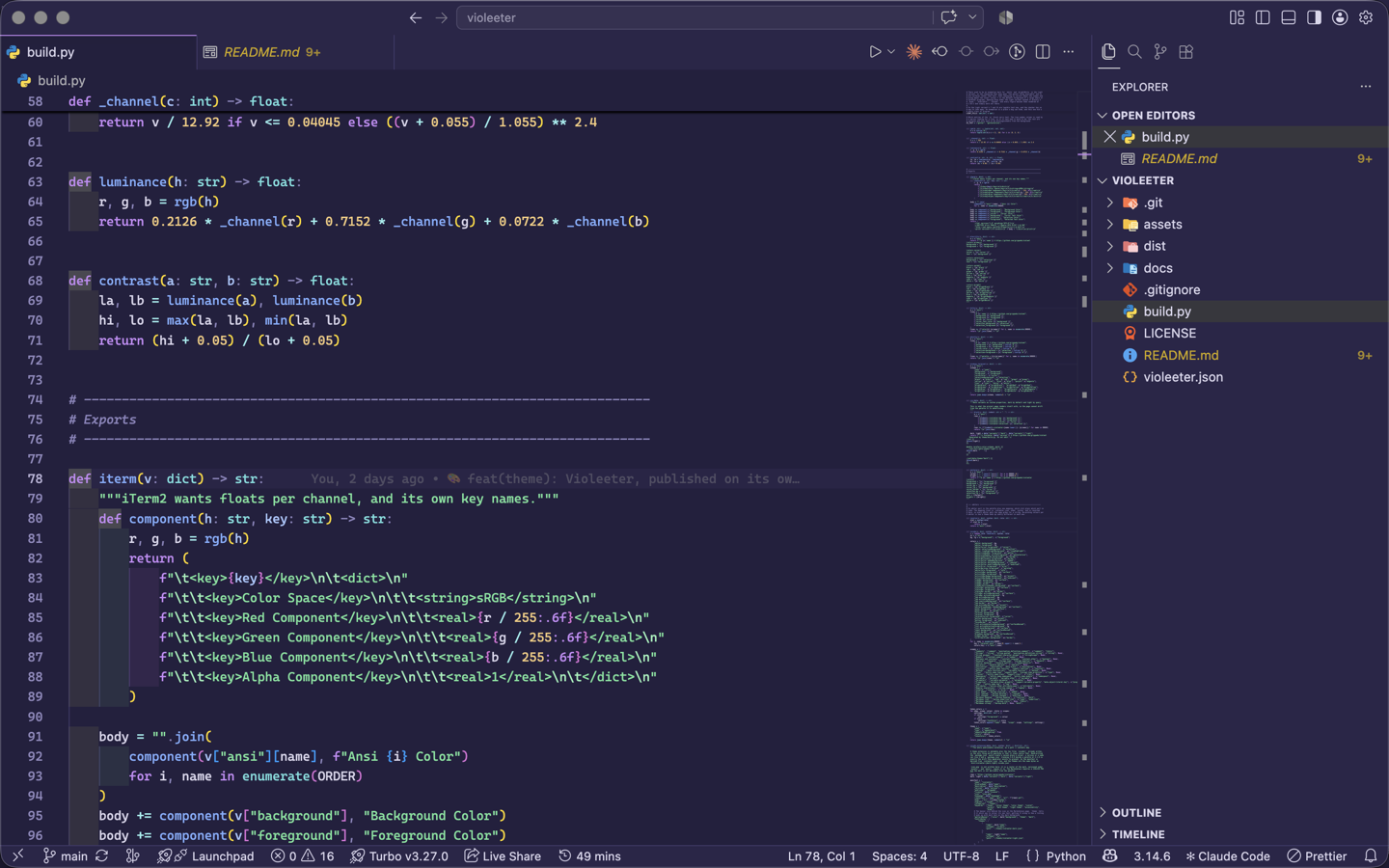
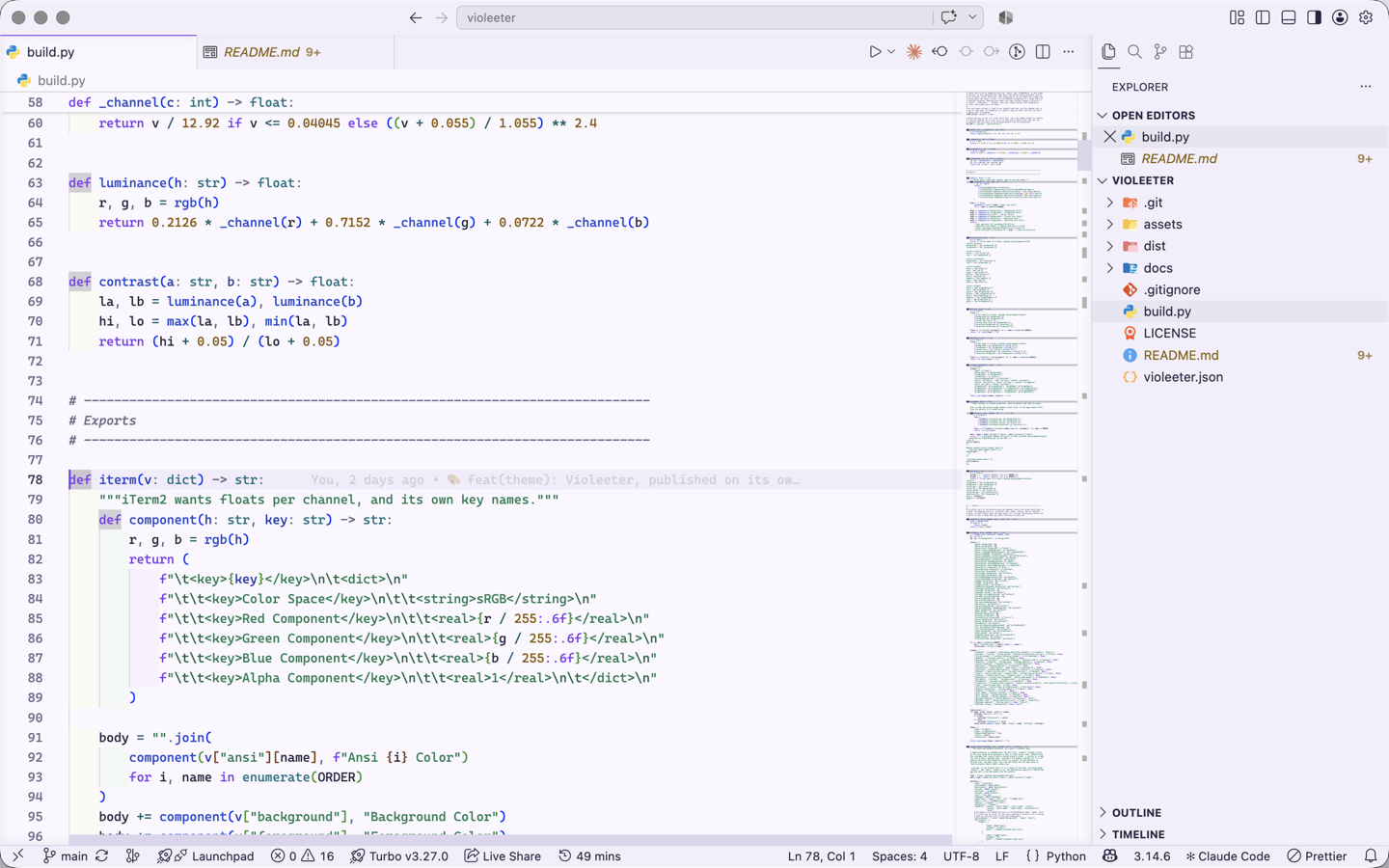
VioleeterA violet theme for everything. Dark and light, every colour verified against WCAG AA. Installation Launch VS Code Quick Open ( Ctrl+P), paste the following command, and press enter.Copied to clipboard |

VioleeterA violet theme for everything. Dark and light, every colour verified against WCAG AA. Two themes, Violeeter Dark and Violeeter Light, generated from one
palette file.
Every colour is checkedEvery colour that carries text clears WCAG AA (4.5:1) against the background it is drawn on, in both variants, and the build fails if one does not. That includes the line number column, which is text somebody reads while looking for a line, and colour 7 in the light variant, which is the default foreground of a large share of terminal programs. The same theme everywhere elseThis extension is one port of a palette that also ships for Neovim, Zed, iTerm2, Alacritty, Kitty, Ghostty, WezTerm, Windows Terminal, btop, CSS and Tailwind. Every port resolves the same role-to-slot mapping, so a string is the same green in your editor and in the terminal beside it. The full set, and the palette itself: https://grippado.github.io/violeeter/ LicenceMIT. Take it, port it, change it. |