BlackjackPlay Blackjack in VSCode Installation Launch VS Code Quick Open ( Ctrl+P), paste the following command, and press enter.Copied to clipboard |

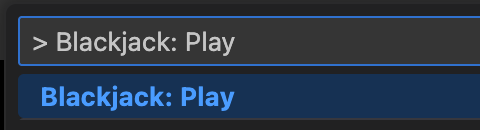
Blackjack for VS CodePlay Blackjack directly in VS Code. UsageOpen the Command Palette (
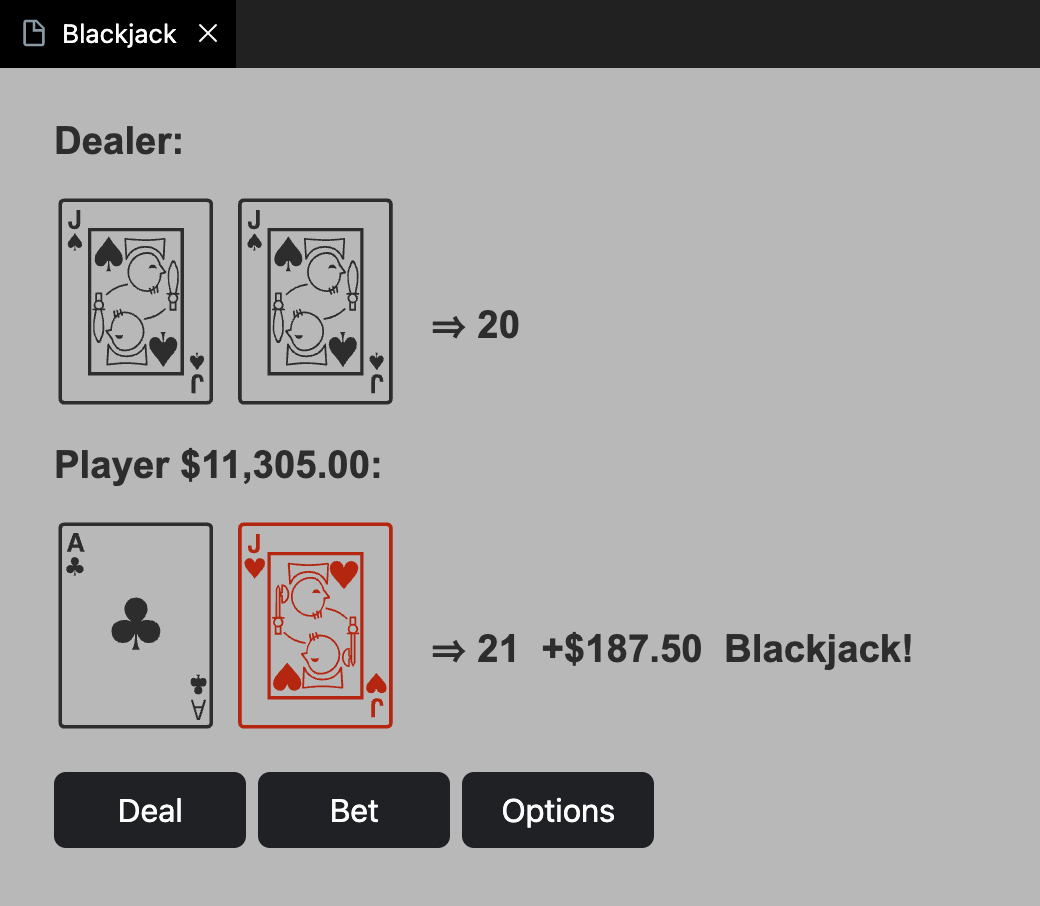
Or use the keyboard shortcut Blackjack opens in an editor tab:
If you run out of money, close the tab and restart it. You can complain about issues or request new features here: https://github.com/gdonald/blackjack-vscode/issues Other Blackjack Implementations:I've written Blackjack in some other programming languages too. Check them out! |