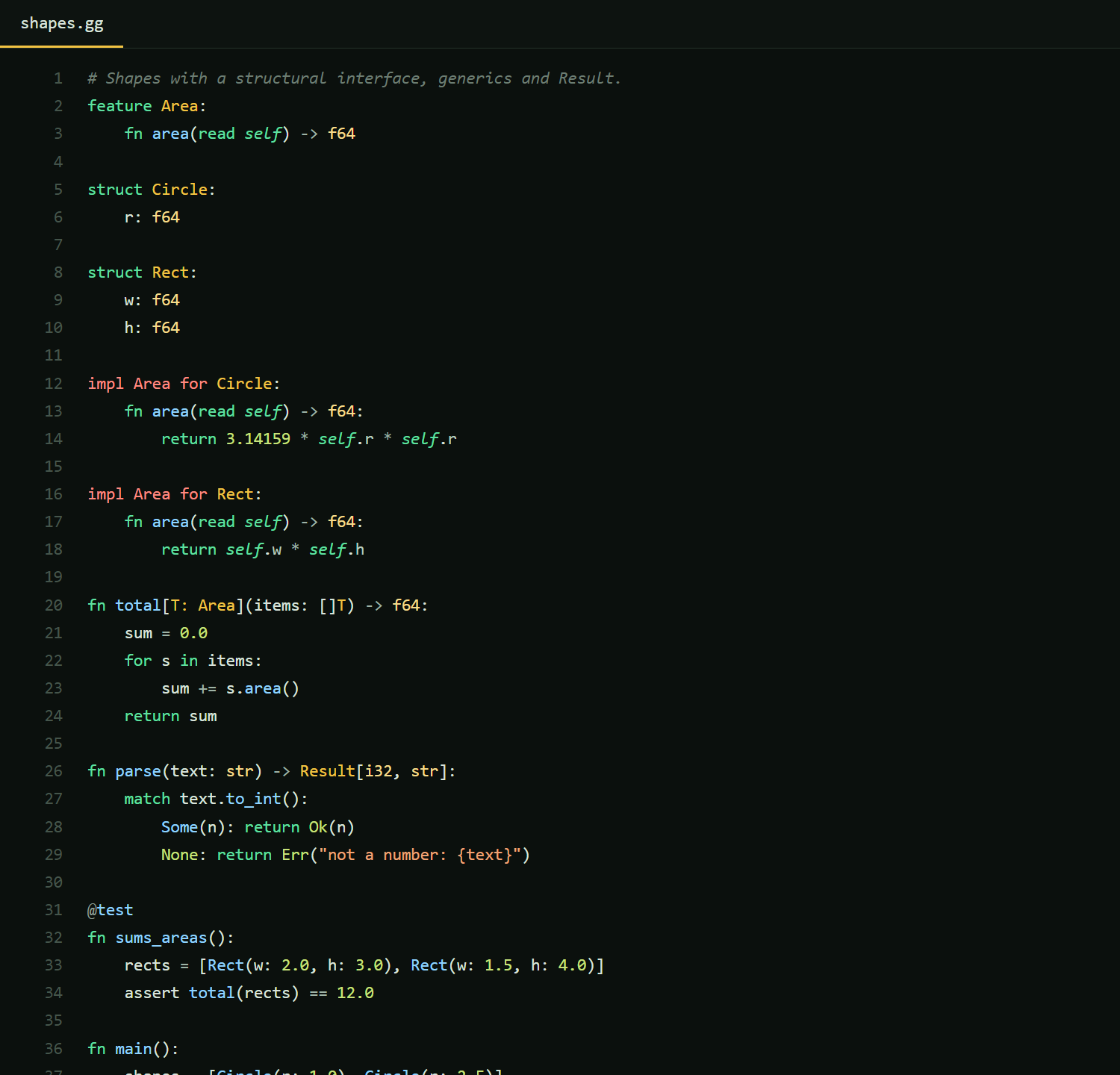
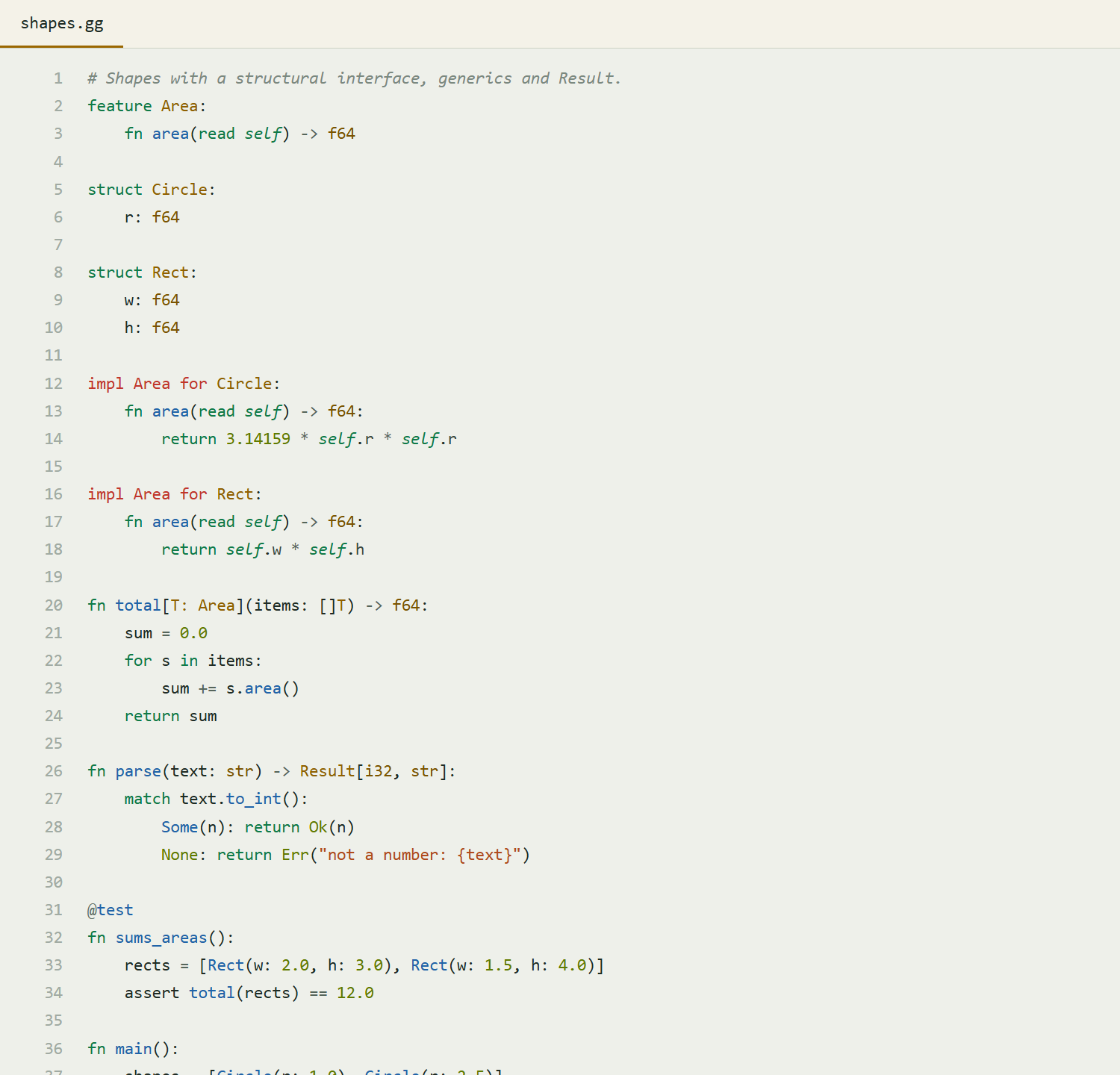
Greengold Themes - Green Dark & LightGreen color themes for VS Code: a deep forest-green dark theme and a soft sage light theme with gold accents. Great for any language, tuned for Greengold. Installation Launch VS Code Quick Open ( Ctrl+P), paste the following command, and press enter.Copied to clipboard |

Greengold ThemesGreen color themes for VS Code, with gold accents.
Both themes work with every language. They also carry full semantic highlighting and
extra polish for Greengold ( ScreenshotsGreengold Dark
Greengold Light
InstallOpen the Extensions view ( Greengold language supportFor syntax highlighting, LSP, debugging and the Test Explorer for greengoldlang.com · GitHub · MIT license |