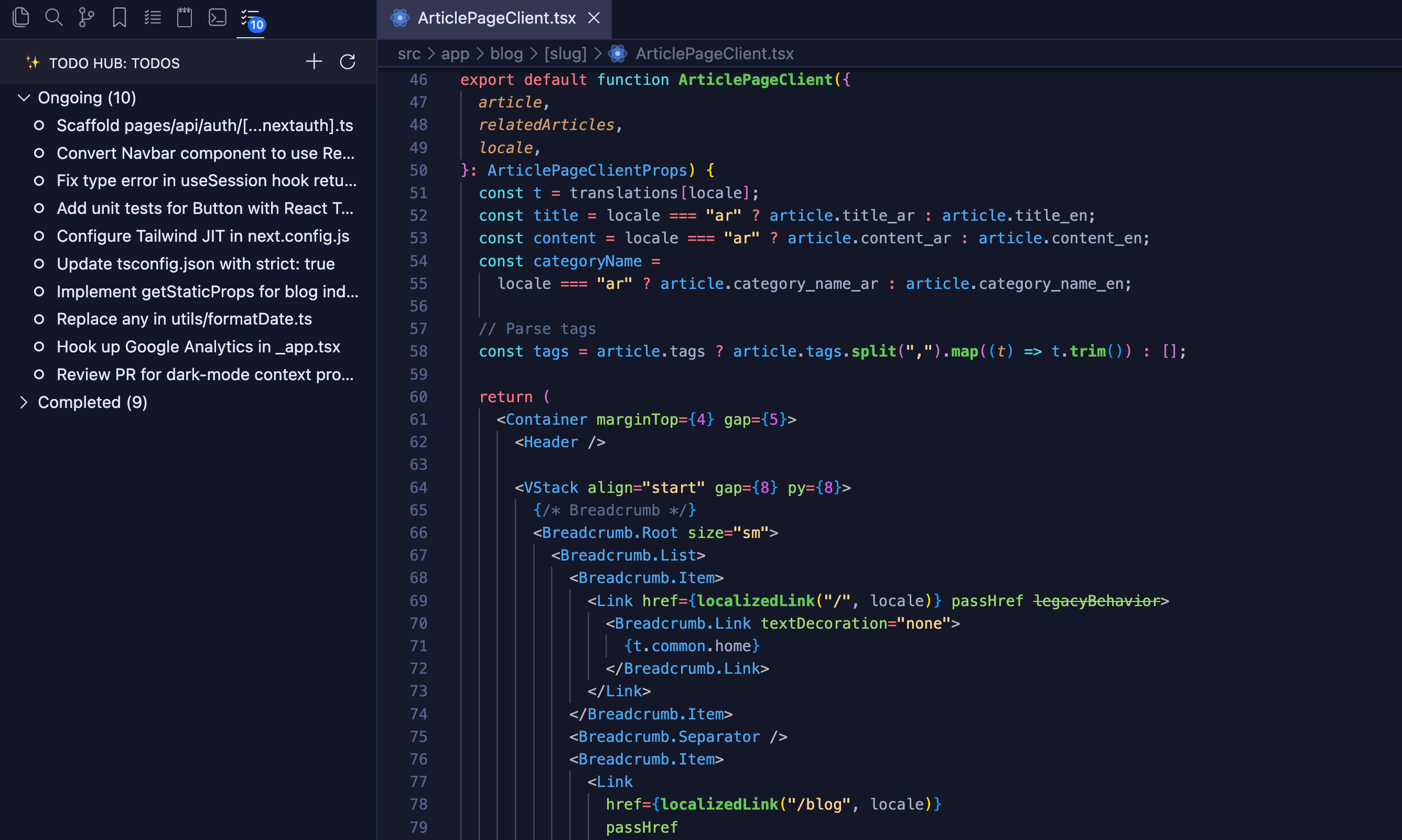
A simple, native todo list extension for Visual Studio Code. Track tasks without leaving the editor, toggle completion with a click, and manage your list directly from the activity bar.
Todo Hub is designed to feel like a built-in feature: the tree view uses native icons and commands, and todos are stored in workspace state so they travel with your project.
Features
📝 Add, rename, and remove todos right from the tree view or the command palette.
✅ Toggle completion; completed items move to their own section.
↩️ Undo completion to move items back to the ongoing list.
🔔 Badge shows ongoing task count.
🔄 Live refresh keeps the view in sync with workspace state.
✨ Native icons: the extension uses built‑in icons. Your current color theme is applied automatically.
Installation
Open VS Code.
Go to Extensions (⌘+Shift+X or Ctrl+Shift+X).
Search for "Todo Hub".
Click Install and select the extension from the list.
Usage
Open the Todo Hub view from the activity bar.
Use the toolbar icons to manage tasks.
Development
The extension is written in TypeScript. See src/extension.ts for the main logic; tests live under src/test.