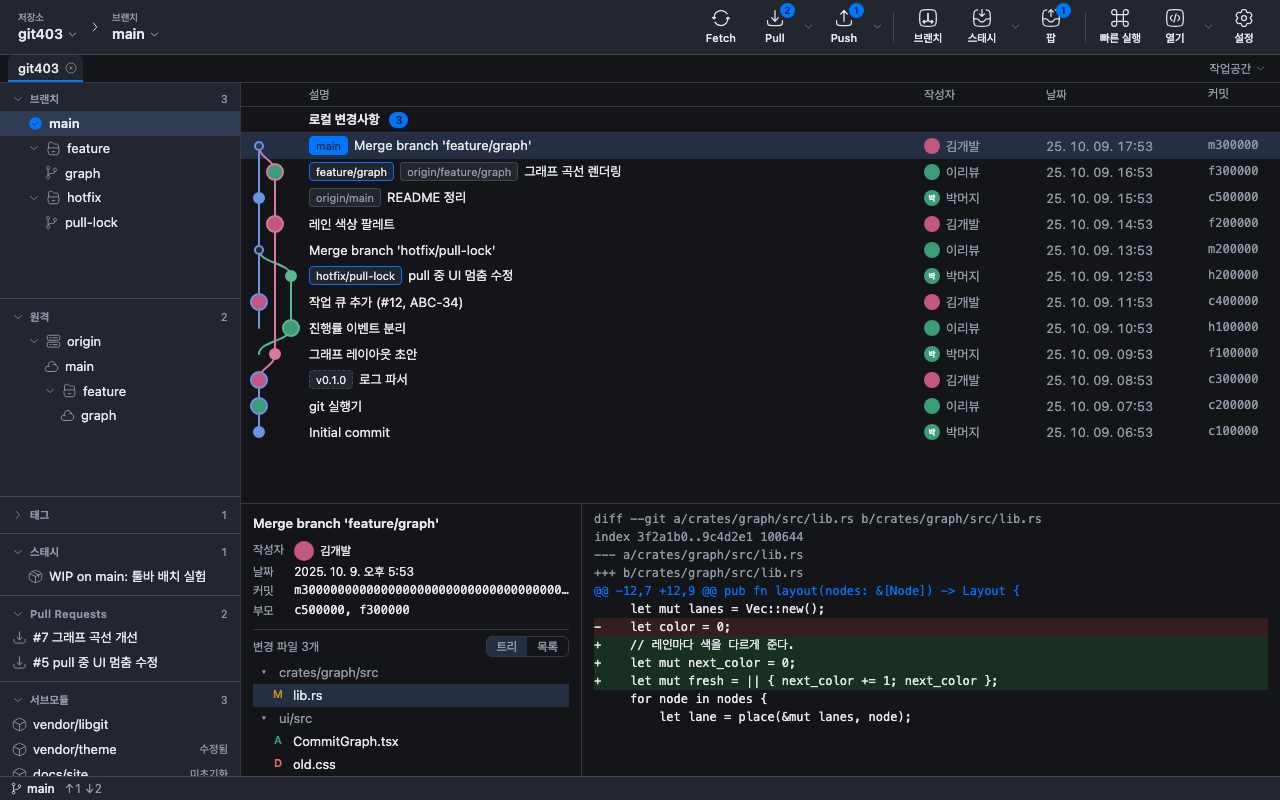
git403 for VS CodeFree, fast Git client with a rich commit graph, inline blame, and file/line history Installation Launch VS Code Quick Open ( Ctrl+P), paste the following command, and press enter.Copied to clipboard |

git403 for VS CodeA fast, lightweight Git client with a rich commit graph — inside VS Code.
Features
Requirements
WhyI tried several Git clients — each was either buggy for me, unfamiliar, required a company-purchased license for work use, or kept core features like the commit graph behind a paid plan and a sign-in. git403 aims for a full-featured client with a rich commit graph in a small, fast app. Completely free — no paid plan, no feature gates, no account or sign-in. It's just a Git client. Supportgit403 is free. If it helps you, consider sponsoring on GitHub. Notes
한국어: 커밋 그래프를 VS Code 안에서 여는 가벼운 Git 클라이언트입니다. 상태바의 git403 버튼은 편집기 탭에 전체 화면을, |