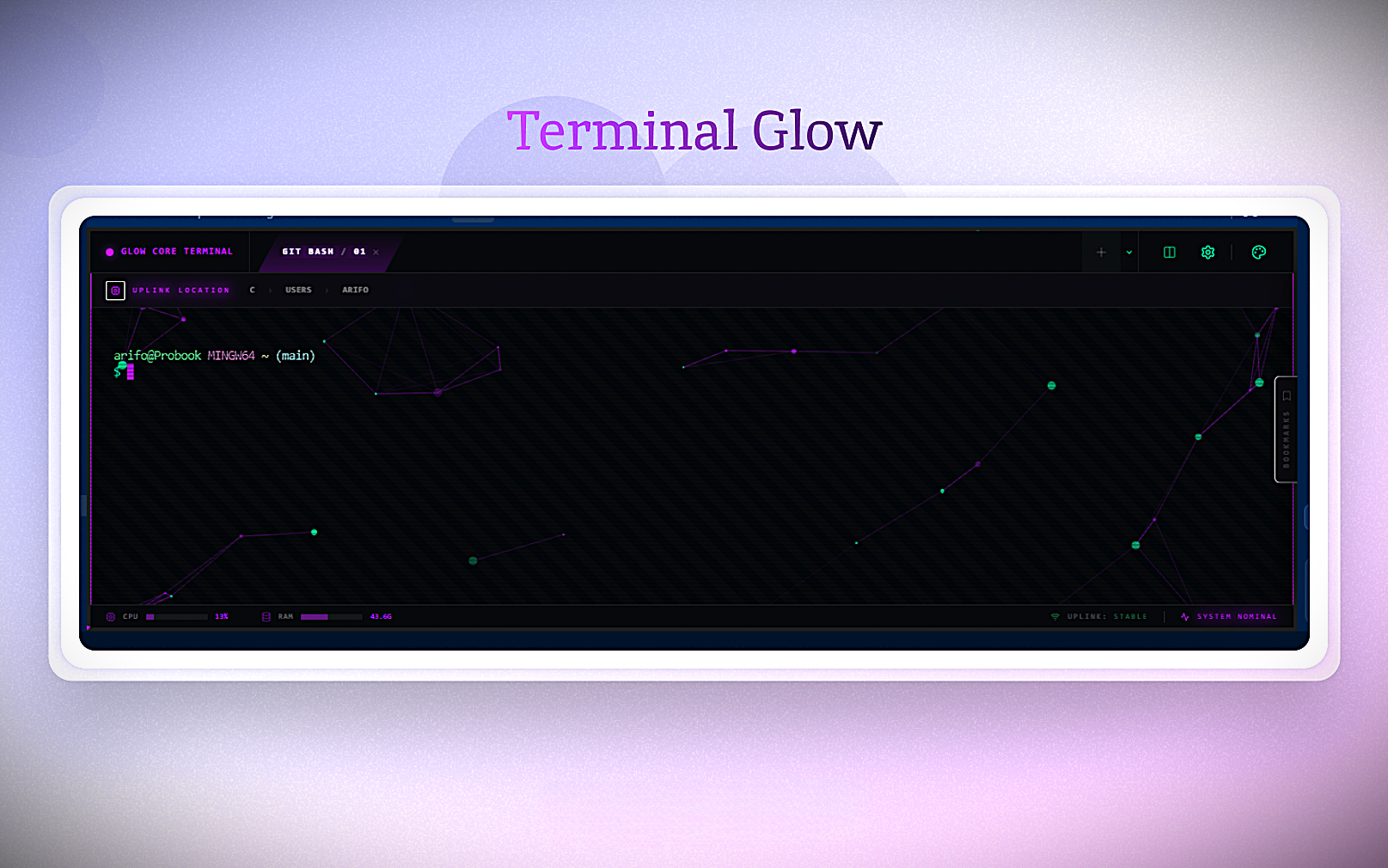
Terminal Glow transforms your VS Code terminal into a high-performance, cyberpunk command center. It's not just a theme—it's a complete workflow upgrade with integrated AI, persistent sessions, and a reactive interface.
🚀 Key Features
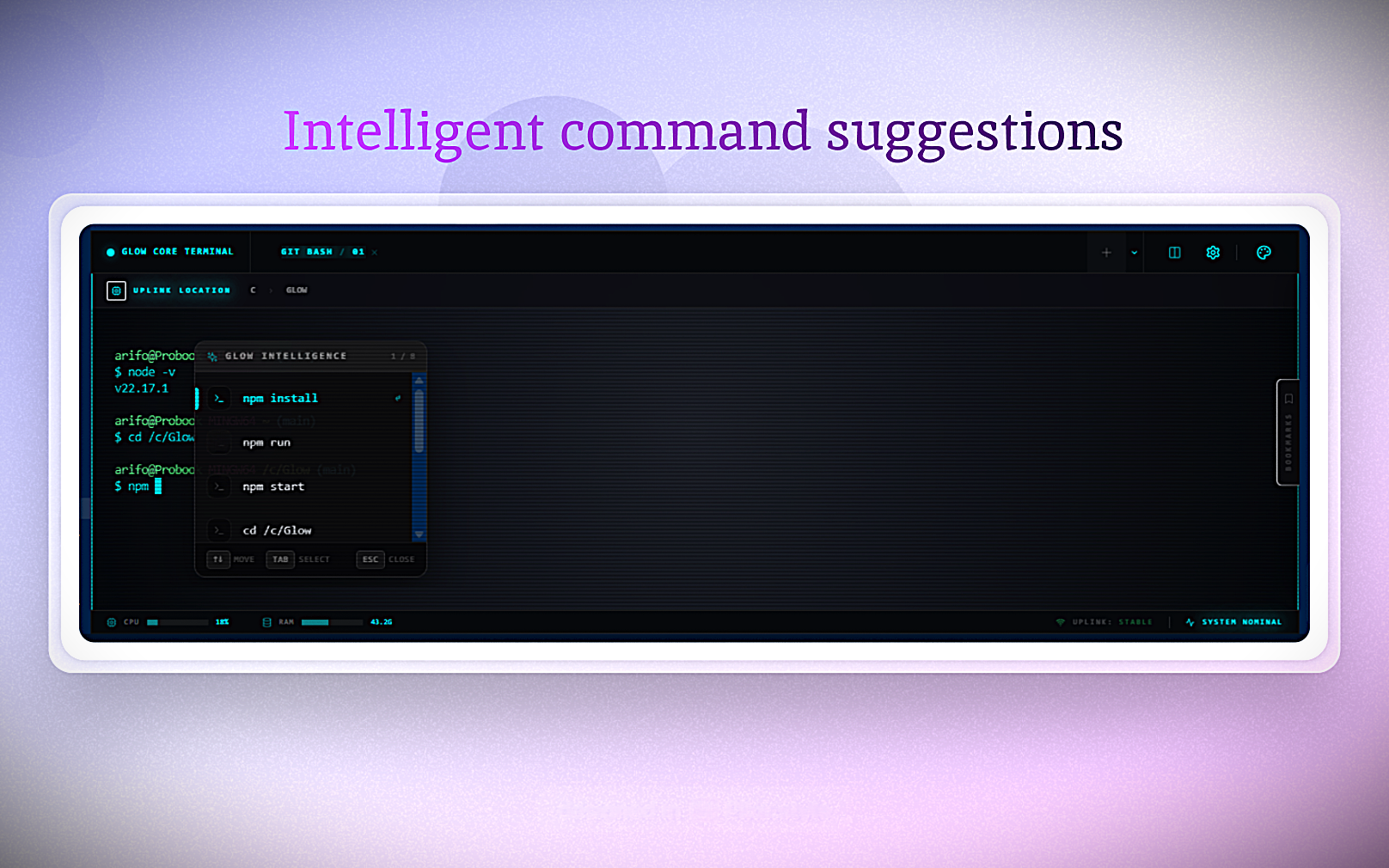
🧠 AI Intelligence (Autocomplete Menu)
Smart Context Prediction.
Popup Suggestions: A dedicated menu appears with 5-10 relevant command predictions based on your context.
Interactive Selection: Navigate options with Arrow Keys or Cursor, select with Tab.
Project Aware: Analyzes your file structure to offer meaningful suggestions.
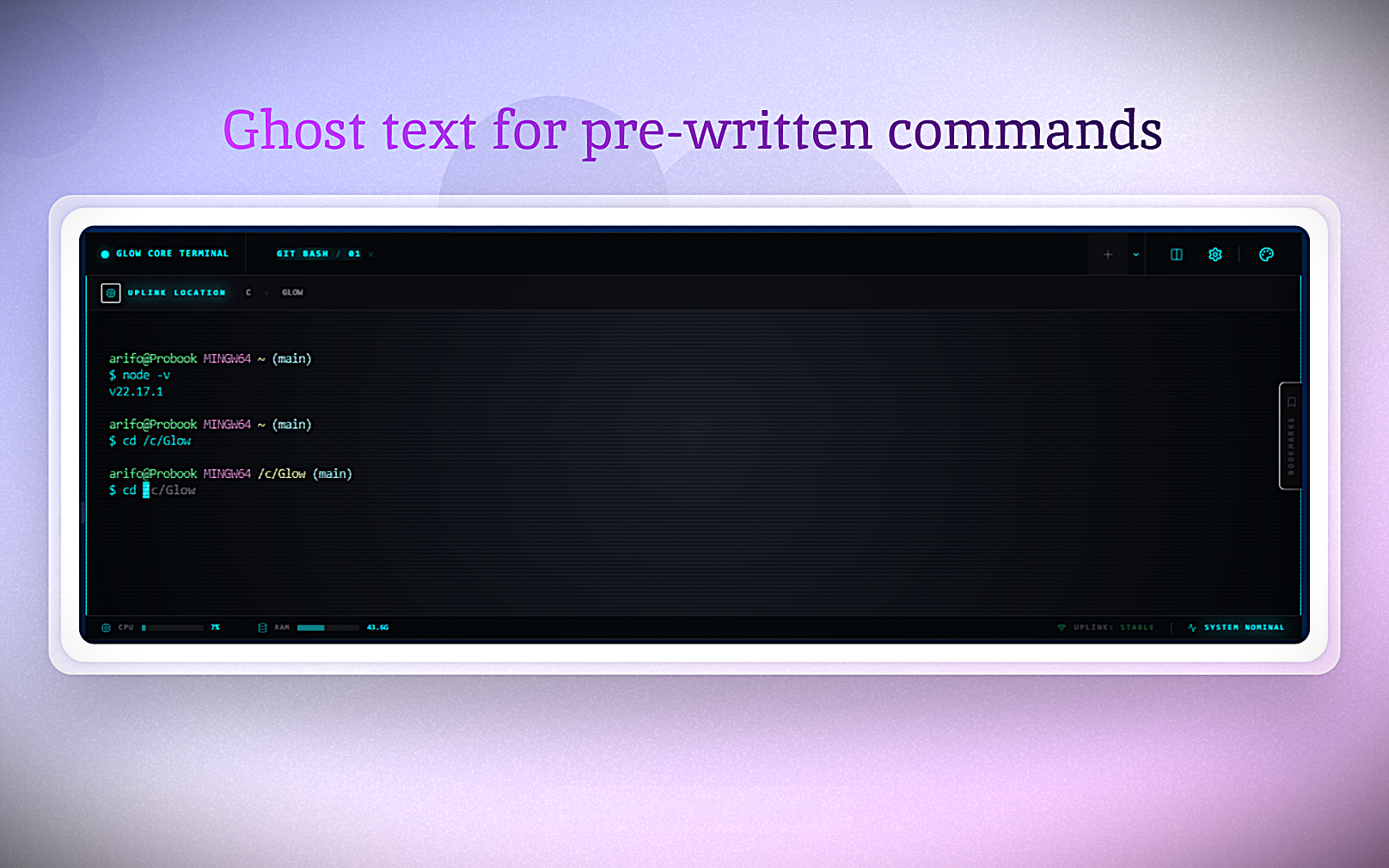
👻 History Shadow (Ghost Text)
Instant Recall.
Shadow Hints: Faint "ghost text" appears inline when typing commands you've used before.
One-Tap Complete: Press Tab to instantly auto-complete the shadow text.
🛡️ Immortal Mode (Session Persistence)
Never lose your work.
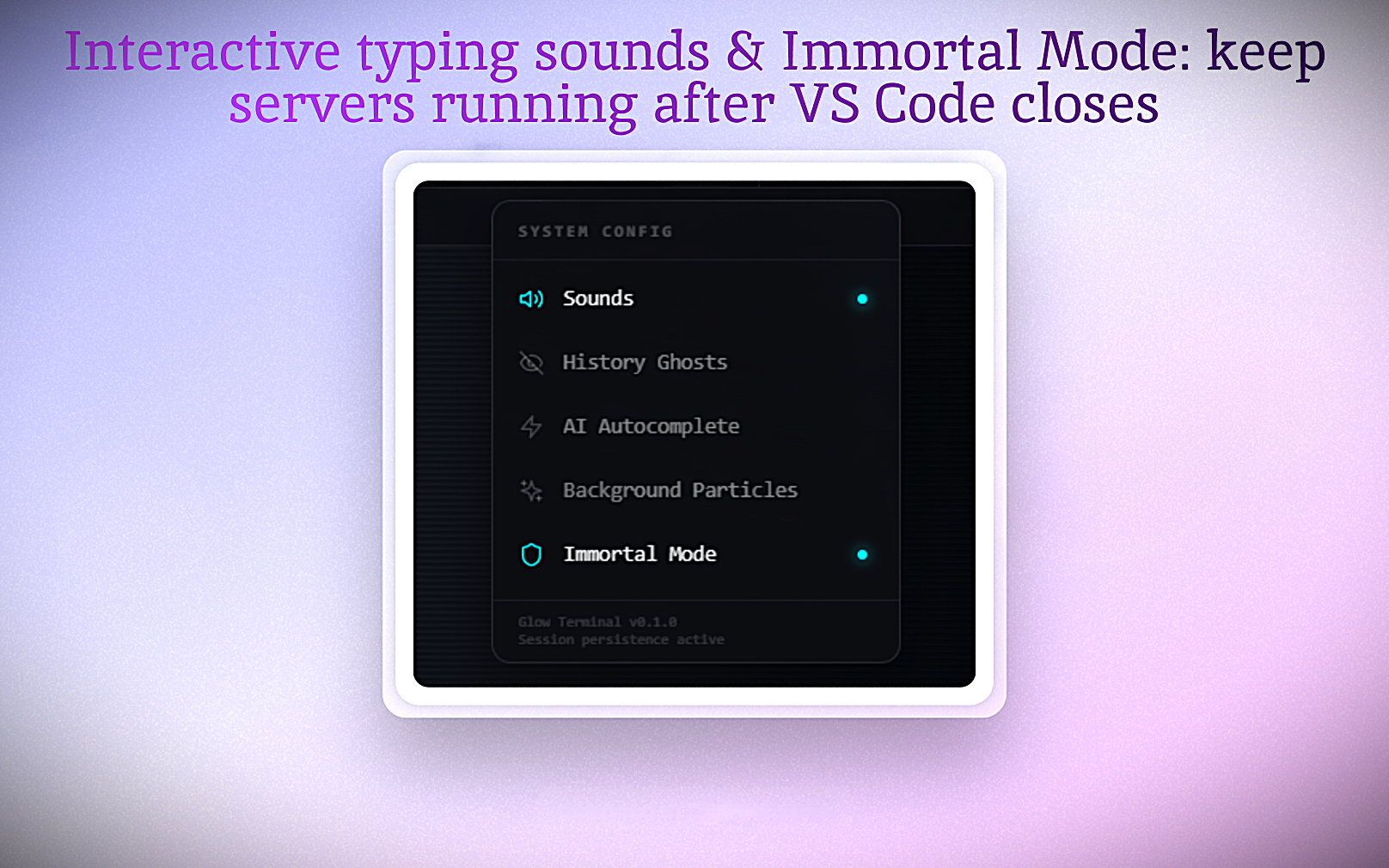
Always Alive: Close VS Code, reload the window, or crash—your terminal processes stay alive in the background.
Instant Restore: Re-attach to your sessions exactly where you left off.
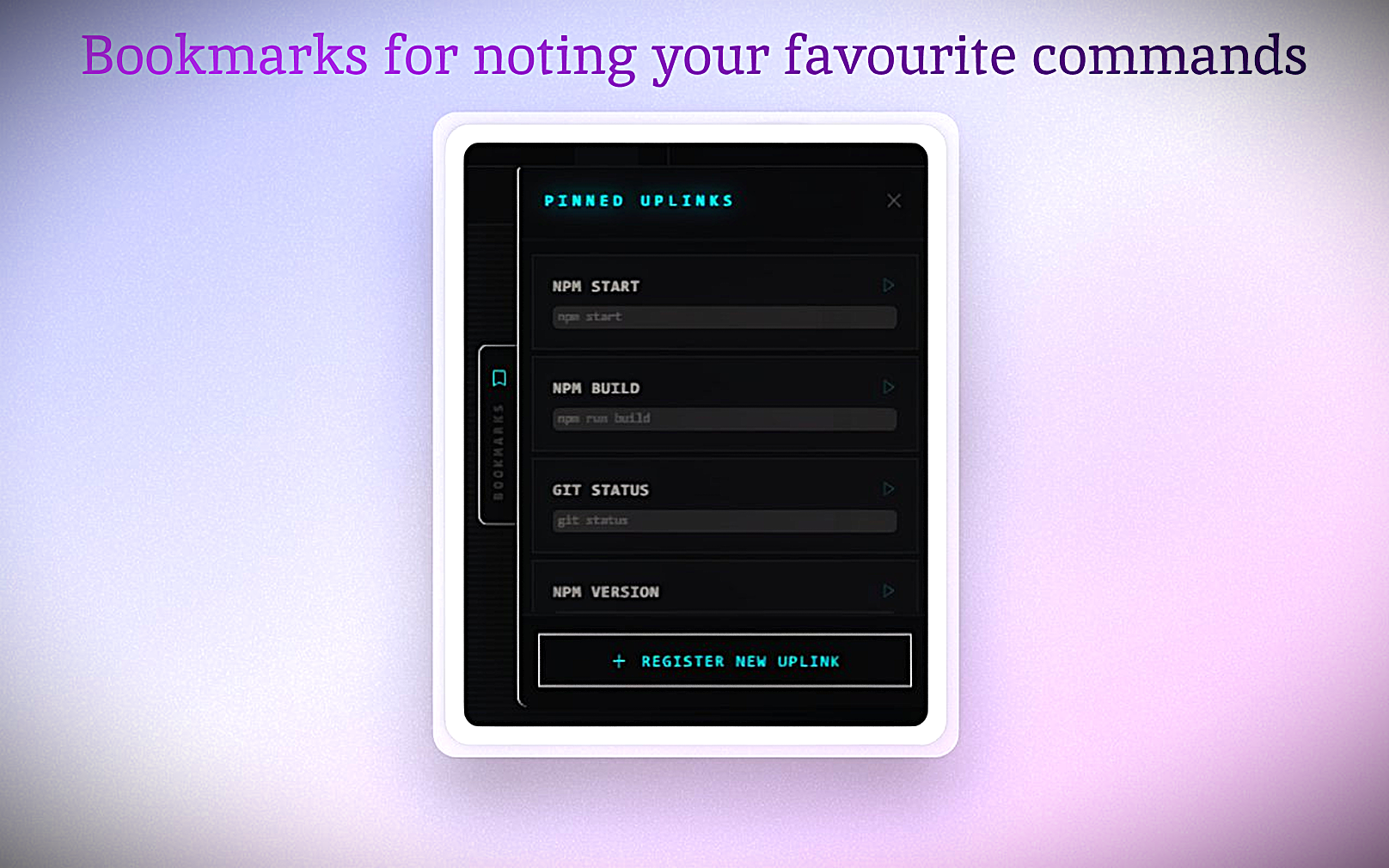
🔖 Smart Bookmarks
Navigate your workflow.
Saved Commands: Quickly access and run your own custom-saved commands.
⚙️ Total Visual Control
You are in control.
Background Particles: Dynamic particle system. Toggle it off instantly in settings if you prefer a clean look.
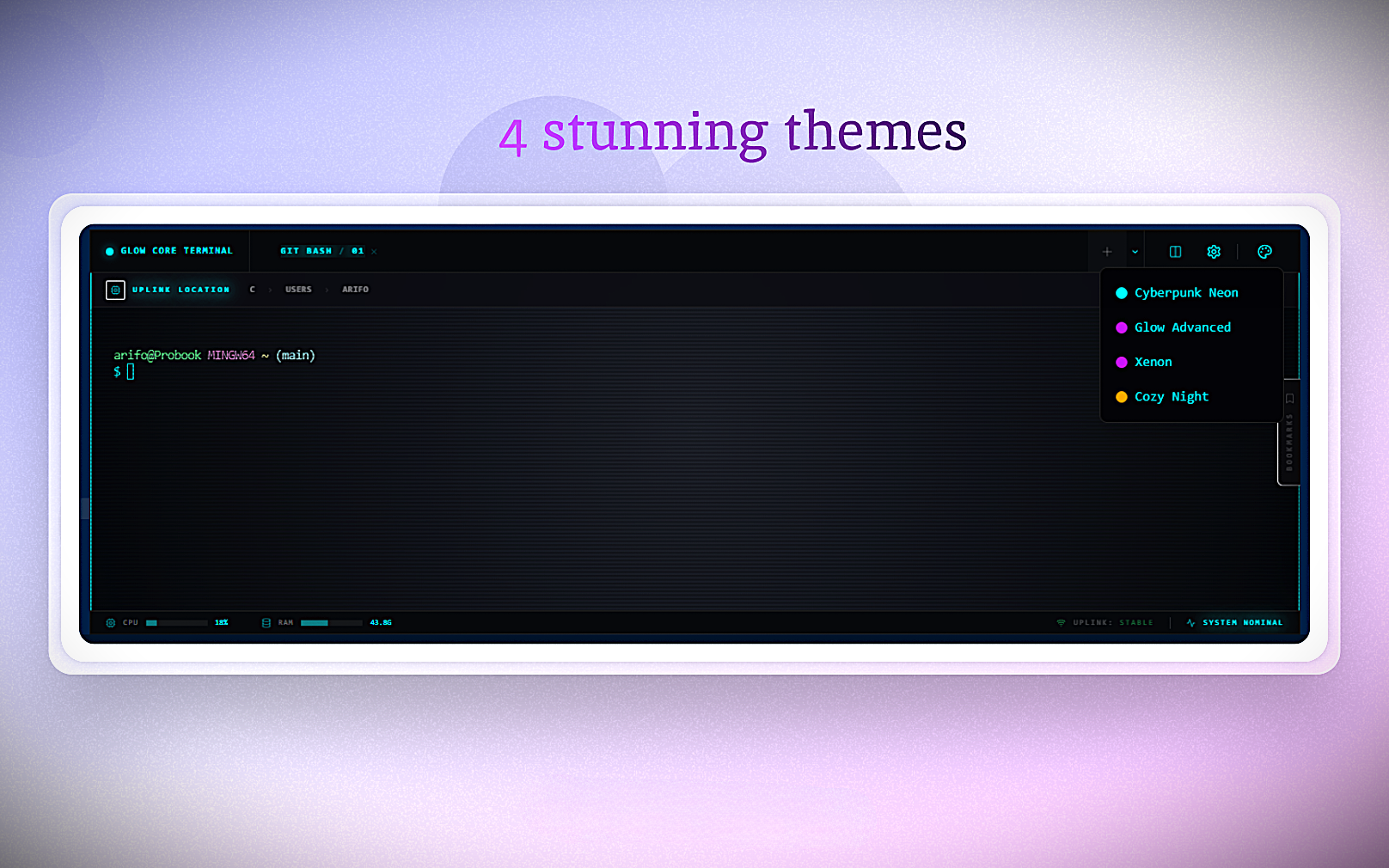
4 Premium Themes:
Glow Advanced (Default)
Xenon
Cozy Night
Glassmorphism: Real-time blur and translucency.
🔊 Soundscape
Feel every keystroke.
Mechanical Feedback: Satisfying typewriter sounds for every keypress.
Toggle: Complete silence is just one click away.
⚡ Power User Tools
Glow Core (Rust): A high-performance, multithreaded PTY engine written in Rust. Displays 100k+ lines instantly without UI lag.
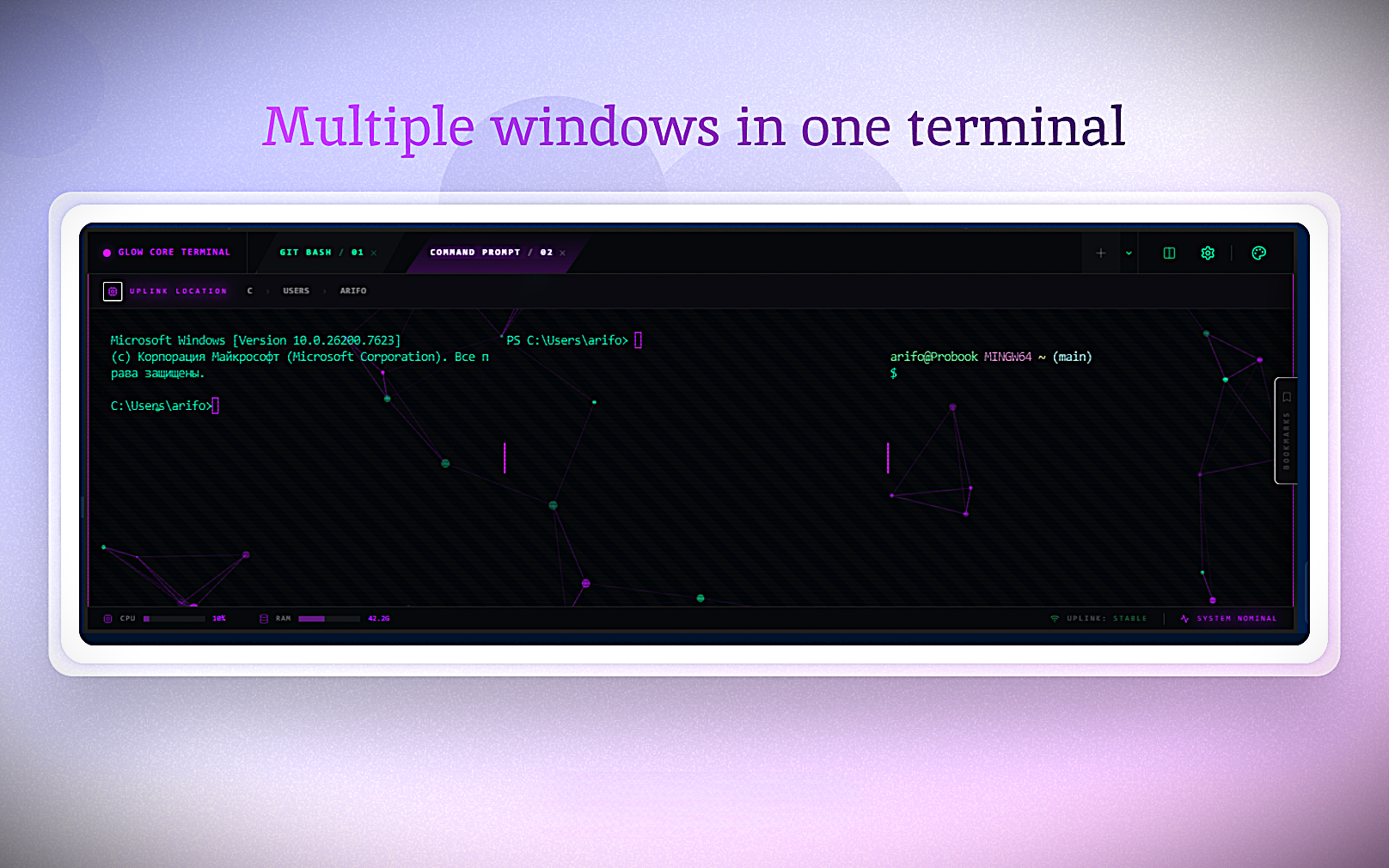
Split Panes: Vertical/Horizontal splits with independent sessions.
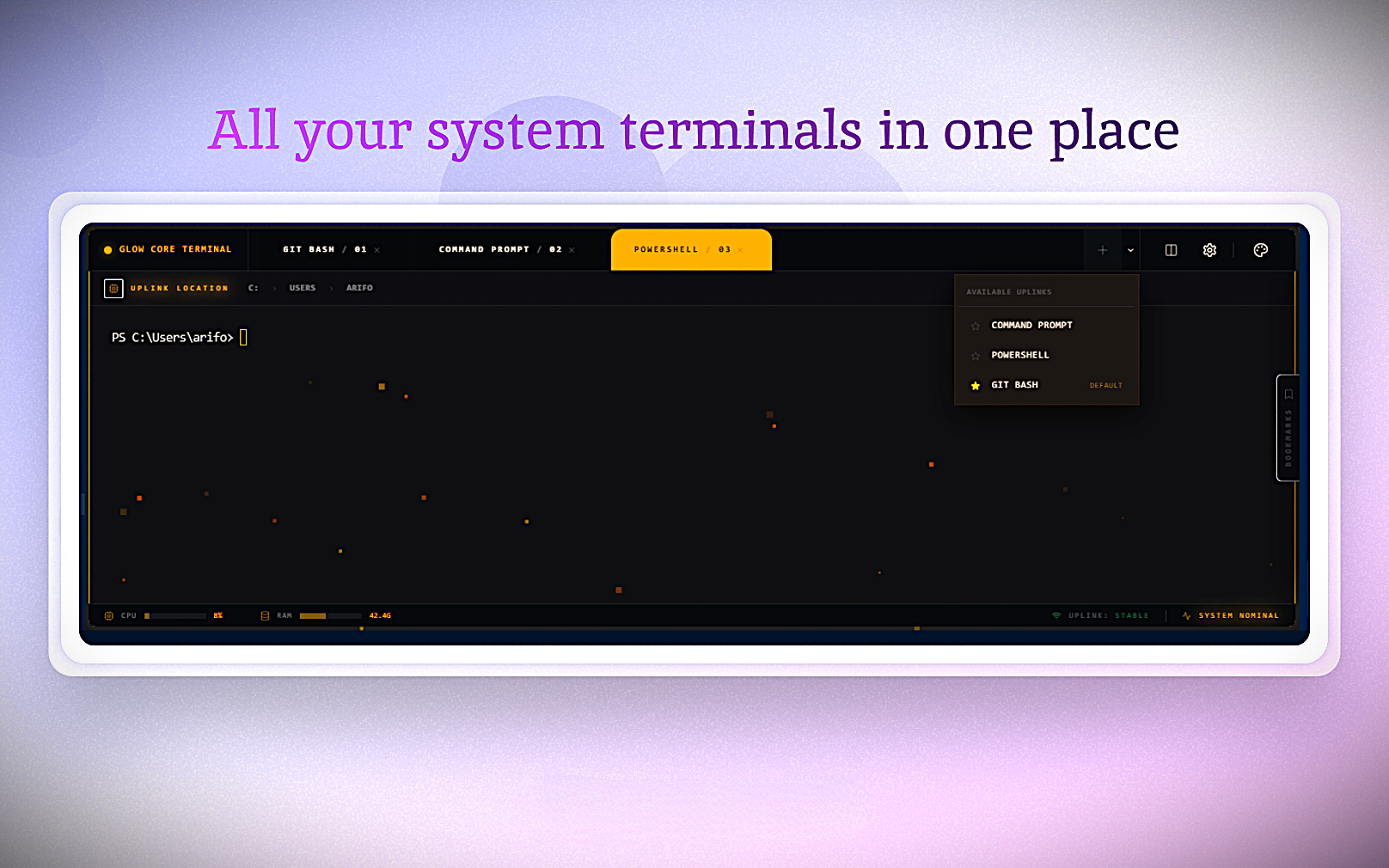
Shell Integration: Automatically detects and uses your installed system shells.
📸 Visual Tour
🎮 Usage
Open Terminal:Ctrl+Shift+P > Glow: Open Terminal.
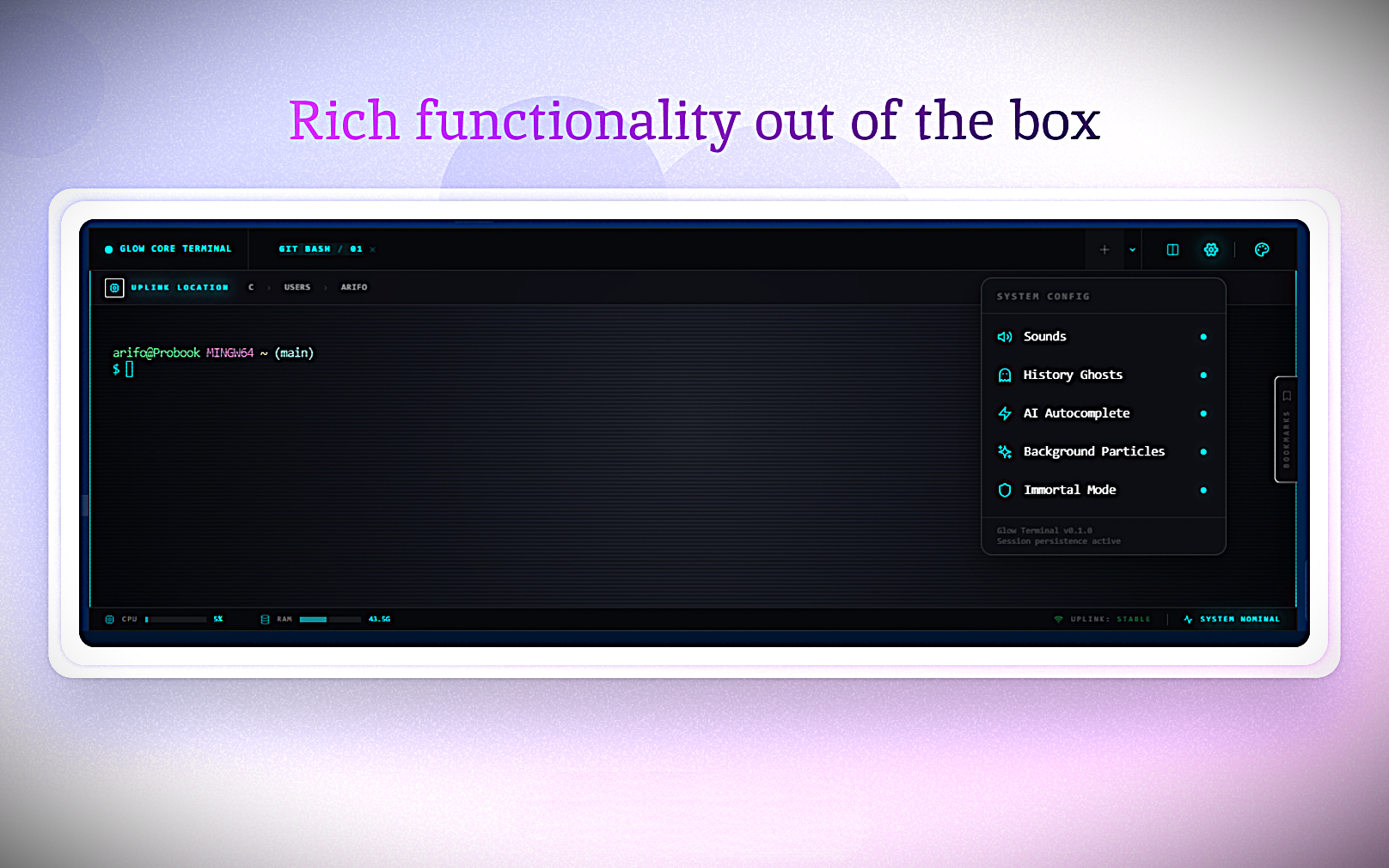
Settings Menu: Click the Gear Icon ⚙️ to toggle Particles, Sounds, AI, and Immortal Mode.