SecretSanitizer AI — VS Code Extension 🛡️
Real-Time Developer Privacy Firewall, Credential Scanner & In-Editor Redaction



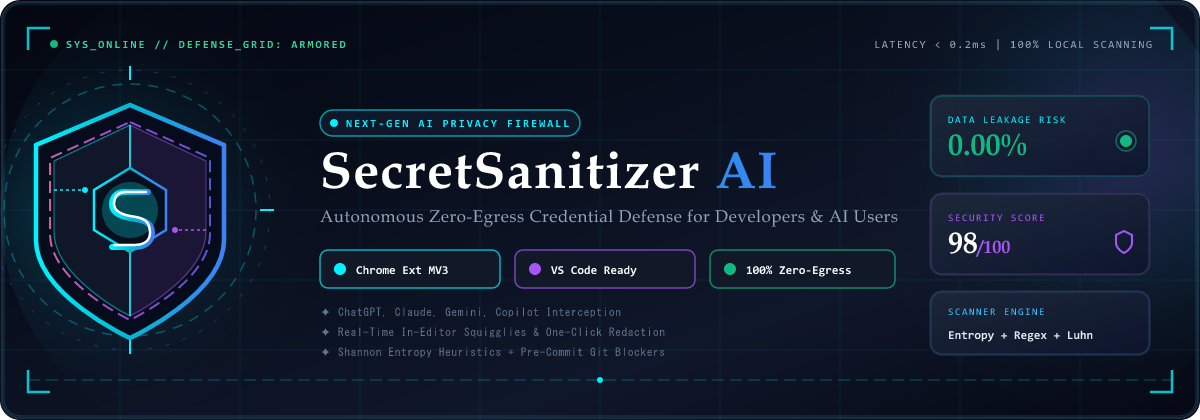
SecretSanitizer AI brings military-grade, privacy-first secret scanning directly into your VS Code editor. It detects API keys, database connection strings, authentication tokens, and PII in real-time as you type, providing instant inline squigglies, one-click Quick Fix redaction, and automated Git pre-commit guardrails.
⚡ Core Features in VS Code
1. 🔍 Real-Time In-Editor Squigglies & Diagnostics
- Scans active files on open, on type (debounced), and on save.
- Highlights leaked credentials with precise line & character bounds:
- Critical Severity (e.g. OpenAI Keys, AWS Secrets, Stripe Live Keys): Red squiggly error.
- High/Medium Severity (e.g. JWTs, Bearer headers, Database URIs): Yellow squiggly warning.
- Low Severity / PII (e.g. Credit cards, SSNs, Internal IPs): Blue info underline.
2. 💡 One-Click Quick Fix Redaction (Ctrl + . / Cmd + .)
- Place cursor over any detected secret and press
Ctrl+. (or Cmd+. on macOS):
- Redact Secret: Immediately replaces the raw secret with a safe, meaningful placeholder (e.g.,
[REDACTED_STRIPE_SECRET], [REDACTED_POSTGRES_URI]).
- Redact All Secrets in File: Sanitizes all credentials across the file while strictly preserving code formatting, indentation, and variable names.
- Hovering over a flagged credential displays:
- Token Classification and Detection Rule ID
- Safe Masked Value (e.g.
sk-proj-...8aB9)
- Threat Assessment: Specific impact description and estimated blast radius
- Immediate Remediation: Step-by-step guidance on credential rotation and secure
.env storage
- Dedicated SecretSanitizer AI shield icon in the Activity Bar.
- Hierarchical tree view listing all workspace files with active leaks.
- Click any finding to instantly jump the editor to the exact line and column.
5. 📊 Interactive Security Dashboard Webview
- Run
SecretSanitizer: Open Security Dashboard & Metrics to open an in-editor dark cybersecurity dashboard displaying security scores, leak metrics, and active findings.
6. 🛑 Git Pre-Commit Hook Guardrail
- Run
SecretSanitizer: Install Git Pre-Commit Secret Scanner Hook.
- Installs an automated scanner in
.git/hooks/pre-commit that blocks any git commit if staged files contain unredacted secrets.
🚀 How to Run & Test Locally in VS Code
Method 1: Run via Extension Development Host (F5)
- Open this project folder in VS Code:
code "d:\OneDrive\Web Development\SecretSanitizer"
- Build the extension:
npm run build:vscode
- Open
vscode-extension/src/extension.ts in VS Code and press F5 (or go to Run and Debug > Launch Extension).
- A new Extension Development Host window will open with SecretSanitizer AI active!
- Open any file or paste a sample key (
sk-proj-example...) to see real-time squigglies, hover tooltips, and quick-fixes in action.
Method 2: Package into .vsix & Install Globally
To create an installable .vsix file for yourself or your team:
# 1. Compile the extension
npm run build:vscode

# 2. Package into a .vsix file
cd vscode-extension
npx @vscode/vsce package --no-dependencies

# 3. Install in VS Code
code --install-extension secretsanitizer-ai-vscode-1.0.0.vsix
⌨️ Command Shortcuts
| Command |
Keybinding |
Description |
secretsanitizer.scanActiveFile |
Ctrl + Alt + S |
Scan the current open file for secrets |
secretsanitizer.sanitizeSelection |
Ctrl + Alt + R |
Sanitize and redact highlighted text |
secretsanitizer.scanWorkspace |
Command Palette |
Scan all code and config files in workspace |
secretsanitizer.sanitizeActiveFile |
Command Palette |
Sanitize entire active document with diff preview |
secretsanitizer.openDashboard |
Command Palette |
Open the embedded security dashboard webview |
secretsanitizer.installPreCommitHook |
Command Palette |
Install Git pre-commit secret blocker |
secretsanitizer.toggleRealtime |
Command Palette |
Toggle on-type background scanning |
⚙️ Extension Settings
Configure via VS Code Settings (Ctrl+,):
secretsanitizer.enableRealtimeScanning: Enable/disable background scanning on type (default: true).secretsanitizer.scanOnSave: Scan and update diagnostics whenever a file is saved (default: true).secretsanitizer.detectPII: Detect credit card numbers (Luhn checked), SSNs, and internal IPs (default: true).secretsanitizer.sensitivity: balanced (default), aggressive, low.
| |

