GitScrum Studio
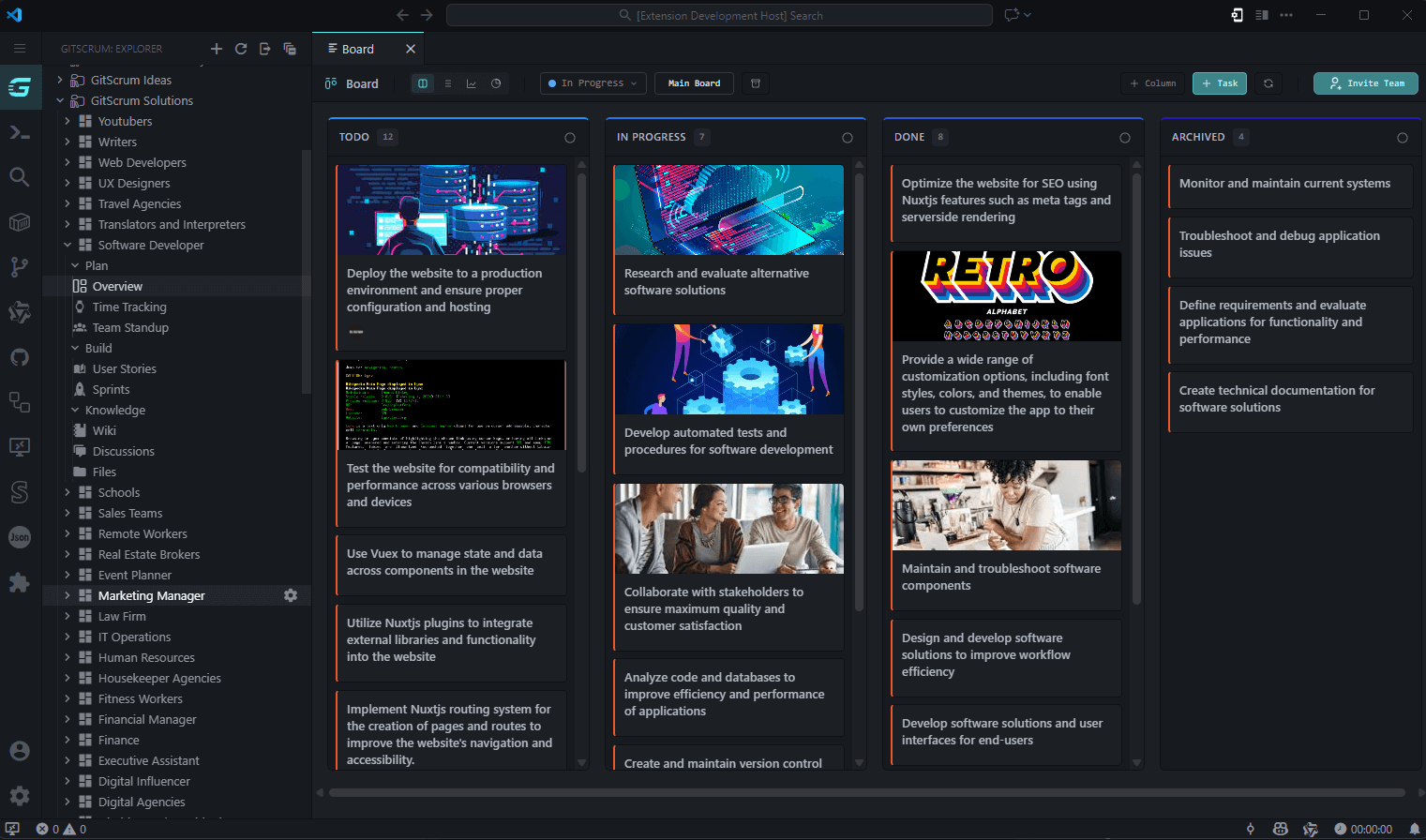
Full project management inside your IDE. You code with AI. Why manage tasks in a browser?You're in the zone. AI is helping you ship faster than ever. Then you need to check what's next on your sprint. Tab. Browser. Jira. Wait. Login. Load. Find the task. Copy the ID. Go back to code. Context gone. Flow destroyed. 23 minutes to get back in the zone. There's a better way. Everything. Inside your IDE.GitScrum Studio brings your entire project management workflow into your editor. Not a simplified todo list — a complete suite that rivals Jira, Linear, and Notion combined. Features that make you say "finally"Real Kanban BoardsNot a tree view. A real board with drag-and-drop, multiple columns, and the exact workflow your team uses.
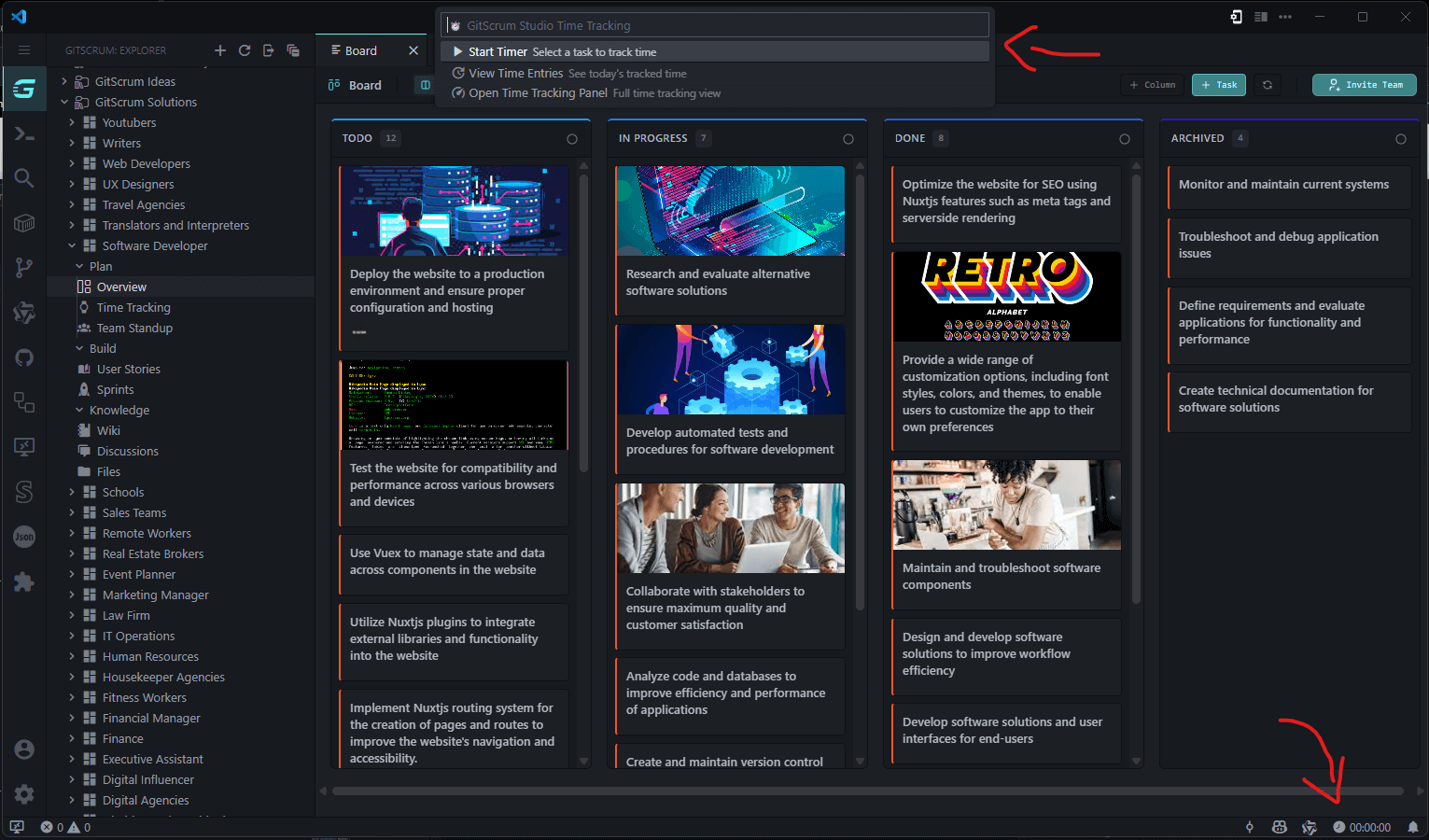
Time Tracking in Your Status BarThe timer lives in your status bar. Start tracking with one click. Switch tasks instantly. Your time syncs with your team automatically.
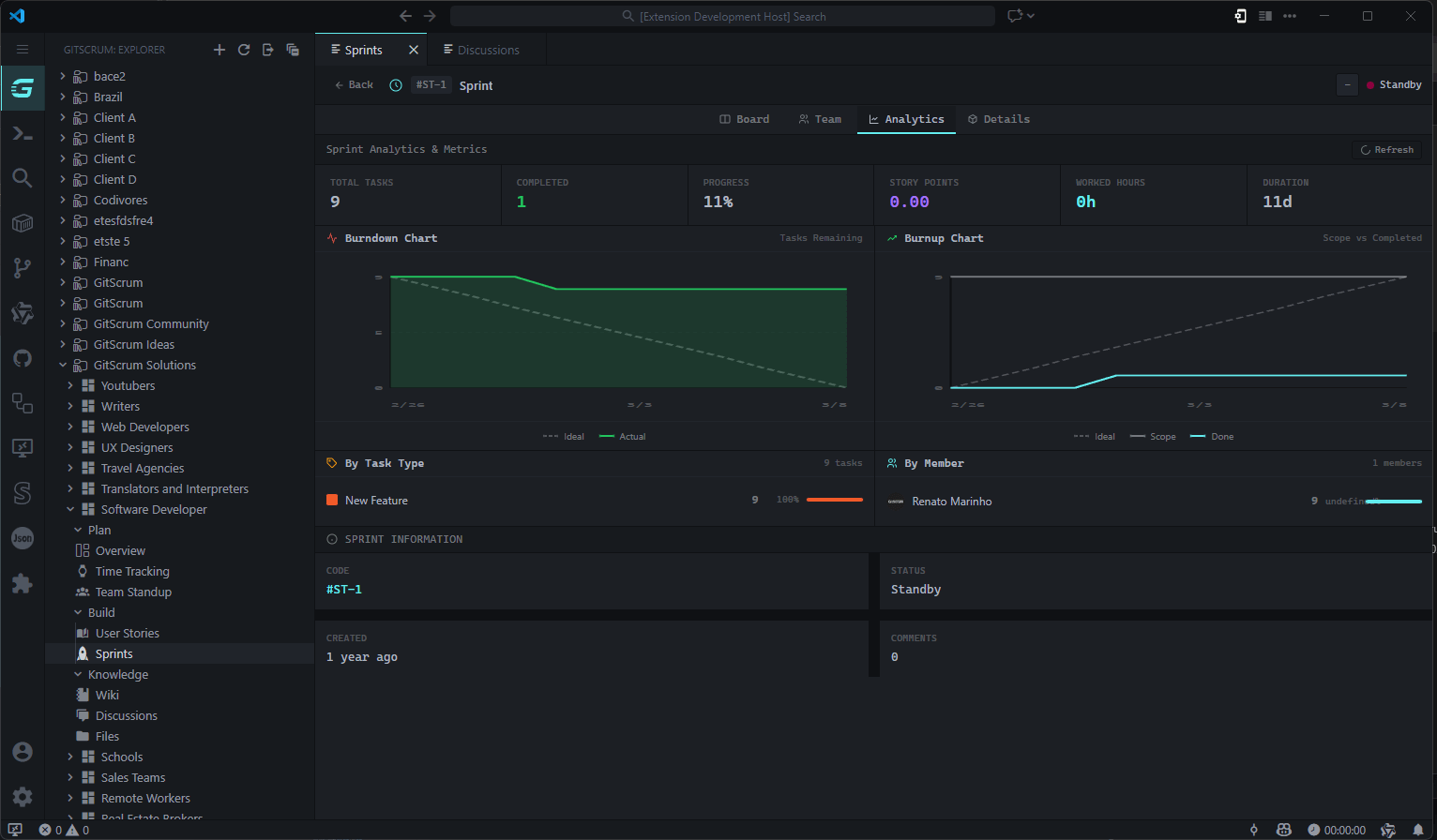
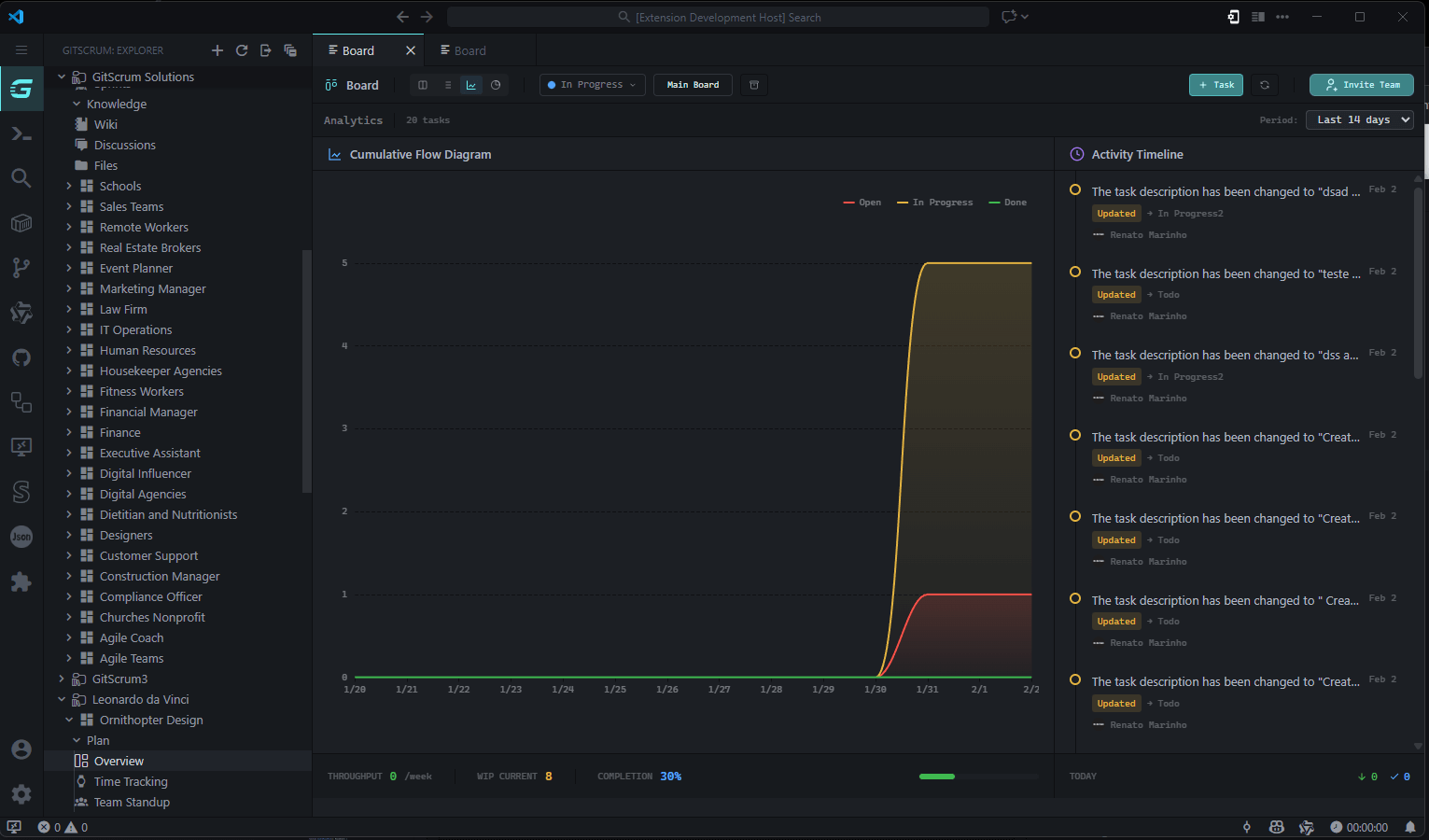
Sprint Planning & AnalyticsPlan sprints, assign story points, track velocity. Burndown charts and cumulative flow diagrams update in real-time.
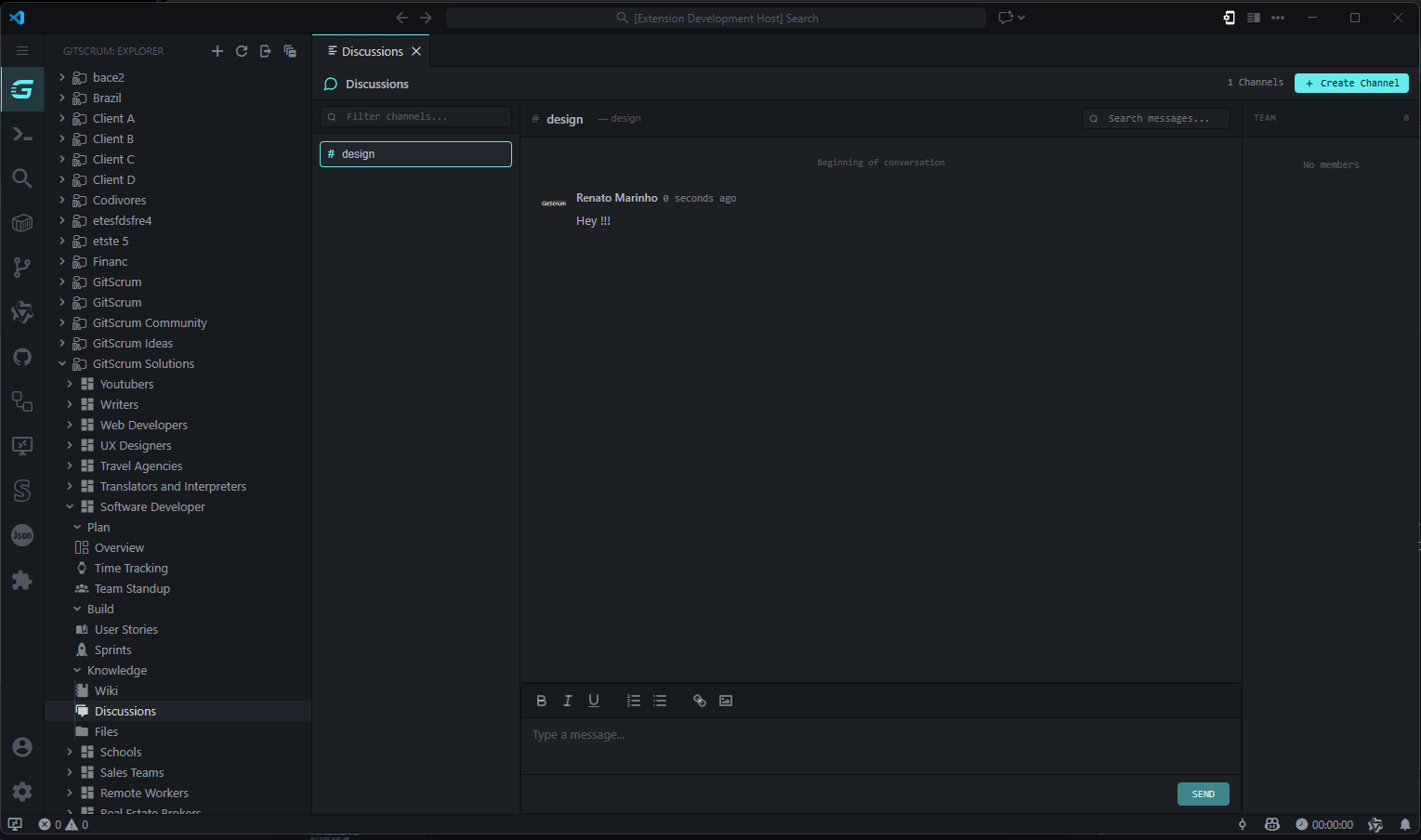
Team Chat Without Leaving CodeDiscuss tasks, mention teammates, share updates. All in context, all in your IDE.
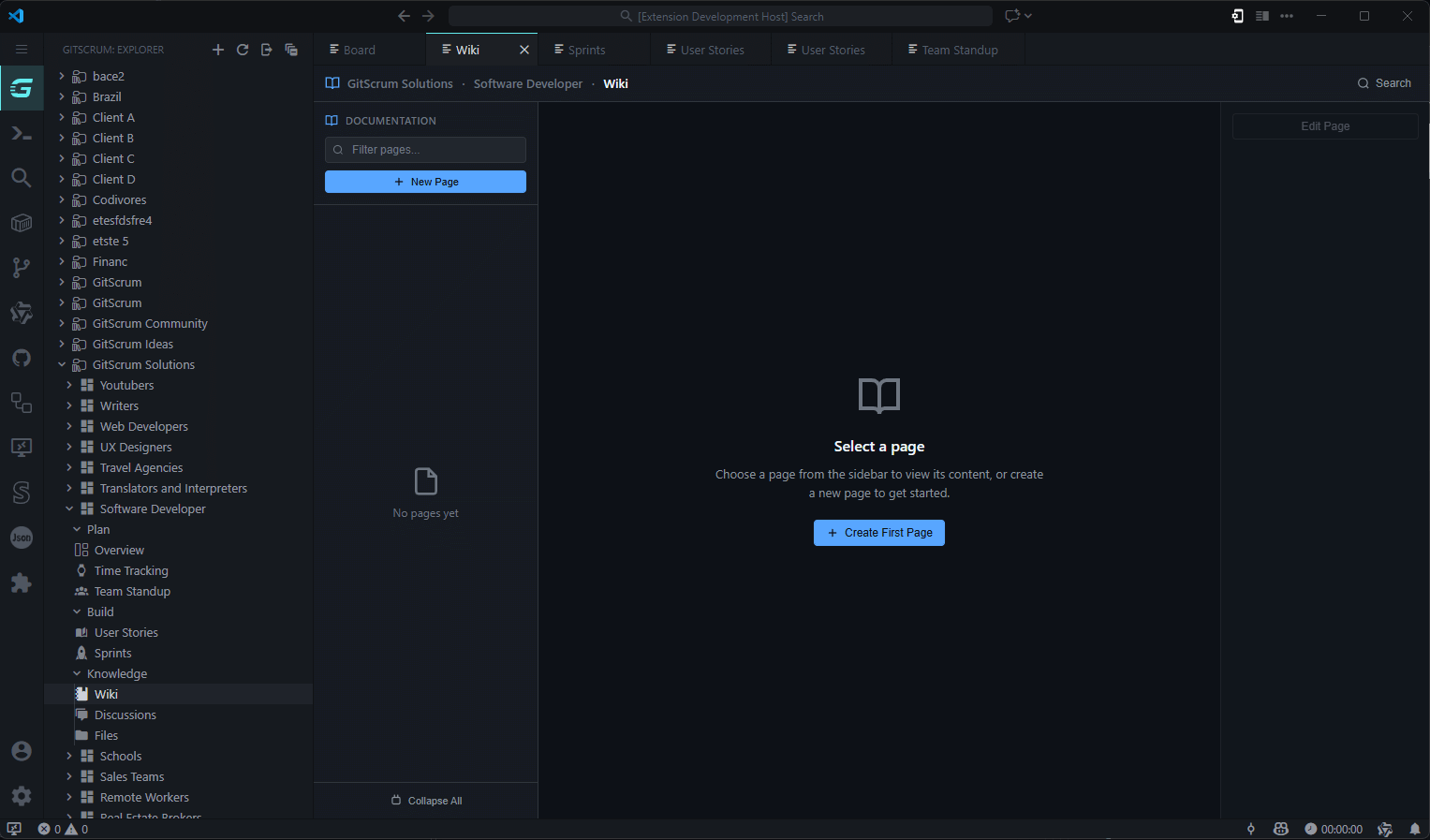
Wiki & DocumentationYour docs live with your project. No need for Notion, Confluence, or yet another tab.
And Everything Else
Works Everywhere You Code
One extension. All your tools. Get Started in 60 Seconds1. Install Search "GitScrum" in Extensions, or: 2. Sign In Click the GitScrum icon in the Activity Bar. Sign in with GitHub, Google, or email. 3. Start Working Your projects appear automatically. Open the board. Start tracking. Ship faster. Your Daily WorkflowZero browser tabs. Maximum focus. Why GitScrum Studio?
Security First
Team SyncGitScrum Studio syncs with gitscrum.com. Your team can use web, mobile, or IDE — everyone sees the same data in real time. Support
Stop switching tabs. Start shipping. Made by the GitScrum team |