

gguf-coderVS Code integration for Coder - a first local-based AI coding assistant.
Features
Requirements
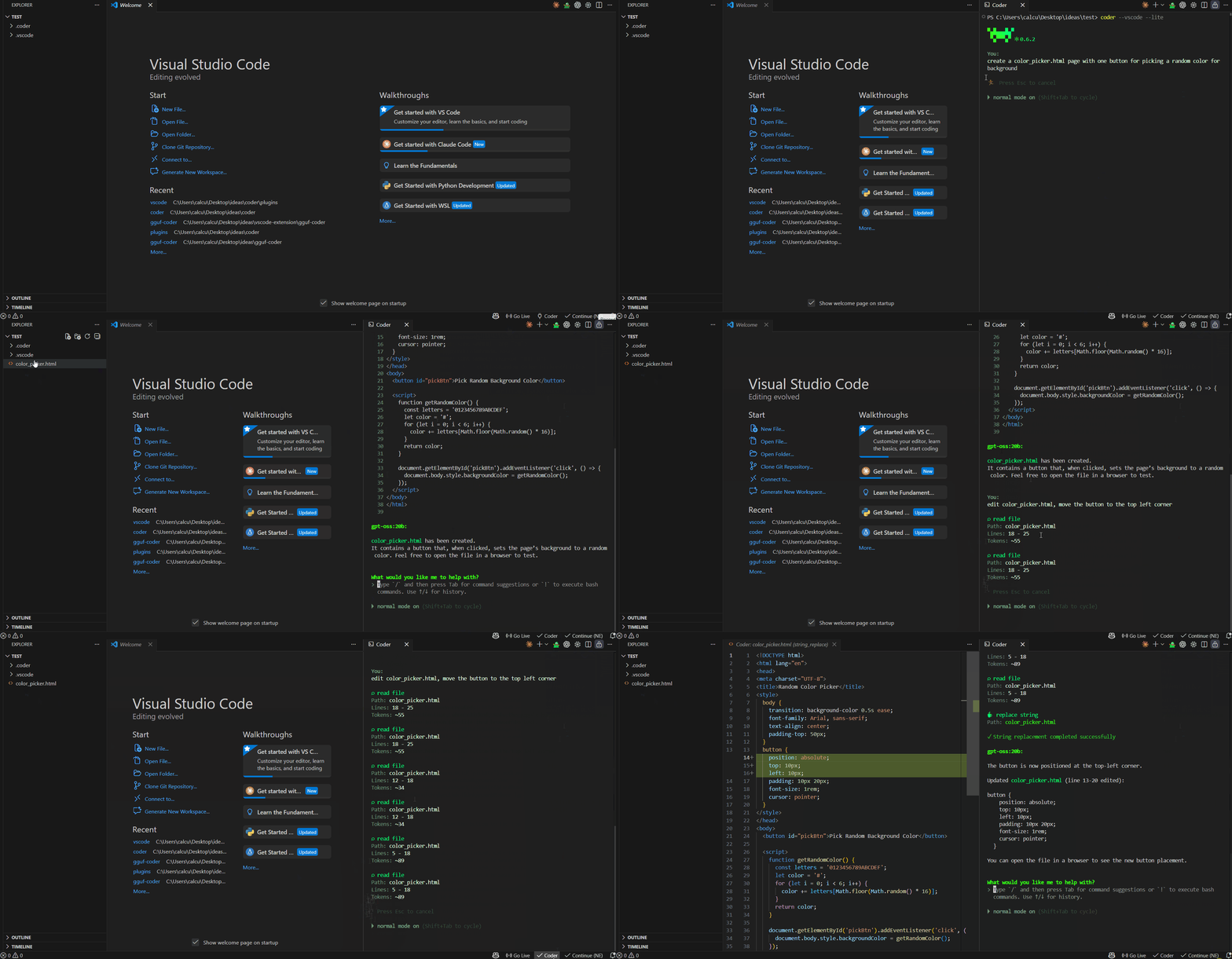
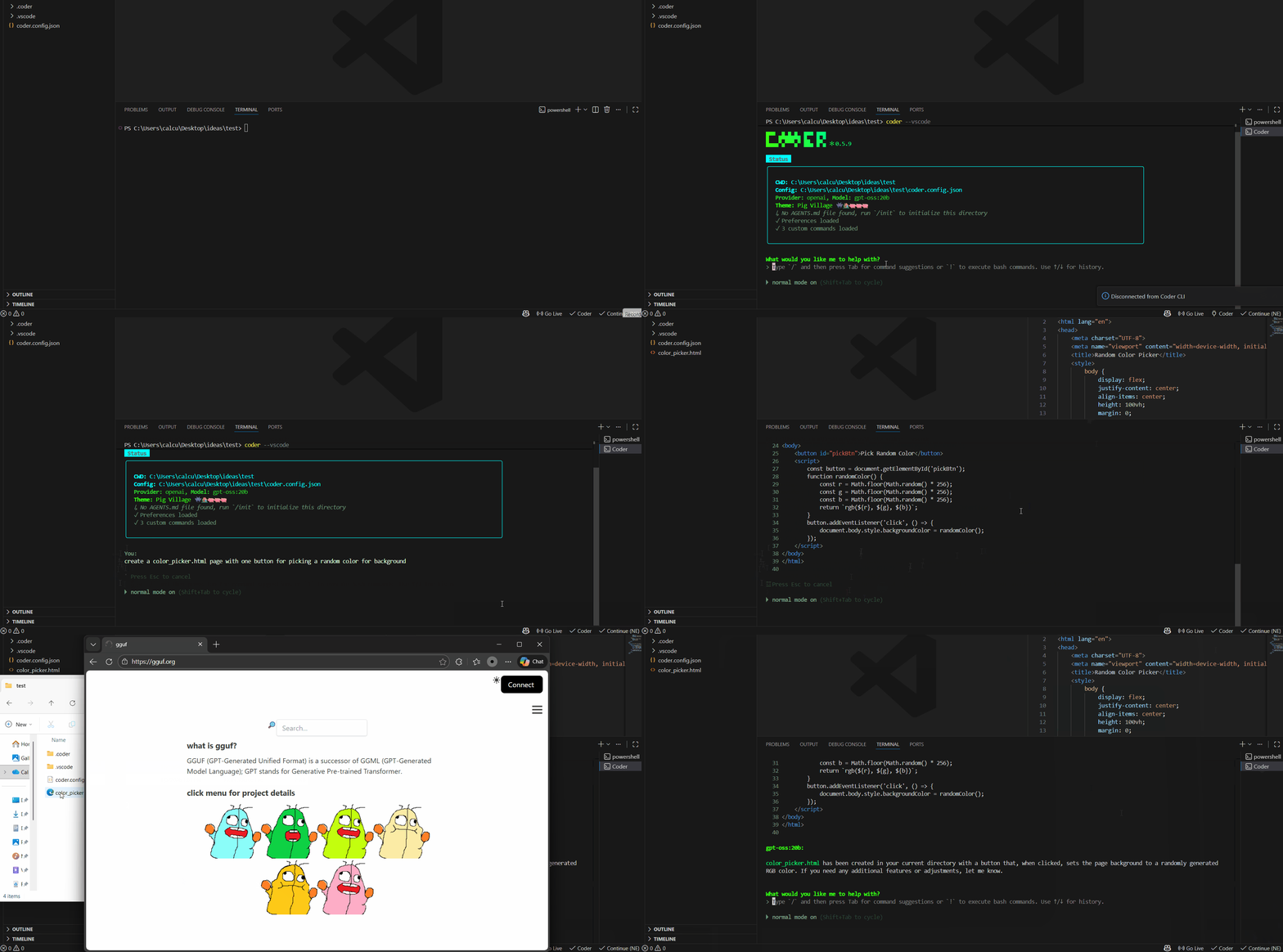
UsageStarting Coder with
|
| Command | Description |
|---|---|
gguf-coder: Connect to Coder |
Manually connect to the running CLI |
gguf-coder: Disconnect from Coder |
Disconnect from the CLI |
gguf-coder: Start Coder CLI |
Open a terminal and run coder --vscode |
gguf-coder: Ask Coder about this |
Ask Coder about selected code |
gguf-coder: Explain this code |
Get explanation of selected code |
gguf-coder: Refactor this code |
Request refactoring of selected code |
gguf-coder: Open Coder Terminal |
Open a terminal for Coder CLI |
Status Bar
The status bar item shows the current connection state:
$(plug) Coder- Not connected (click to connect)$(check) Coder- Connected to CLI$(sync~spin) Connecting...- Connection in progress
Configuration
Configure the extension in VS Code settings (Ctrl+, / Cmd+,):
| Setting | Default | Description |
|---|---|---|
coder.serverPort |
51820 |
WebSocket server port for communication with Coder CLI |
coder.autoConnect |
false |
Automatically connect to CLI on VS Code startup |
coder.autoStartCli |
false |
Automatically start Coder CLI if not running |
coder.showDiffPreview |
true |
Automatically show diff preview for file changes |
Project Structure
gguf-coder/
├── src/
│   ├── extension.ts         # Main extension entry point
│   ├── websocket-client.ts  # WebSocket client implementation
│   ├── diff-manager.ts      # Manages diff previews and file changes
│   └── protocol.ts          # Message protocol definitions
├── vscode-server.ts         # VS Code server for CLI communication
├── protocol.ts              # Shared protocol definitions
├── index.ts                 # Module exports
├── package.json             # Extension metadata and dependencies
└── README.md                # This file
Architecture
┌─────────────────┐     WebSocket      ┌──────────────────┐
│   VS Code       │◄──────────────────►│   Coder CLI      │
│   Extension     │    (port 51820)    │   (--vscode)     │
└─────────────────┘                    └──────────────────┘
        │                                       │
        ▼                                       ▼
  • Diff Preview                          • Processing (LLM)
  • Status Bar                            • Tool Execution
  • Diagnostics                           • File Operations
Protocol
The extension and CLI communicate via JSON messages over WebSocket:
CLI → Extension
| Message Type | Description |
|---|---|
connection_ack |
Connection acknowledgment with version info |
file_change |
Proposed file modification with diff content |
assistant_message |
AI response (streaming or complete) |
status |
Current model/provider/connection status |
diagnostics_request |
Request LSP diagnostics from VS Code |
Extension → CLI
| Message Type | Description |
|---|---|
apply_change |
User approved a file change |
reject_change |
User rejected a file change |
context |
Workspace info (open files, active file, diagnostics) |
diagnostics_response |
LSP diagnostics data from VS Code |
get_status |
Request current CLI status |
Troubleshooting
Extension not connecting?
- Ensure Coder is running with the
--vscodeflag - Check the gguf coder output channel:
View > Output > gguf coder - Verify port 51820 is not blocked or in use by another application
- Try manually connecting via Command Palette: "gguf-coder: Connect to Coder"
Diff not showing?
- Ensure
coder.showDiffPreviewis enabled in VS Code settings - Check that the extension is connected (status bar shows checkmark)
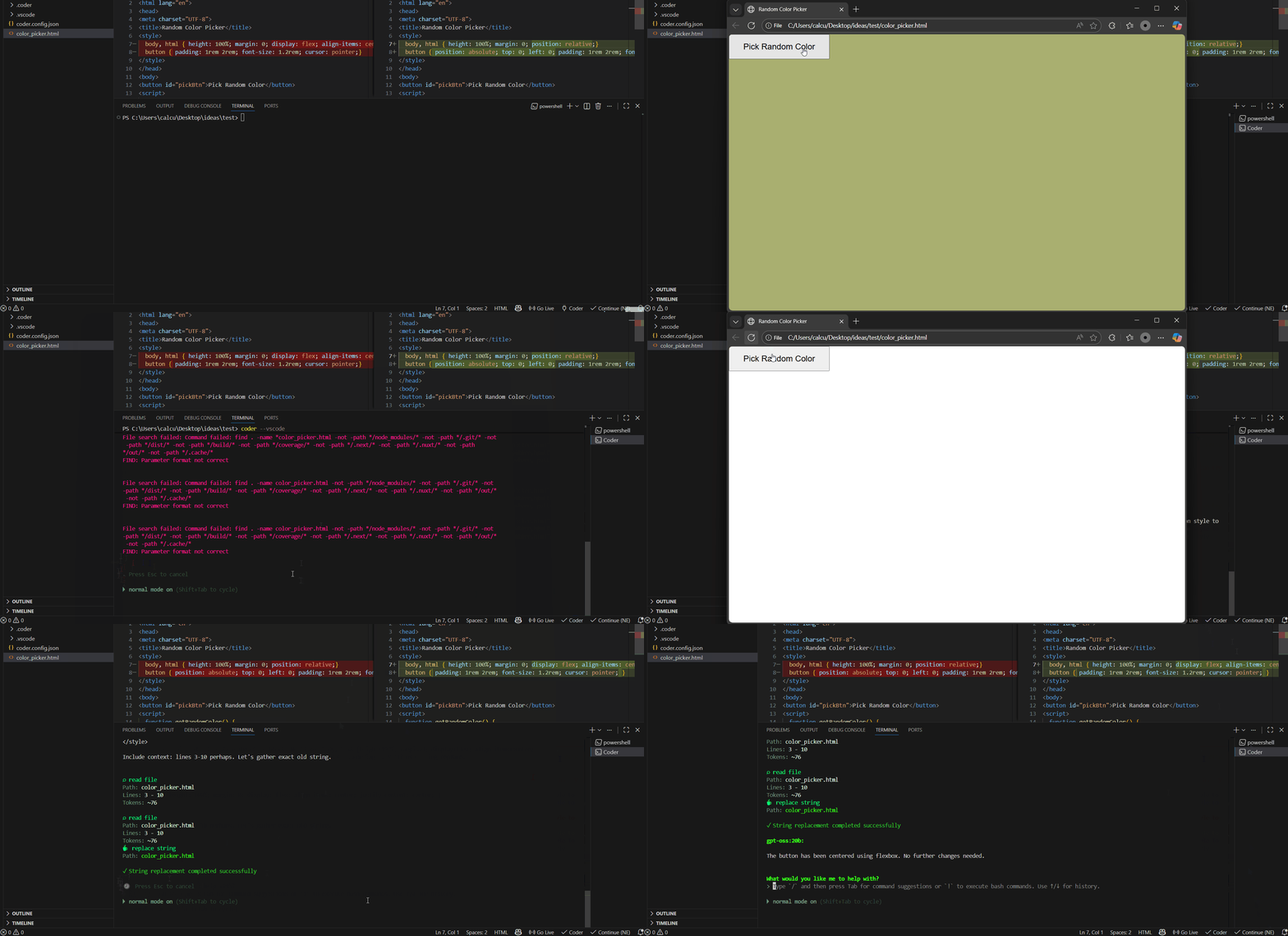
- The diff appears when a tool proposes file changes, before you approve in the CLI
Connection drops?
- This can happen when the CLI restarts
- Click the status bar item to reconnect
- Opt to enable
coder.autoConnectfor automatic reconnection on startup (default is manual)
Development
# Watch for changes
npm run watch

# Build for production
npm run build

# Package for distribution
npm exec vsce package --allow-missing-repository --skip-license --no-dependencies
The third command creates a .vsix file in the root directory that can be installed in VS Code.
Contributing
Contributions are welcome! Please feel free to submit a Pull Request.
Acknowledgments
Special thanks Will Lamerton, Nano Collective (MIT License), this extension works with nanocoder as well (share the same port 51820); continue (Apache-2.0), opencode (MIT License), gguf-connector (MIT License), etc., and thanks to all contributors for their hard work.
License
This project is licensed under the MIT License - see the LICENSE file for details.
Release Notes
See CHANGELOG.md for details on recent changes and updates.