Durian Extension
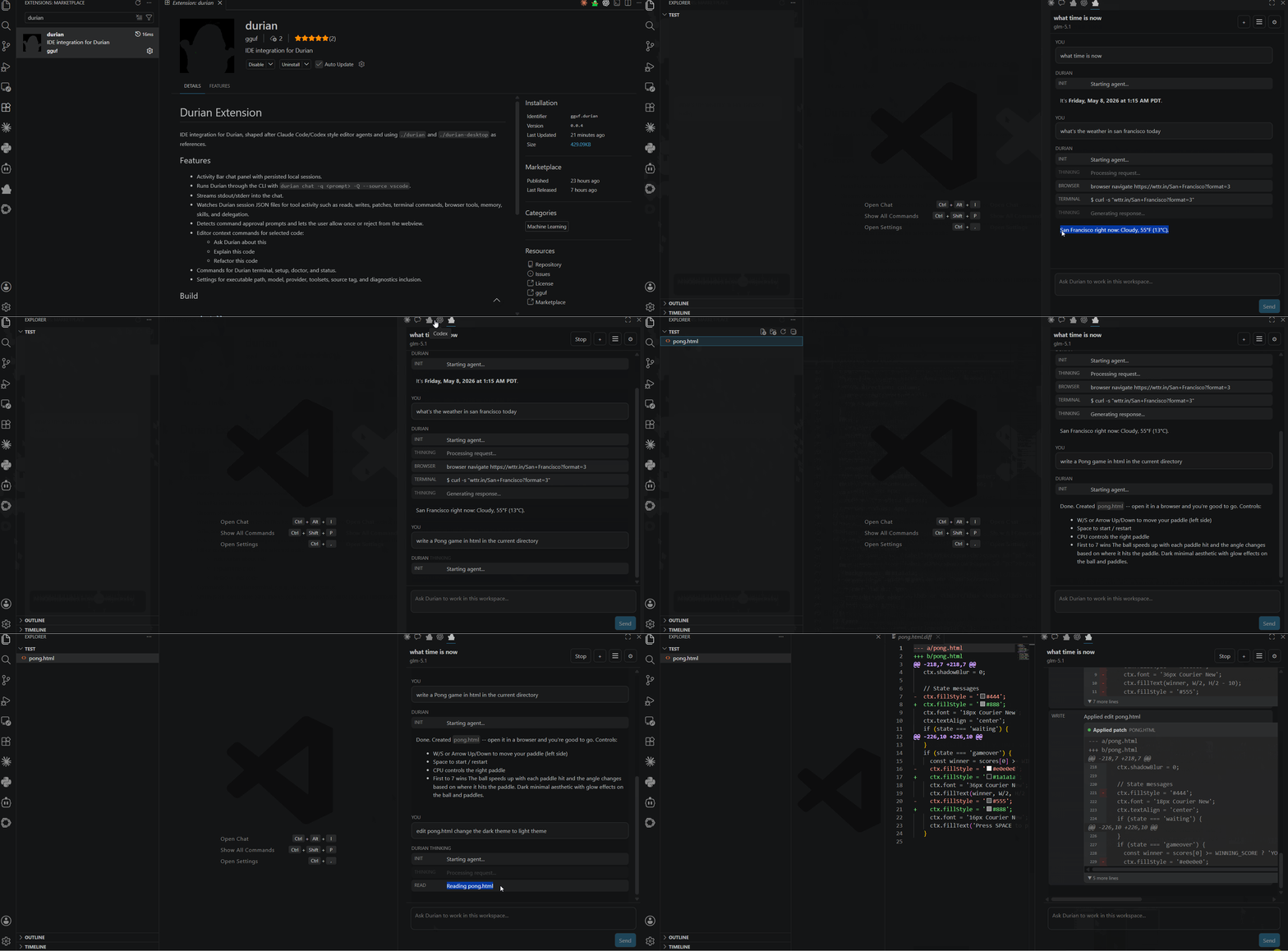
IDE integration for Durian, shaped after Claude Code/Codex style editor agents and using ./durian and ./durian-desktop as references.
Features
- Activity Bar chat panel with persisted local sessions.
- Runs Durian through the CLI with
durian chat -q <prompt> -Q --source vscode.
- Streams stdout/stderr into the chat.
- Watches Durian session JSON files for tool activity such as reads, writes, patches, terminal commands, browser tools, memory, skills, and delegation.
- Detects command approval prompts and lets the user allow once or reject from the webview.
- Editor context commands for selected code:
- Ask Durian about this
- Explain this code
- Refactor this code
- Commands for Durian terminal, setup, doctor, and status.
- Settings for executable path, model, provider, toolsets, source tag, and diagnostics inclusion.
Build
npm install
npm run package
In this WSL workspace, npm scripts may pick up a broken Windows node shim. The verified build commands were:
node node_modules/typescript/bin/tsc --noEmit
node node_modules/vite/bin/vite.js build --config vite.config.ts
node node_modules/esbuild/bin/esbuild ./src/extension.ts --bundle --outfile=dist/extension.js --external:vscode --format=cjs --platform=node
Run In IDE (i.e., VS Code, Antigravity, Cursor, etc.)
Open this folder in IDE, press F5, and select the extension development host. The Durian panel appears in the Activity Bar.
Durian must be installed and available on PATH, or configure durian.executablePath in your system settings.
| |

