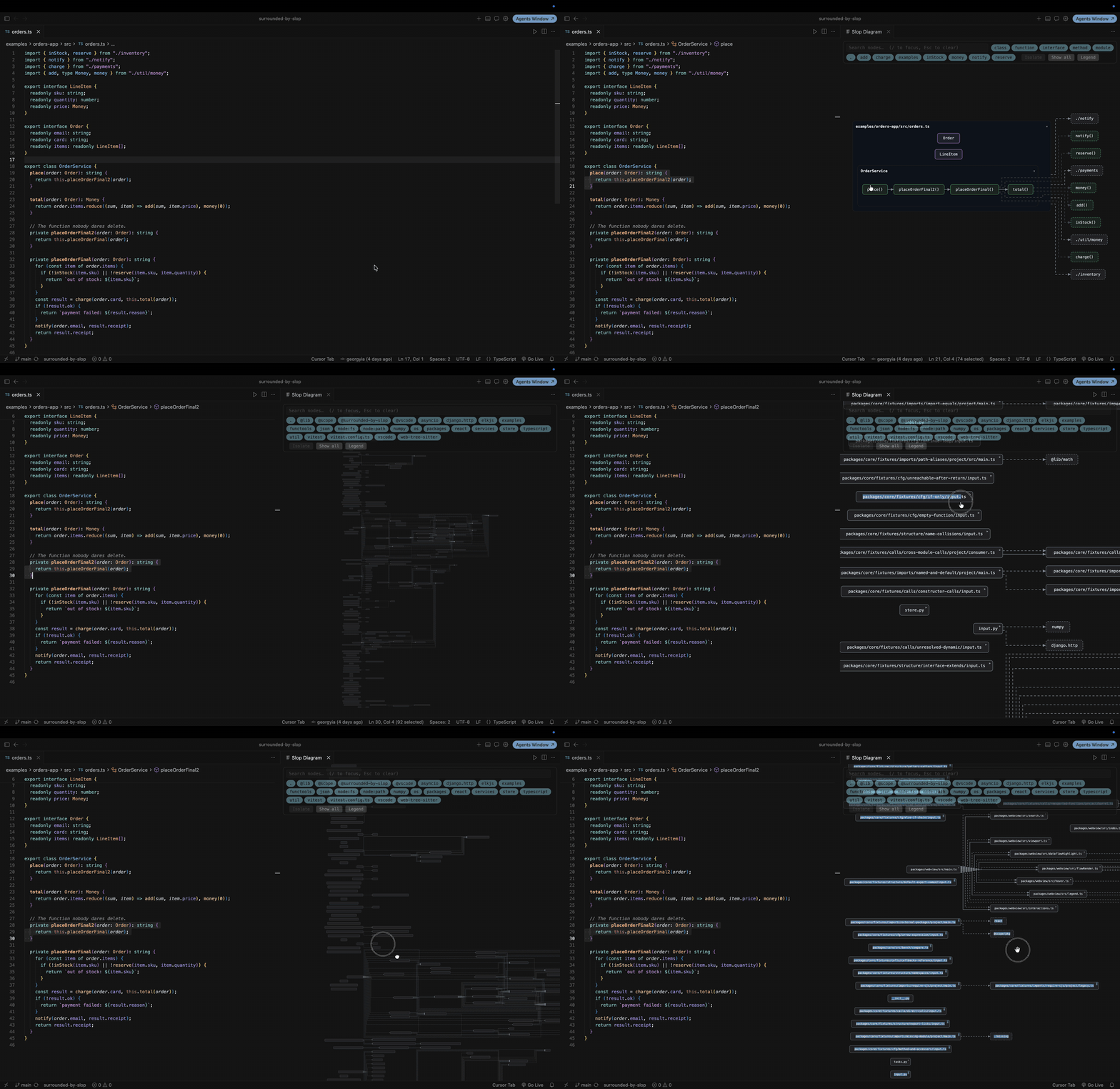
Surrounded by SlopSee the code you'll never read — automatic diagrams for your codebase. Installation Launch VS Code Quick Open ( Ctrl+P), paste the following command, and press enter.Copied to clipboard |

Surrounded by SlopSee the code you'll never read — automatic, navigable diagrams for your codebase, inside VS Code and Cursor. Built for the age of AI-generated code: when nobody read what was written, the map is how you stay oriented. Everything runs locally. No code ever leaves your machine.
What you get
Quick start
Settings live under Surrounded by Slop ( Honest by designHeuristic edges (e.g. Python calls) are drawn dimmed and marked low-confidence — the diagram never pretends to know more than the analyzer does. Guardrail messages tell you when something was skipped or folded, and the Output panel says why. Docs, roadmap, contributing: github.com/georgyia/surrounded-by-slop |