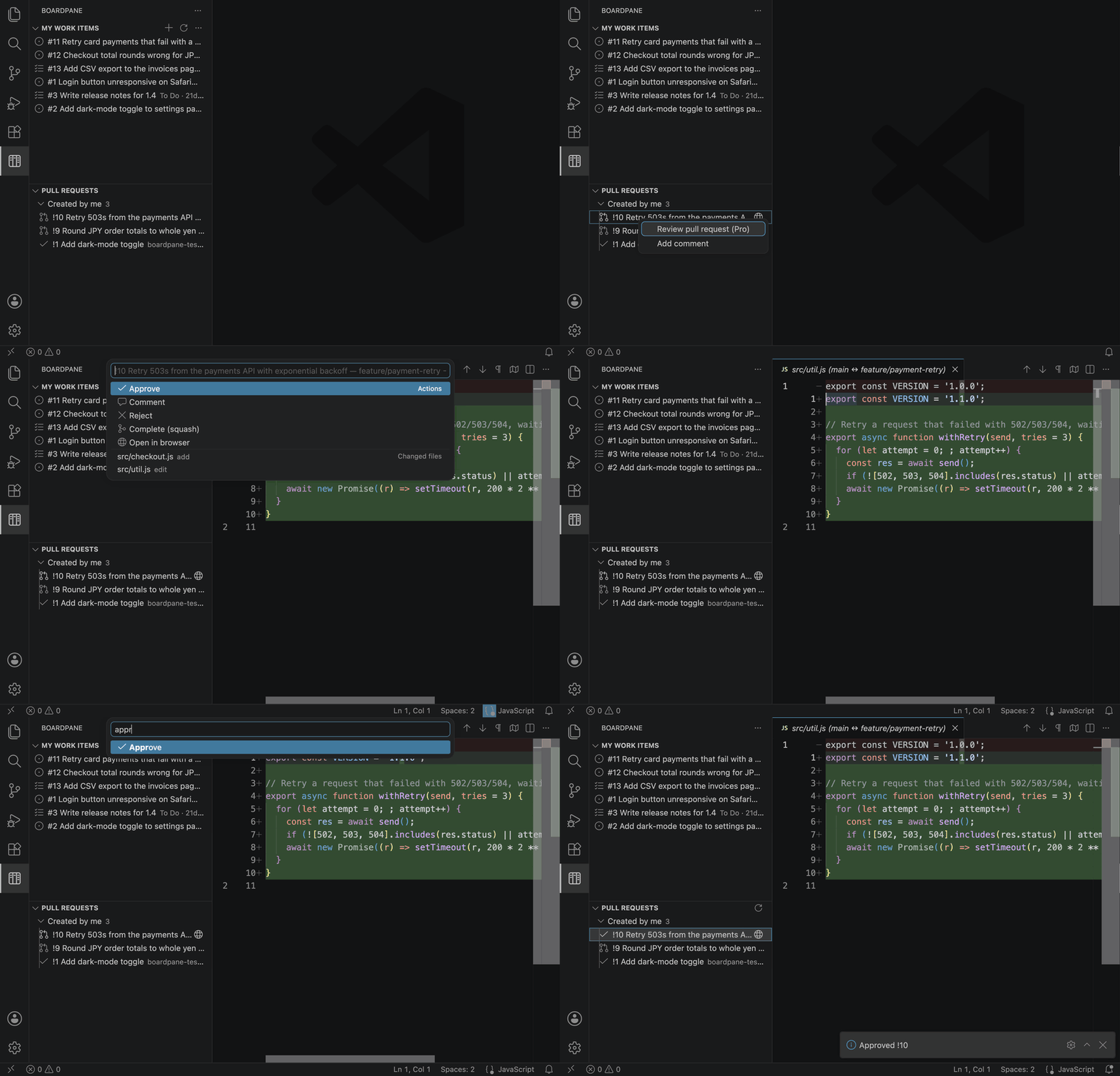
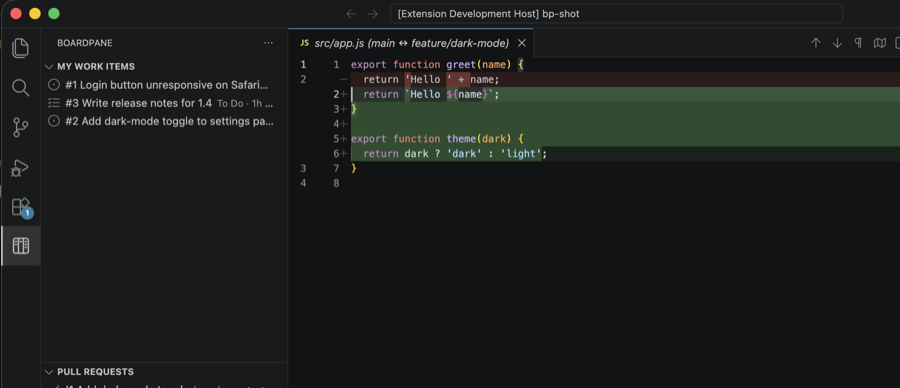
Boardpane — Azure DevOps Boards & Pull RequestsYour Azure DevOps work items and pull requests in the sidebar. Sign in with the Microsoft account VS Code already has. Works in VS Code and Cursor. Installation Launch VS Code Quick Open ( Ctrl+P), paste the following command, and press enter.Copied to clipboard |

Boardpane — Azure DevOps Boards & Pull Requests for VS CodeYour Azure DevOps work items and pull requests in the sidebar. Sign in with the Microsoft account VS Code already has — no PAT, no config. Works in VS Code and Cursor.
Free
Pro — $19 once, yours forever
Buy at boardpane.com/pro. One licence key works on every machine you use. Setup
Clicking a row opens it in the browser. Right-click a work item or pull request for everything else: change state, comment, create a branch, and (Pro) review the pull request. If your org blocks the Microsoft sign-in, or it does not finish for your account, use Boardpane: Sign in with a Personal Access Token — the token needs Work Items (read & write), Code (read & write) and Project and Team (read), and is stored in VS Code's secret storage. PrivacyBoardpane talks only to Pro re-checks your licence key with Polar about once a day, and keeps working for 14 days if it cannot reach Polar. In a folder you have not trusted (VS Code Restricted Mode) the Boardpane icon does not appear — trust the folder to use it. What Boardpane cannot do yet: https://boardpane.com/limits Support: support@boardpane.com |