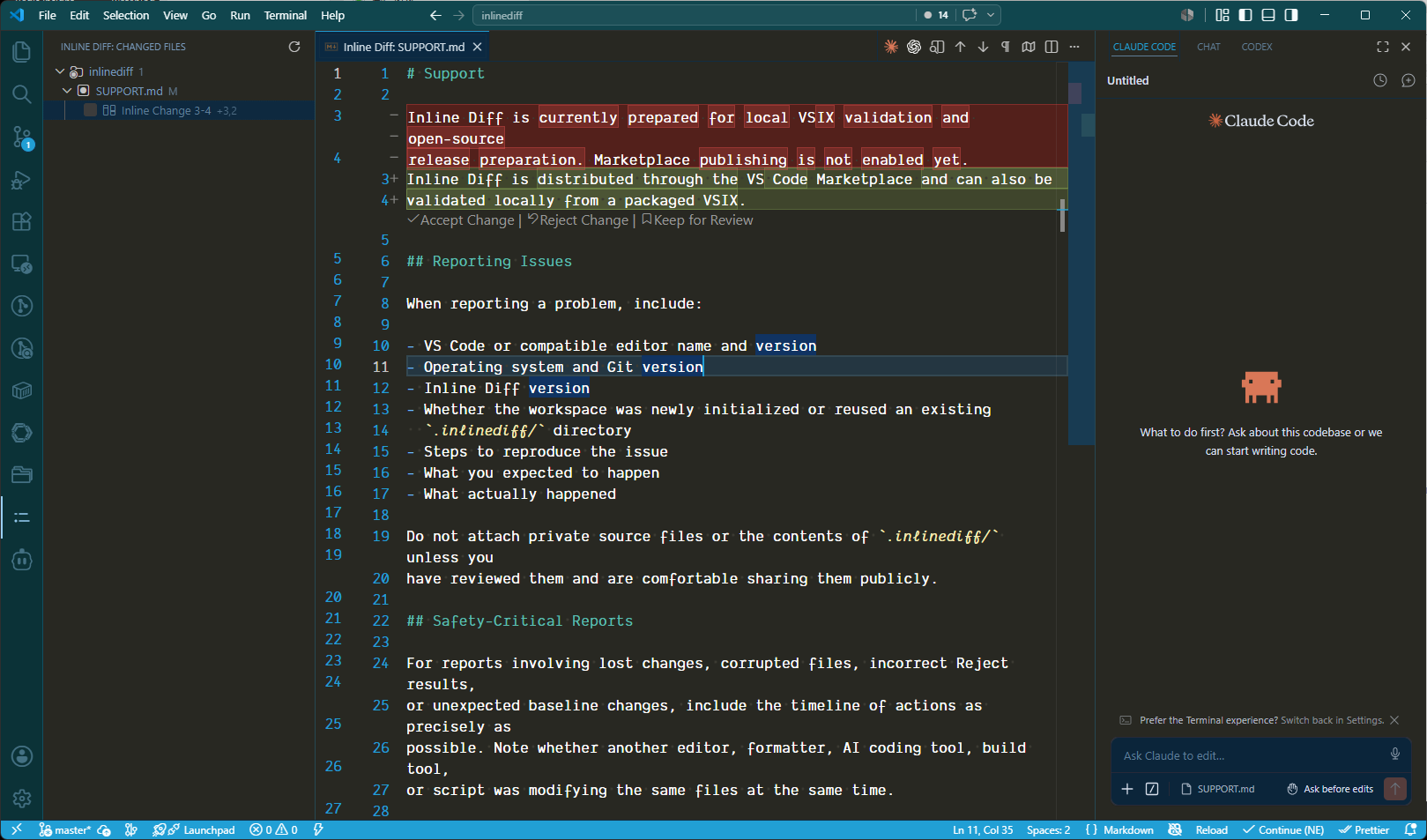
Why Inline Diff
AI agents, formatters, scripts, and editor tools can change a lot of files before you
are ready to commit. Inline Diff gives those edits a review layer before Git history:
scan what changed, open an inline diff, accept the good parts, reject the bad parts,
and keep uncertain hunks for another pass.
Inline Diff stores its own accepted baseline inside .inlinediff/. It does not use
your Git index, HEAD, stash, branches, or global Git configuration as scratch space.
.inlinediff/.gitignore keeps that store out of your Git by default, but before you
commit it anyway, know what you would publish: the baseline copies the content of
every tracked file, including files only your own .gitignore hides from Git
(secrets such as .env).
What You Can Do
- Review added, modified, deleted, and binary-changed files from the Activity Bar
- Open inline diffs whose current side tracks the file on disk and refreshes as it changes
- Accept or reject a whole file
- Accept, reject, stash, or keep individual inline changes
- Bulk-accept everything except changes marked Keep for Review
- Record why — attach a description to any accept or reject and keep it, together
with read-only copies of exactly what was judged
- Save Moments — read-only snapshots of a file with a comment — to compare against
and restore from later
- Set changes aside with inline stashing, without touching Git's stash
- Review and judge file mode (executable-bit) changes as their own row, on POSIX systems
- Keep Git staging free for commit shaping after the review is done
Getting Started
- Install Inline Diff from the VS Code Marketplace.
- Open a workspace folder.
- Open the Inline Diff view in the Activity Bar.
- Click Initialize Project.
- Let an AI agent, formatter, script, or editor tool change files.
- Review the changes from the Inline Diff view.
Add a .diffignore file at the workspace root to hide generated files or local-only
paths from review. It affects Inline Diff only; it never changes Git ignore behavior.
Inline Diff needs diffEditor.codeLens: true and diffEditor.renderSideBySide: false
and writes them to your workspace settings after confirmation. These settings affect
every diff editor in VS Code, not just Inline Diff's. Your previous values are
backed up first; run Inline Diff: Restore Diff Settings to return to them.
Requirements
- VS Code 1.80 or newer
- Git 2.32 or newer on
PATH
Safety
Some judgments write to your files: reject puts baseline content back, restoring from a
Moment puts snapshot content back, and stashing (or applying, popping, or swapping a
stash) rewrites the file around the changes you set aside. Inline Diff re-checks the
file right before each write, but if another editor, formatter, build tool, or script
is writing to the same file at that instant, outside changes can be overwritten.
Run judgments — accept, reject, restore, stash — when nothing else is actively writing
to the target files.
Status
Inline Diff is an early 0.2.1 release. The core loop is covered by tests: scan,
open, accept, reject, keep-for-review, plus Moments, inline stashing, and judgment
records. Please report issues on
GitHub.