Flocca - Connect MCP Servers Anywhere
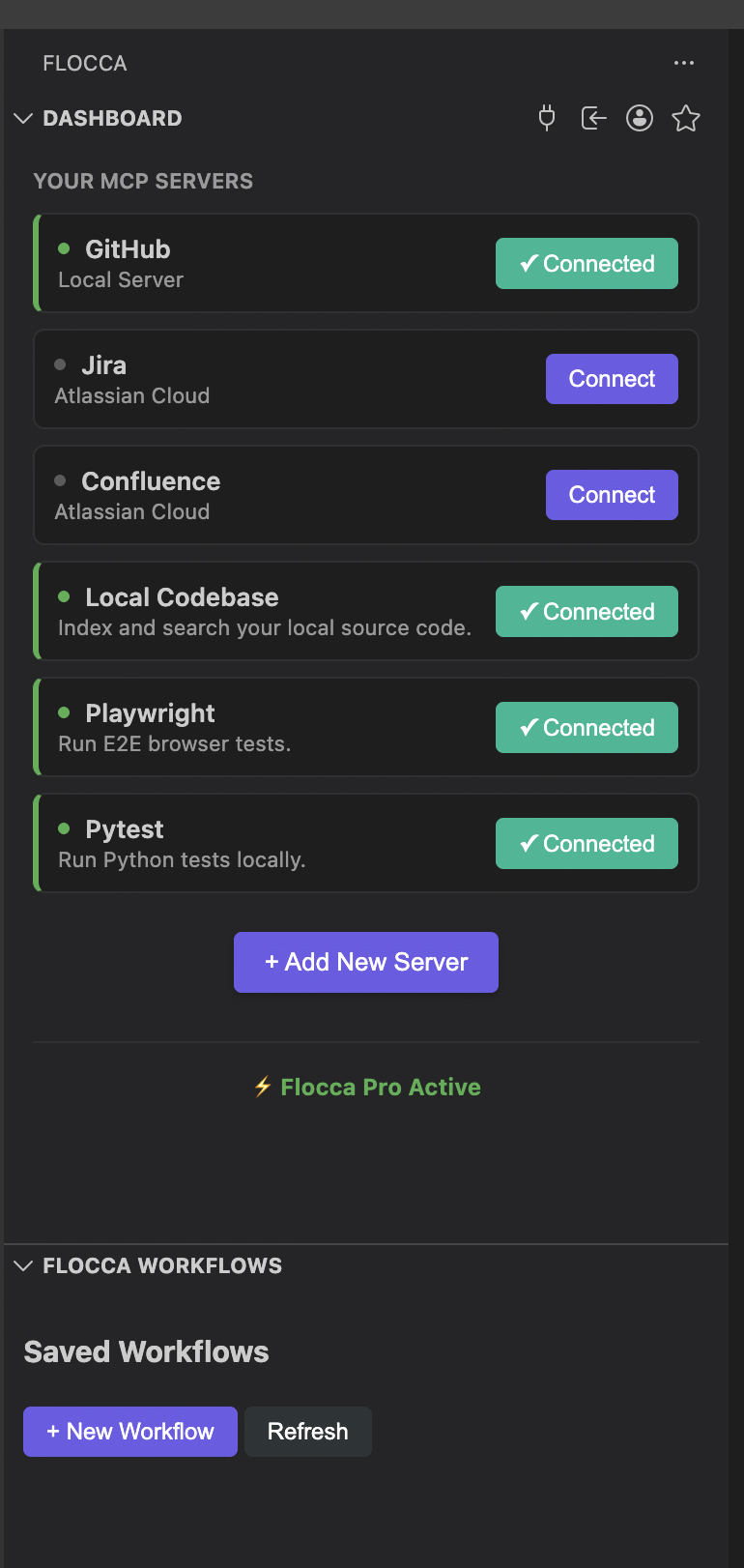
Connect MCP servers to your environment to run workflows across Jira, GitHub, Cloud, QA, and DevOps tools from one dashboard.
Flocca helps teams connect their apps through MCP so AI agents can run real workflows securely.
Use Flocca to:
- Read and update Jira work items.
- Search and manage GitHub repositories.
- Run testing workflows with Playwright and Pytest.
- Work across cloud and infrastructure tools.
- Keep credentials managed securely.
Key Features
- Connect MCP servers in one place: Manage integrations directly in the Flocca sidebar.
- MCP-native: Built on the Model Context Protocol for interoperable agent tooling.
- Secure credential handling: Keep secrets out of source code and local config files.
- Team and enterprise ready: Role-based access and seat-based scaling support.
- GitHub-first onboarding: Fastest path to sign in and get started.
Supported Integrations
- Issue Tracking / PM: Jira, Confluence, Zephyr
- Source Control / CI: GitHub, GitLab, Bitbucket, GitHub Actions
- Cloud / Infra: AWS, Azure, GCP, Kubernetes, Docker
- Communication: Slack, Microsoft Teams, Notion
- Data / Observability: PostgreSQL, Elasticsearch, Sentry
- Testing / QA: Cypress, Playwright, Pytest, TestRail
Getting Started
- Install the Flocca extension for your IDE.
- Open Flocca from the Activity Bar.
- Sign in (GitHub recommended for quickest setup).
- Connect your MCP servers and start running workflows.
Privacy and Security
- Streamlined runtime: Flocca operates within your development workflow.
- Credential safety: Avoid committing secrets like
.env, mcp.json, or .vscode configs.
- Open standard foundation: Built around MCP.
Website | Documentation | Issues
| |

