Pets Veyra
A little friend for your coding day.
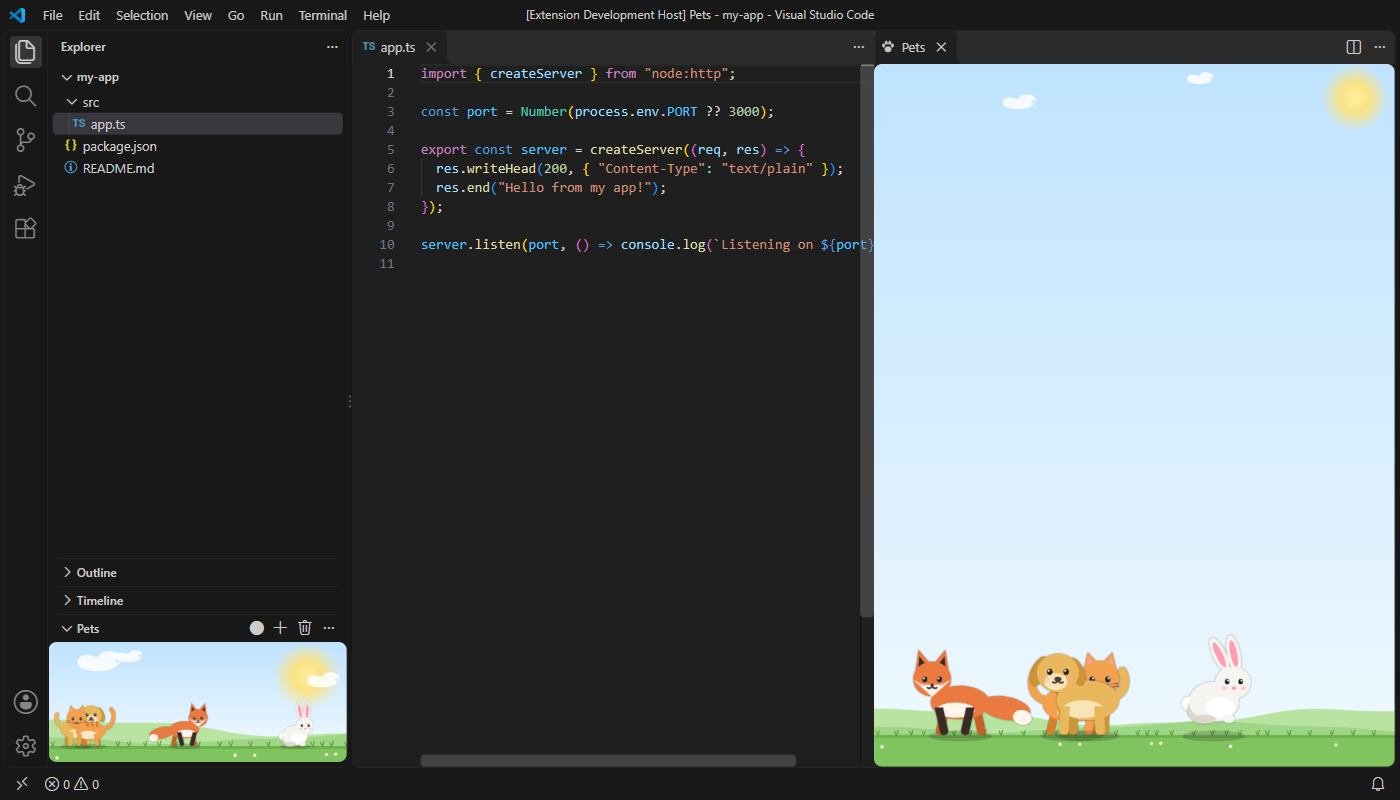
Pets Veyra puts cute pets in VS Code. A cat, a dog, a fox, a bunny or a panda walks around, naps, chases the ball you throw, and reacts to your coding: it cheers when you save, looks worried when errors appear, and throws a party when you fix the last one. Free, and drawn from scratch. By the makers of Veyra Studio.
- 🐾 Five pets, many colours: cats (orange, black, white, grey), dogs (brown, golden, black, white), foxes (red, arctic), bunnies (white, brown, grey) and a panda.
- 🎾 Play with them: click to pet them and see hearts; click the sky to drop a ball, or drag to throw it, and watch them race for it.
- 💻 They follow your work: a hop when you save, a worried "!" when errors appear, a party of stars when the last one is fixed, and a nap when you've been away for a while.
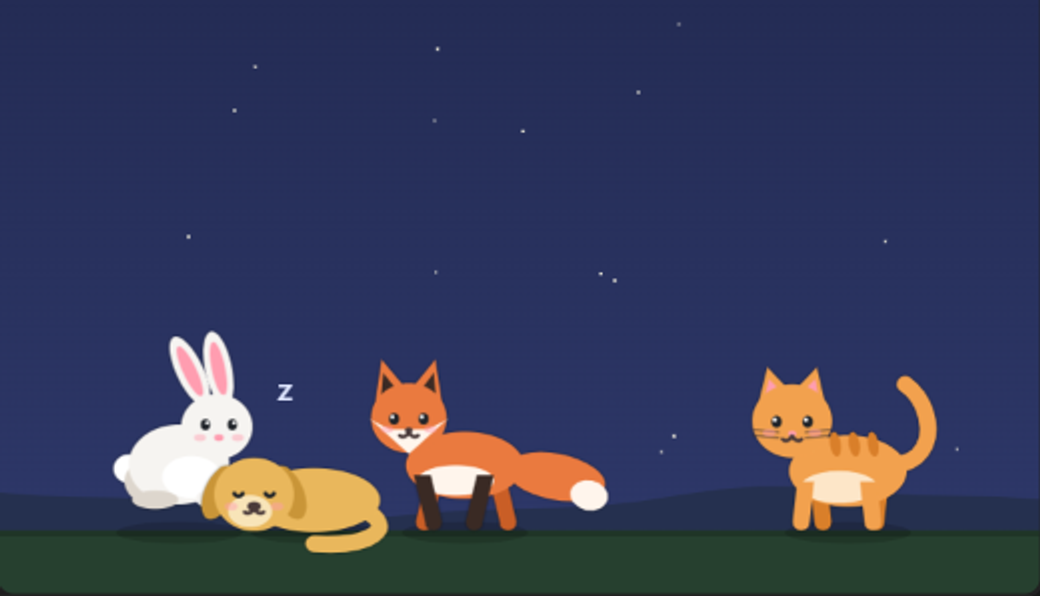
- 🌙 Four places to live: a sunny meadow, a starry night, the beach, or your theme's own background.
A starry night
Where to find them
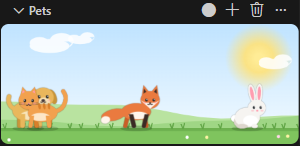
- In the Explorer: the Pets view at the bottom of the Explorer. Drag it up for more room.
- In a bigger panel: ⋯ → Open in a Bigger Panel, where the pets grow to fit.
- The buttons at the top of the view throw a ball, add a pet and say goodbye to one.
Commands
| Command |
|
| Pets Veyra: Add a Pet… |
Choose a pet, its colour and its name |
| Pets Veyra: Throw a Ball |
Fun for everyone |
| Pets Veyra: Say Goodbye to a Pet… |
Remove one |
| Pets Veyra: Rename a Pet… |
Give it a new name |
| Pets Veyra: Change Background… |
Meadow, night, beach or plain |
| Pets Veyra: Open in a Bigger Panel |
Bigger pets, beside your code |
Hover over a pet to see its name.
Settings
| Setting |
Default |
|
veyraPets.background |
meadow |
meadow, night, beach or plain |
veyraPets.size |
medium |
small, medium or large |
veyraPets.reactToCode |
true |
Cheer on save, worry about new errors, party when they're fixed |
veyraPets.showNames |
true |
Show a pet's name when you hover over it |
Good to know
- Your pets are kept by VS Code and come with you to every window, and to your other computers with Settings Sync.
- They nap after 5 minutes without typing, and wake up when you're back.
- Nothing is sent anywhere, and the pets don't slow down your editor: they only move while you can see them.
- Pets Veyra is an independent extension. Every pet is drawn from scratch.
- Requires VS Code 1.85 or newer.
More from Veyra
Found a bug or have an idea for a new pet? Open an issue. MIT licensed.
| |

