Veyra Document Viewer
Open Word, PowerPoint and Excel files right in VS Code.
Click a .docx, .pptx or .xlsx in the Explorer and it opens as the document itself, not a "binary file" warning. Pages look like pages, slides look like slides, and spreadsheets keep their formats and formulas. Free, offline, and nothing is uploaded anywhere. By the makers of Veyra Studio.
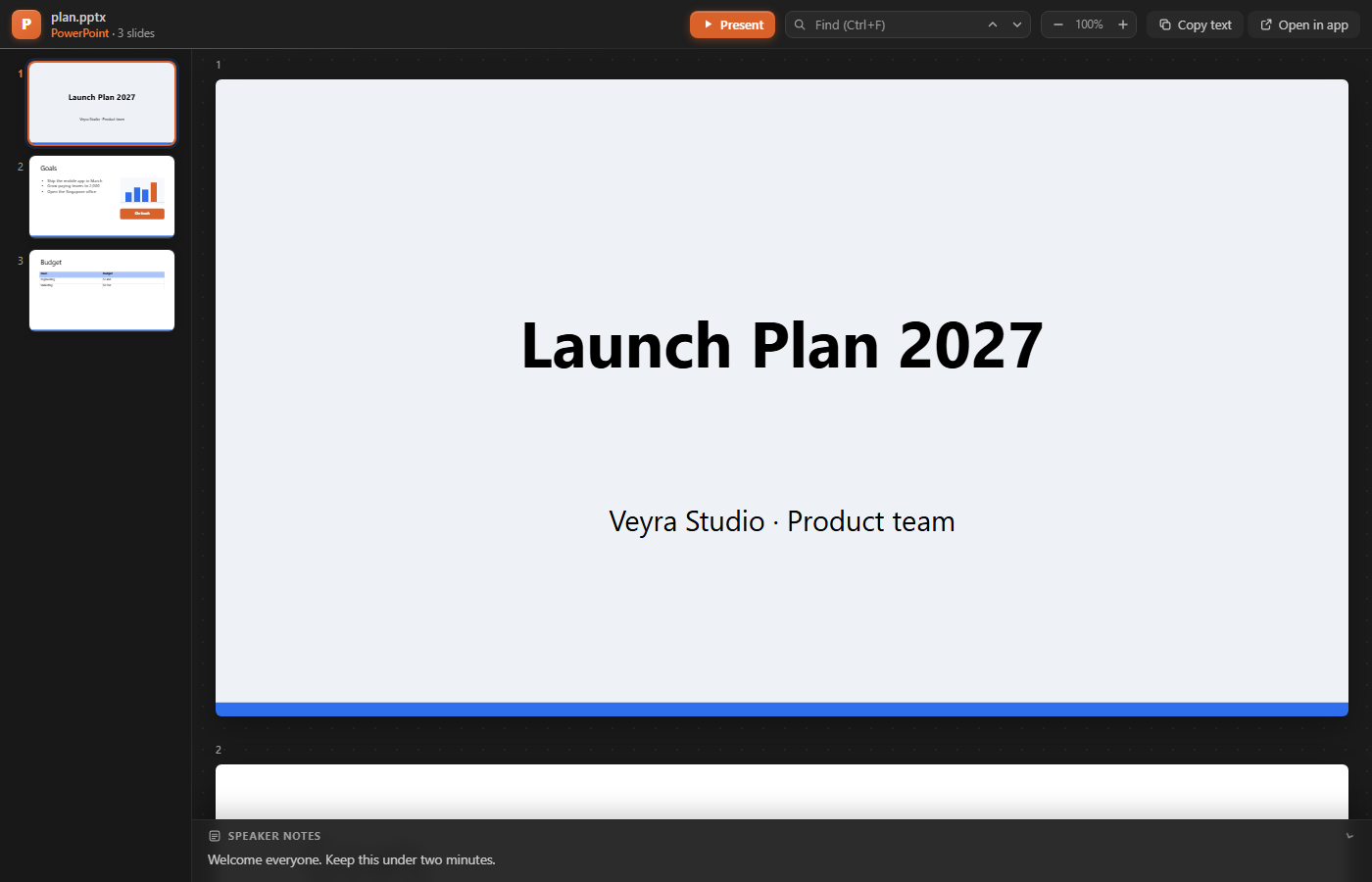
- 📄 Word: real pages with headings, tables, images and fonts, plus an outline you can click through.
- 📊 PowerPoint: every slide with its theme, layout and pictures, speaker notes, and a full-screen Present mode.
- 📈 Excel: every sheet, with currency, percent and date formats, merged cells, fills, and each cell's formula.
- 🧾 CSV and TSV: a sortable, filterable table, with the delimiter worked out for you.
- 🔍 Find, zoom and copy in every file. Open in app hands it to Word, PowerPoint or Excel when you need to edit.
Word documents
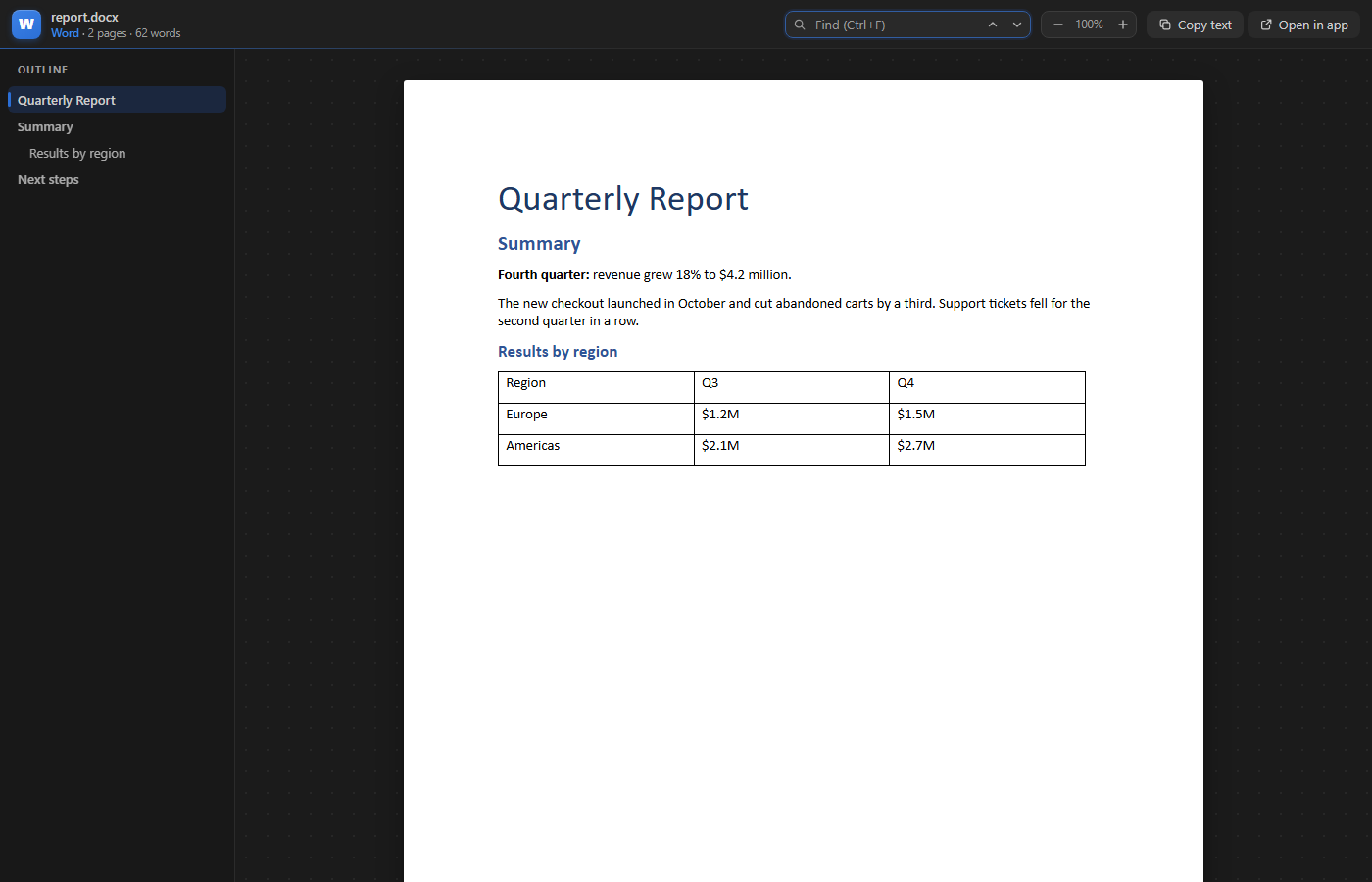
- Shown page by page, the way it prints.
- The outline lists the headings and marks the section you're reading. Click one to jump there.
- Find (Ctrl+F) highlights every match. Enter and Shift+Enter move between them.
- Prefer dark pages? Set
veyraDocs.pageTheme to dark.
PowerPoint decks

- Slides are drawn from the deck itself: theme colours, layouts and masters, text boxes, shapes, pictures and tables.
- The speaker notes follow the slide you're looking at, and fold away when you want more room.
- Present shows the deck full screen, from the slide you're on. The arrow keys, Space and Page Up/Down move between slides; Esc stops.
Excel workbooks
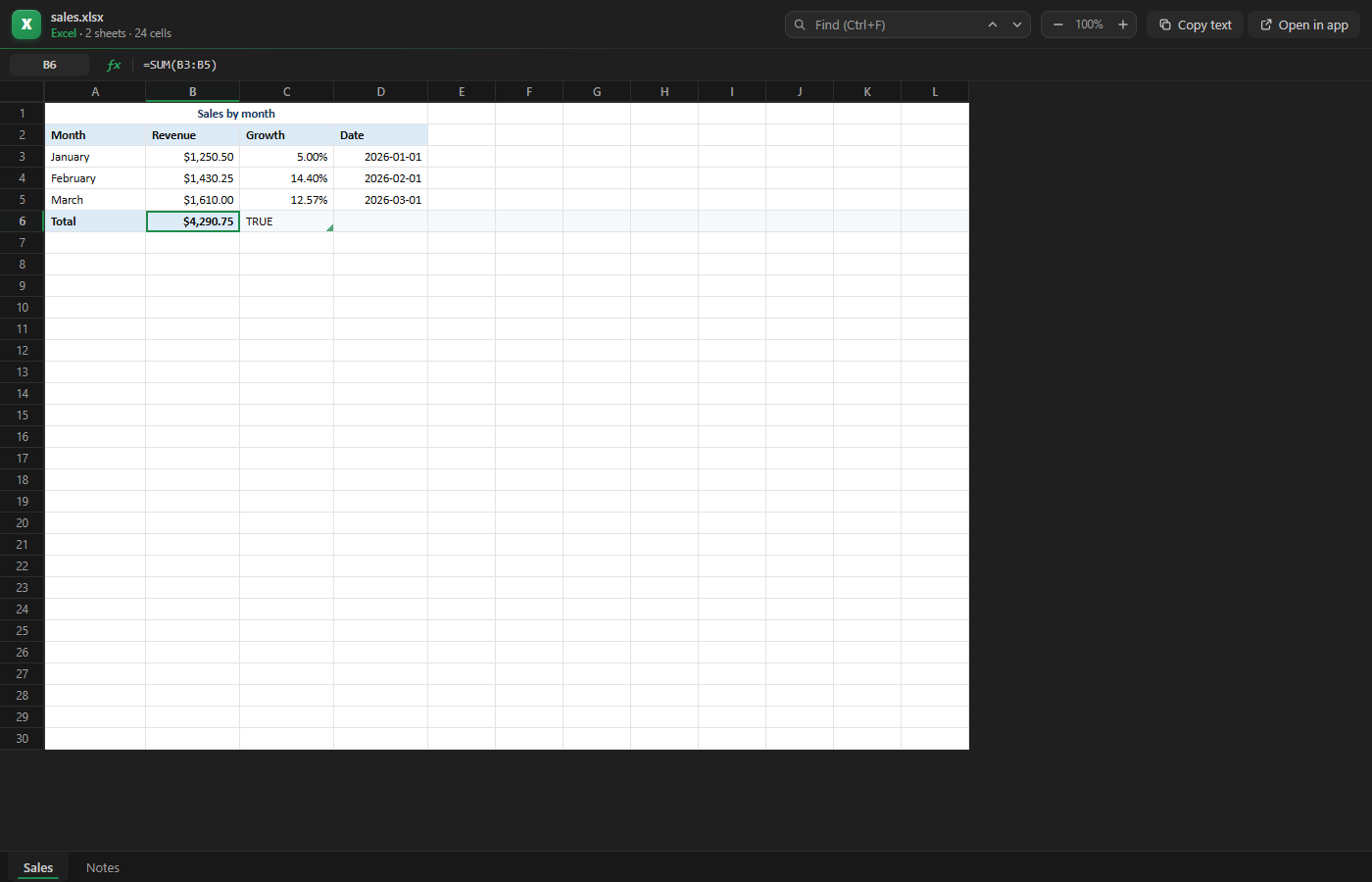
- Numbers appear as the workbook formats them:
$1,250.50, 14.40%, 2026-01-01.
- Click a cell to see its value and formula in the formula bar. Its column letter and row number light up, as in Excel.
- Sheet tabs at the bottom. Hidden sheets stay hidden.
- Merged cells, bold, italics, font colours, fills and column widths are kept.
CSV and TSV
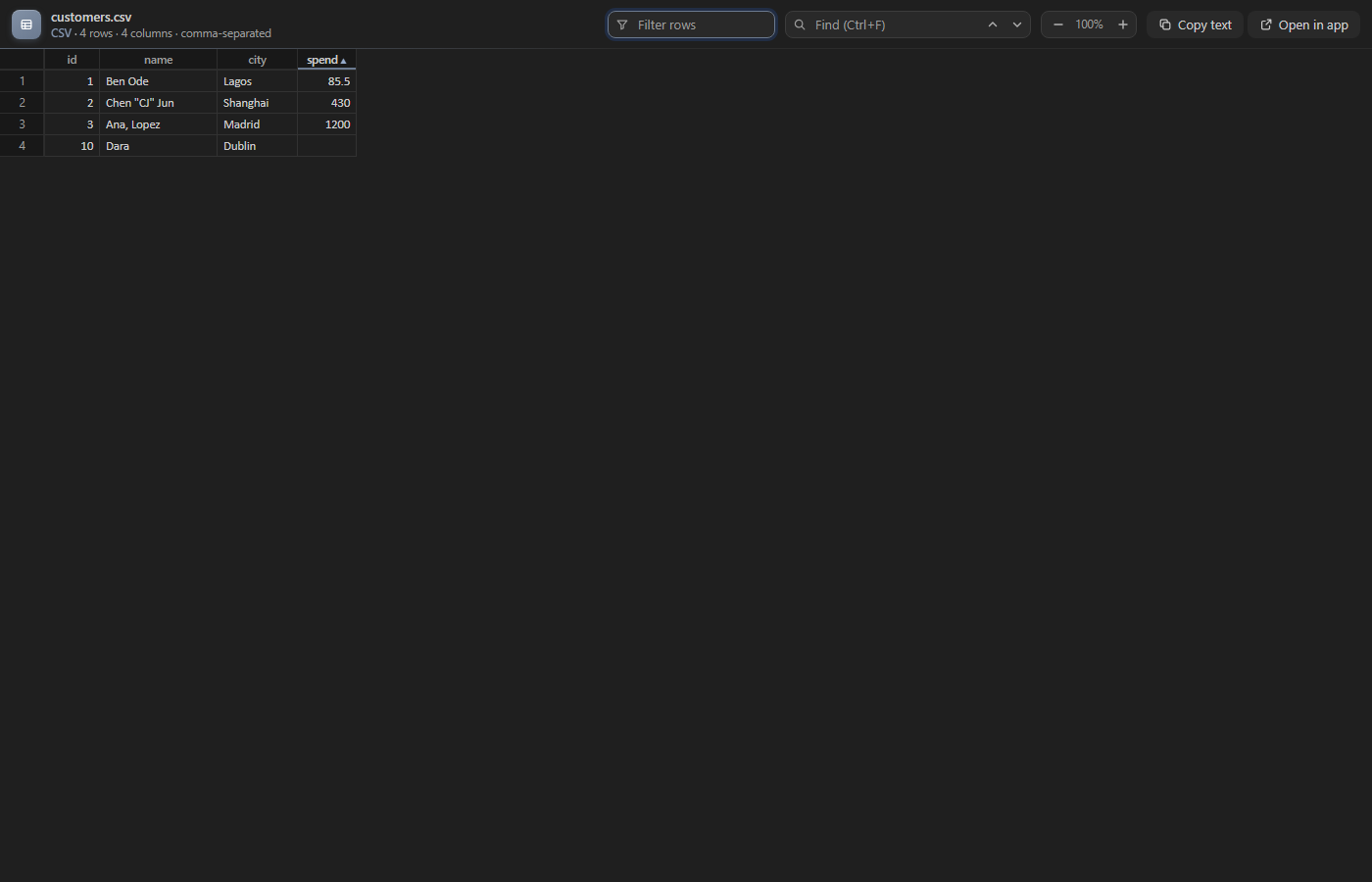
CSV files still open as text, so you can edit them. Click Open as Table in the editor title bar, or right-click the file, to see them as a table:
- Click a column heading to sort. Numbers sort as numbers, and empty cells go last.
- Filter rows keeps the rows that contain what you type.
- Commas, semicolons, tabs and pipes are detected, and quoted values with commas or line breaks are read correctly.
Supported files
| Type |
Extensions |
| Word |
.docx .docm .dotx |
| PowerPoint |
.pptx .pptm .ppsx |
| Excel |
.xlsx .xlsm |
| Tables |
.csv .tsv (with Open as Table) |
Old Office 97–2003 files (.doc, .ppt, .xls) use a closed binary format. They open with a short explanation and an Open in default app button instead.
To open a file as text or with another editor, right-click it and choose Open With….
Settings
| Setting |
Default |
|
veyraDocs.pageTheme |
paper |
paper: white pages and cells, like Word and Excel. dark: dark pages |
veyraDocs.maxFileSizeMB |
100 |
Files bigger than this ask before opening |
Good to know
- This is a viewer. To change a file, use Open in app.
- Everything runs inside VS Code. Files are never uploaded, and there is no account or telemetry.
- Works in local, remote (SSH, WSL, containers) and virtual workspaces, and in Restricted Mode.
- Complex layouts (SmartArt, charts, animations, macros, pivot tables) are shown in a simpler form or left out. Formulas show their last saved result; they aren't recalculated.
- Requires VS Code 1.85 or newer.
More from Veyra
Found a bug or have an idea? Open an issue. MIT licensed.
| |

