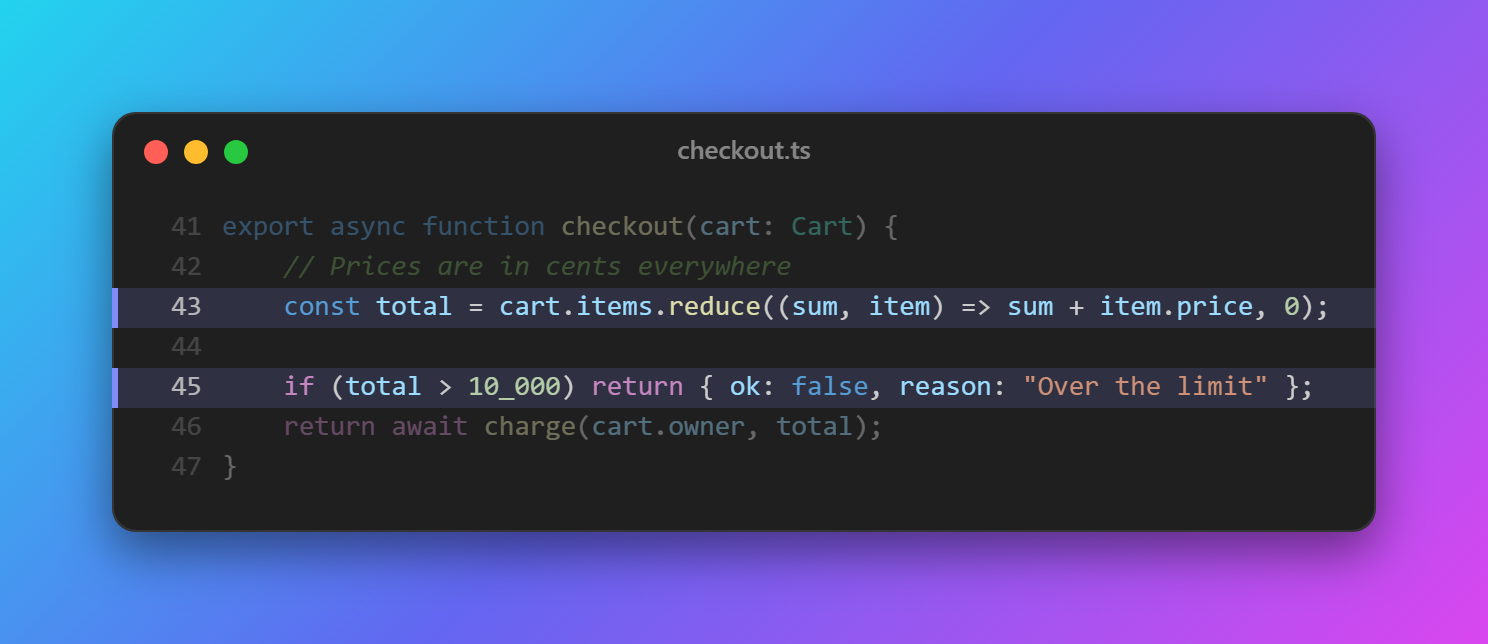
CodeSnap Veyra
Your code, as a beautiful image.
Select some code, press Ctrl+Alt+S, and CodeSnap Veyra turns it into an image in your theme's own colours, on a gradient, in a window, ready to share on X, LinkedIn, in docs or on slides. Copy it or save it as PNG. Free and private. By the makers of Veyra Studio.
- 🎨 Your theme's colours: exactly what you see in the editor, light or dark.
- ✨ Highlight what matters: click lines in the preview to highlight them; the rest fade back.
- 🖼️ Make it yours: 10 gradients, a solid colour or transparent, a macOS or Windows window, padding, shadow, and line numbers that start at the real line.
- 📐 Ready for social media: fit the code, square (1:1), wide (16:9) or LinkedIn (1.91:1).
- ⚡ Live: change the selection and the snap follows.
- 📋 Copy image to paste anywhere, or Save PNG, sharp at 2× or 3×.
How to use it
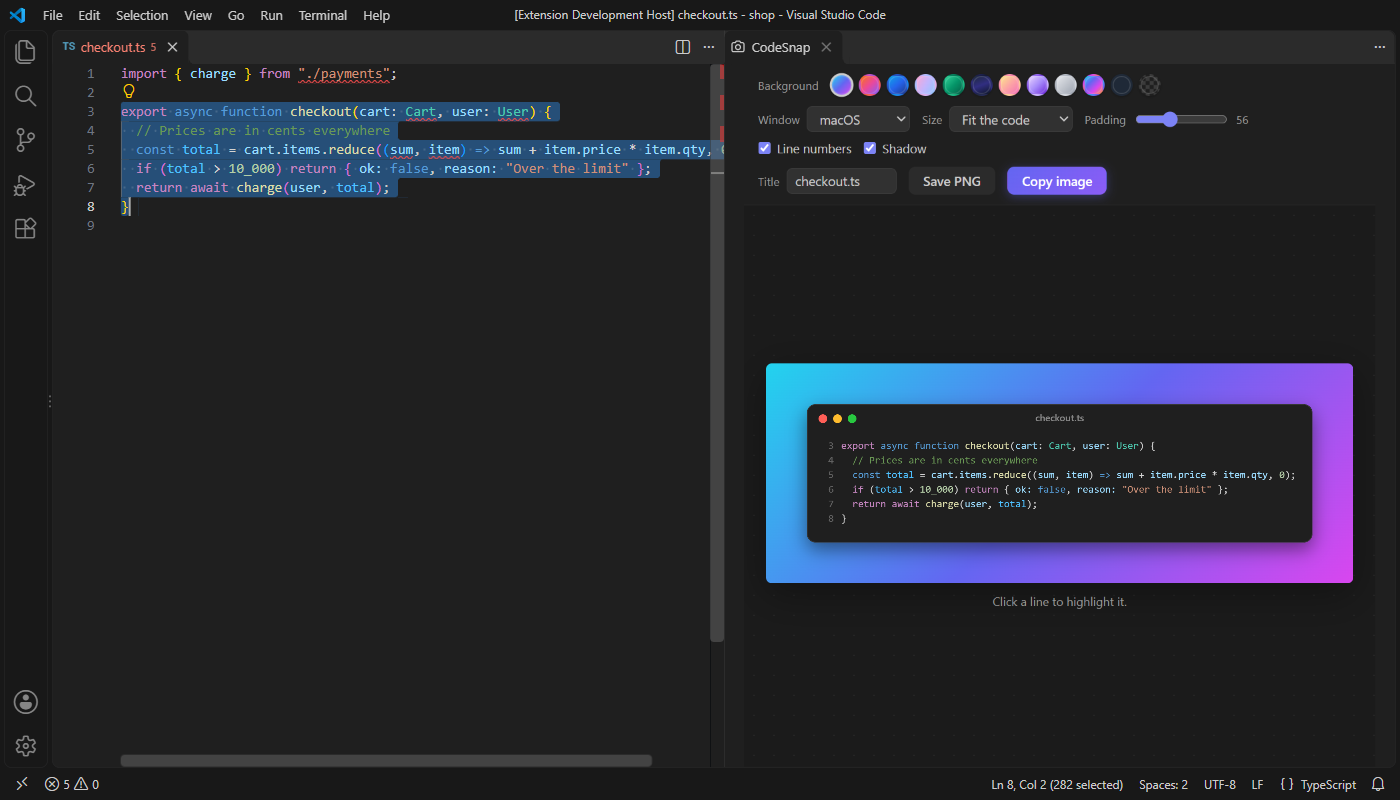
- Select the code you want. (Nothing selected? The first 40 lines are used.)
- Press Ctrl+Alt+S (Cmd+Alt+S on a Mac), right-click and choose Snap Code to an Image, or run CodeSnap Veyra: Snap Code to an Image.
- Pick a background, window and size in the panel. Click lines to highlight them, and edit the title if you like.
- Click Copy image and paste it anywhere, or Save PNG.
Your choices are remembered for next time. Shared indentation is removed and tabs become spaces, so the code sits neatly in the window.
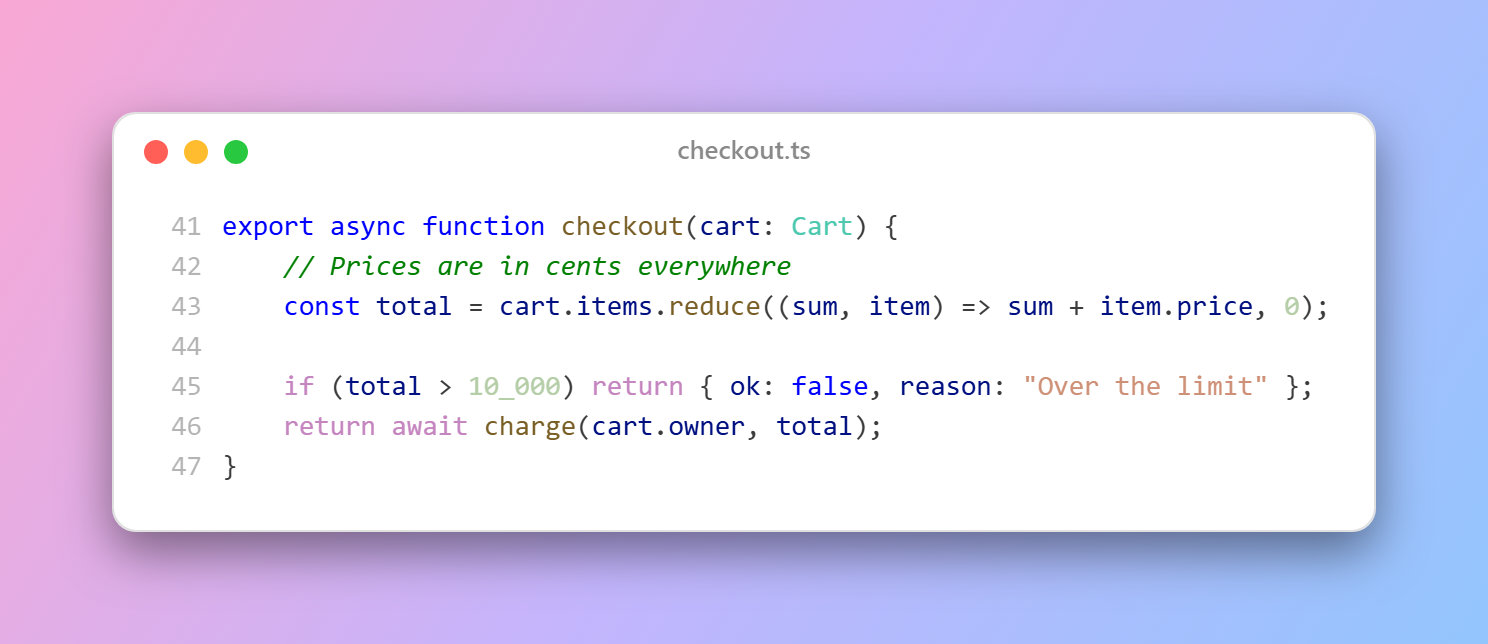
Light themes too
Settings
| Setting |
Default |
|
veyraSnap.background |
aurora |
aurora, sunset, ocean, candy, forest, midnight, peach, lavender, mono, veyra, solid or transparent |
veyraSnap.solidColor |
#1f2937 |
The colour for a solid background |
veyraSnap.frame |
macos |
macos, windows or none |
veyraSnap.size |
auto |
auto, square, wide (16:9) or linkedin (1.91:1) |
veyraSnap.padding |
56 |
Space around the window |
veyraSnap.lineNumbers |
true |
Line numbers from the real line |
veyraSnap.shadow |
true |
A soft shadow under the window |
veyraSnap.scale |
2 |
How sharp the image is: 1, 2 or 3 |
veyraSnap.liveUpdate |
true |
Follow the selection while the panel is open |
veyraSnap.showTitleButton |
false |
A camera button in the editor title bar |
Good to know
- To read your theme's colours, CodeSnap Veyra uses VS Code's own Copy with Syntax Highlighting, and then puts back whatever text was on your clipboard before.
- Everything happens on your computer. Nothing is uploaded.
- CodeSnap Veyra is an independent extension, written from scratch. The image is drawn on a canvas, so it comes out crisp.
- Requires VS Code 1.85 or newer.
More from Veyra
Found a bug or have an idea? Open an issue. MIT licensed.
| |

