DBR HarmonyA calm blue-grey dark theme with mint syntax, warm yellow accents and a coordinated terminal palette. Installation Launch VS Code Quick Open ( Ctrl+P), paste the following command, and press enter.Copied to clipboard |

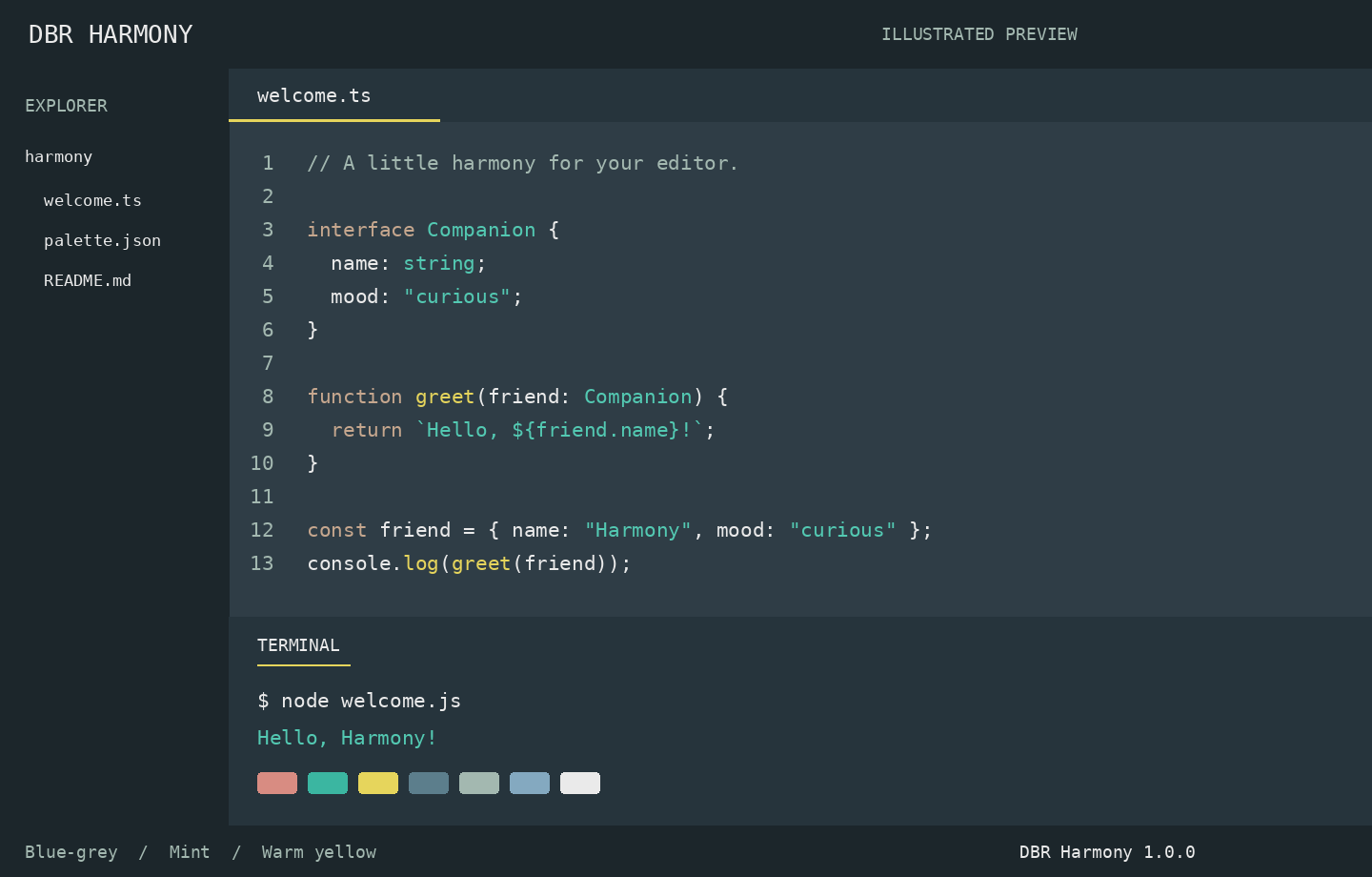
DBR HarmonyA calm dark theme for Visual Studio Code and compatible editors. Blue-grey surfaces, mint strings, warm yellow functions and soft peach keywords keep code distinct without a neon palette.
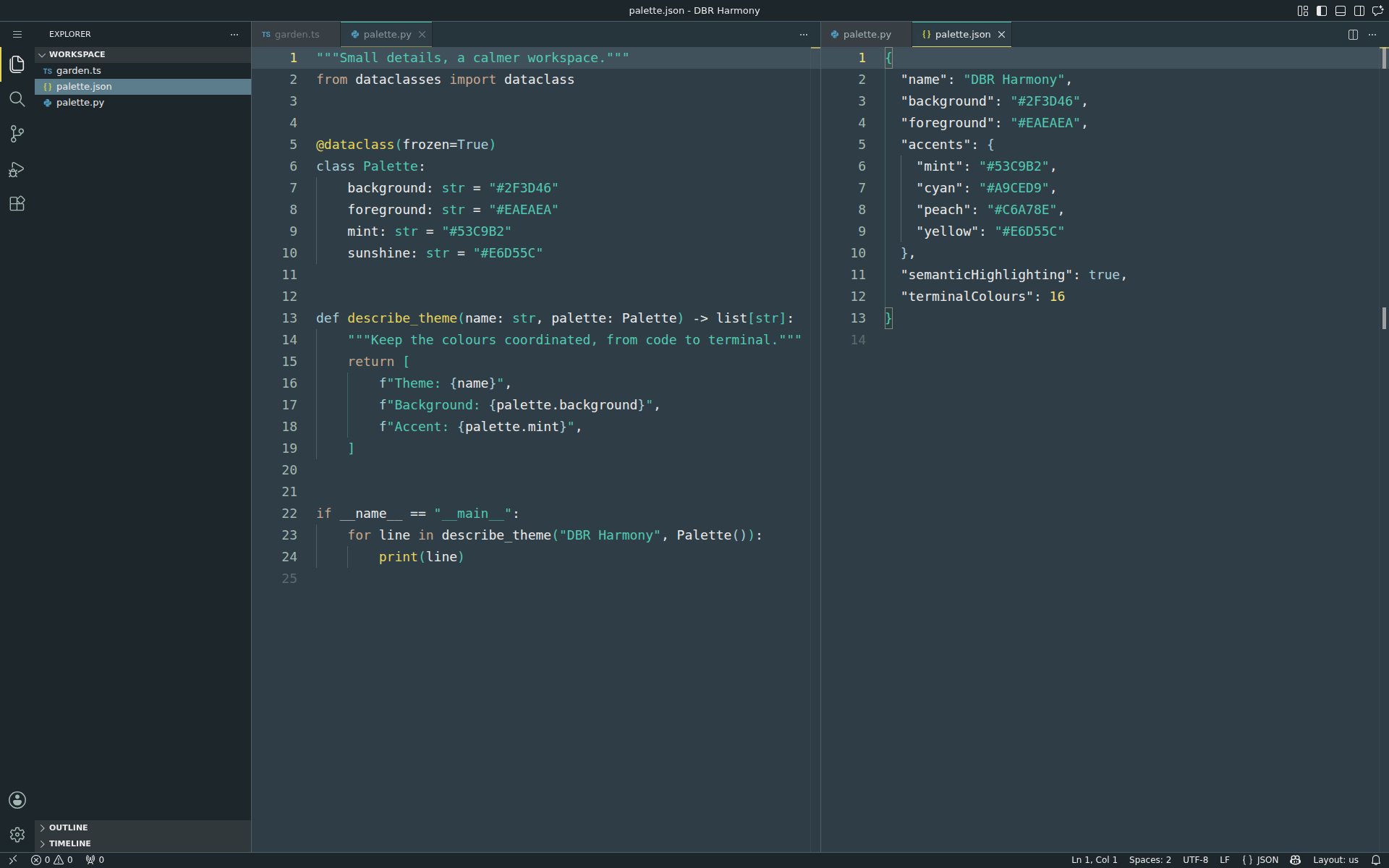
Illustrated preview rendered from the theme palette, not an editor screenshot. Actual highlighting depends on the language grammar and semantic token provider. ScreenshotsActual code-server screenshots with DBR Harmony, captured at 1920 × 1200. TypeScript
Python and JSON
Features
Activate
For manual installation, use Extensions: Install from VSIX… and select
the release Palette
ReadabilityThe default editor foreground has a 9.30:1 contrast ratio against the editor background. Explicit syntax foregrounds in the packaged theme are checked for at least 4.5:1. Terminal ANSI colours preserve the supplied palette exactly; this contrast check does not cover every ANSI colour, overlay or extension UI. License and creditsMIT. Syntax scope rules are adapted from the MIT-licensed Visual Studio Code
default dark themes. See |