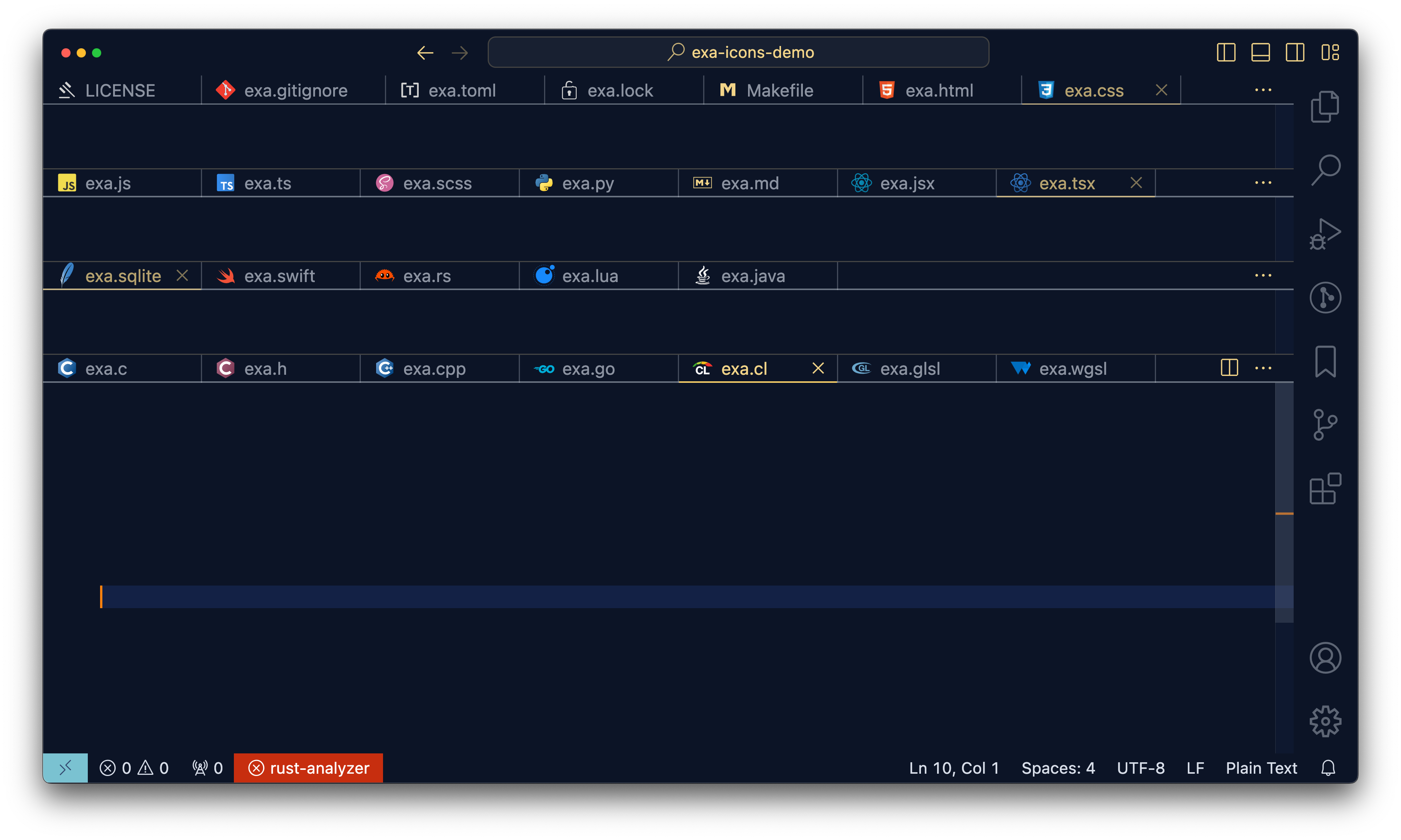
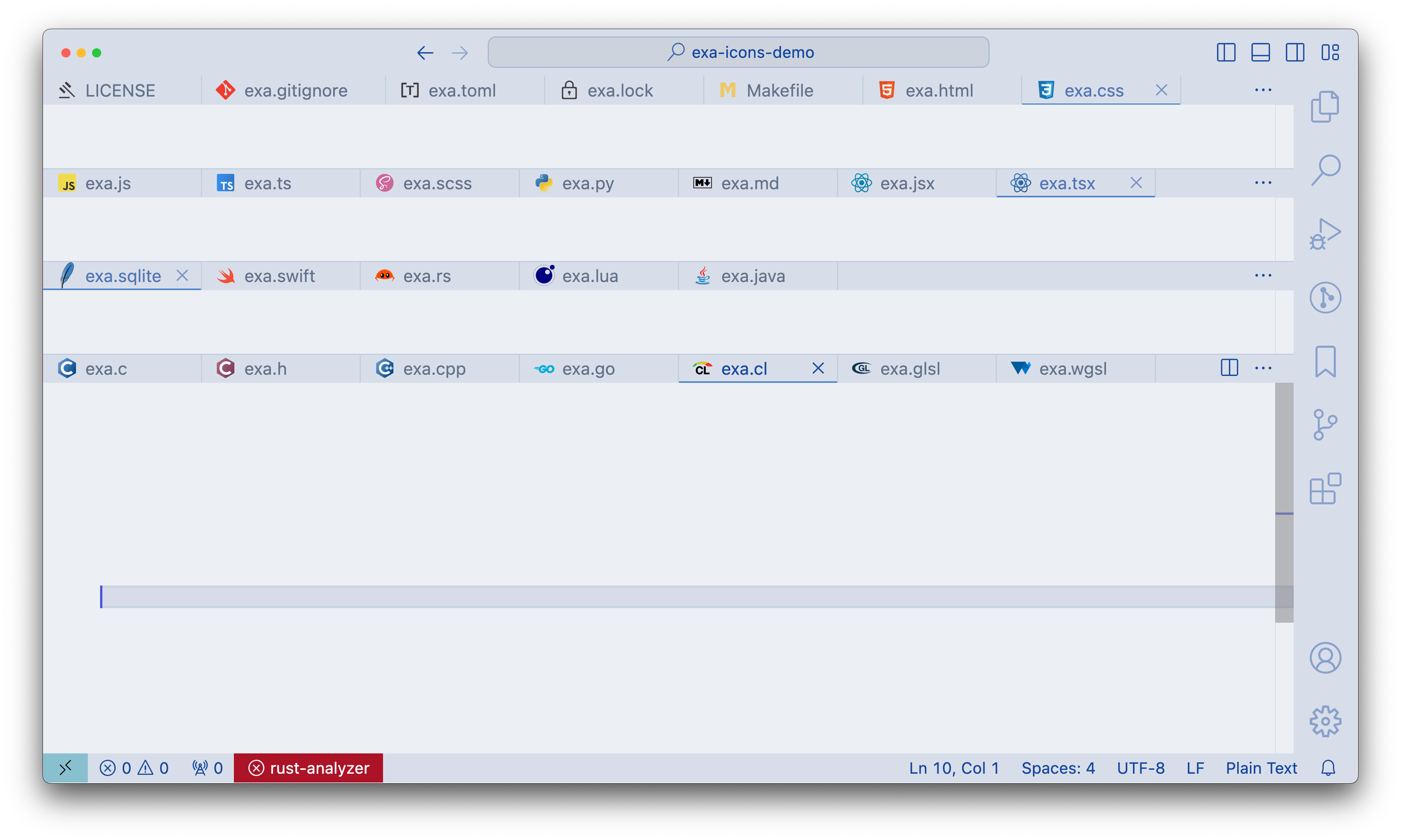
Exa - Icon PackGet your own icons Installation Launch VS Code Quick Open ( Ctrl+P), paste the following command, and press enter.Copied to clipboard |

Exa Icons • an icon pack for vscodeNew in 0.1.7 Icon variant added for Jinja template file (.j2) New in 0.1.6 Icon variant added for Terraform variables file (.tfvars) Icon added for PowerShell (light & dark variants) New in 0.1.5 Icon added for Terraform New in 0.1.4 Icon added for OpenGL and WebGPU (light & dark variants) Tweeks to several others (cpp, git (dark), js, ts, lock, make, sqlite) New in 0.1.3 Icon added for sqlite (light & dark variants) Why an icon pack? Icons communicate faster than looking at file extensions and serve as a reference when looking through nested directories (and they look cool). Why not ___ icon pack? Other icon packs I've tried have had poor support for both light/dark mode editor themes. Some icons would look great on a dark UI but indistinguishable on a light UI (or vice-versa). Current list file extenstion with custom icons:
All other files without defined custom icon default to
|