Polar Night — VS Code Theme

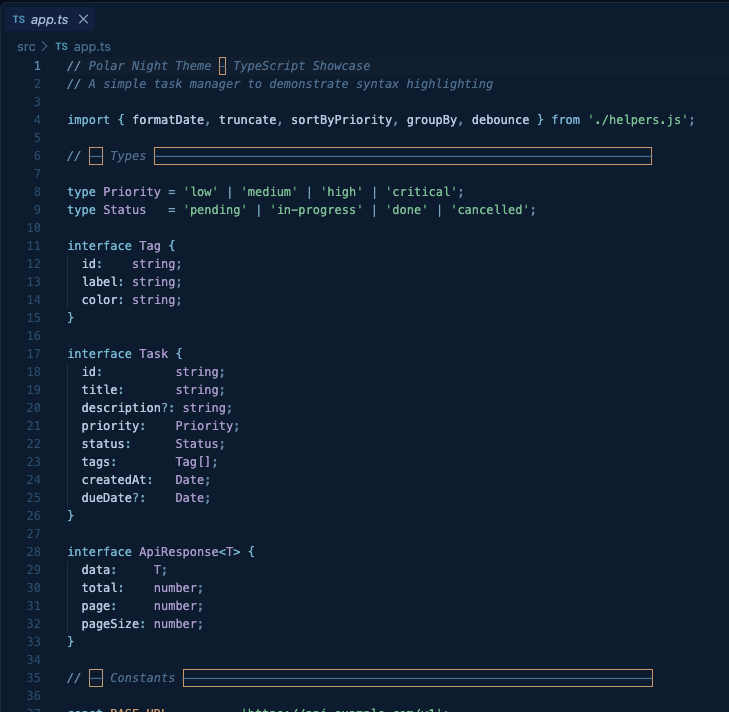
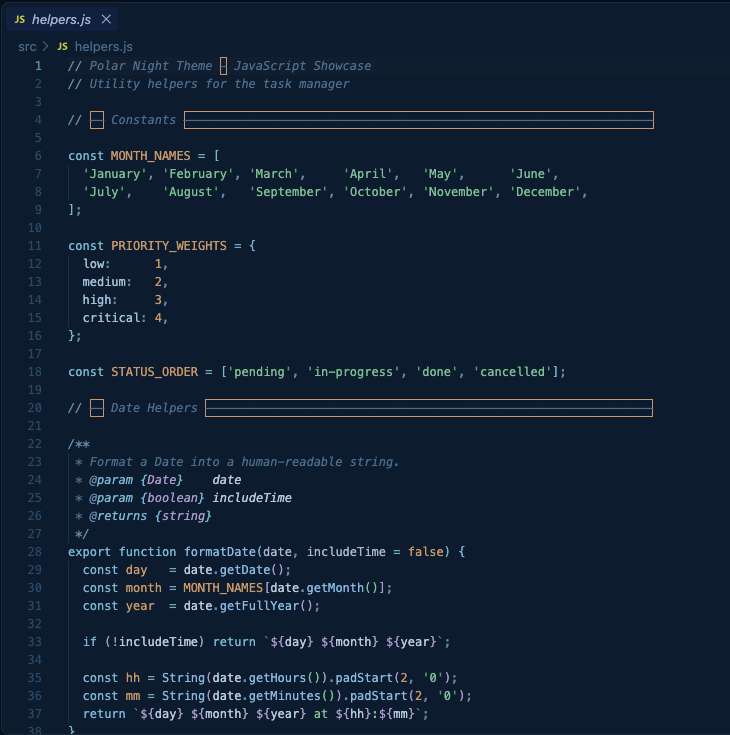
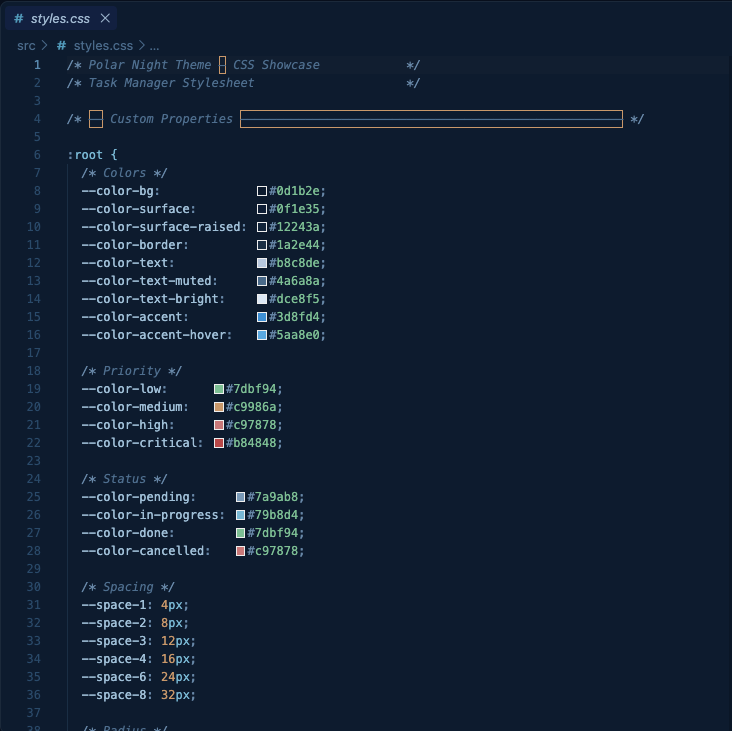
A deep navy dark theme with rich but muted syntax colors, designed for focused, distraction-free coding sessions.
Preview
Installation
Via Marketplace
- Open Extensions in VS Code (
Ctrl+Shift+X / Cmd+Shift+X)
- Search for Polar Night
- Click Install
- Open the Command Palette (
Ctrl+Shift+P / Cmd+Shift+P) → Preferences: Color Theme → select Polar Night
Via VSIX (manual)
code --install-extension polar-night-theme-1.0.0.vsix
Color Palette
| Role |
Hex |
Preview |
| Background |
#0d1b2e |
Deep navy |
| Foreground |
#b8c8de |
Soft blue-white |
| Keywords |
#79b8d4 |
Muted cyan-blue |
| Types / Classes |
#a89aca |
Soft lavender |
| Functions |
#88b8e0 |
Pale blue |
| Strings |
#7dbf94 |
Sage green |
| Numbers / Constants |
#c9986a |
Muted amber |
| Properties |
#a0c0d8 |
Light steel blue |
| Comments |
#4e6e8e |
Dim blue-gray (italic) |
| Operators |
#79a8c0 |
Muted mid-blue |
Design Choices
- Deep navy background — easier on the eyes than pure black for long sessions
- Muted, desaturated syntax colors — enough variety to distinguish tokens without visual noise
- Italic comments — visually separate from code without being distracting
- Bracket pair colorization — 6 distinct muted colors for nested brackets
- Semantic highlighting — enhanced accuracy for TypeScript, Java, Python, Rust, and Go
Language Support
| Category |
Languages |
| Web |
JavaScript, TypeScript, JSX, TSX, HTML, CSS, SCSS, JSON, YAML |
| Backend |
Java, Kotlin, Python, Go, Rust |
| Markup |
Markdown, XML |
| Shell |
Bash, Shell Script |
Feedback & Issues
Found a color that looks off? Open an issue on GitHub.
License
MIT
| |

